Do you want to trade your face with a celebrity or create a deepfake to make your friends laugh? These online tools allow you to do this on Pictures, of the videos or some GIF in just a few clicks, thanks to artificial intelligence.
Our favorite is still Deepswap for the quality of its output, but it all depends on how you plan to use it.
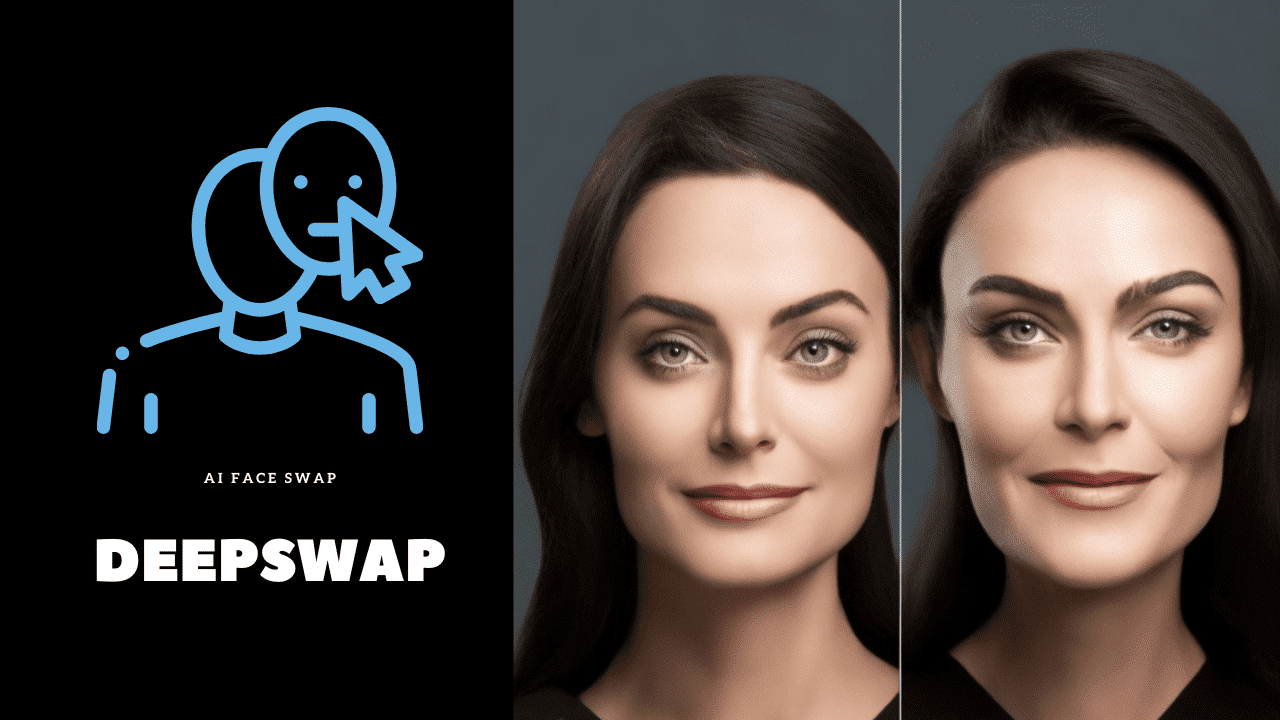
TOP 1: Deepswap AI
Deepswap AI is one of the best tools for face swap at the moment. It is based on the’AI to detect the facial features in the source image or video, and then apply them to your target image or video. The result is realistic and high-quality (HD), and you can adjust settings such as the gentleness or intensity of the interaction.
Our test: On a sharp photo, the result is stunning in just a few seconds. When filming a video, you need a well-lit source to avoid artifacts during fast movements.
How do I use Deepswap AI?
What sets it apart Deepswap What sets it apart from the others is its simplicity. Everything happens online, with no installation required, in 3 steps :
- Import your photo or your video.
- Select the face that you want to trade.
- Start the generation and retrieve your swap in no time.
Weakness: The tool is not not free across the board. A premium subscription is required to unlock all features and create an unlimited number of swaps.
What makes it special?
Here are the strengths that make Deepswap a reference:
- No installation No complicated registration process: everything is done through the browser.
- No watermarks or ads on your creations.
- Face swaps featuring actors, singers, or artists.
- Regarding the realistic HD videos and effortlessly produced, sharp photos.
- Creation of memes and GIFs to share on the social networks.
No. 2: Fotor
Fotor is a separate tool from Deepswap, but its face swap deserves a spot here. It creates online face-to-face interactions in one click, with a rendering high quality. You can swap faces with a celebrity, an animal, or a character in just a few seconds.
The library of portraits is extensive, but there's nothing stopping you from importing your own photos. The result is still fully customizable, including the alignment and angle of the face.
Directions for Use
The online editor is easy to use:
- Choose from hundreds of face filters, or create your own.
- Try a face swap with a celebrity, an animal, or a cartoon character.
- Retrieves a realistic result in a matter of seconds.
Fotor Features
Powered by the’AI, this tool is one of the best for deepfake. The renderings aren't just fun—they also leave room for creativity.
You can share your creations on social media or simply download them to your device. Note: The advanced features are available in a version premium, the free portion remains limited.
✨I want to swap faces with my favorite characters✨
TOP 3: Picsart
Picsart is a a very popular photo and video editing app where face swapping is a breeze. You can freely adjust each setting to your liking, right from the built-in editor.
How do I use Picsart?
- Download the’application and run it.
- Import the photo to edit, and click on the tool Face Swap.
- Select the face you want to swap with yours. The swap is ready!
What Makes Picsart Unique
Picsart gives you plenty of options:
- Face Swap with anyone you want from your photo library, or choose from thousands of stickers and backgrounds.
- Customize the result by adjusting the size and position of the effect.
- Make your photos more fun with filters, stickers, or text.
- Share your photos on social media or save them to your device.
- A free version Available, with advanced features accessible with a premium subscription.
TOP 4: Faceswapper.ai
Faceswapper.ai is an online tool that allows you to create a face swap with anyone directly from your browser. You can adjust various settings to match what you're looking for. The rendering accuracy is sometimes less than Deepswap, especially in complex photos.
As for pricing: one free access is available for testing the tool. For regular use or high-quality results, you'll need to upgrade to a paid subscription.
How do I use Faceswapper.ai?
- Go to the website.
- Upload the photo that you want to edit.
- Select the source image to be inserted.
- Launch the generation and get your image.
Faceswapper.ai features
- Face Swap between two images of your choice.
- Hundreds of ready-to-use templates, or the option to import your own photo.
- A publisher to adjust the brightness and saturation of the swap.
- Download the results or share them directly on social networks.
The rendering sometimes lacks finesse on the videos, where Deepswap is more consistent. For quick, fun use on a still image, it gets the job done.
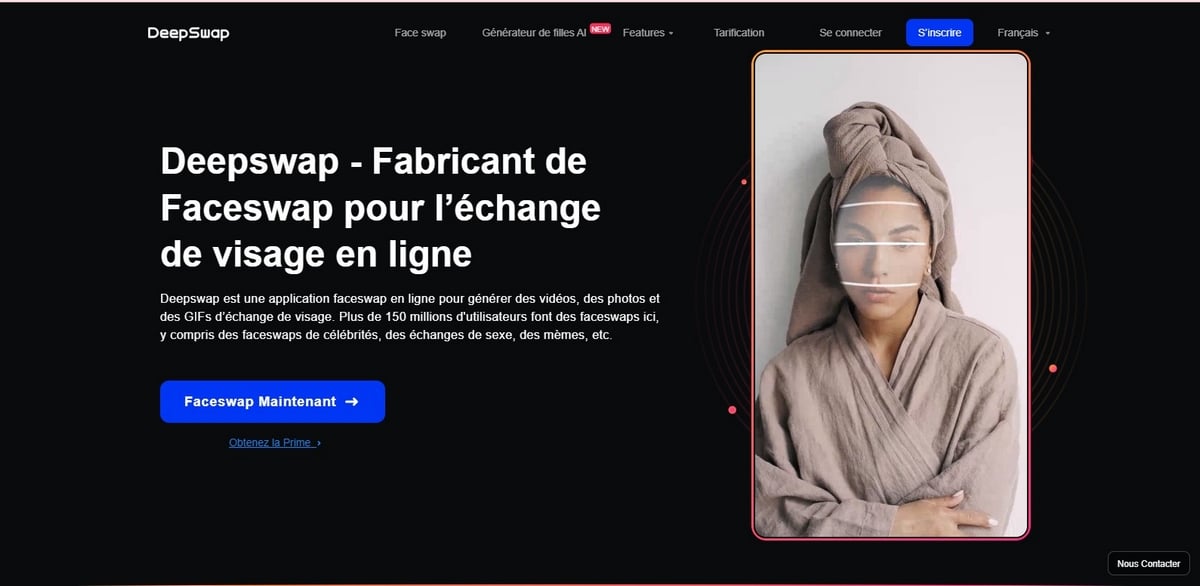
TOP 5: FaceMagic
FaceMagic allows you to create a face swap with actors, celebrities, and even cartoon characters—all in just a few seconds. It's a tool designed for the entertainment, rendered in high quality and realistic movements.
How do I use FaceMagic?
- Download and open the app FaceMagic.
- Import the photo or the video that you want to edit.
- Choose the celebrity or model you want to swap with.
- Start the treatment: the’AI Generates your result in just a few moments.
What are the unique features of FaceMagic?
- Video Face Swap featuring many celebrities and public figures.
- Rendered in high resolution, with realistic facial expressions and movements.
- Creative Customization: filters, effects, stickers, and music to dress up your creations.
- Share directly to instagram, Facebook and other social media platforms, or save it to your device.
To note : Full access requires a subscription. The free version is still available for testing the tool.
TOP 6: Reface (formerly Doublicat)
Reface was called Doublicat until 2021, the date on which the Ukrainian studio Neocortext has renamed the app. If you search for it in your app store, you'll now find it under this new name.
It's one of the best apps for create a face swap with a celebrity : singer, actor, or movie character. The tool is designed for videos and GIFs to share on social media. No technical skills are required to create a swap in just a few seconds.
How do I use Reface?
- Download and launch the app Reface on your phone.
- Import your photo as the source, then select the GIF, the video or meme to superimpose your face on.
- Wait a few seconds for the rendering to finish, then save it.
What makes Reface so special?
The real strength of Reface, that's the Creating GIFs and Fun Clips using pre-made content:
- Thousands of memes and GIFs Ready to use for a one-click face swap.
- Face-swapping with hundreds of celebrities and movie characters, organized by category.
- Regarding the realistic videos with expressions and movements that are well rendered.
- Addition of filters, effects, and music to customize your swap.
- Share directly to social media or save to your gallery.
Full access requires a subscription Reface Pro, the free version includes a watermark.
Reface is still the best choice if you're mainly looking to create Funny GIFs and Memes to share with friends.
For a face swap video more detailed and without a watermark, Deepswap remains the most versatile option.








 FR
FR  RU
RU  EN
EN  ES
ES  IT
IT  DE
DE  ZH
ZH  PT
PT  ID
ID  JA
JA  DA
DA