The V-Bucks cost 9,99 € to 1,000 units on the’Epic Games Store in France. The more you buy at once, the lower the price per unit.
This currency from Fortnite is used to buy skins, of the emotes and the Battle Pass.
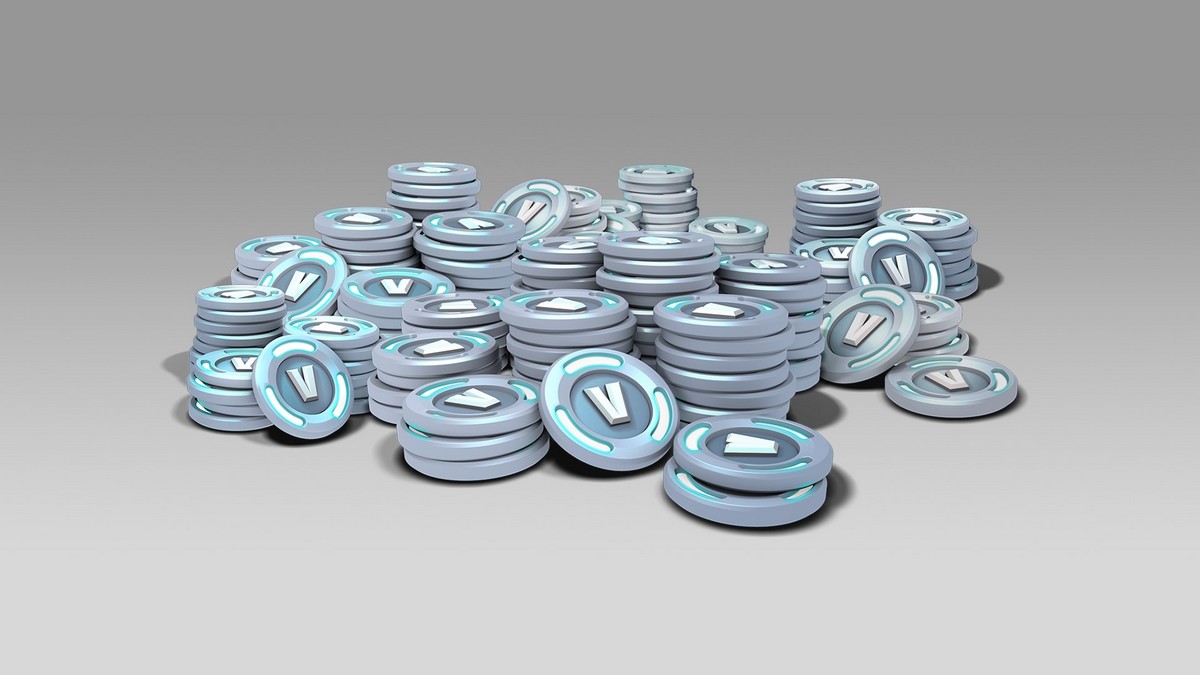
A Fortnite V-Buck board: description
The V-Bucks are the official currency of Fortnite. You use them to buy cosmetic items in the in-game store: skins, outfits, gliders, weapon skins, and emotes. They are also used to unlock the Battle Pass of each season.
Important note: the V-Bucks can only be purchased with real money. No official free method It doesn't exist, so forget about the promises of instant profits you come across online.
The current price of V-Bucks Fortnite
the V-Bucks price It depends on the bundle you choose. The logic is simple: the more you buy at once, the lower the price per unit. Gift card prices are the same as those displayed directly in the game.
In France, here are the official rates charged on the’Epic Games Store :
| Amount | Price | Price in V-Bucks |
|---|---|---|
| Fortnite – 1,000 V-Bucks | 9,99 € | ~0,010 € |
| Fortnite – 2,800 V-Bucks | 22,99 € | ~0,008 € |
| Fortnite – 5,000 V-Bucks | 36,99 € | ~0,007 € |
| Fortnite – 13,500 V-Bucks | 89,99 € | ~0,0067 € |
The pack 13,500 V-Bucks is the best value if you plan to buy several skins; the Battle Pass and seasonal emotes. Be sure to compare prices between the game and gift cards before confirming your purchase.
These amounts have changed as a result of a increase implemented by Epic Games. Always check the current price directly on the official store, as it may vary depending on current promotions.
The price also varies depending on the region, due to differences in local currency. Here are a few examples of 1,000 V-Bucks elsewhere in the world:
- UNITED STATES : about 9,99 $
- Japan : about 1,100 JPY
- Poland : about 36.99 PLN
- Denmark : about 50.00 DKK
- Turkey : about 120 TL

How can I get some?
The V-Bucks can be obtained in two ways: directly in Fortnite using a payment method, or by exchanging a V-Bucks gift card.
In both cases, you need a account Epic Games valid, linked to the platform you're playing on: PC, PS4, PS5, Xbox Where Nintendo Switch.
If you're just getting started, first create your account on Epic Games, then link it to your platform before proceeding with the purchase.
Buy V-Bucks directly in the game
This is the fastest way to get V-Bucks Fortnite and spend them right away on skins, emotes, or Battle Pass. Here's how to do it:
- Spear Fortnite on your device and log in to your account.
- Open the tab «Store» to view the available cosmetic items.
- Select the amount of V-Bucks you want: 1 000, 2 800, 5 000 Where 13,500 V-Bucks.
- Select your payment method based on your platform: account Epic Games, PlayStation Blind (PS4 and PS5), Xbox Live Where eShop for the Nintendo Switch.
- Enter your payment information and confirm.
Your V-Bucks are credited to your account. You can then use them on all your platforms linked to the same account Epic Games.
Redeem a V-Bucks Gift Card
A V-Bucks gift card is the ideal option if you received one as a gift or if you'd rather pay without a credit card. You'll need a account Epic Games be a valid user and have accepted the terms of use. Then, follow these steps:
- Scratch the back of your V-Bucks gift card Fortnite to reveal the PIN code.
- Enter the coded without the dashes.
- Click on «Next».
- Select the platform where you want to receive your V-Bucks: PC, PS4, PS5, Xbox Where Nintendo Switch.
- Press «Next» to validate.
Please note that for the Nintendo Switch : Official V-Bucks gift cards are compatible. However, a simple credit eShop Nintendo does not allow you to purchase V-Bucks.
Don't confuse the two types of cards when making a purchase.








 English