During your gaming sessions on MinecraftYou've probably used a pickaxe for mining, a hoe for ploughing or a shovel for digging. But have you ever used a paintbrush?
Thanks to our guide, you'll know what the brush is for in Minecraft and how it can benefit your adventures.
1. Discover objects on Minecraft
If you're a keen explorer, the paintbrush is a must-have in your inventory. In fact, this tool allows you to reveal hidden objects in blocks! Here's how it works:
- Firstly, finding so-called "suspect. The difference between the two is subtle, but very real if you pay enough attention. Nevertheless, you can always resort to installing a mod which will accentuate them.

- Now that you've identified one, use the brush (brush) on it. All until the object in the block is extracted.
- So you can have your booty back, bravo!
2. To progress in archaeology
In Minecraft, the archaeology system allows us to search various sites to unearth hidden objects. The paintbrush is an essential tool in this profession.
This is because we want to avoid damaging the artifacts that we search with a pickaxe or other tools not designed for the job.
How do I get a brush on the Minecraft?
You can build your own paintbrush in Minecraft, as long as you have the necessary tools. materials suitable. Either :
- A feather,
- A copper ingot,
- And a stick.
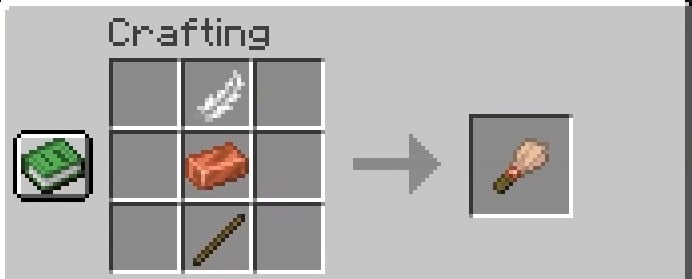
Then all you have to do is place these three elements on your craft table. Congratulations, you now have a paintbrush!
How do I become an archaeologist in Minecraft?
Has this article awakened your inner archaeologist? If so, and you'd like to take the plunge, then follow our tips below to become one!
- Once again, the brush is a must-have for archaeology in Minecraft. So, first of all, make sure you have some in your inventory.

- Now that you are well equipped, go to a desert biome, then search for a desert structure.
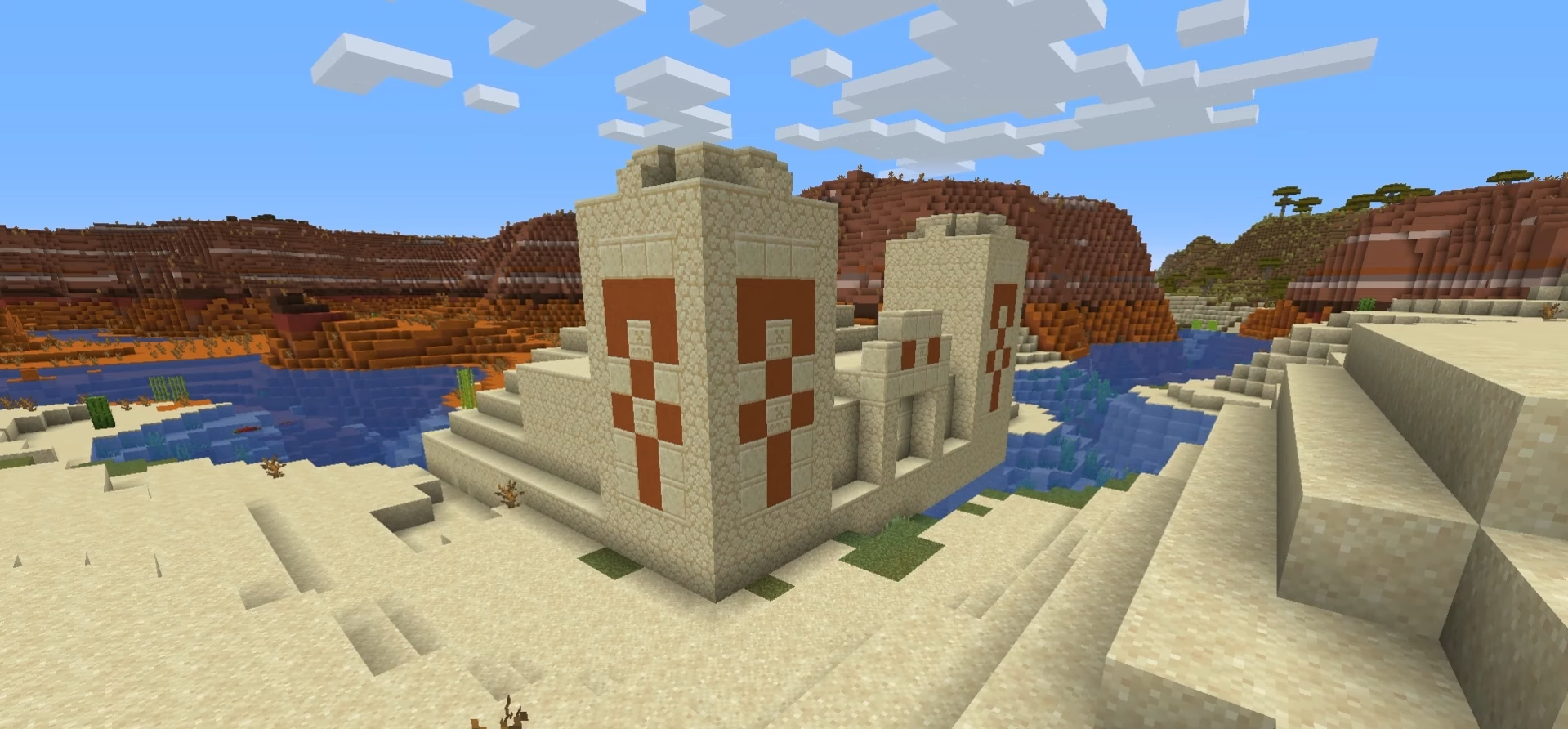

- During your journey through these structures, the challenge will be to identify the suspicious blocks. So keep your eyes peeled!
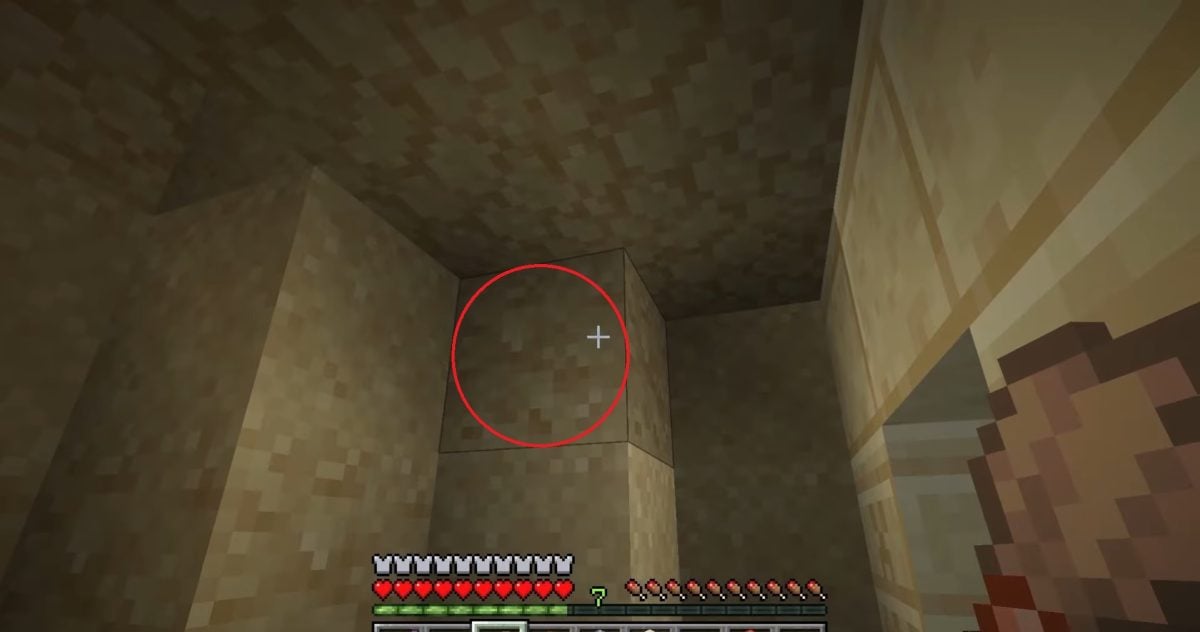
- Then it's time to put your brush to work by dusting the suspect block!
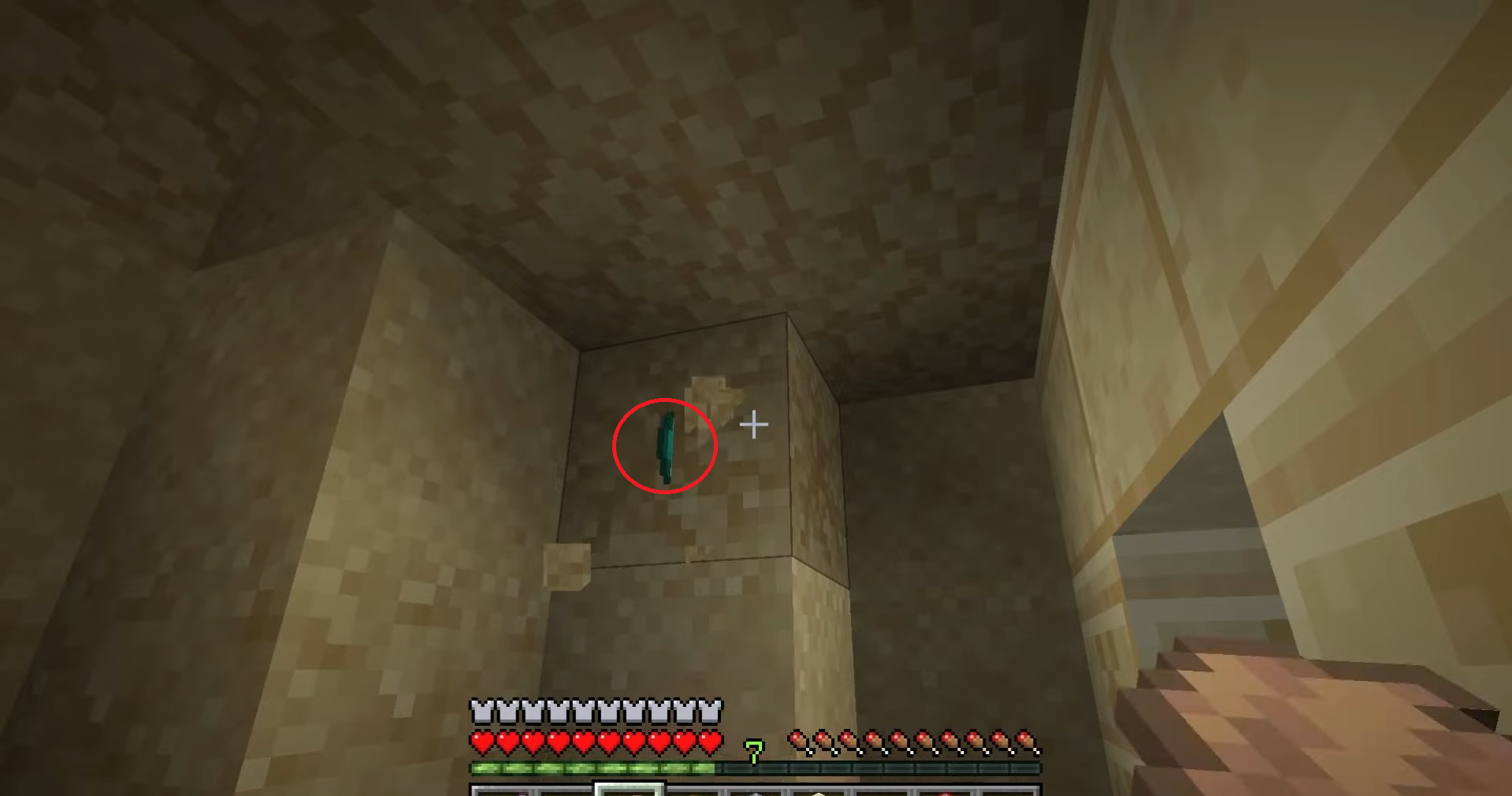
- Discover and above all enjoy your find once your work is done!

What objects can the brush find in Minecraft?
Depending on the desert structure you come across, you can expect to find various objects. So here's a list (Java edition) so you know where you stand.
- Desert Pyramid
| 🔎 Findable items | 👀 In-game appearance |
|
Archer pottery shard |
 |
|
Jewel pottery shard |
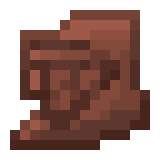 |
|
Miner's pottery shard |
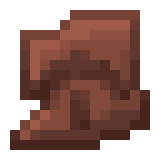 |
|
Pottery shard Skull |
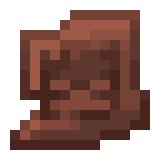 |
|
Gunpowder |
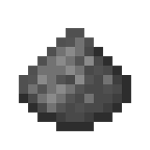 |
|
TNT |
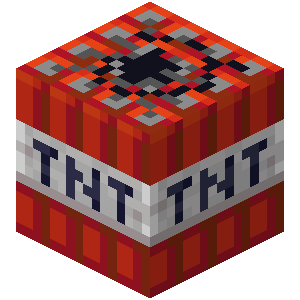 |
|
Diamond |
 |
| Emerald |
|
- Desert Well
| 🔎 Findable items | 👀 In-game appearance |
| Bras Levés pottery shard | 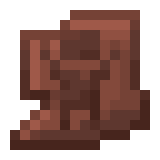 |
| Alchemist's pottery shard |  |
| Brick |  |
| Stick |  |
| Suspicious soup | 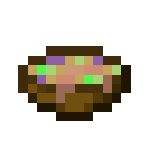 |
| Emerald |  |
the brush in Minecraft is much more than just a tool. It opens the door to exploration and the discovery of objects hidden in suspicious blocks, playing an essential role in archaeology.
In any case, feel free to share the results of your research in the comments! To keep up the momentum, we invite you to check out what an anvil does in Minecraft !









 English