the brush is the central tool of the’archaeology in Minecraft, introduced with the Update 1.20. It lets you search through the suspicious blocks to extract some hidden objects : pottery shards, emeralds, and many other buried objects.
1. Discover objects on Minecraft
If you have the spirit of an explorer, the brush is the tool you need. It reveals the hidden objects hidden within certain blocks, provided you know how to use them.
First, spot a suspicious block. There are two types: the suspicious sand and the suspicious gravel. The difference in texture compared to a regular block is subtle, but noticeable.
- A suspicious block displays more than dark pixels and small visible cracks.
- If you're having trouble telling them apart, you can use a mod or one resource pack which enhances their appearance.

2. Making Progress in Archaeology
The system for’archaeology of Minecraft lets you search different sites to find rare items. Why use a brush instead of a pickaxe? Because digging a suspicious block A pickaxe destroys its contents. A brush, on the other hand, gently removes dust from the block and preserves the’artifact buried.
How do I get a brush on the Minecraft?
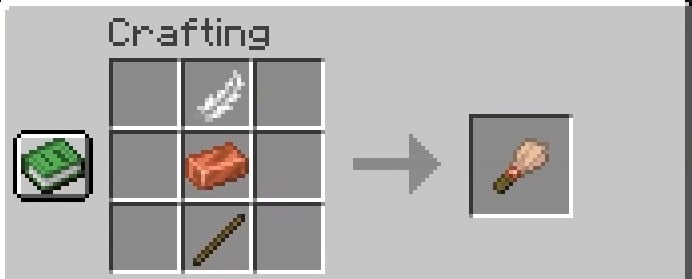
You can make your own paintbrush as soon as you have everything you need three materials. On your craft table, arrange them in a vertical column:
- A pen at the very top,
- A copper ingot in the middle,
- A stick at the very bottom.
The crafting process is the same in the game Java and in Bedrock. That's it: you get your paintbrush back.
How do I become an archaeologist in Minecraft?
Here are the step-by-step instructions for brushing the suspicious blocks and make off with their hidden loot.
- Make or find a paintbrush. Make sure you have one in your inventory before you set out to explore.

- Find an archaeological site. Heading to one desert biome To start with: the temples and wells in the desert are good places to begin. The underwater ruins also contain suspicious sand, and the Trail Ruins are hiding some suspicious gravel.
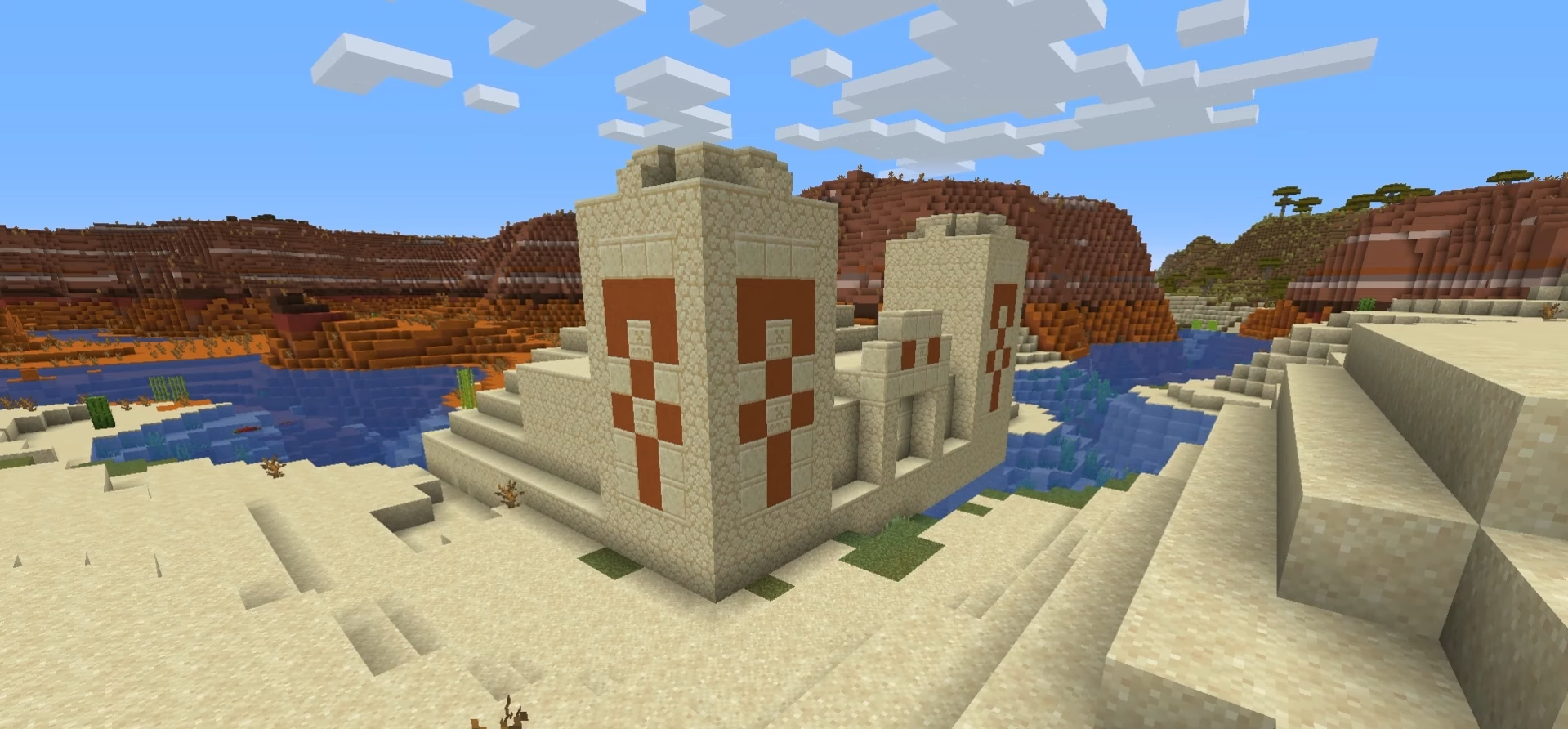

- Identify the suspicious blocks. Search for the sand where the suspicious gravel on site. Its texture is slightly different from a regular block: keep an eye out for it.
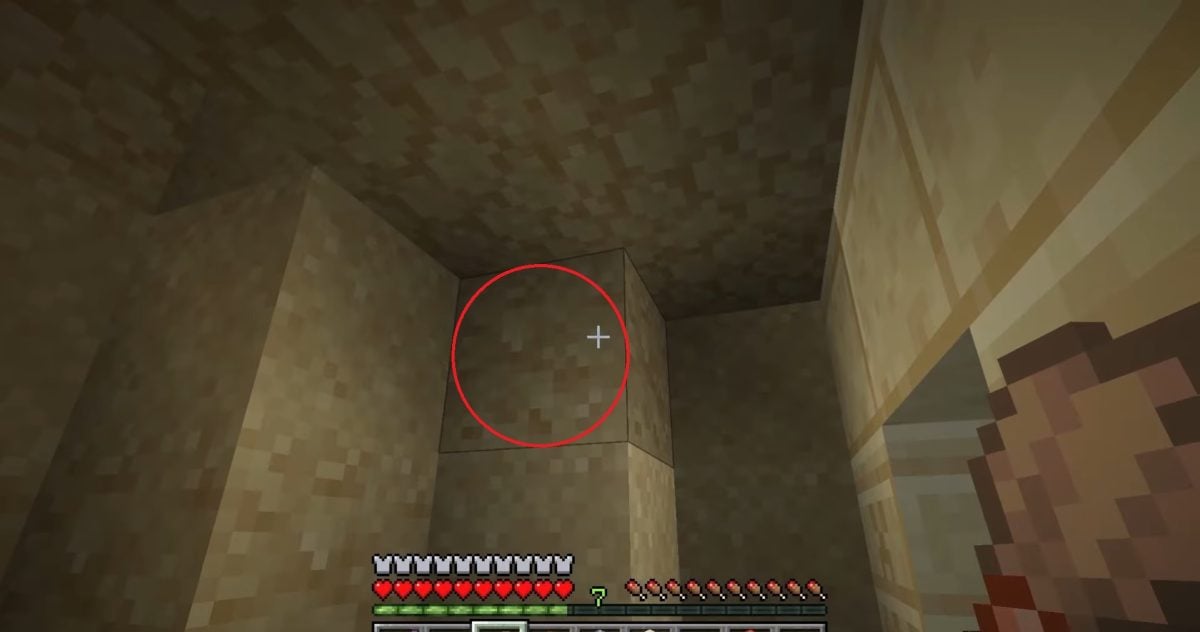
- Brush the block. Keep the right click (or the action button on the console) to start the brushing animation. The buried object gradually appears. Note: If you break the block by hand instead of brushing it, the content is permanently deleted.
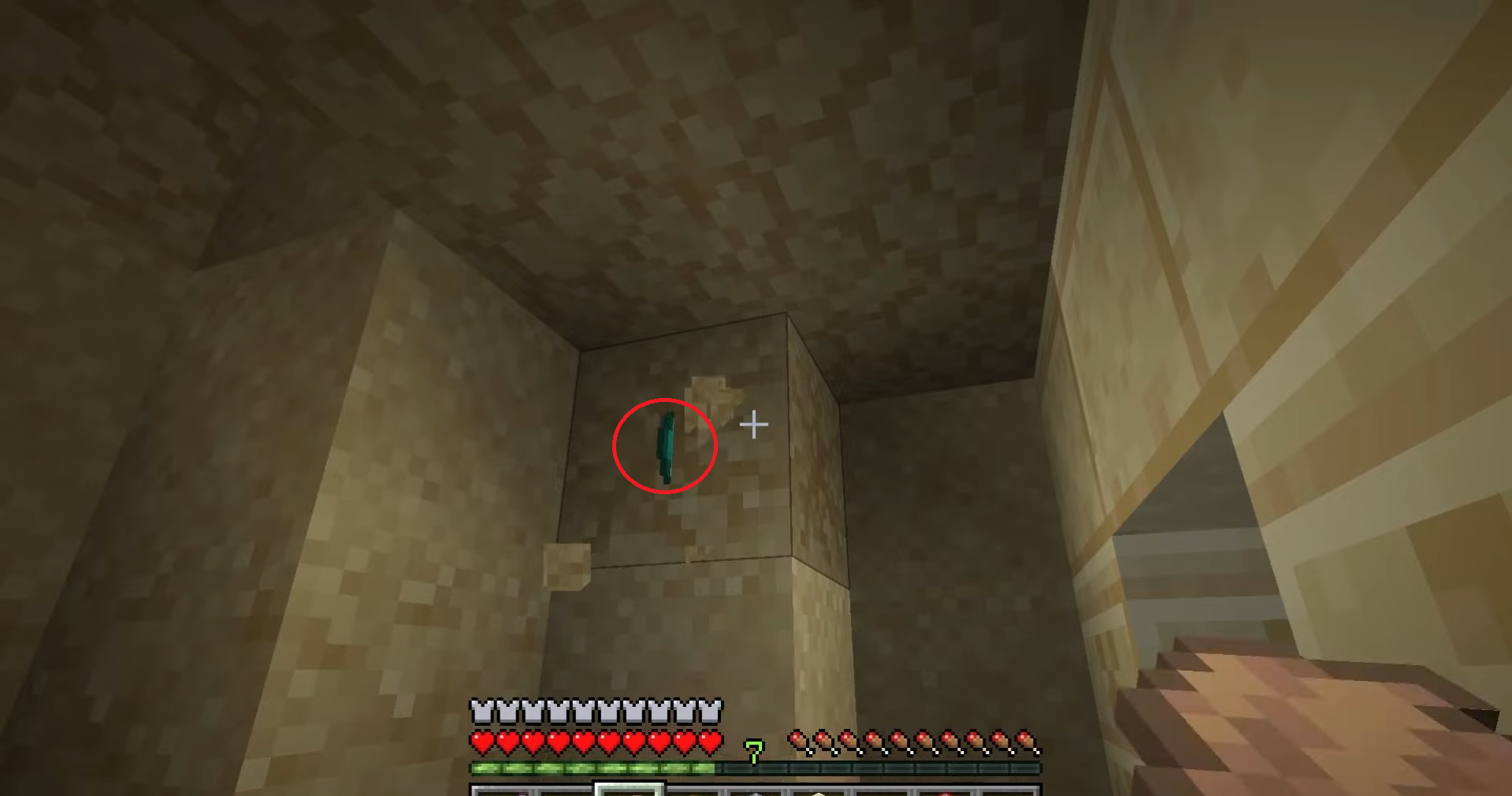
- Pick up what you found. Once all the dust has been removed from the block, the object falls to the ground. The spoils depends on the structure: pottery shard, armor scale, emerald, or other rare item.

What objects can the brush find in Minecraft?
The loot varies depending on the structure being explored. Each site has its own loot table, with its shards and specific rewards. Here is the complete list of items you can find in edition Java.
- Desert Pyramid
| Items You Can Find | In-game appearance |
| Archer pottery shard |  |
| Jewel pottery shard | 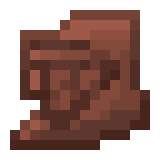 |
| Miner's pottery shard | 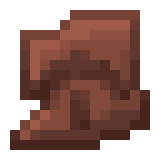 |
| Pottery Shard: Skull | 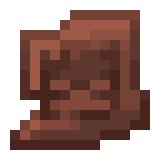 |
| Gunpowder | 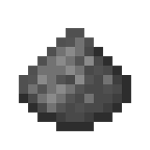 |
| TNT | 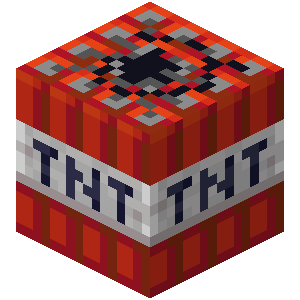 |
| Diamond |  |
| Emerald |  |
- Desert Well
| Items You Can Find | In-game appearance |
| "Bras Levés" Pottery Shard | 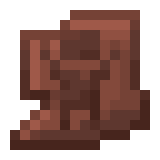 |
| Alchemist's pottery shard |  |
| Brick |  |
| Stick |  |
| Suspicious soup | 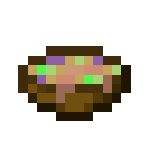 |
| Emerald | |
The desert isn't the only place to search. The underwater ruins are hiding some suspicious sand, while the Ruins of the Paths (buried in the jungle and the taiga) contain suspicious gravel, each with its own rewards.
Feel free to share your discoveries in the comments.
And to keep the momentum going, check out what an anvil does in Minecraft.








 English