L'Arzopa Z1FC is a 16.1-inch portable monitor in Full HD, with a 144 Hz refresh rate and a price under 150 €.
I tested it while working from home and on the go, and the verdict is clear: it offers excellent value price quality for a lightweight second screen to take with you everywhere.
The Arzopa brand
Arzopa is a brand specializing in portable monitors and portable display accessories. The concept is simple: to give you an extra screen ultra-thin and light, easy to carry so you can work, study, or play anywhere.
You plug in a laptop, a smartphone, or a game console (PS5, Xbox, Switch) via USB-C Where HDMI, and you'll have a second screen in just a few seconds.
The brand is focusing on three specific areas:
- A good image quality using slabs IPS,
- Precise adjustment of the brightness and contrast for true visual comfort,
- A portability Designed for everyday mobile use.
The target audience is broad: business travelers, remote workers, students, and gamers mobile devices. Arzopa is positioned in the affordable portable monitor segment, with models often priced between 100 and 150 €.
To browse the entire lineup and check the specifications for yourself:
View Arzopa products on their website
The Arzopa product:
The product I received is the Arzopa Z1FC Portable Gaming Monitor, a 16.1-inch portable monitor in Full HD at 144 Hz.
If you want to see it among their products:
Unboxing and First Impressions
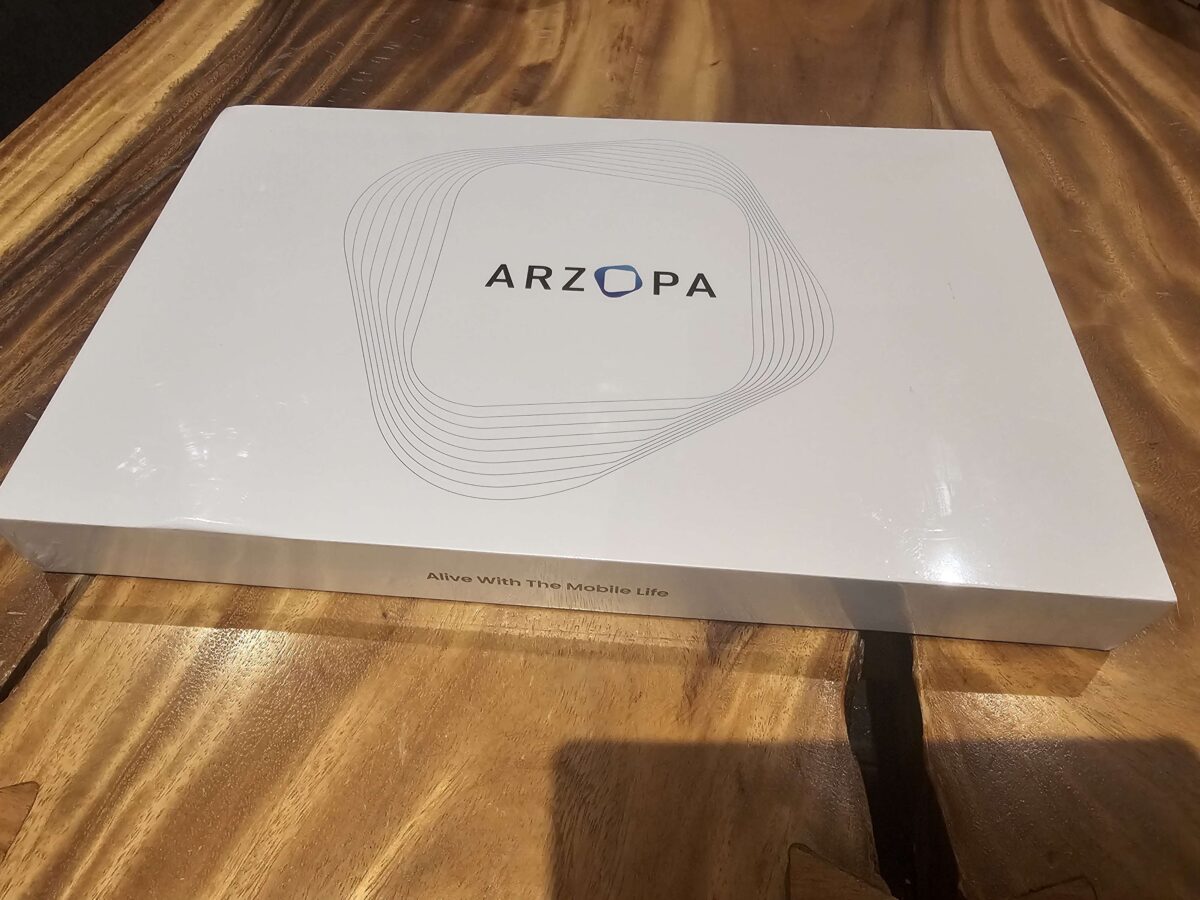
The box is carefully crafted and well thought out. Once you open it, you’re taken directly to the screen, and right below it are all the cables included one Mini HDMI cable and two USB-C cables.
The screen is protected by a foam and one plastic wrap, which gives a good first impression of the packaging's quality.
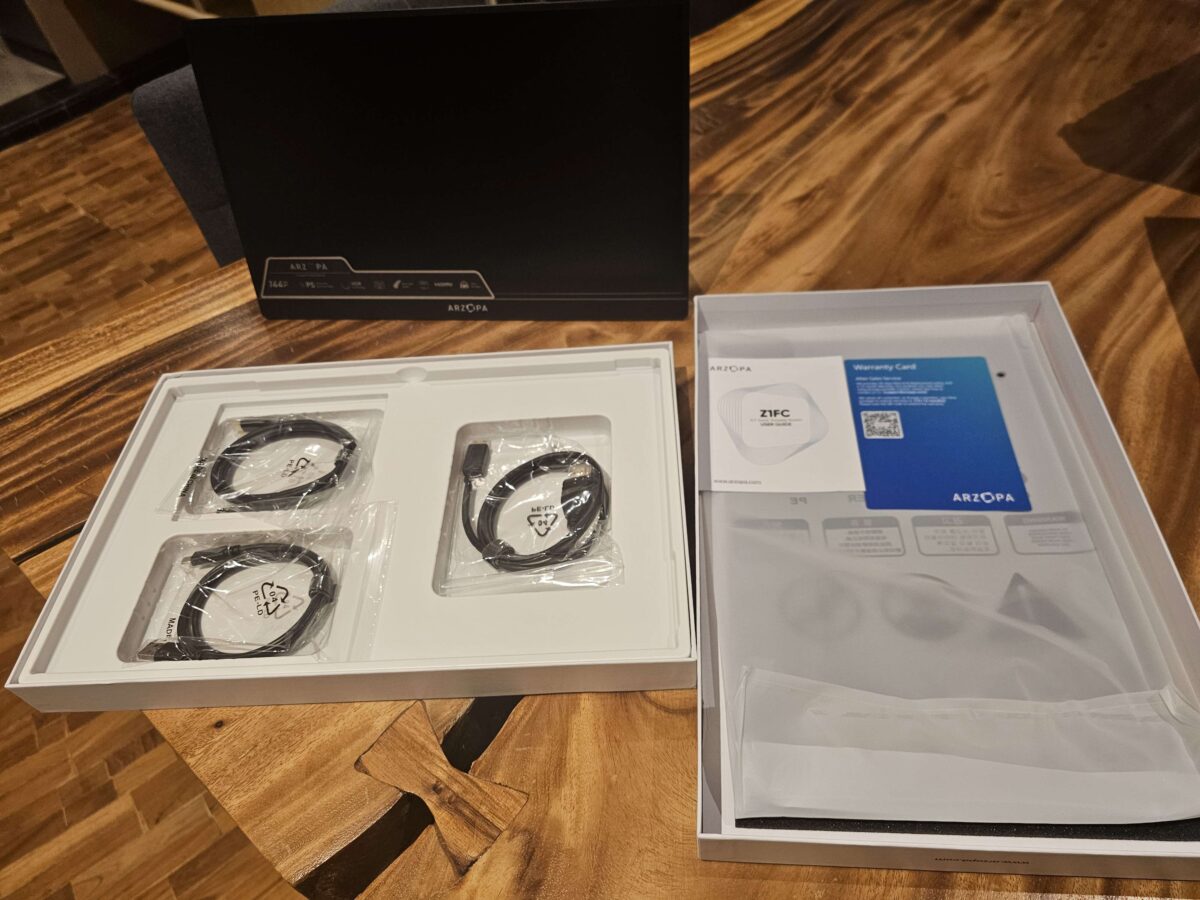
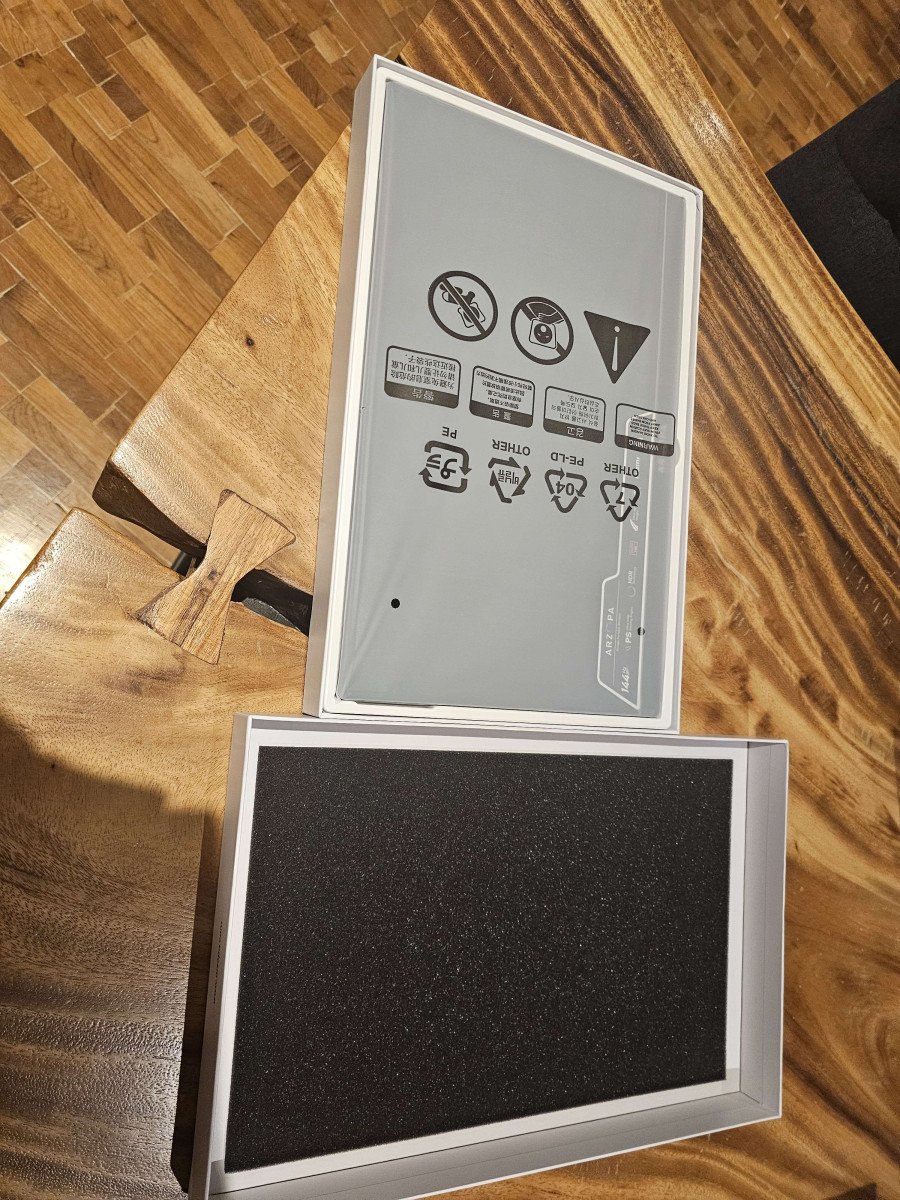
The instructions are clear, and the cables seem to be good quality. Right away, you can tell that the workmanship is on the agenda.
Technical Specifications
Here are the complete specifications for this Arzopa Z1FC Portable Monitor :
- 16.1-inch matte, anti-glare IPS display, in resolution 1920 x 1080 pixels (Full HD), with coverage 100% sRGB for accurate colors. The matte surface reduces glare outdoors.
- 144 Hz refresh rate : sharper motion, smoother visuals, and reduced latency—whether you're gaming or working. Compatible FreeSync to reduce image tearing.
- Format ultra-thin and lightweight : only 0.76 cm thick to 0.77 kg. It fits easily into a backpack or briefcase.
- Connection via two ports USB Type-C and a port Mini HDMI. Compatible with laptops, Mac, smartphones, Xbox, PS5, Switch and Steam Deck, without installation under Windows or macOS.
- Two built-in speakers for on-the-go use without headphones.
- Display horizontal or vertical Depending on your needs, it's ideal for multitasking, gaming, or office work.
- Brightness of 300 cd/m² and color temperature adjustable via the OSD menu.
Check out other high-quality products from’Arzopa on their website:
View all Arzopa products on their website
Installation and Configuration
I tested the monitor's connection on both of my laptops: one with a HDMI cable, the other with a USB-C cable. Both work without installation—truly plug-and-play.
No drivers to install, no configuration required Windows : Plug it in, and the screen turns on.
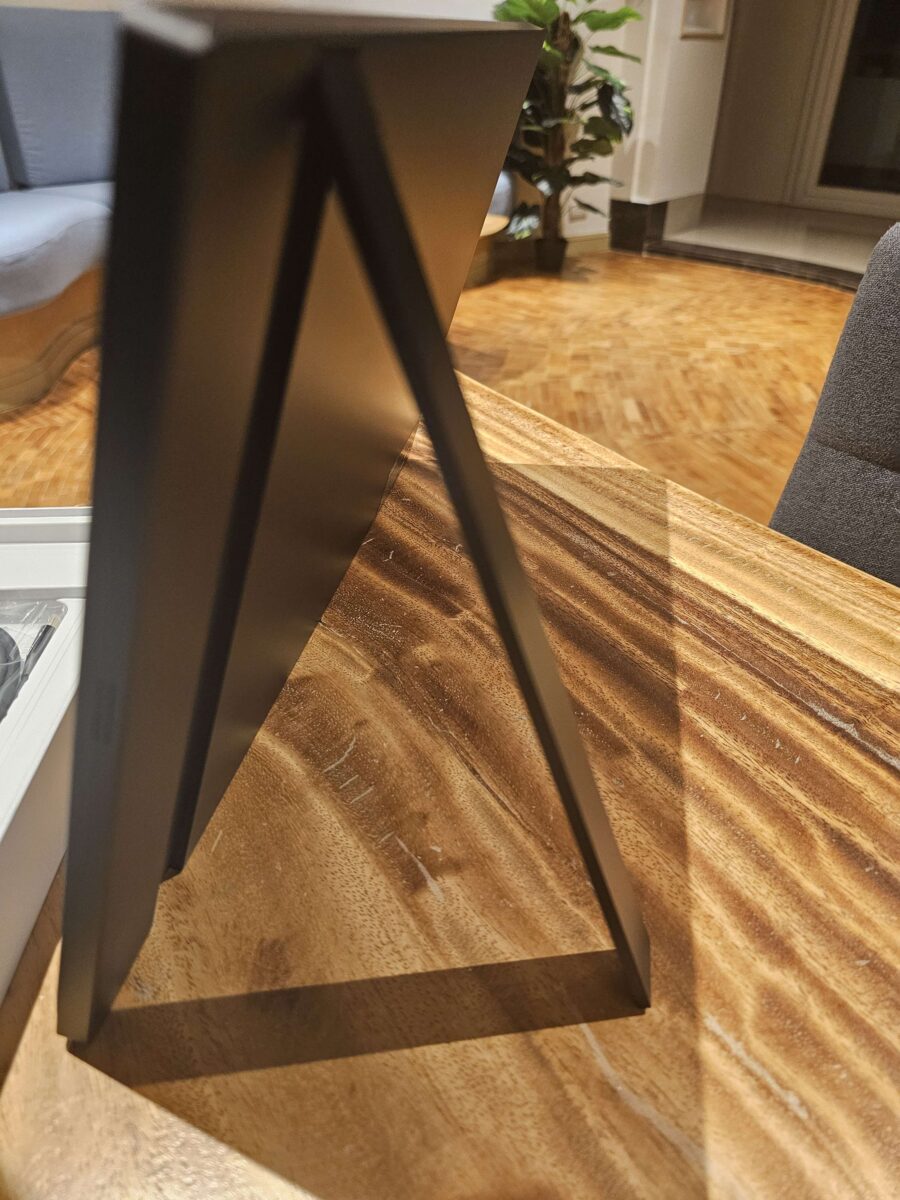
the built-in support is just like the photos. At first, I thought it wouldn't hold up well, but in practice it is stable and can be easily positioned on its side without getting in the way.
To use the’Arzopa screen as second screen On a PC, just go to the display settings in Windows and choose the extension mode. Two minutes, no more.
Visual quality
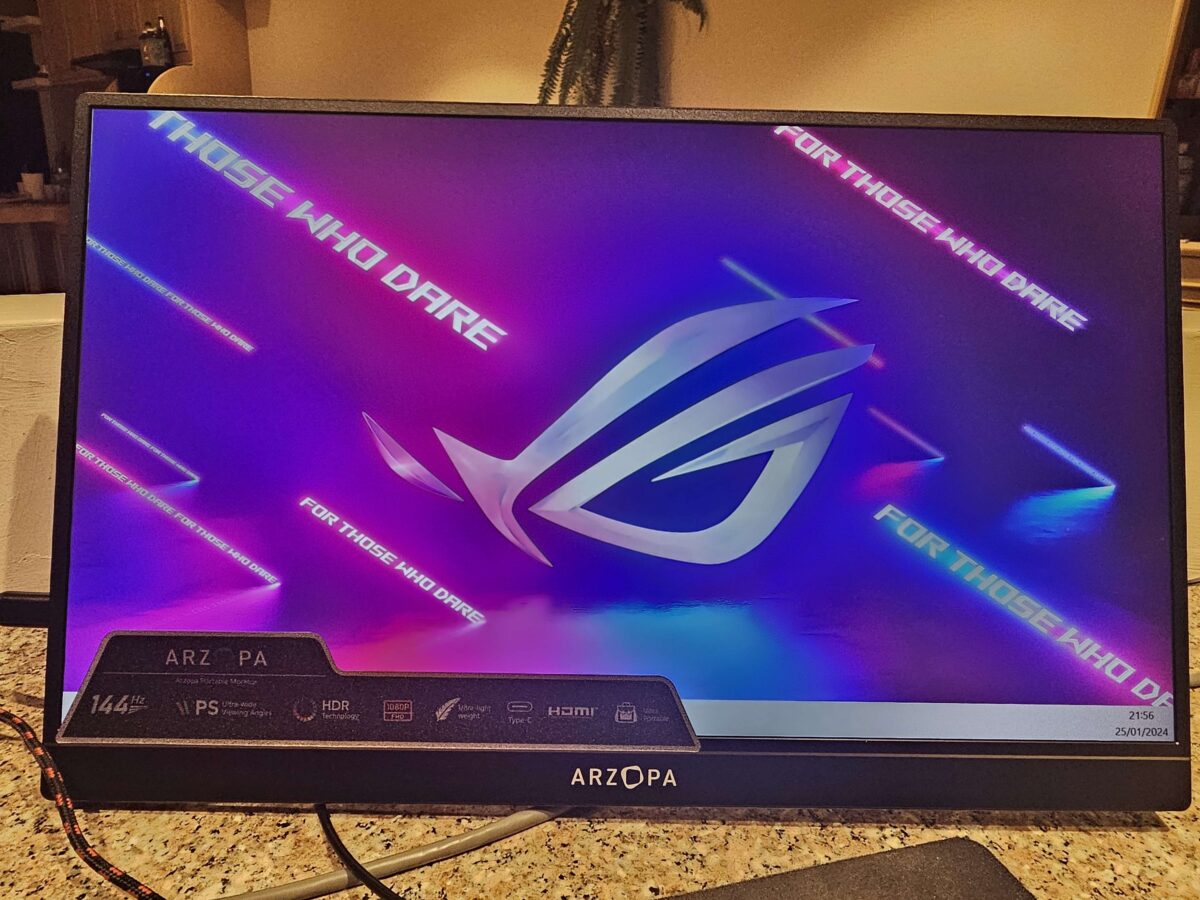
The image quality is honestly excellent—even better than the one on my second laptop. So I use it without hesitation as main screen on my little PC.
The colors are vivid and true, and the brightness is more than enough for indoor use.
The IPS panel offers good viewing angles. Whether you look at it head-on or slightly from the side, the colors remain consistent. The Full HD resolution in 1920 x 1080 pixels is optimized for a screen of this size: the text is sharp, and the photos are clear.
Performance
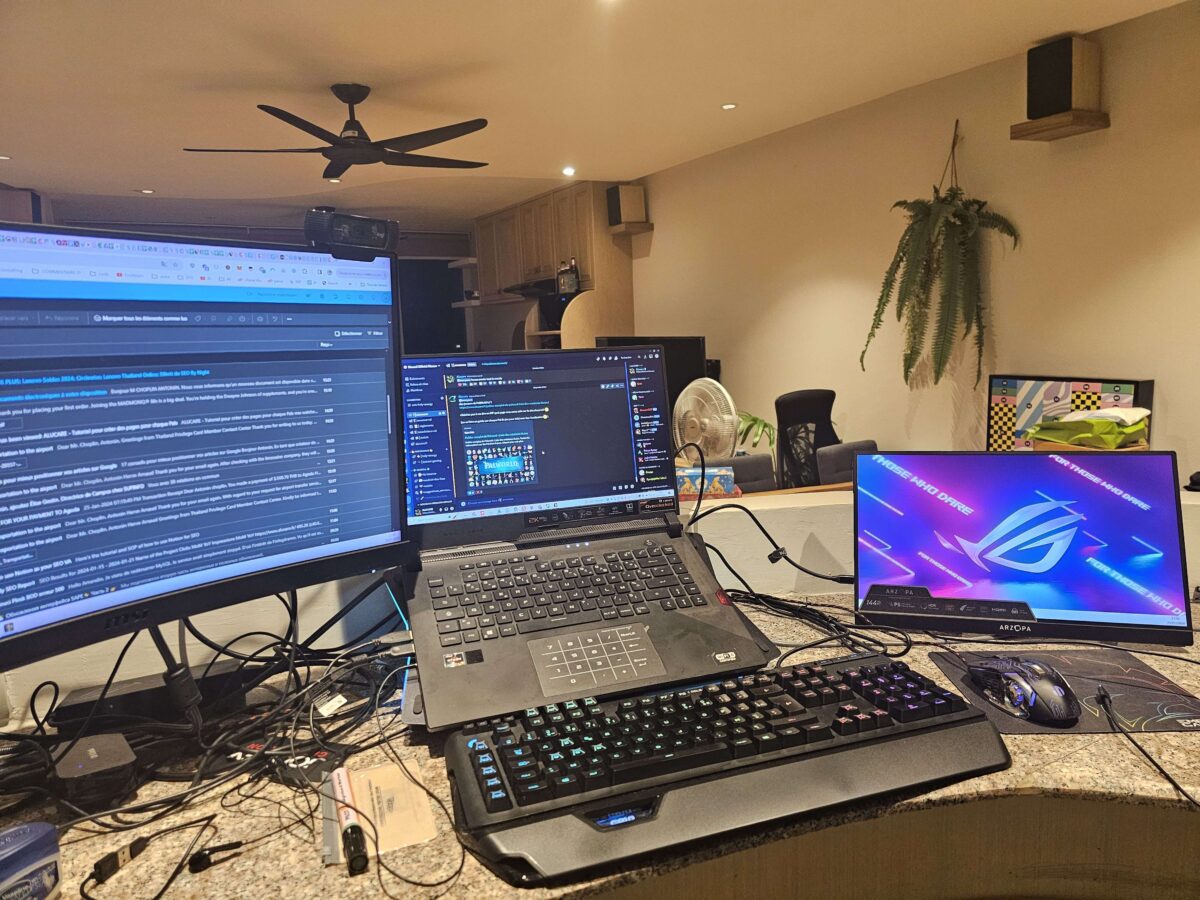
I used this portable screen at work, as well as at Starbucks than at my place. For the office automation and thevideo production, the performance is right on par, with no glitches whatsoever.
The display remains smooth even with multiple windows open at the same time.
the 144 Hz is a real asset for the games on a laptop or via a console as the Switch, the PS5 or the Xbox. The image is noticeably smoother than a portable gaming monitor standard, and you can tell right away as soon as the image moves quickly.
If you want to check out the products from’Arzopa :
Discover Arzopa's products on their website
Ergonomics and Portability
L'Arzopa Z1FC is truly designed for portability. It slips into any bag without taking up much space, as I've found out during my travels.
Its biggest advantage when traveling is the power supply via USB Type-C with management of the Power Delivery.
The monitor can be powered directly by a laptop computer, a smartphone, or a portable battery. This reduces the number of cables you need and saves you the trouble of looking for an outlet.
A real advantage for extended use on the go.
For the uses When the connection isn't enough to power the screen (as with some PCs or consoles), a high-capacity external battery is enough to make up for it. The’Arzopa portable screen It therefore works anywhere, without needing a wall outlet.
Arzopa Screen: Conclusion
Highlights
- Image Quality and Colors: the slab IPS offers excellent picture quality in 1080p with a cover sRGB to 100%. The visuals are crisp and the colors are vibrant, whether you're gaming or working.
- Portability : Extremely lightweight and ultra-thin, it's the perfect companion for work or play on the go.
- High refresh rate: the 144 Hz provides a truly smooth experience, both in-game and when browsing.
- Easy login: connection USB-C and Mini HDMI Plug-and-play, compatible with most PCs, smartphones, and game consoles.
Weak points
- Diet Management: Some connections require the display to be powered in parallel, which may require a portable battery for extended use without plugging it in.
Comparison with Competitors' Monitors
In this price range, around 130 €, I'Arzopa Z1FC clearly stands out for its 144 Hz refresh rate and its portability.
Brands such as Lepow or theASUS ZenScreen They compete in the same market segment, but most of their entry-level models are primarily designed for office use and fall short in terms of display smoothness.
For use mobile gaming, I'Arzopa Z1FC so it still has a real advantage.
Final Recommendation
I really recommend this Arzopa screen If you're a gamer and you want a portable monitor fluid, or if you need a high-quality second screen on the road.
Its light weight, easy setup, and crisp display make it an excellent choice when the mobility bonus.
Digital nomad or nomadic worker—this Arzopa instructor Does the job perfectly: it combines quality, an ultra-slim design, and portability—exactly what you'd expect from a portable second screen. Want to order yours?
Order Arzopa products from their website
Or, if you're interested in the product reviewed in this article:







 FR
FR  RU
RU  EN
EN  ES
ES  IT
IT  DE
DE  ZH
ZH  PT
PT  ID
ID  JA
JA  DA
DA