FamilyPro is a platform for subscription sharing which gives you access to Netflix, Spotify Where ChatGPT for a fraction of the list price.
Good deal or scam?
Here is my Full review of FamilyPro, including pricing, how it works, member reviews, and what you need to know before paying.
About FamilyPro
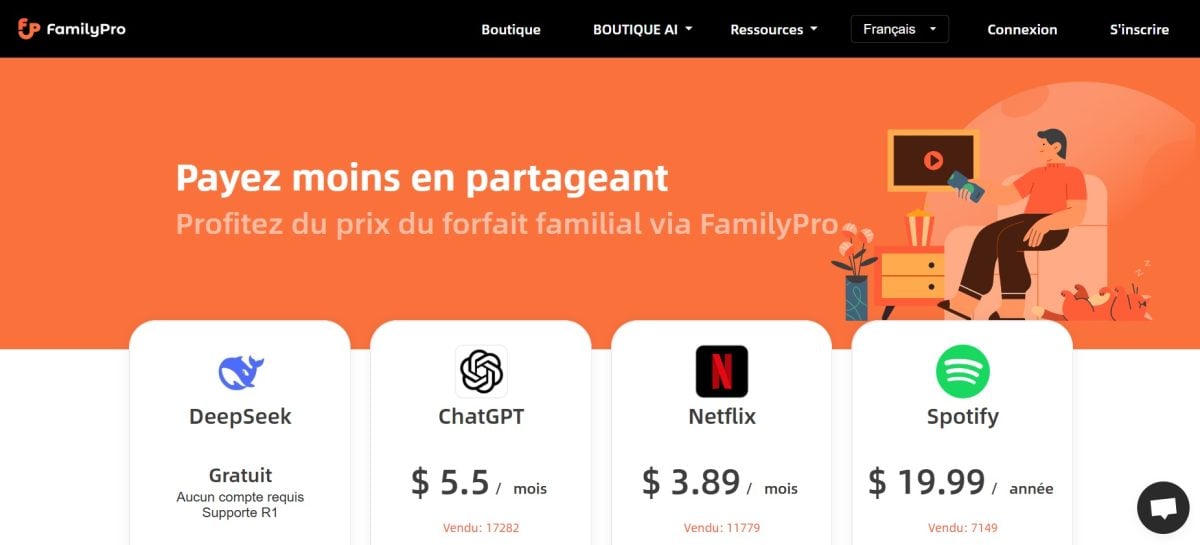
FamilyPro is a platform dedicated to’bulk purchase of subscriptions.
You share a family plan with other members; everyone splits the cost, and you get access to premium services such as Netflix, ChatGPT, Spotify, Disney+ Where Duolingo for a fraction of the list price.
Here are the savings you can enjoy on the platform's main services:
| Subscriptions | Official rates (12 months) | FamilyPro rates (12 months) | Savings (%) |
|---|---|---|---|
| ChatGPT | 240 $ | 66 $ | 73 % |
| Netflix | 119,88 $ | 31,99 $ | 73 % |
| Spotify | 218,52 $ | 19,99 $ | 91 % |
| Duolingo | 123 $ | 9,99 $ | 92 % |
| QuillBot | 49,95 $ | 29,99 $ | 40 % |
| Deepl | 344,88 $ | 50 $ | 86 % |
| Canva | 120 $ | 49 $ | 59 % |
| Discovery+ | 107,88 $ | 24,99 $ | 77 % |
| Perplexity | 200 $ | 59,88 $ | 70 % |
| Quizlet | 35,99 $ | 16,90 $ | 53 % |
| Brilliant | 161,88 $ | 89,90 $ | 44 % |
| ChatsNow | 143,88 $ | 83,88 $ | 42 % |
| Disney+ | 131,88 $ | 14,29 $ | 89 % |
| Crunchyroll | 99,99 $ | 35,74 $ | 64 % |
These rates are provided for informational purposes only. The final price depends on the service, the country, and the number of members in the group.
Always check the exact amount shown on the checkout page before making your purchase.
User reviews of FamilyPro
With 98 % positive reviews on the site, FamilyPro has already won over bargain hunters, streaming fans, and those curious about’artificial intelligence.
But the most reliable source remains Trustpilot, external, and verifiable: the platform receives a rating of 3.1/5, which is quite good for a service that's still in its early stages.
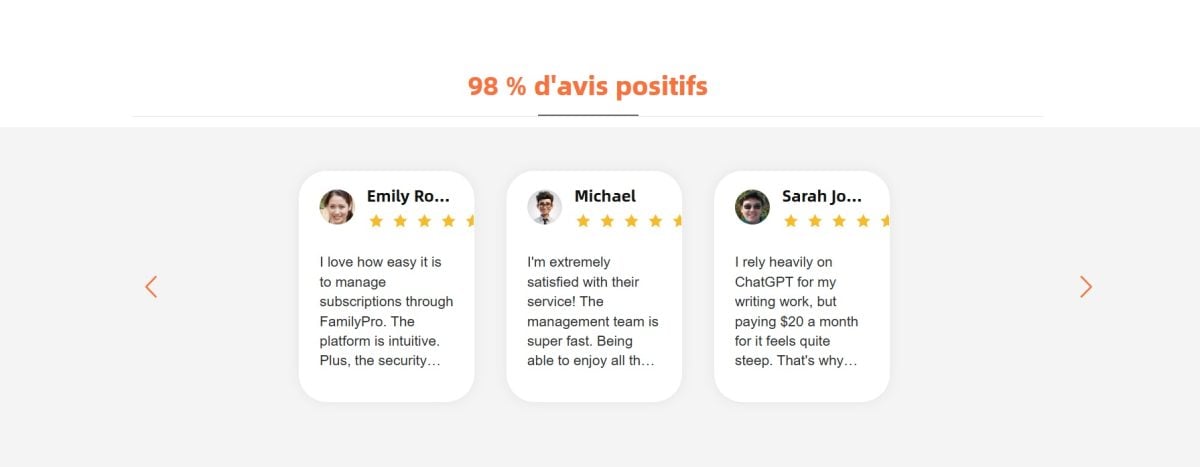
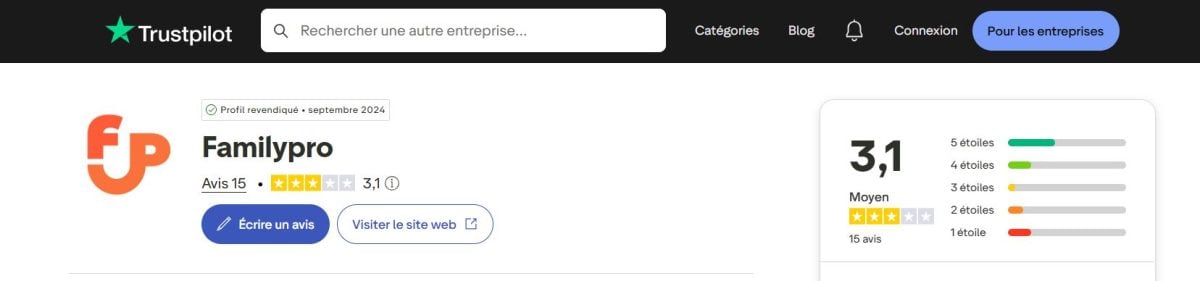
By comparing the comments on the website and those from Trustpilot, them Users say they are generally very satisfied.
The main reason often comes up: accessing subscriptions such as Netflix, Spotify Where ChatGPT at a discounted price thanks to the group purchase.
Specifically, the members emphasize four points in particular:
- there ease of use of the platform, even without technical skills; ;
- there security as reflected in shared accounts; ;
- there access stability over time, with few reported interruptions; ;
- there customer service responsiveness, which resolves issues quickly.
Conversely, the most critical reviews almost always focus on the same point: the fact that it is a joint account and not a subscription in your name alone.
FamilyPro: How does it work?
Here's how create an account and place your first order on FamilyPro in 5 steps.
- Go to the official website of the platform.
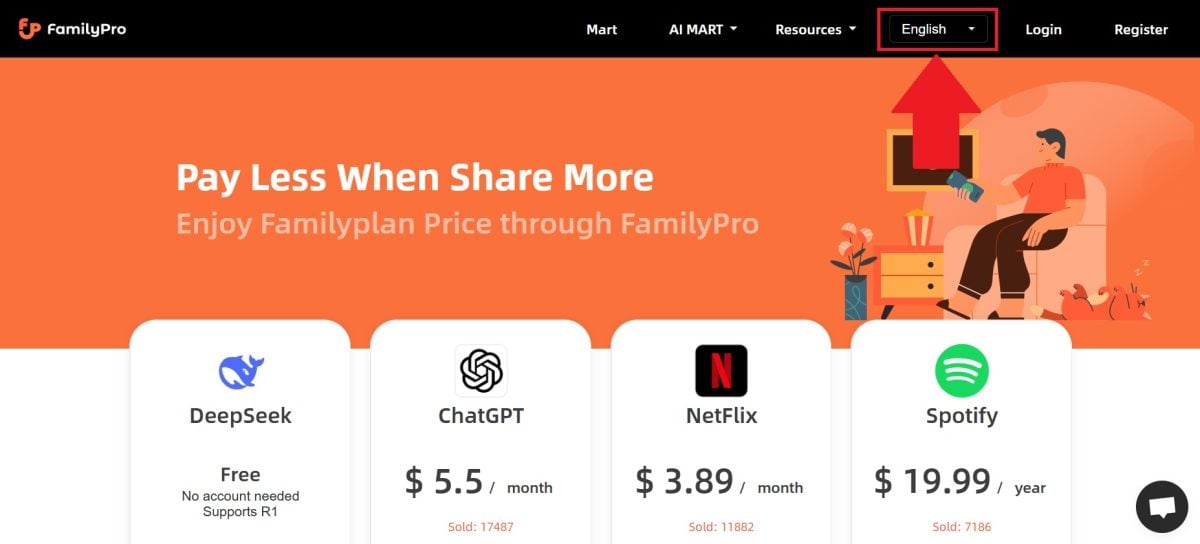
- Create a FamilyPro account with an email address, or log in directly with your account Google.

- In the list of subscriptions, Select the one you're interested in, for example ChatGPT.

- You'll be redirected to a page where you can select various plan details:
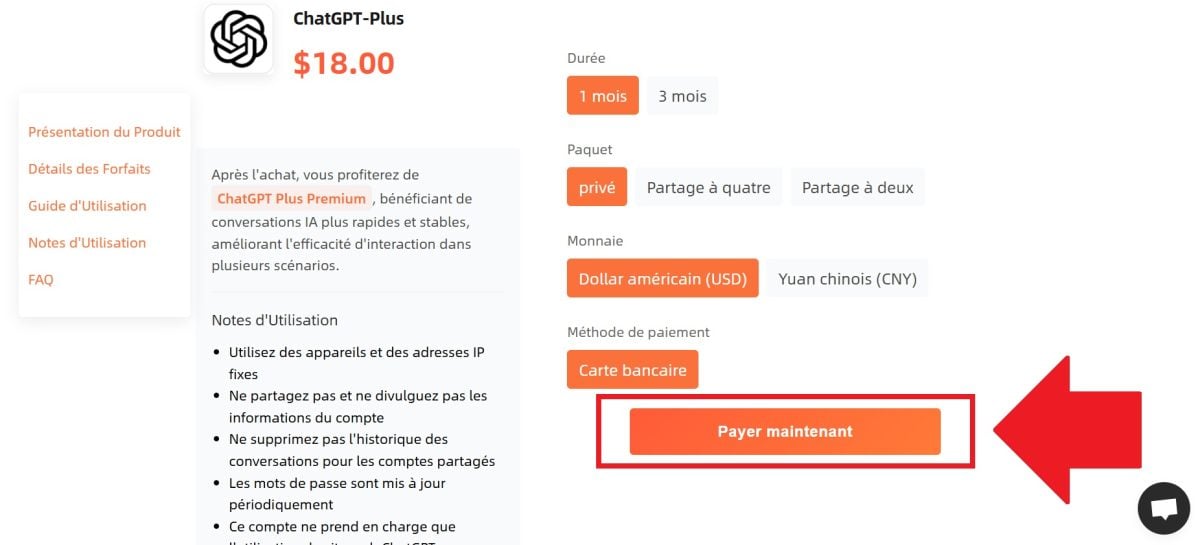
- the subscription fee depending on the duration selected (1 month, 3 months, or 12 months).
- A joint account (The data plan is shared up to 4 users) or a exclusive account for strictly personal use.
- The currency in which you would like to pay.
- Your payment method.
- Once you've chosen the plan details, Click «Pay Now» to confirm your order.

After the payment, go to the order page. There you'll find the account credentials to use to log in to the service's official website.
You get a premium access already active, without having to set up the subscription yourself.

FamilyPro: Advantages and disadvantages
Before you sign up for a subscription, here’s an honest overview of the platform’s strengths and limitations.
| Advantages | Disadvantages |
|---|---|
|
|
Comparing FamilyPro with other tools
Are you looking for alternatives to FamilyPro ? Check out our selection of best subscription sharing sites.
Here is a price comparison between FamilyPro and one of its direct competitors, Coosub. Rates are expressed in month and by department.
| Services | FamilyPro | Coosub |
|---|---|---|
| ChatGPT | 5.5 $/month | 9.25 $/month |
| Netflix | 3.89 $/month | 4.75 $/month |
| Spotify | 1.66 $/month | 2.40 $/month |
| Duolingo | 0.83 $/month | 2.50 $/month |
| Canva | 5.98 $/month | 3.17 $/month |
| Deepl | 4.16 $/month | 8.99 $/month |
| Disney+ | 1.19 $/month | 2.78 $/month |
| Crunchyroll | 2.98 $/month | 3.25 $/month |
On most services, FamilyPro shows the lowest prices. Coosub maintains its lead in a few services such as Canva, but the gap remains small.
Coosub is a more established platform, but FamilyPro remains a very interesting solution to save money, especially if you have multiple premium subscriptions.
My Review of FamilyPro
FamilyPro is a group-buying platform that helps you save big on your favorite premium subscriptions. The service is easy to use, payment can be made in just a few clicks, and the Customer service responds quickly.
If you use several premium tools on a daily basis and want to split the bill, the The value for the price is hard to beat.
The one thing to keep in mind before you get started: the account sharing is in violation of the Terms of Service of several platforms. Netflix restricted it to 2023 and Spotify followed by restricting sharing outside the household. A shared account may be suspended.
My verdict: It's not a scam; it's a reliable solution to save money. If you want exclusive access or have issues with the terms of use, it’s best to go with the official subscription.








 FR
FR  RU
RU  EN
EN  ES
ES  IT
IT  DE
DE  ZH
ZH  PT
PT  ID
ID  JA
JA  DA
DA