Composers are a very interesting game mechanic for players to learn about and use. Minecraft.
Find out in our tutorial how to make a composter Minecraft to learn about its benefits and incorporate it into your adventures.
How to build a composter
To be able to benefit from the services of a composter, you will need only one type of object: composters. wooden slabs. Here are the steps involved in making this object, before we look at how it can be used to make these famous composters.
- First, cut the blocks that make up the trees to harvest the materials. You'll need at least seven.
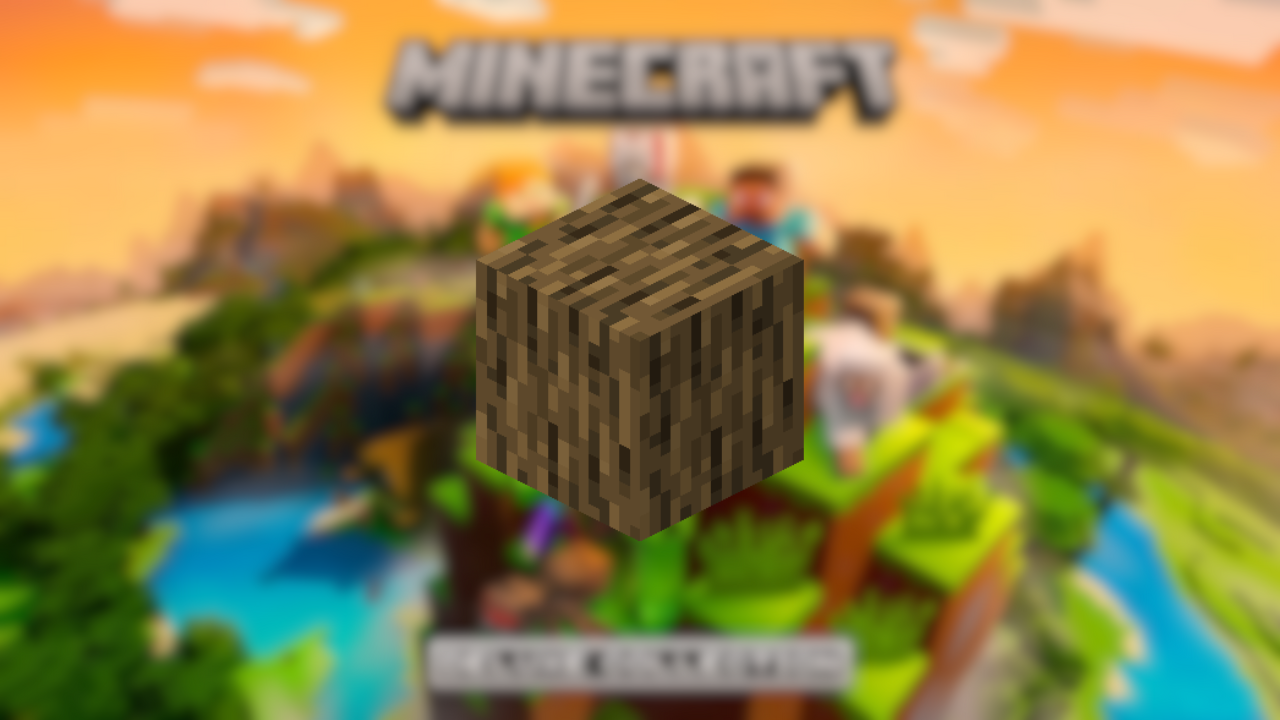
- Next, open your craft table. Place a horizontal line your blocks. By doing this, you will obtain the material.

- Composting is now in its final phase. Keep your craft table open. Finally, place them U-shaped.

If you're not keen on building your own composter, you can also make your own. find a natural composter in the villages. Indeed, the latter are home to farms where villagers farm.
How to use a composter on Minecraft?
To get the most out of a composter, you need to know several things. Firstly, a composter in Minecraft converts organic materials into bone meal (or bone powder).
For those with a farmer's soul, this flour is very useful as it accelerates growth your crops. All in all, a must-have.

A composter works in three stages:
- Initially, it is completely empty. The container is filled with organic matter such as plants, fruits/vegetables, herbs, etc.
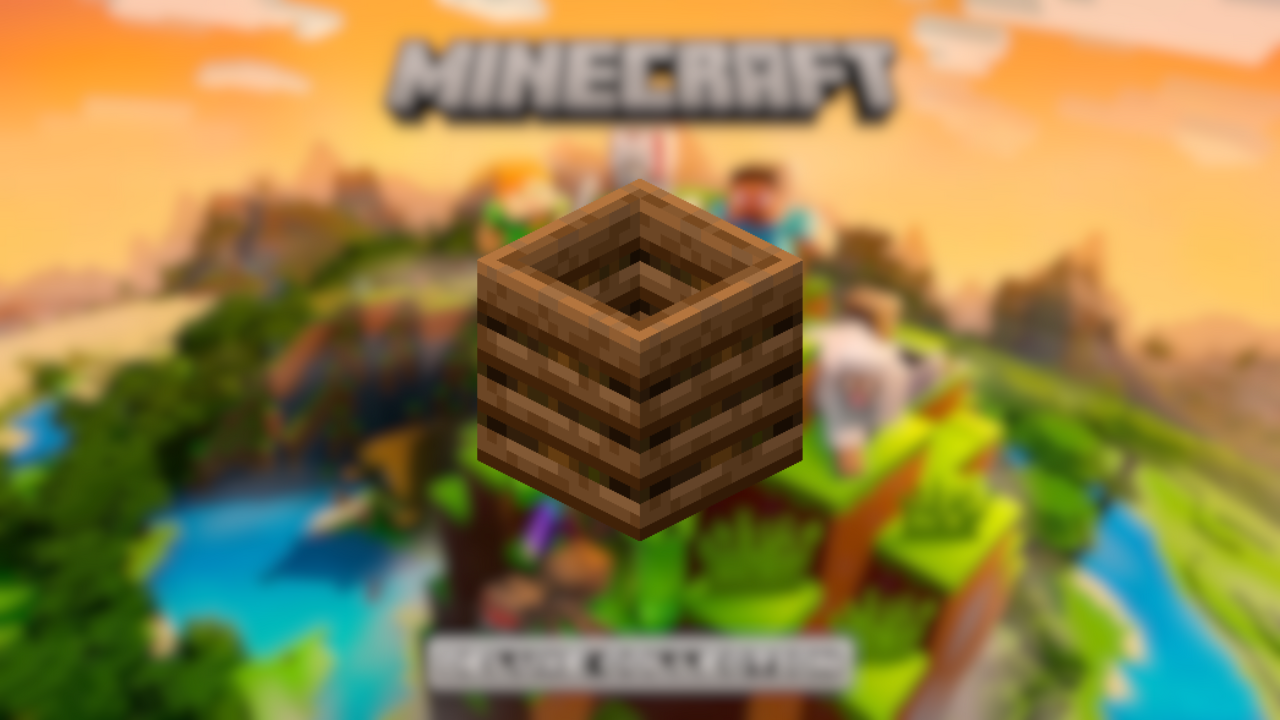
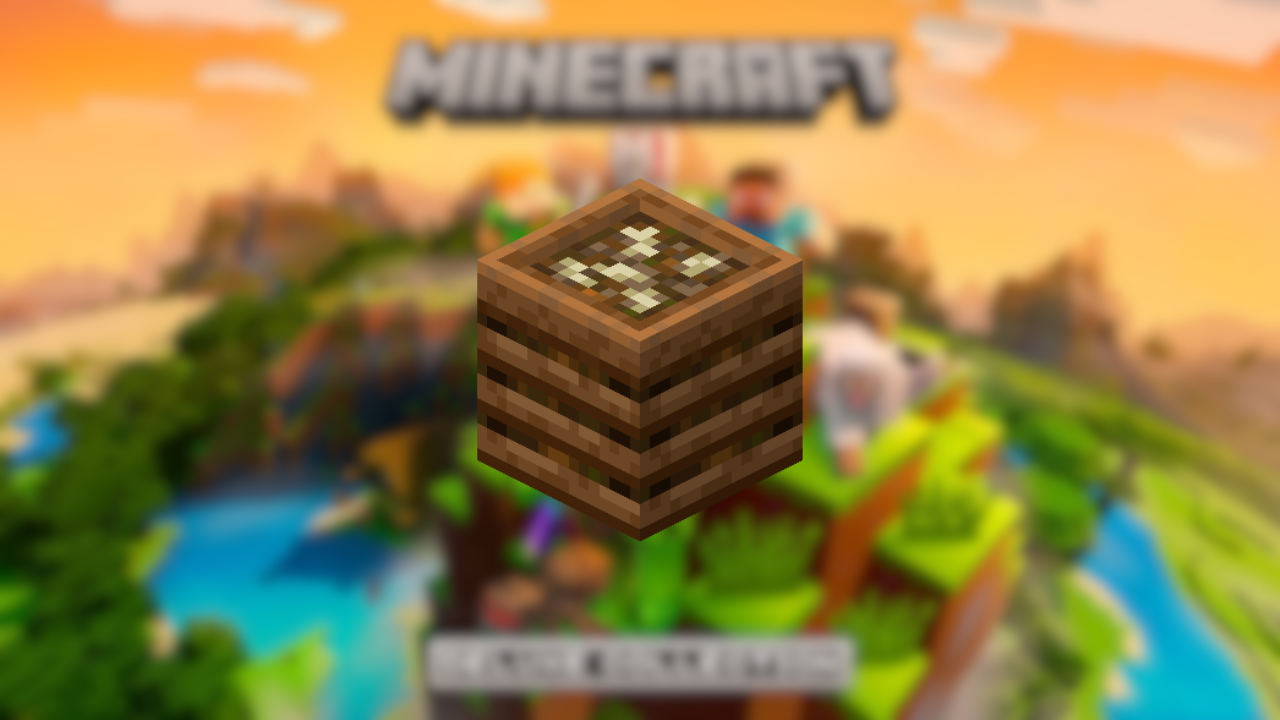
- Composters have seven fill levels. To fill it, for example, hold an item in your hands, then right-click on the composter to put it in. You'll see a change of appearance for the first time.

- When filled, it changes appearance and gives players a glimpse of the bone meal they can reap!
What can be composted?
Here are a few tables showing the objects that can be put in your composterwith their percentage chance of completing a level:
| 30% |  Seaweed Seaweed |
 Dried seaweed Dried seaweed |
|
 Sweet berries Sweet berries |
|
 Leaves Leaves |
|
 Beet seeds Beet seeds |
|
 Wheat seeds Wheat seeds |
|
 Pumpkin seeds Pumpkin seeds |
|
 Watermelon seeds Watermelon seeds |
|
 Grass Grass |
|
 Water grass Water grass |
|
 Tree sprouts Tree sprouts |
| 50% |  Block of dried seaweed Block of dried seaweed |
 Cactus Cactus |
|
 Sugar cane Sugar cane |
|
 Tall grass Tall grass |
|
 Lianes Lianes |
|
 Watermelon slice Watermelon slice |
| 65% |  Beet Beet |
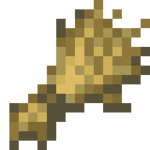 Wheat Wheat |
|
 Carrot Carrot |
|
 Mushroom Mushroom |
|
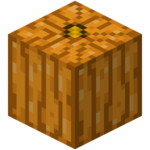 Pumpkin Pumpkin |
|
 Sea gherkin Sea gherkin |
|
 Cocoa beans Cocoa beans |
|
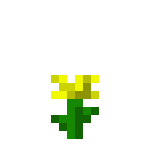 Flowers Flowers |
|
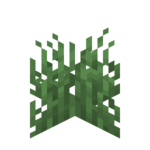 Fern Fern |
|
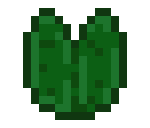 Water lily Water lily |
|
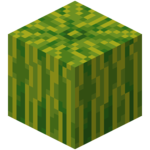 Watermelon Watermelon |
|
 Apple Apple |
|
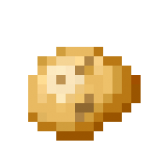 Potatoes Potatoes |
| 85% | 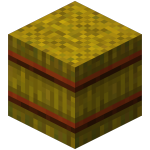 Straw block Straw block |
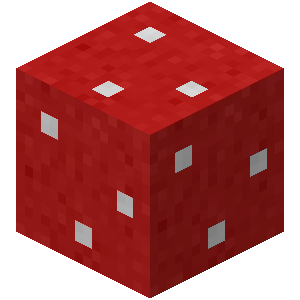 Mushroom block Mushroom block |
|
 cookies cookies |
|
 Bread Bread |
|
 Baked potato Baked potato |
| 100% |  Cake Cake |
 Pumpkin pie Pumpkin pie |
How do I use a funnel with a composter?
It would be interesting for you to combine a funnel with a composter. Its design requires an iron ingot and a chest. Here's how it's done:
Once you've mined a block of iron, melt it in a furnace to produce ingots. You'll need at least five.

Collect any type of wood, then open your craft table. In the table, place the wooden blocks in a square shapeleaving the central square empty for a chest.

With all the ingredients in place, all that's left to do is position your five iron ingots and your safe as follows:
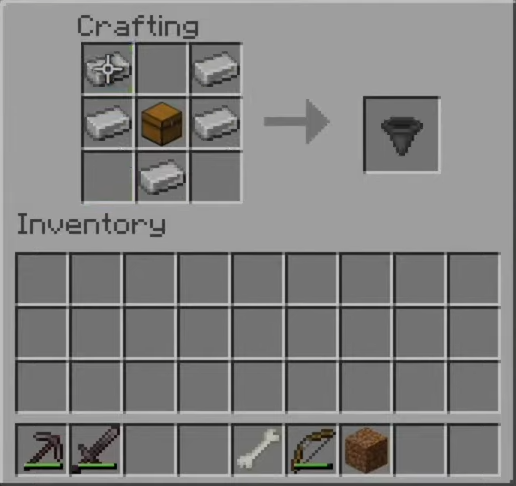
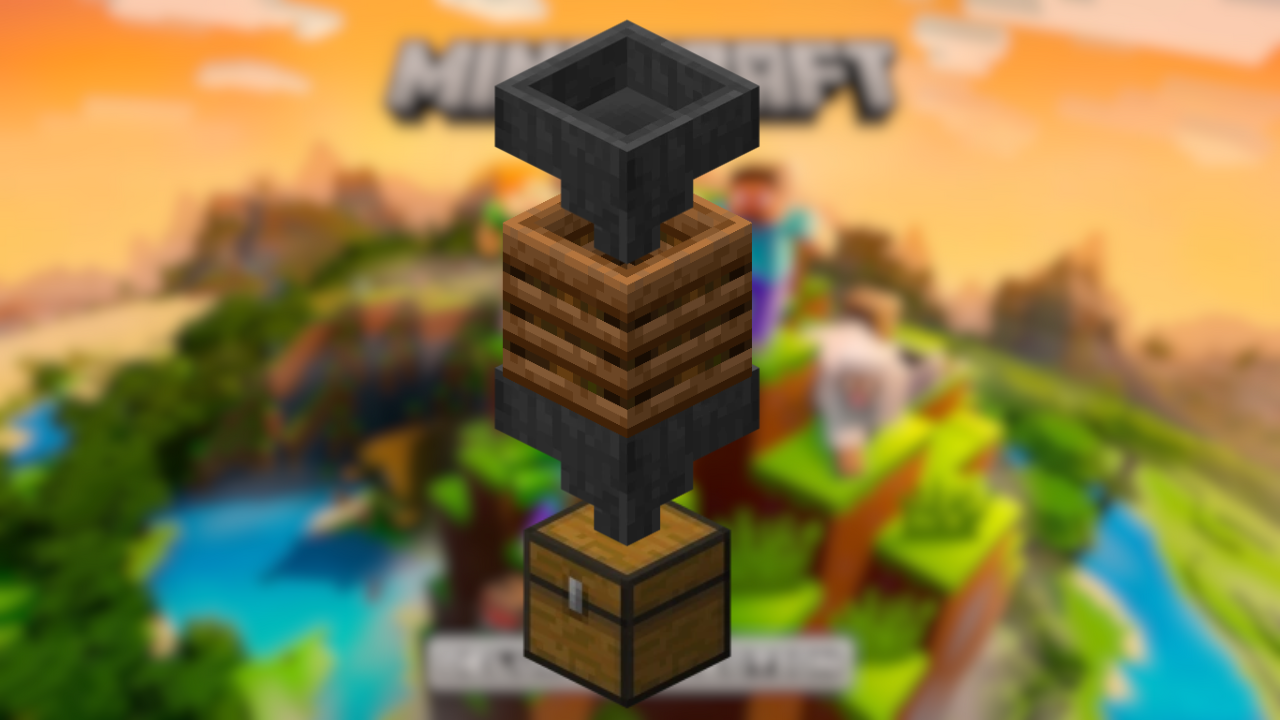
This object that moves objects in and out of containers will change your life! It allows you to set up a automated system of bone powder production!
This involves placing a box on the floor, then a funnel on top, a composter on top of the funnel and finally a final funnel to finish the construction.
How can I use the composter as a Redstone component?
When a composter is located next to a Redstone comparator (to manage the transmitted signal or measure the state of a container-type block), it can take on the role of a power source.
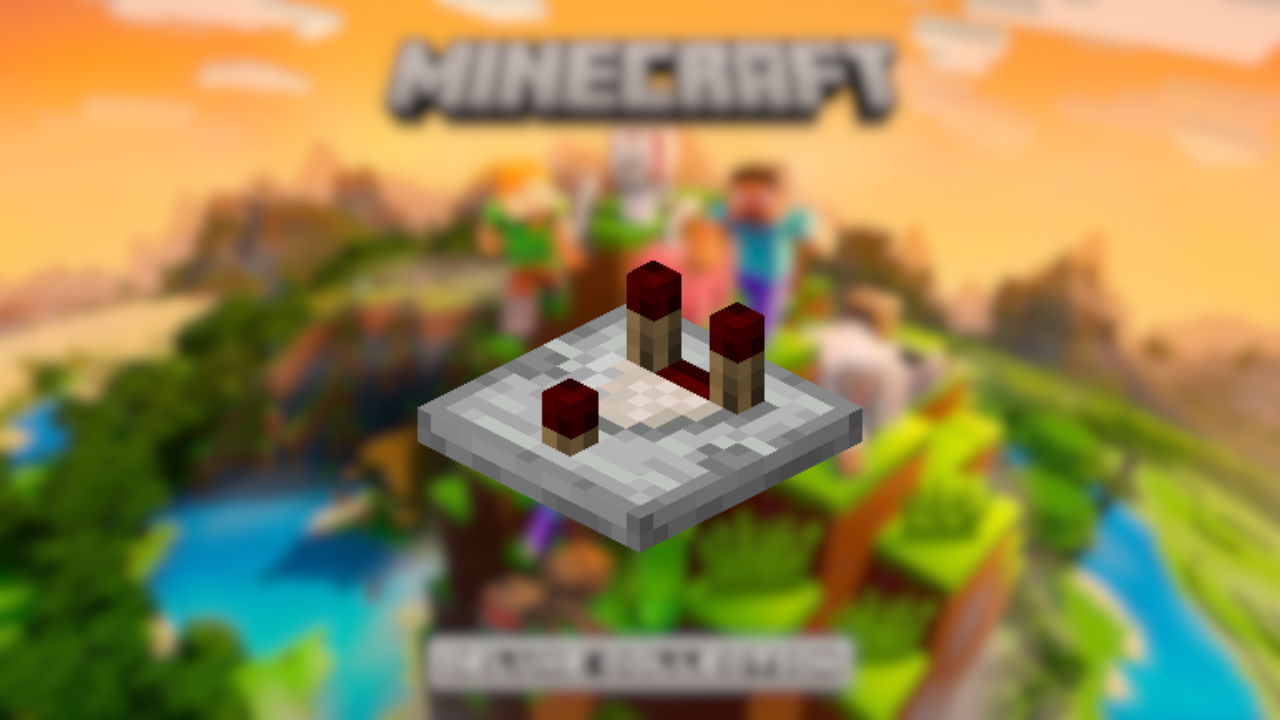
Signal strength varies according to its state of filling. So players who like to build circuits with redstone can find a new use for the composter.
In the final analysis, composters are tools that encourage you to consider a new way of life. farming career on Minecraft.
From its construction to its automation, you now know everything there is to know about it.
We invite you to consult our other tutorials, such as the one on how to make a trapdoor.









 English