In this exercise Pix part Digital environment: Solving technical problemsyou need to identify the correct method for accessing a file with a unusual format and discover a word displayed there. Find out the answer in this article.
You can also access all our PIX test solutions by clicking on this link.
How do I open a file with an unusual format and what word is displayed? [Find out the answer]
Here is the statement as presented on Pix:

States The file to download is in an unusual format. Find a way to open it. Which word is displayed?
Remark The answer may vary from one user to another depending on the file to be downloaded, but the method for finding it remains the same.
Without further ado, let's take a look at the method for open a GPX file, so you can answer this question without making mistakes:
How do I open an unusual GPX file?
To open an unusual file, you need :
1. Download the file.
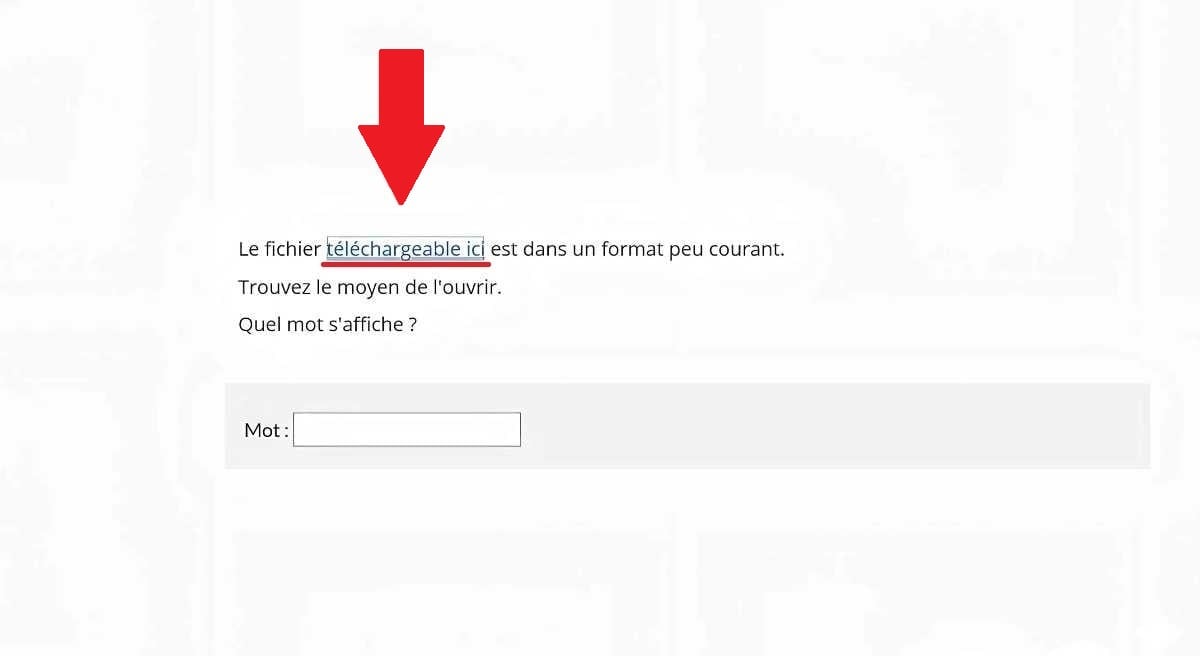
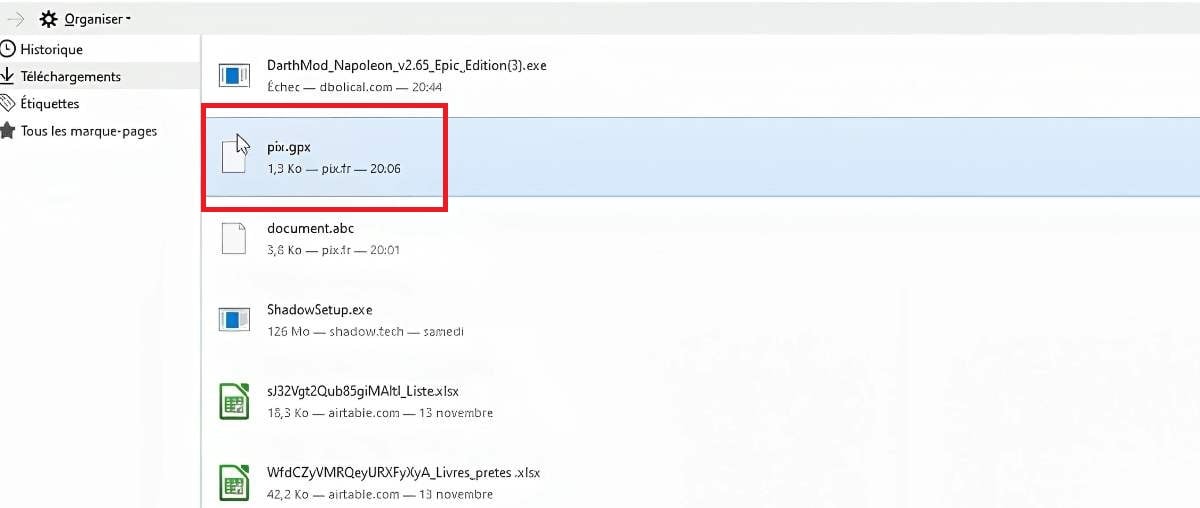
2. Save the ".gpx" file in your folders or on the office.
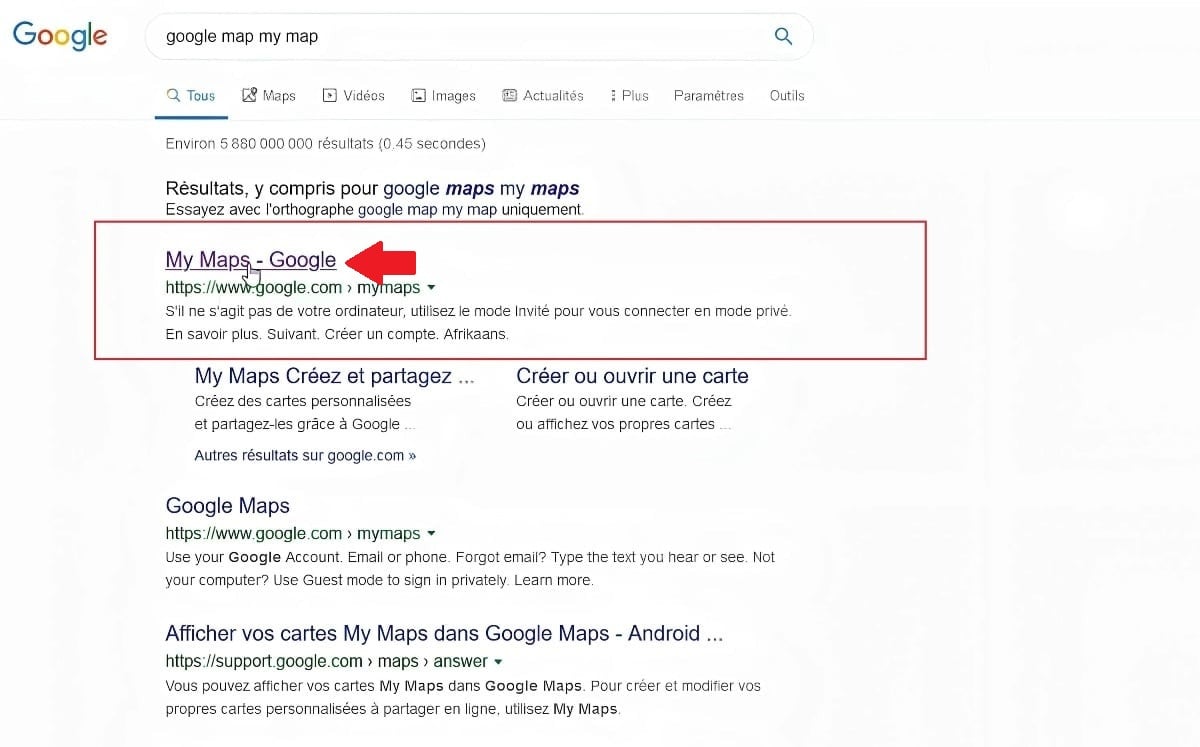
3. Go to Google - My Maps.
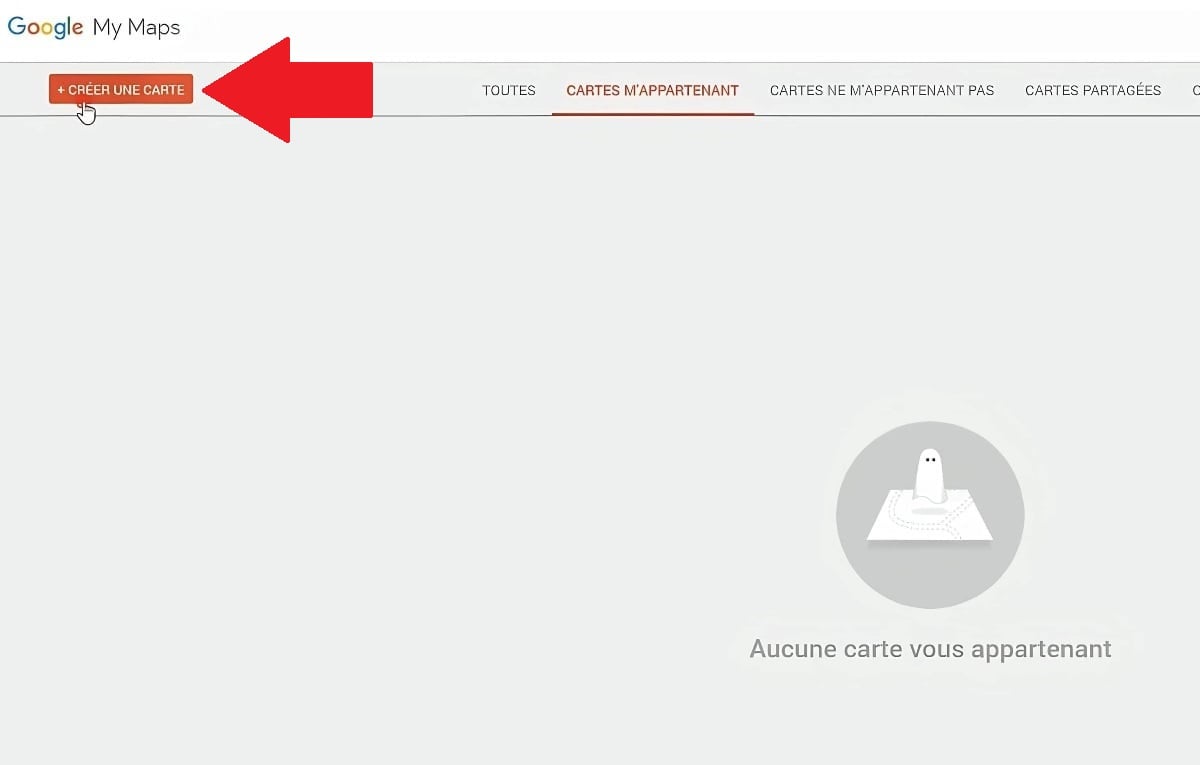
4. Click on "Create a map" (top left of screen).
5. Then click on "Import" (top left of screen).
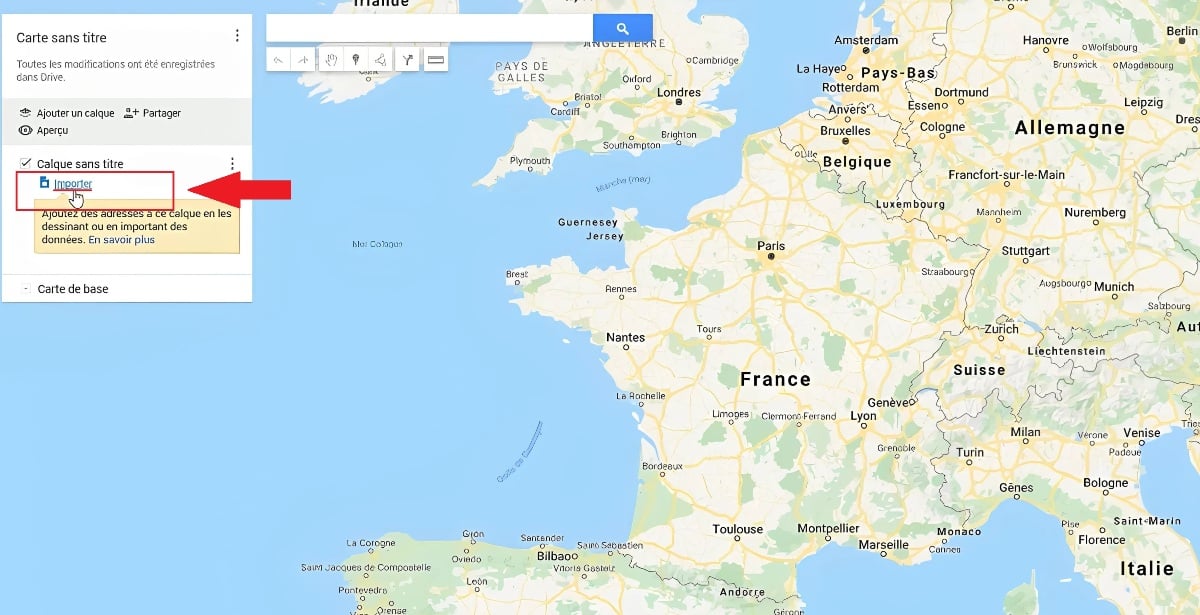
6. Drag file downloaded from Pix in ".gpx" format or import file by clicking on "Select a file on your device".

7. This will then display the word with waypoints.

8. All you have to do is enter the word you see on Pix.

Which application is right for opening all types of file?
To open all type of fileincluding unusual formats like GPX, there are versatile applications.
- Google Earth GPX, KML, geolocalized images.
- File Viewer Plus (or File Viewer Lite): Documents (DOCX, PDF), images, video, audio files, GPS files (GPX), ZIP/RAR archives, etc.
- Notepad++ (or VS Code): Text files, code, XML, JSON, GPX (as text file).
- Microsoft Excel / LibreOffice Calc Spreadsheets (XLS, XLSX), CSV, TXT, sometimes GPX (tabulated GPS data).
- Garmin BaseCamp GPX, GDB.
What is a GPX file?
A GPX file is a file type used to save and share data. GPS data. It can contain information such as route, of the crossing points or places to visit. It's often used for hiking, biking, running or even driving, to follow or plan a trip. precise route. For example, if you're planning a road trip, you can download a GPX file with your entire itinerary (stages, stops, etc.), places to visit) and open it in a GPS application so you don't miss a thing during your journey.
This format is based on the XML languagewhich means that the file can be read by compatible softwarebut also by a simple text editor (like Notepad), although this is not very practical. There are several ways to open a GPX file:
- Regarding the mapping applications Google Earth, GPX Viewer, etc.
- Websites specializing in GPX file management.
- Regarding the online tools GPX file conversion.
What is Pix?
Pix is an online tool designed to help everyone evaluate and improve their digital skillsWhether for school, business or personal use. You can find interactive exercises in various fields: data processing, communication, security, etc. When you log in, you answer questions tailored to your level, and the more you progress, the more the challenges adapt. As a reward, you can obtain a recognized certification.
In conclusion, to open a file in an uncommon format, you can use a right software or one reliable converter. In our case, we used Google My Maps, which shows that there are often simple, free online tools available for this type of need. To further develop your digital skills and better answer Pix questions, check out our other articles:










 English
we don't have the right to phone