Dancing is a great way to lighten the mood or communicate with your teammates in Lethal Company! Don't know how to dance in the game?
Our guide teaches you how to dance in Lethal Company with a joystick and also to do the emote dance.
In addition, there are other custom dances available in Lethal Company, but only if you use the right techniques! Don't worry! We'll reveal everything in this article!
For dancing in Lethal Company:
Press on “1” or configure custom keys on a controller via Steam.
How to use the dance emote in Lethal Company?
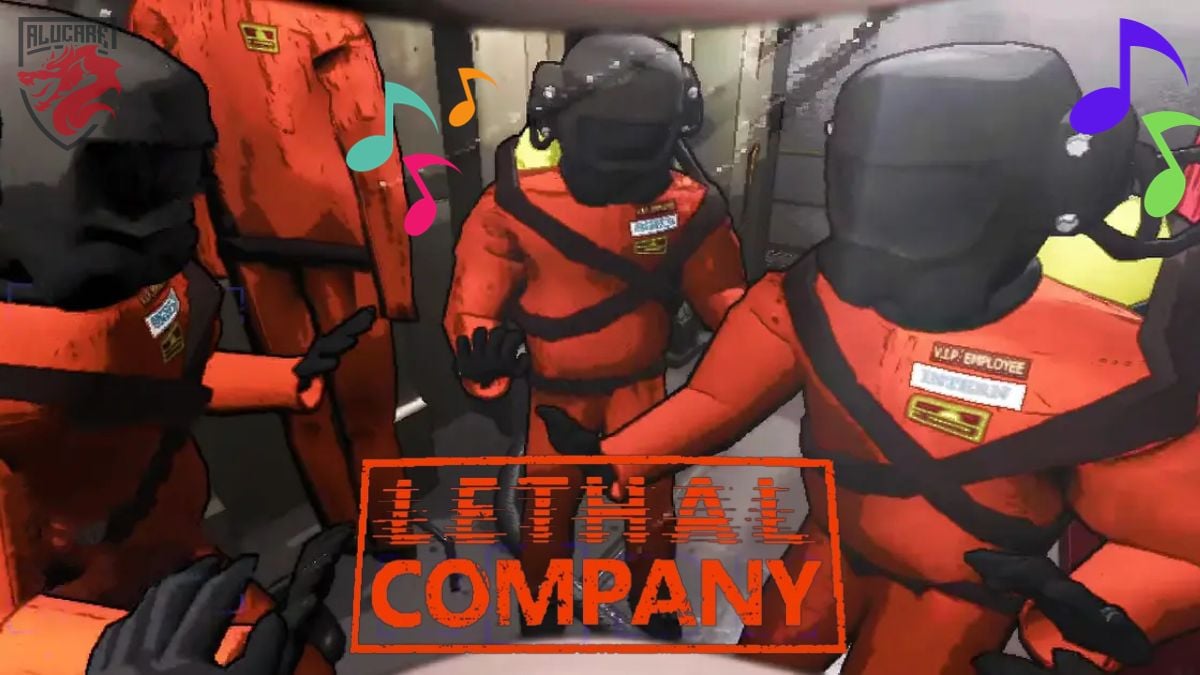
Currently, there are only two emoticons in Lethal Company, which are the dance and the tip. Zeekerss (the game's creator) will likely add more in the future, but for now, that's all we have!
To use them, simply press the number keys:
- To dance click on the button 1 ;
- To point click on the button 2.
Did you know?
In the Lethal Company game, you can dance even when you're hold objectswhen your hands are empties or when you are inactive So, don't hesitate to click on button 1 and have fun dancing anytime!
Want to know how to use emotes in Lethal Company ? Click on this article!
The tradition of the game is to dance when the delivery capsule arrives! If you want to be lucky, don't be shy and dance!
How to dance with a joystick?
The Lethal Company game features full controller support that covers almost all the bases, but unfortunately, one of these bases do not use for emotes.
There's no emote button on the controller at the moment, so you'll have to :
- Or configure custom keys via Steam ;
- Let aPress key 1 like everyone else.
Explore more emotes with a special mod
The mod named « More Emotes » includes several emotes, ranging from celebratory actions to dances. With this mod, you can add more dances to Lethal Company for even more fun!
To do this, here are the installation guides:
- Download the Thunderstore Mod Manager, which automatically installs mods. If you need help, check out how to install a mod in Lethal Company !
- Once the Mod Manager has been installed, click on "Installing with Mod Manager on the «More emoticons» pages and the corresponding BepInExPack requirements.
- If they appear in your mod manager, ensure that both are installed and that both toggles are enabled.
- Once both mods are installed and a blue switch appears next to them in the mod manager, you must launch the modified version of the game by clicking on “Modified” in the Thunderstore application.
- Once in the game, you can check whether the mod is working by pressing the “V” your ship or your planet.
- You have succeeded in add more mods in your game Deadly Company, including middle finger, shy, twerk, salute etc.
Want to have fun while searching for scrap metal in Lethal Company? In that case, dancing is the best option for you! We hope that with our guide, you were able to dance correctly in Lethal Company!







 English