In Ukraine, Spotify Premium costs about 4.80/monthagainst €12.14/month in France. With a VPN connected to a Ukrainian server, you can sign up for this discounted rate from any country. Here’s how to do it, step by step.
The free version of Spotify works for a lot of people, but the Premium package removes ads, unlocks the’offline listening and provides access to a audio quality higher. Since streaming prices have skyrocketed in recent years, using Ukraine as a proxy remains a good way to save money.
To put it in perspective, the price of a Spotify Premium subscription Individual results vary greatly depending on the country where the Spotify account is recorded. Here are a few Price Comparison with France:
| Country | Spotify Premium prices | Economies vs. France |
|---|---|---|
| Ukraine | ~€4.80/month | -7,34 € |
| Argentina | ~€1.65/month | -10,49 € |
| Turkey | ~€1.10/month | -11,04 € |
| Egypt | ~€1.99/month | -10,15 € |
An important point : in Ukraine, Spotify often bills in dollars (USD), around 4.99 $/month. The actual price in euros therefore depends on the exchange rate at the time of payment, which may cause the amount charged to vary slightly. The difference compared to the French rate is still very favorable, however.
How much does Spotify Premium cost in Ukraine?
In Ukraine, the’Spotify Premium Individual Subscription revolves around 205 UAH per monthor approximately 4,80 €. In France, the same flat rate has gone up to 12.14/month since the increase linked to the 2024 CNM tax. The difference is therefore enormous.
Here is a table comparing the prices of each subscription plan in France and Ukraine:
| Plan | Prices in France (€) | Prices in Ukraine (UAH) | Prices in Ukraine (€) | Estimated Savings (€) |
|---|---|---|---|---|
| Individual | 12,14 € | 205 UAH | ~4,80 € | -7,34 € |
| Duo | 15,17 € | 272 UAH | ~6,20 € | -8,97 € |
| Family | 18,21 € | 335 UAH | ~7,60 € | -10,61 € |
| Student | 6,06 € | 105 UAH | ~2,35 € | -3,71 € |
The Ukrainian tariffs are still much more appealing, whether you choose the offer Individual, Duo Where Family. Keep in mind that the price listed in euros is a simple conversion from the hryvnia (UAH) : Exchange rates fluctuate constantly, so the amount deducted may vary by a few cents from one month to the next.
Check the exact price directly on the official website of Spotify at the time of enrollment, since prices change regularly.
How do I subscribe to Spotify Premium in Ukraine?
The idea is simple: you make people believe that Spotify that you're connecting from Ukraine using a vpn, then you change the region of your Spotify account to enjoy the local rate. Here are the steps to follow.
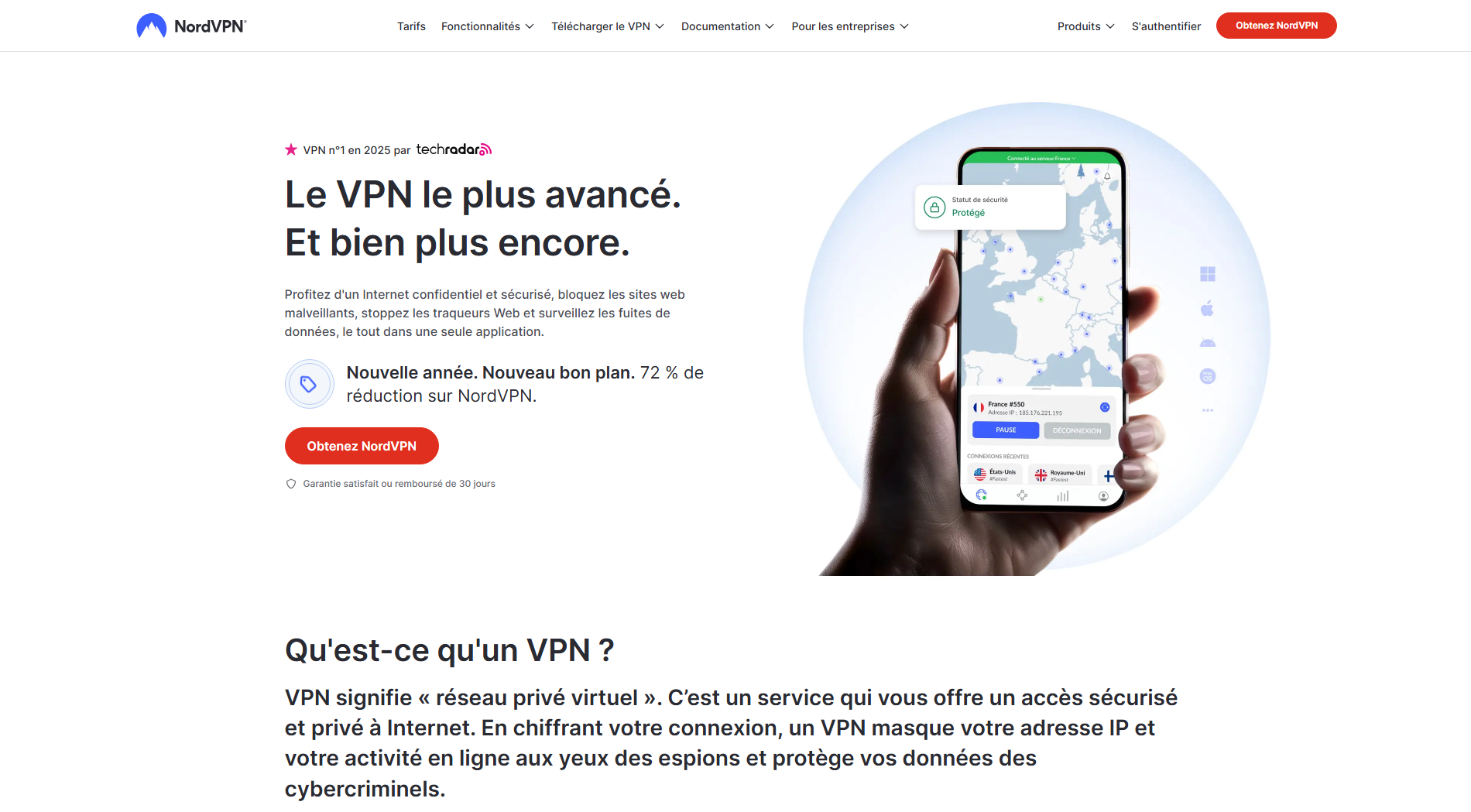
Step 1: Download and install the VPN
Visit the official website of NordVPN, ExpressVPN Where Surfshark.
Create an account, choose a subscription, and then install the app on your phone or computer. These three VPNs offer servers in Ukraine, which is essential for what comes next.
Step 2: Connect to a server in Ukraine
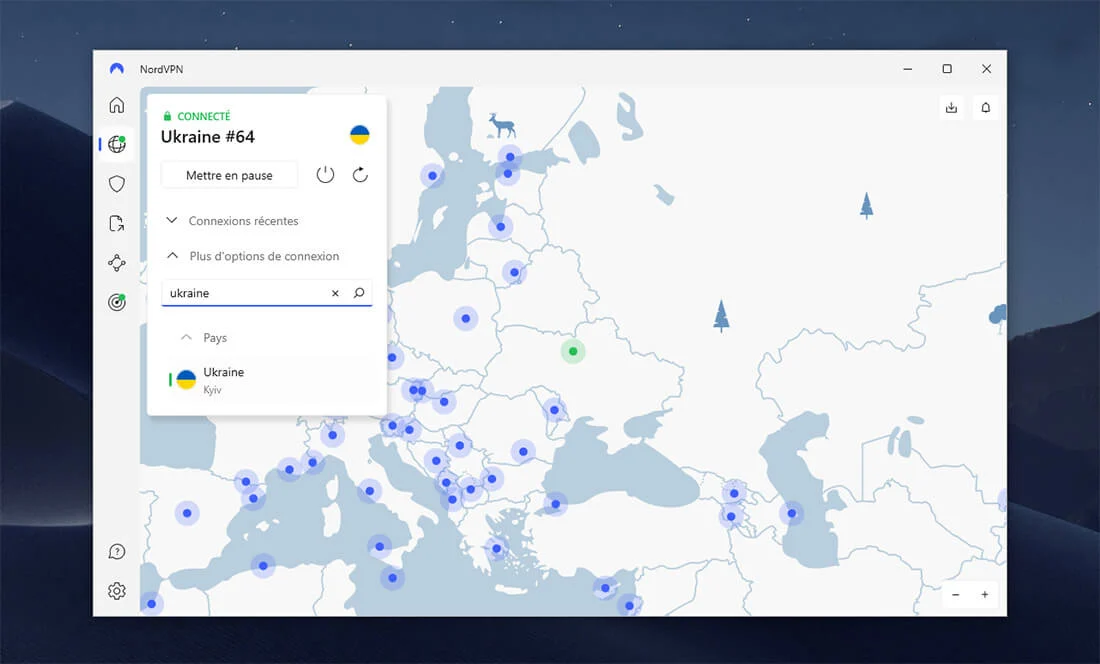
Open the VPN app. Search for Ukraine from the list of countries, then initiates a connection to a server located there, for example in Kyiv. Tone IP address will then be seen as Ukrainian in the eyes of Spotify.
Step 3: Open Spotify and change your account's region
You can keep your current Spotify account, so there's no need to create a new one.
Open Spotify in your browser (not the mobile app), with the VPN still active. Then go to the account management page to change the region.
Attention : An active VPN isn't always enough. To take advantage of the Ukrainian rate, you'll need to manually change the country associated with your account. If the price doesn't update, delete the Cookies from the site and reloads the page.
Step 4: Sign up for the Premium subscription and pay for it
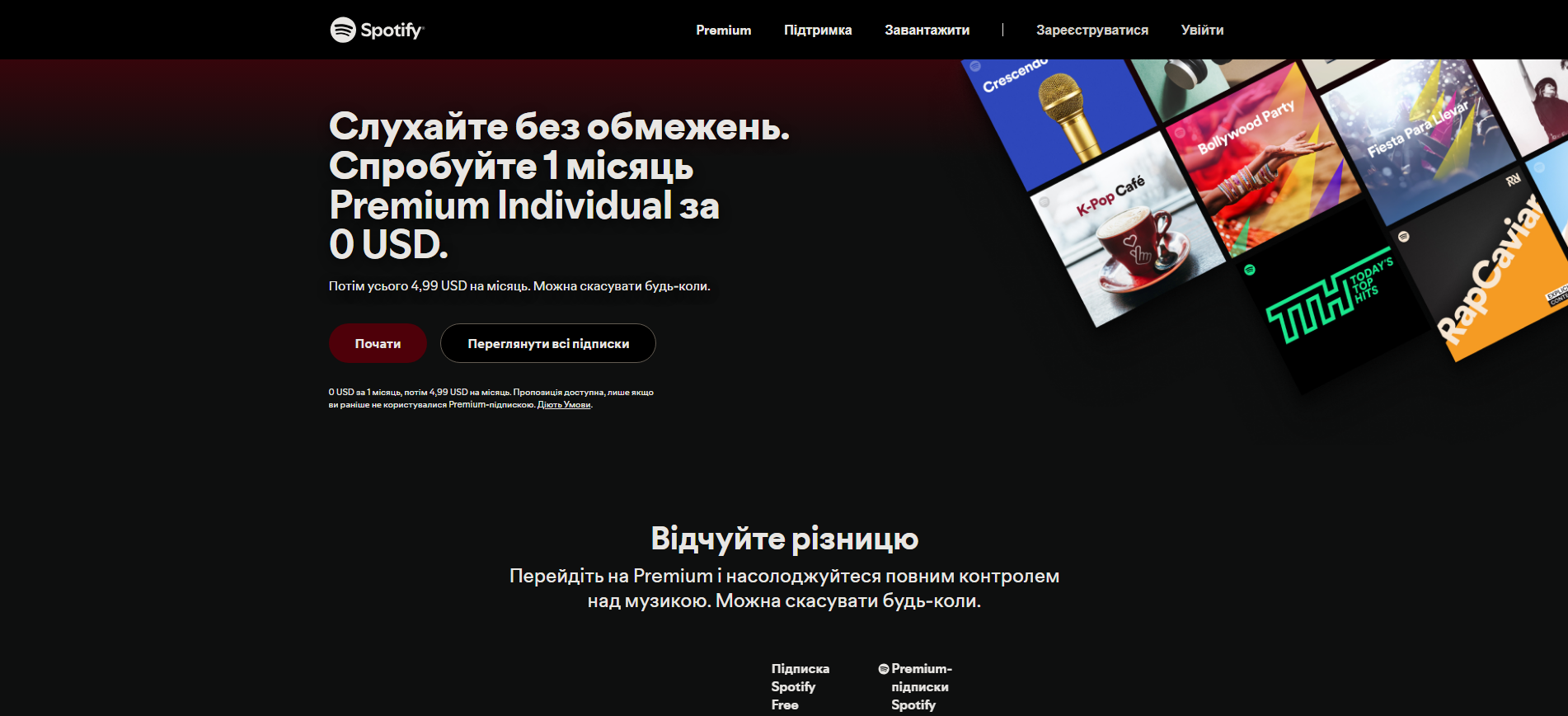
Once you've changed the region, click Upgrade to Premium and choose your subscription. This is where the method of payment becomes tricky.
Spotify Check that the country on your card matches the one associated with the account. A French bank card can therefore be rejected, since it is linked to France and not to Ukraine. In this case, the most reliable payment method remains a Ukrainian prepaid card.
Some users also try to PayPal or a map Revolut, but the result is unpredictable: these solutions often don't work, because it's the country associated with your account that matters, not the currency.
So plan for a local payment method to complete your Premium subscription with peace of mind. You can cancel at any time from your account settings.
What are the best VPNs for Spotify Premium in Ukraine?
To sign up for a subscription Spotify Premium at Ukrainian rates—you need a reliable VPN with servers in Ukraine and a stable connection. Here is our selection of the three best platforms to choose from.
1. NordVPN
NordVPN is one of the best-known VPNs. It offers servers in Ukraine, particularly in Kyiv, which allows you to get a Ukrainian IP address at the click of a button.
As for pricing, the entry-level model costs around €2.99/month (excluding tax) (approximately €3.59 (including tax)) on the 2-year subscription, but this price varies depending on current promotions.
Discover how to get NordVPN for free by clicking on the link. There, you'll find all the useful information about the platform.
2. ExpressVPN
ExpressVPN is a founding member of the VPN Trust Initiative and known for its ease of use and his high reliability.
It offers a fast connection, and its main strength is the stability, even though its price is a little higher than that of NordVPN.

If you're not familiar with this tool, take a look how to use ExpressVPN in our dedicated article.
3. Surfshark
Surfshark is affiliated with Nord Security, the same parent company as NordVPN.
So you can expect a equivalent server quality and at a good level of privacy. Its biggest advantage is the unlimited number of devices connected at the same time—perfect if you want to cover your phone, computer, and tablet with a single subscription.
Find our opinion and information on Surfshark by reading our article on this topic.
How can I get a cheaper Spotify Premium subscription without a VPN?
Using a VPN through Ukraine allows you to pay Spotify Premium cheaper, but this practice has some real risks. The terms of use for Spotify prohibit circumventing geographic restrictions, and you risk a Closing Your Account. Fortunately, there are other ways to lower the bill.
1. Opt for subscription sharing with GamsGo
GamsGo presents itself as a intermediary between users : Several people pay for the same Premium subscription and split the cost.
In practical terms, you'll join an existing group and enjoy the Premium benefits, namely the’ad-free listening, the offline playback and access from several devices, for a few euros a month. The platform handles the distribution among members.

Please note: These offers are often based on the plan Family of Spotify, which generally requires members to live at the same address. A address verification can therefore block access.
To understand everything, check out How to Log In to GamsGo in our dedicated article.
2. Subscribe to a Spotify Premium bundle
The safest and most legal option is still to Sign up for a Spotify bundle plan. The company offers several options to split the bill:
- The Duo Package combines two accounts. The cost is cut in half; each person pays about 7.50 €/month. Each member retains their own account and his playlists.
- The Family formula hosts up to 6 accounts. When you get together, the price drops to around 3/month per member.
Attention : Spotify only cuts the registered person for the subscription. It's up to you to work it out with the other members to split the cost, and to take into account the constraint of’shared address on the Family Plan.
With sharing via GamsGo or the offers Duo and Family, you get a subscription Spotify Cheaper Premium, without using a VPN.








 English