Check out all the Mystery Gift Codes assets for Pokémon Scarlet and Violet, along with a complete tutorial on how to enable them.
Disclaimer: This list of codes is regularly updated to include new codes available on Pokémon Écarlate and Violet.
BONUS for Pokémon Scarlet :
You can earn money by playing Pokémon Scarlet:
PS : The game may no longer be available. To get your bonus from 5€, install at least 1 game within 24 hours.
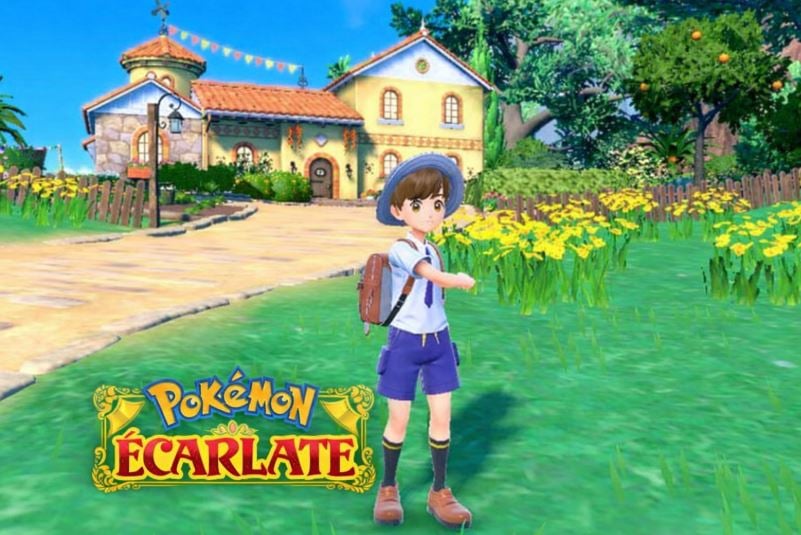
List of codes that can be used in Pokémon Scarlet and Violet
Here is the list of valid codes:
- STRACKSU1T - Track suit (exclusive to Scarlet version)
- VTRACKSU1T - Track suit (exclusive to Violet version)
- SBOOKCOVER - Motismart shell (exclusive Scarlet version)
- VBOOKCOVER - Motismart shell (exclusive Violet version)
- NE0R0T0MC0VER – Motismart Neo-Septentria Case
Copy and paste the code directly from this page to avoid errors. Letters and numbers can sometimes look alike (the number zero is sometimes mistaken for the letter O), and even the slightest mistake will prevent the code from being validated.
Before entering a code, be sure to check your game version : A code labeled «Scarlet» does not work on Pokémon Violet, and vice versa.
How do I use codes in Pokémon Scarlet?
To activate a Mystery Gift Code on Pokémon Scarlet and Violet, everything goes through the function Mystery gift from Poké Portal.
First, you need to make some progress in the story—about 1 hour and 30 minutes of gameplay, until you reach your first Pokémon Center.
Also, make sure you have a Internet connection active on your Nintendo Switch.
- Start your game on your Nintendo Switch and press the X button to open the main menu.
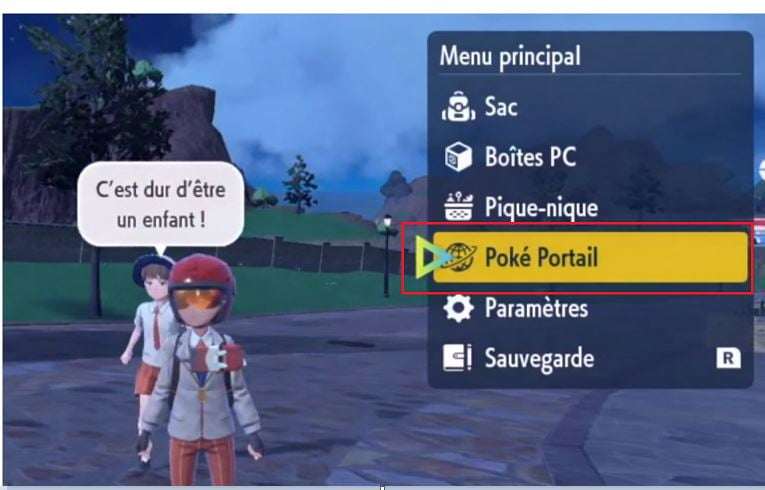
- Select the option Poké Portal (the icon with the speech bubbles).
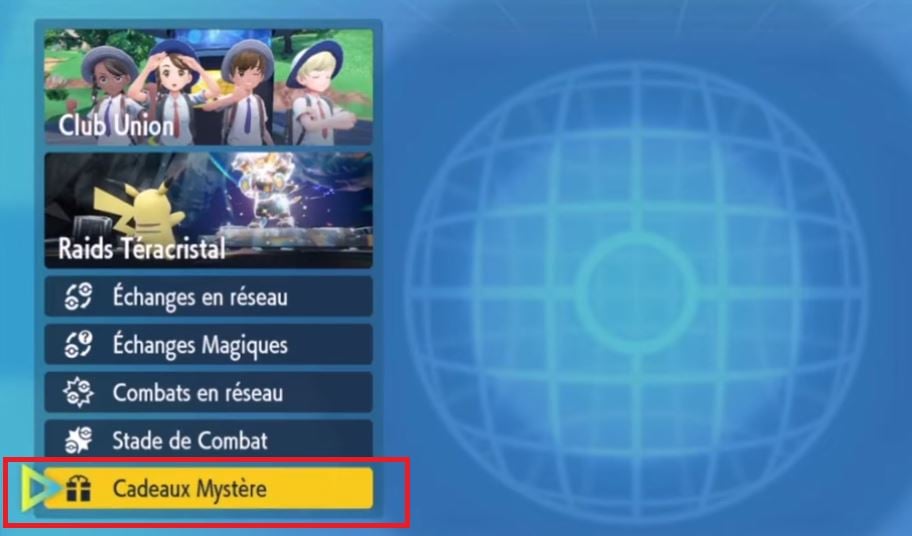
- From the list, choose Mystery gift, at the very bottom of the menu.
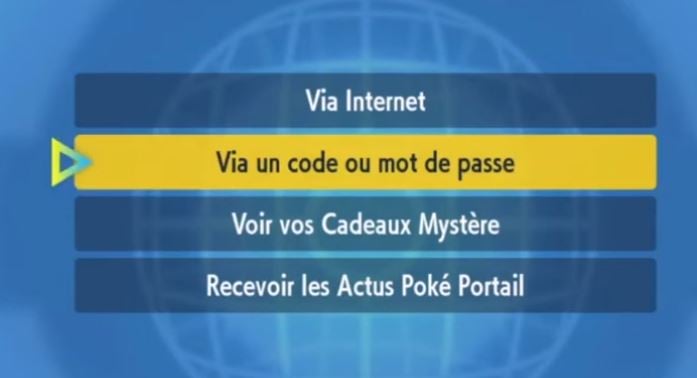
- Select Get it using a code or password. Your console will then connect to the Internet.
- Enter your coded carefully. The letters I, O, and Z are generally not used to avoid confusion with 1, 0, and 2.
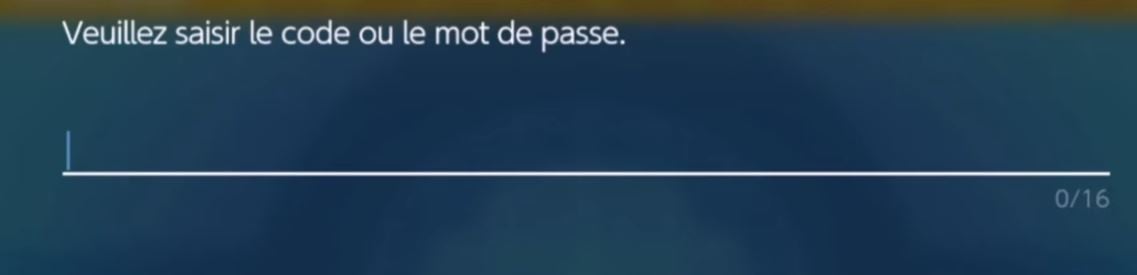
- Confirm, and your gift will be transferred directly to your crew or your PC cases.
Depending on the code you use, you can retrieve cosmetics (sweatsuit, phone case), some objects, or sometimes Pokemon distributed at official events.
Most codes have a limited validity period, so don't wait too long to claim your mystery gifts.
For more codes for other games:
- Discover all the codes for Whiteout Survival
- Don't miss the UNO codes







 FR
 RU
 EN
 ES
 IT
 DE
 ZH
 PT
 ID
 JA
 DA