To play in multiplayer on Project Zomboid, you have two options:
- Hosting a Server Yourself from the game menu, or
- Join a friend's server via the ONLINE tab.
Both methods work without any external tools or additional costs. We'll show you how to do it in this article!
Host a game on Project Zomboid to play with his friends
You can Create your own server hosted on your internet connection, or go through a dedicated server which offers better stability. The first option is free; the second is more reliable if you have a limited connection.
Here's a step-by-step guide to starting your server.
- Step 1 : Click on HÉBERGER in the game menu to create your server.

- 2nd step : allocates at least 2 GB from memory to the server. We recommend that you instead 4 GB to keep things peaceful, and you can go higher without any worries.

- Step 3: choose from Make your server public or not. Add a password if you want to restrict access to your friends only.
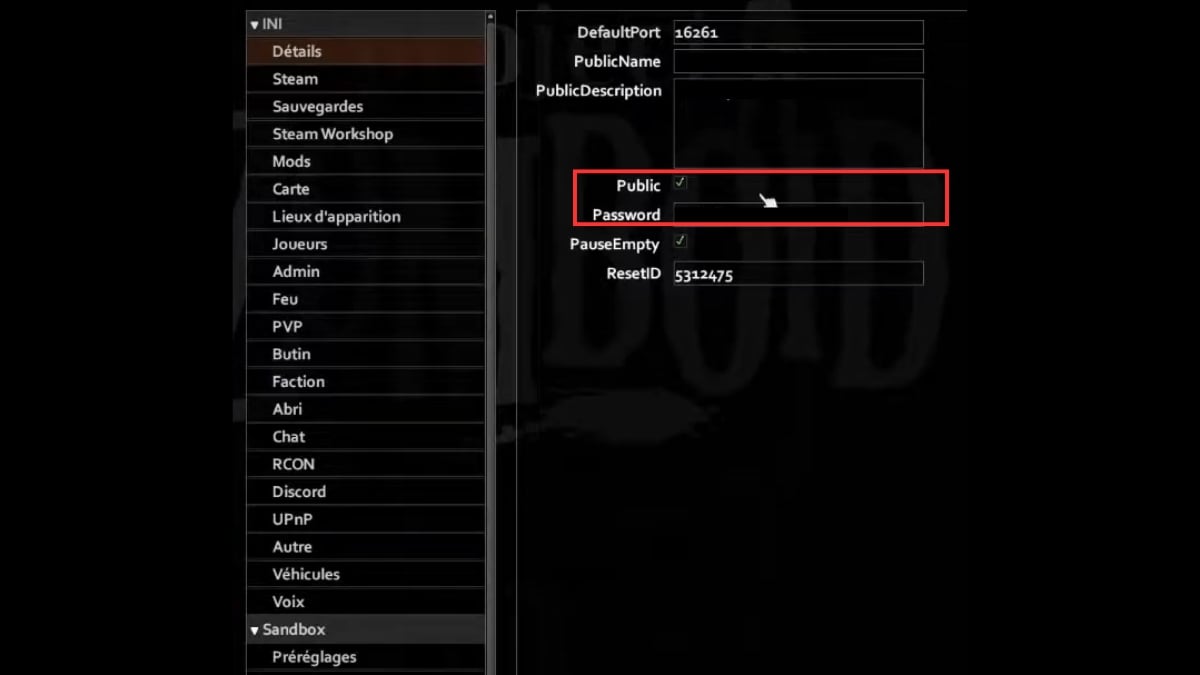
- Step 4: The menu on the left lets you change parameters on the server. There, you can configure the behavior of the zombies, the scarcity of loot and weapons, or even the speed of time.
- Step 5 (important): think about the Memory usage per player. Each connected player adds approximately 200 MB RAM used by the server.
Here is the estimate for a game at 4 players Starting with a base of 4 GB:
| Element | Memory |
|---|---|
| Server Base | 4 GB |
| 4 players (200 MB each) | 800 MB |
| Recommended total | 6 GB |
- Step 6: turns on or off the PVP depending on the desired game style: pure cooperation or tension among survivors.

Feel free to browse through each tab from the menu to customize your game. Project Zomboid is very flexible: you can even add mods to make every adventure unique.
Join a friend's server to play multiplayer on Project Zomboid
To join a friend's game, there's one essential piece of information you need first: the host's IP address. Your friend needs to give it to you, along with the password if his server has one.
Here are the steps to follow from the game menu:
- Click on ONLINE to open the list of servers available.
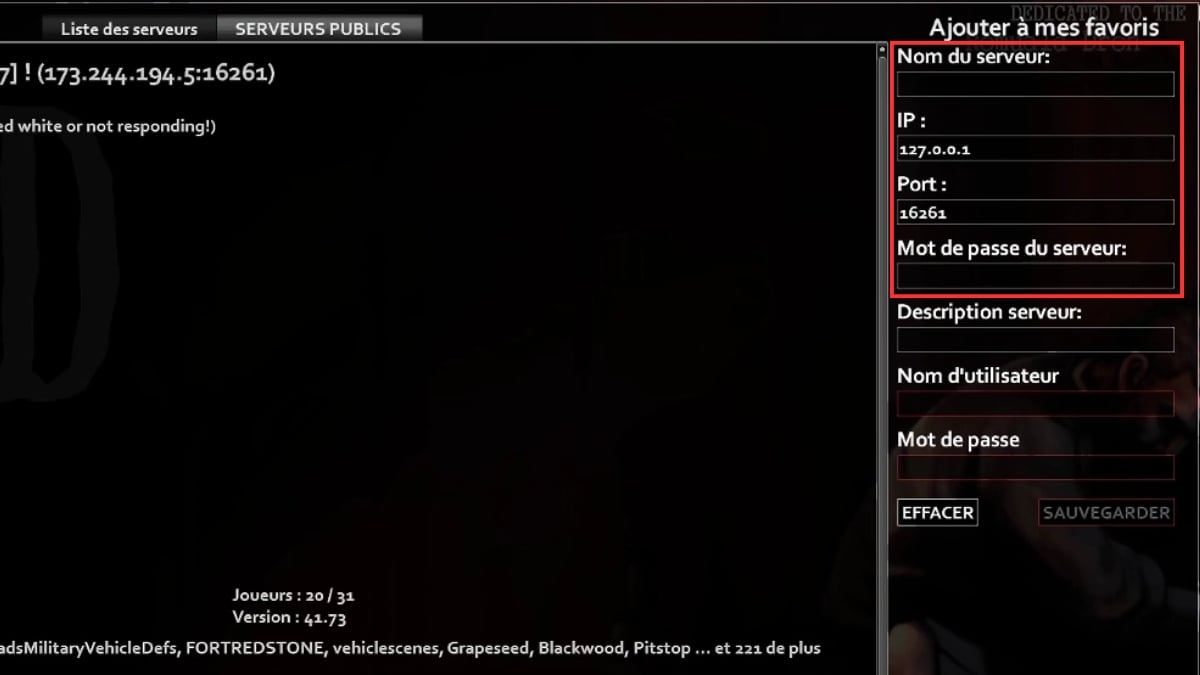
- Enter the server name your friend's name to find them in the list.
- Indicates the default port 16261 if you're offered a direct connection.
- Sign up for the password if the server is secure.
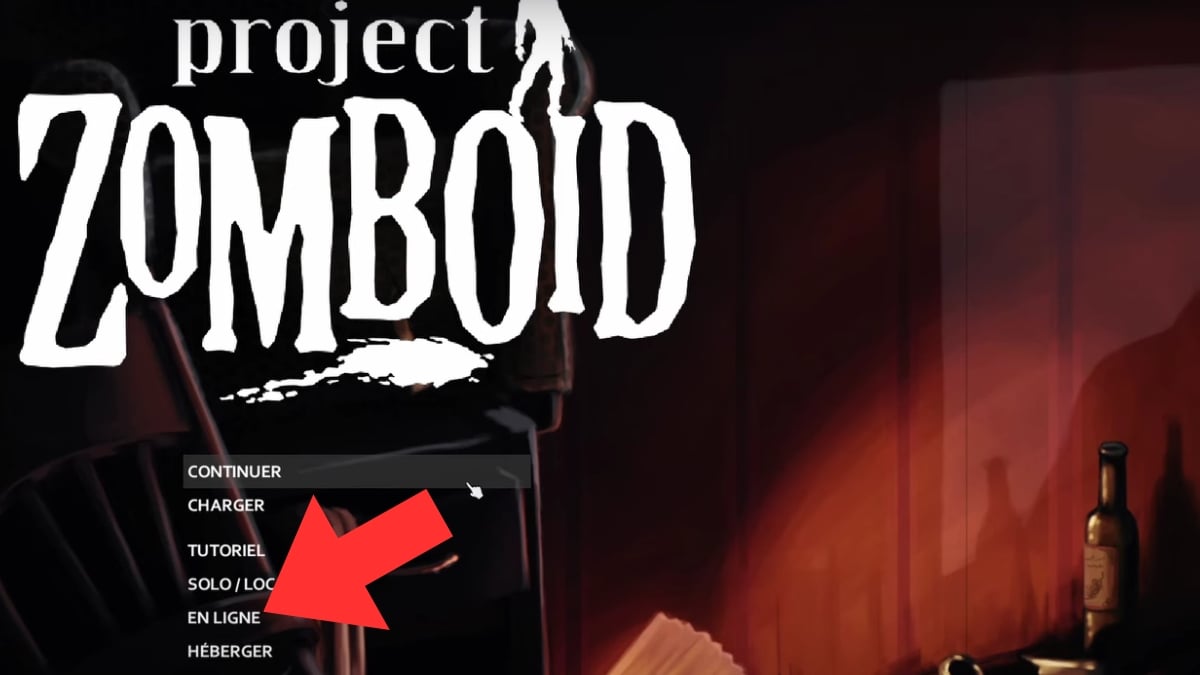
You can also use the option to direct connection by entering the IP address and port directly. This is often the fastest way when your friend is hosting the game from their home.
Once the IP address has been validated and the password accepted, you'll join the server, and you can finally surviving together against zombies, either cooperatively or by competing against each other if PvP is enabled.
How to Fix Bugs or Lag Issues in Co-op Mode on Project Zomboid ?
A lag or one bug It happens—even in the middle of a co-op game. The good news is that most issues can be resolved in a few minutes, without any external tools. Here are the steps to follow, in order.
- Restart the server. Many minor bugs go away with a simple reboot. That's the first thing to try.
- Allocate more memory if the server slows down when multiple players log in. A lack of RAM is often the cause of lag on the host side.
- Check out the forums. Your concern is almost never an isolated one. The forum Steam The game's forum already has a lot of solutions shared by other players.
Also, remember to keep your game up to date. The Indie Stone regularly publishes updates and patches for this Early Access game. A different version between the host and the other players often prevents them from connecting to the server.
If the problem still persists, contact the technical support via Steam by describing the bug as precisely as possible.
Some tips for multiplayer on Project Zomboid
To survive longer with your friends, a few good habits can make all the difference.
- The game features a text chat, but it's not very practical in the heat of the moment. Instead, use an external platform such as Discord to communicate in real time.
- Distribute the roles Among the survivors: one player manages the food, while another reads books to unlock recipes that will help the group. The game immediately becomes more cooperative.
- Share your resources and your information about the areas you've explored. A cohesive group where everyone can fend for themselves if you get separated is much stronger.
- Modifies the server settings to meet your expectations. There are plenty of options in this game.
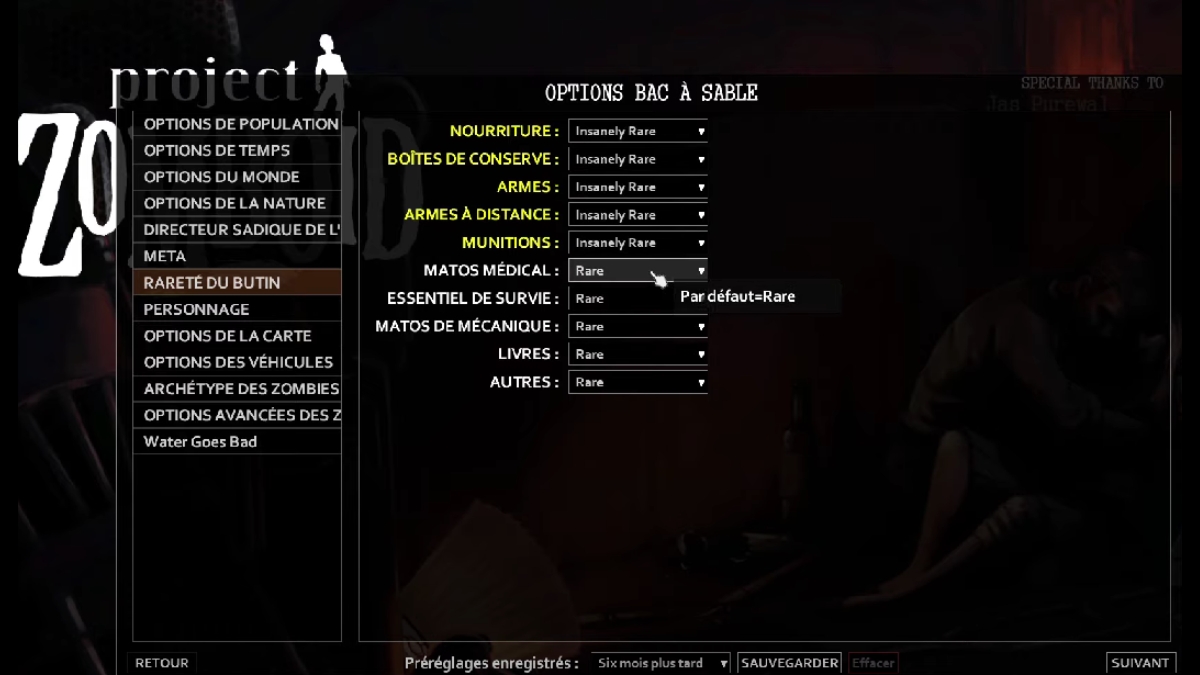
You can also extend the experience by adding content: check it out how to add a mod on Project Zomboid or explore the best mods to mix up your games.
To strengthen your foundation, you should also learn to build a barricade and protect your group effectively.









 English