In the ever-changing world of content creation, video editing has become an essential skill for professionals and amateurs alike. With the growing demand for animated character videos on various Internet communities such as YouTube, TikTok and social networks, finding an effective and versatile video editing tool is crucial. The CapCut creative suite is a powerful set of online tools that offers a range of features for video editing, graphic design, team collaboration, and more. In this article, we'll dive into the world of animated character videos and explore how CapCut's creative suite can simplify the editing process and improve the quality of your content. We'll also briefly discuss a video compression tool to help you manage your video files efficiently.
The rise of animated character videos
Animated character videos have gained immense popularity in recent years. These videos feature animated characters and can be used for a variety of purposes, from entertainment and storytelling to marketing and education. Whether you're creating animated vlogs, explainer videos, or simply looking to engage your audience with a touch of creativity, animated character videos offer a unique and captivating way to convey your message. As the digital landscape continues to evolve, the versatility and appeal of animated character videos have positioned them as a dynamic tool for content creators and businesses looking to stand out in a crowded online world.
CapCut Creative Suite: your all-in-one solution
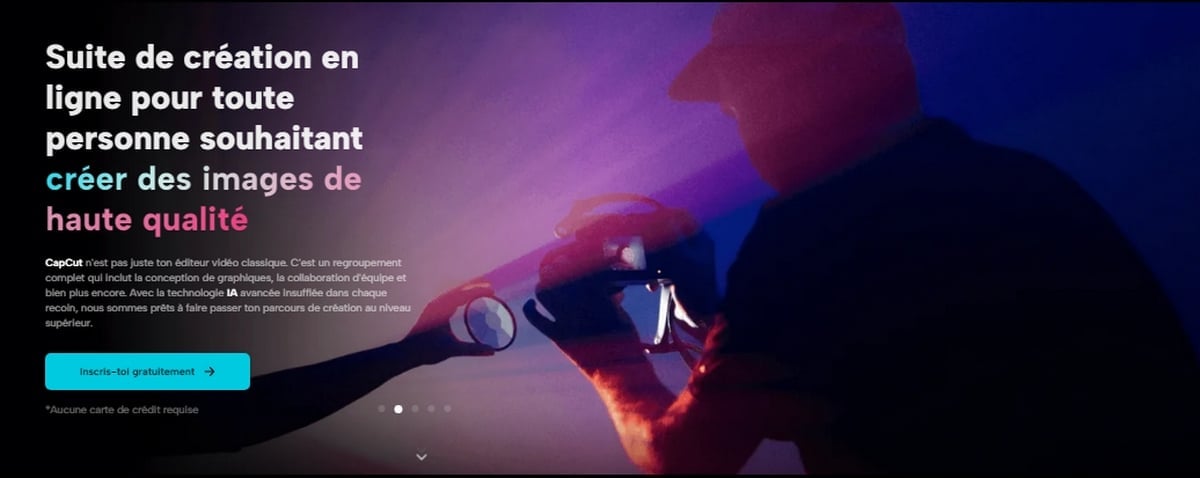
CapCut's creative suite is more than just a traditional video editor. It's a comprehensive solution that offers a complete set of tools to streamline your video editing process. With advanced AI technology built into every moment, CapCut Creative Suite is ready to take your creative journey to the next level. What makes CapCut Creative Suite particularly appealing for editing animated character videos is its user-friendly interface, rich feature library, and ever-growing community of content creators who share their ideas and techniques.
You can find more information about everything happening on the web in the Practical Web category.
Extended CapCut Creative Suite functionality
Before you start editing animated character videos with the CapCut Creative Suite, you will need to log in to the Creative Suite if you haven't already done so. The CapCut Creative Suite is available for Android and iOS, making it accessible to a wide audience. Here is a brief overview of the main features and tools offered by the CapCut Creative Suite to enhance your animated character videos:
● Editing tools
The CapCut creative suite provides a wide range of editing tools for trimming, cutting, and organizing your animated character videos. You can easily combine multiple clips, adjust playback speed, and add transitions for a smooth viewing experience.
● Text and titles
Incorporating text and titles is crucial for conveying the storyline or message of your animated character. CapCut's Creative Suite offers text and title features to add captions, dialogue, and other information to your video.
● Effects and transitions
Enhance your animated character videos with captivating effects and transitions. CapCut offers a range of filters, stickers, and animated effects to give your characters a unique and appealing look.
● Sound and music
Audio is an essential aspect of video editing. CapCut's music library is a treasure trove of royalty-free music and sound effects that can bring your animated character videos to life. You can also add voiceovers or sync your character's dialogue for a more immersive experience.
● Archive templates and sequences
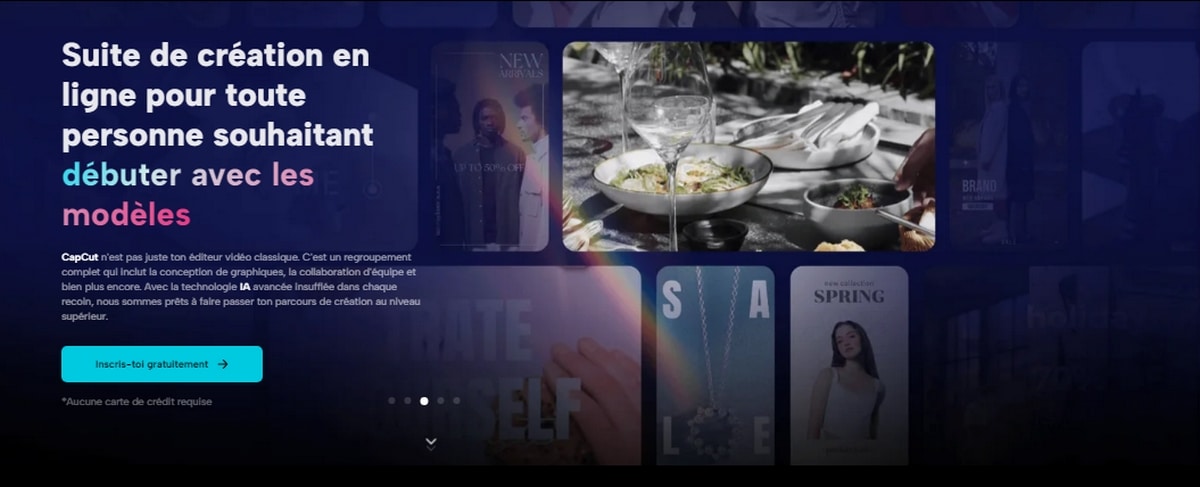
CapCut's creative suite offers a variety of templates and stock footage to save you time and effort in the editing process. These templates are versatile and can be adapted to the theme of your animated character video.
● Advanced features
The advanced features of CapCut's creative suite, such as AI-based background removal, color correction, and image style transfer, help you refine the visual quality of your animated character videos.
● Collaboration and cloud storage
For those who work in teams, CapCut's creative suite offers cloud storage and collaboration features. You can store your documents, drafts, and finished work in the cloud and easily share them with team members for review and feedback.
In addition to creating your animated character videos, it's essential to think about video file management. A video compression tool can be a practical asset to help you efficiently manage large video files. This tool reduces the size of your video files without compromising quality, making it easier to share and store your animated character videos. Whether you're creating content for personal use or for professional social media, video compression ensures that your videos load quickly and play smoothly, enhancing the viewer experience.
With these tools at your disposal, CapCut's creative suite simplifies the process of editing animated character videos, allowing you to focus on storytelling and creativity.
Tips for editing animated character videos
Now that you're familiar with the features of CapCut's creative suite, let's explore some tips to help you create great animated character videos:
● Plan your story
Before you start editing, describe your scenario and decide on the key moments you want to capture. Planning helps you to have a clear vision of your video.
● Choose your characters
Whether you use predefined characters or create your own, make sure they are well suited to your scenario and your audience.
● Use transitions wisely
CapCut's creative suite offers numerous transition options. Use them strategically to maintain the flow of your animated character's video.
● Pay attention to the audio
High-quality sound is essential for your video. Choose background music that complements the mood of your animated character's video and ensure that all dialogue or voiceovers are clear and well-synchronized.
● Experiment with effects
Don't be afraid to experiment with filters and effects. They can add depth and personality to your characters and scenes.
● Working with others
If you work in a team, CapCut's collaboration features make it easy to share your progress and receive feedback for continuous improvement.
If you need to edit videos, you may need the RMB button and the LMB button.
Conclusion
Editing animated character videos is an exciting and creative undertaking. With CapCut Creative Suite, the process becomes more accessible and enjoyable, allowing you to bring your characters and stories to life. This versatile online creative suite offers a host of features to simplify your workflow and enhance the quality of your animated character videos.
In conclusion, the CapCut Creative Suite provides all the tools you need to edit animated character videos with precision and creativity. Start your creative journey today and watch your animated characters come to life on screen.









 English