To Add friends on Monopoly Go, press the’Friends icon in the game menu, then choose between your contacts, Facebook or one invitation link. We'll show you how in this article!
Join our Discord server to get all the latest information on Monopoly GO
☑️Rejoindre our server discord☑️
How do I add friends to Monopoly Go?
The game offers three methods Simple ways to find and invite your friends:
- The syncing your phone number and from your contact list
- The Log in with Facebook
- Sending a invitation link
To start the process, the first step is always the same:
- Open the application Monopoly Go on your cell phone
- Press the’Friends icon, located in the building at the bottom right on your screen
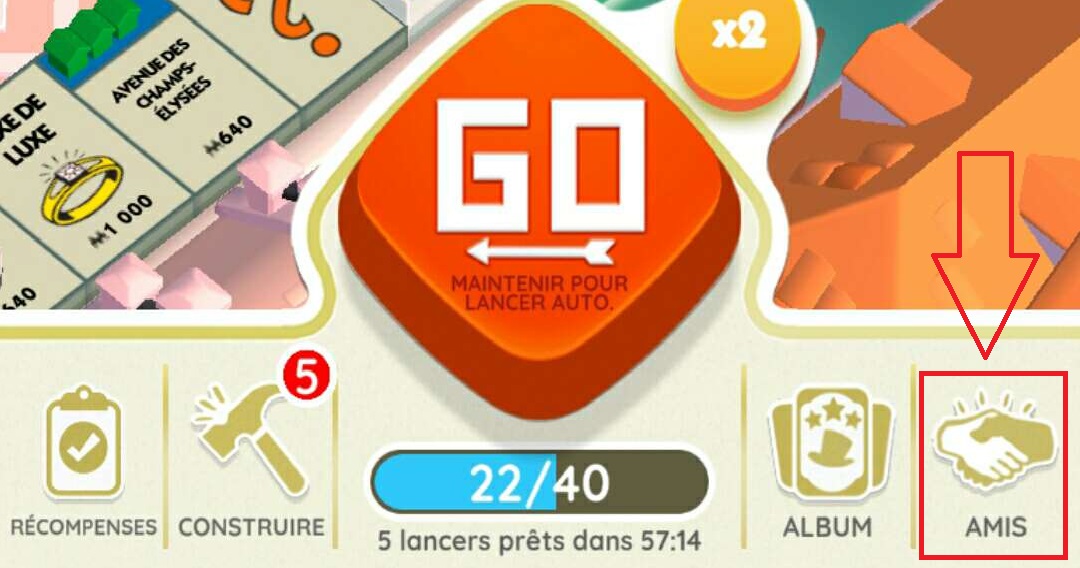
Once inside the Friends section, you choose between Contacts, Facebook or Invite.
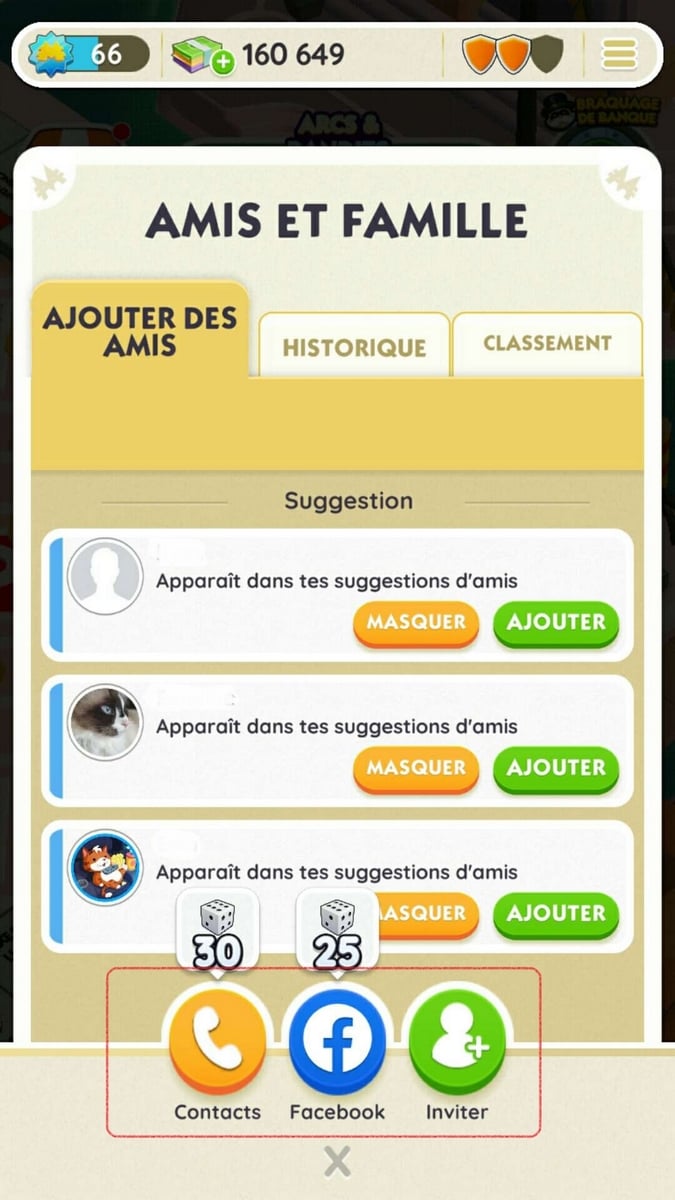
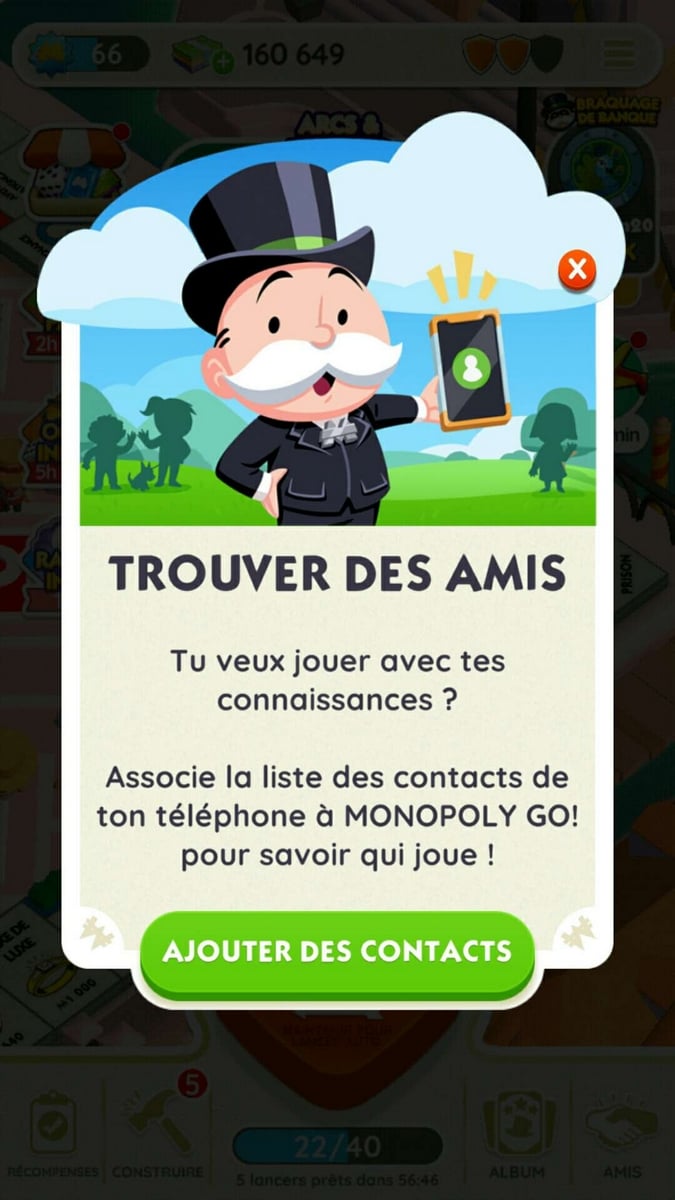
Add friends from your phone contacts
L'phone icon lets you invite your telephone contacts. The game analyzes your list and suggests players who are already playing Monopoly Go. As for the others, you can send them a invitation directly from the app.
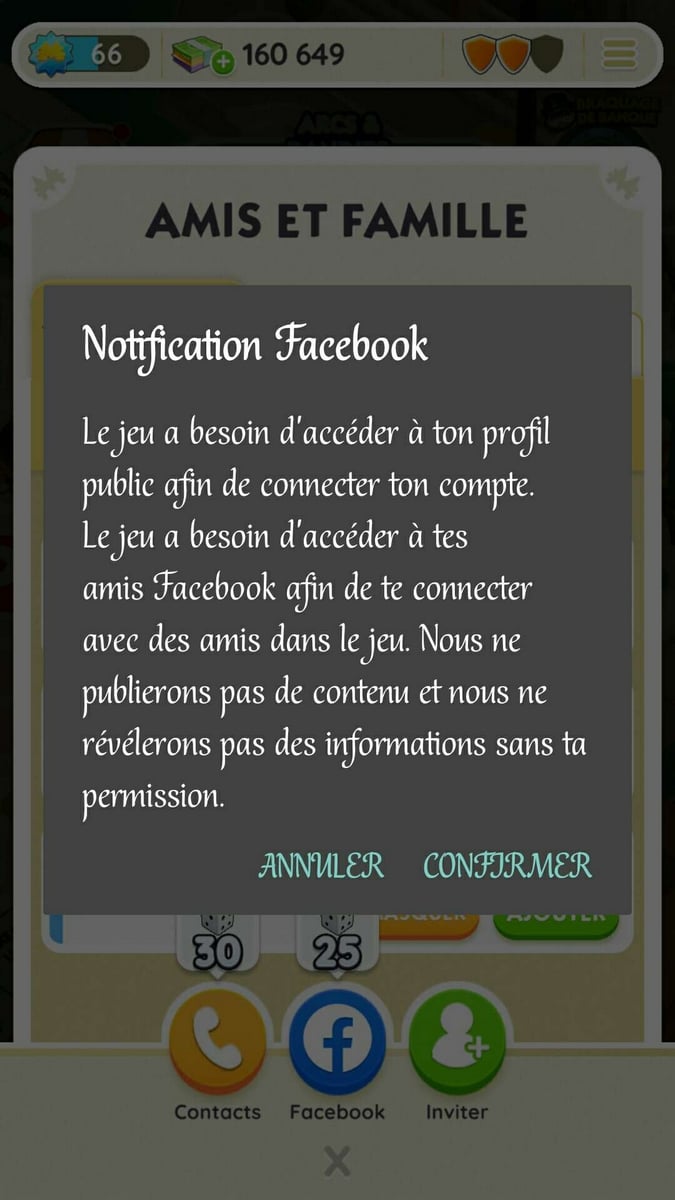
Add friends via Facebook
L'Facebook icon is used for Link your Facebook account as your profile in the game. Once you're logged in, you can find your friends on this network if they're playing too.
Add friends using an invitation link
L'green icon with a + allows you to share a link to the game installer. You can send it via text, email, or on social media to invite friends to play.
This is the best way to reach friends who aren't in your contacts or on Facebook. You can also use a friend code to find a specific player, especially those you come across in the groups Discord or on the relevant forums.
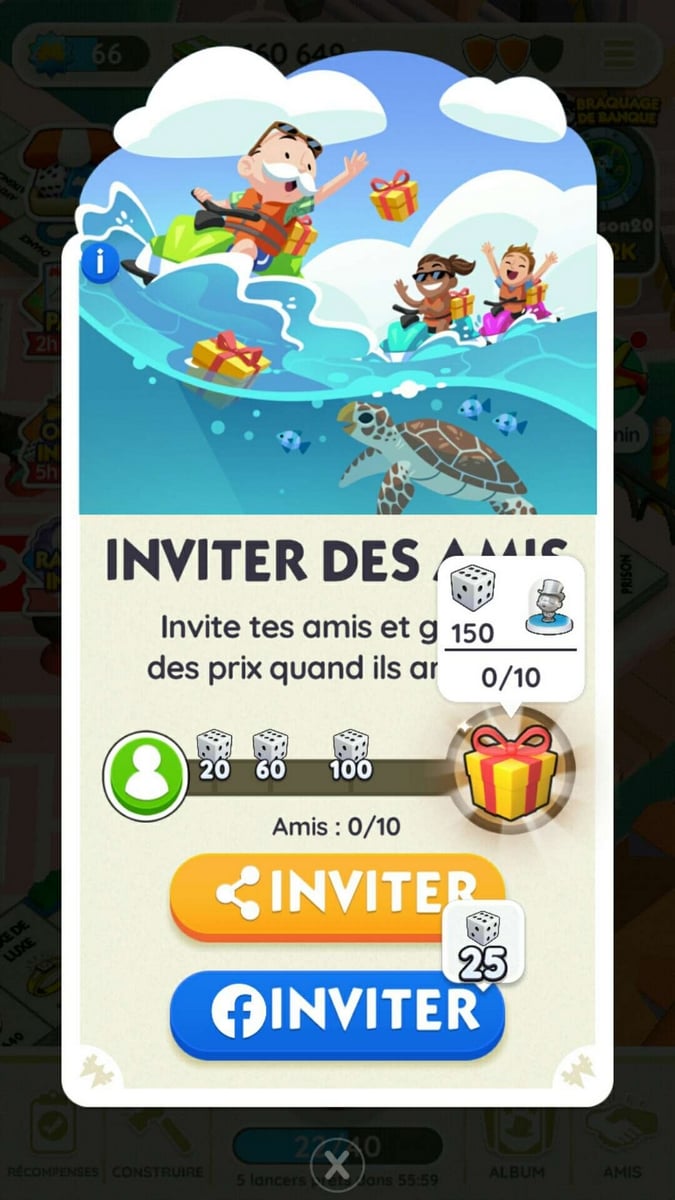
Why invite friends to Monopoly Go?
Adding friends isn't just about playing together. Every invitation confirmed can earn you free dice, and these bonuses add up quickly as your list grows.
Here are the awards that you could potentially get:
- 30 free dice when you invite your phone contacts through the game
- 25 dice additional benefits if you link your account Facebook At your party
- Up to 100 free dice by sharing your unique invitation link
In addition to these bonuses, your friends can send you every day and help you during events to exchange cards.
The more items you have on your list, the more you'll benefit from regular gifts, without spending a cent.
Check out our Monopoly Go guides:









 English