In 2025, web scraping on LinkedIn is an effective solution for collect valuable data for recruitment, prospecting, and market analysis.
You're interested, but don't know how it works? Which tool should you use? In this article, we invite you to discover how to web scrap on LinkedIn in 2025.
The different methods for scraping on LinkedIn
Web scraping consists of extract data automatically from a website. Discover the basics and how this technique works with our complete guide to web scraping.
To web scraping on LinkedInthere are several possible methods:
1. Use web scraping tools
Numerous specialized tools and functions enable you toautomate data extraction from LinkedIn. So you won't need to write a single line of code!
Whether you're a pro or a beginner, scrapbooking tools are an essential part of your life. simple, effective solution to quickly extract and retrieve large-scale information from the LinkedIn platform.
Among the best scraping tools for LinkedInthree in particular:
- 🚀 Bright Data
- 🐙 Octoparse
- 🧩 ScraperAPI
Bright Data
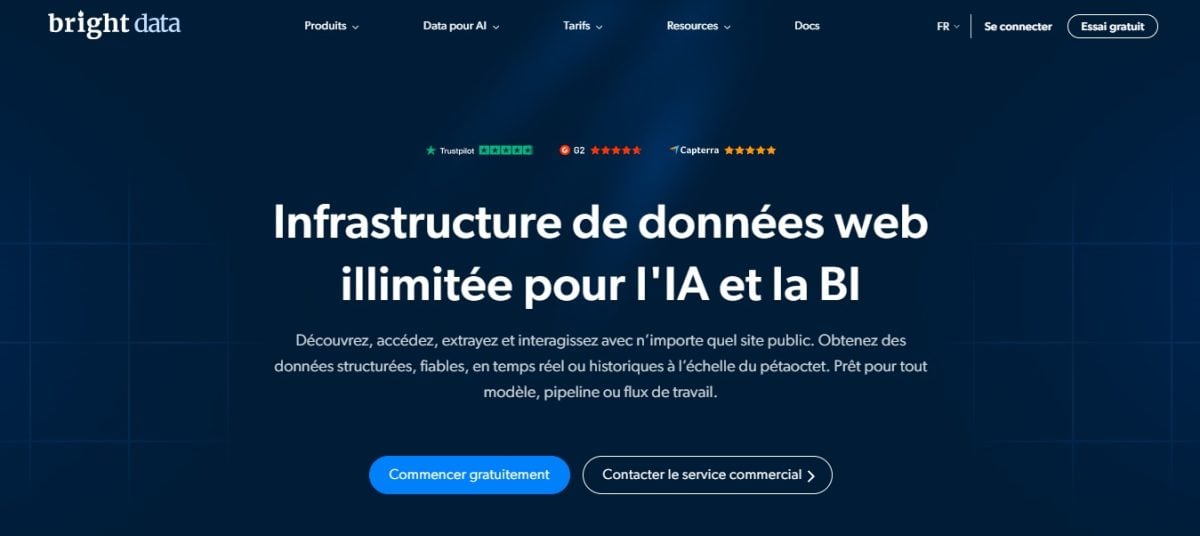
Bright Data is a professional, comprehensive solution which offers a wide range of tools For LinkedIn scraping and data extraction: rotating proxies, scraping browser, advanced APIs, etc.
- ✅ Advantages : advanced session management, high-performance rotating proxies, suitable for large volumes
- ❌ Disadvantages : high prices, complex tools for beginners
- 🤔 For whom? Large companies, large-scale data scraping
👉 Discover our full review of Bright Data.
Octoparse
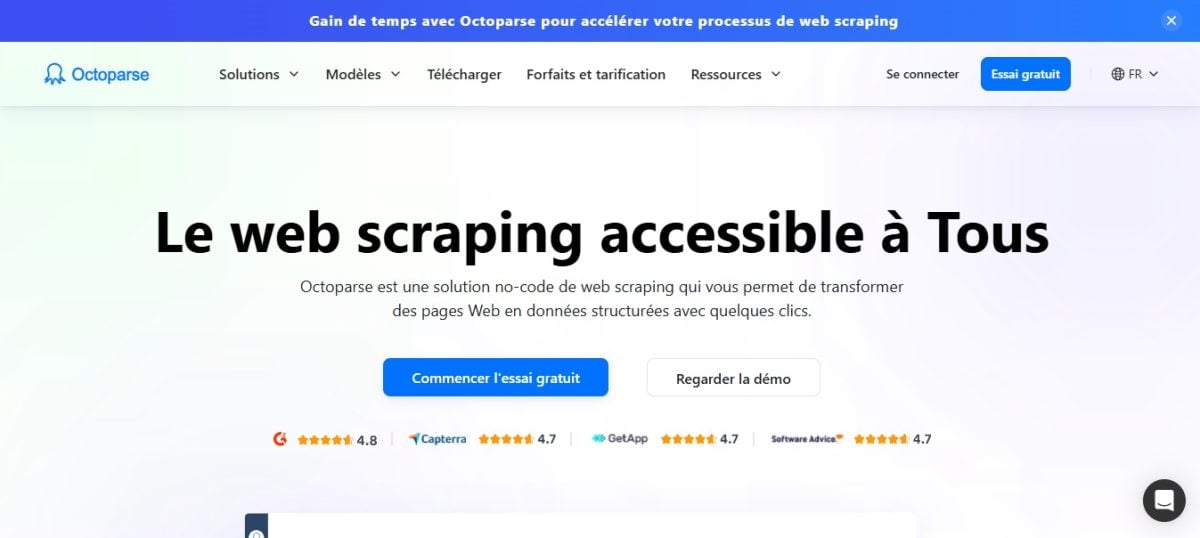
Octoparse is a no-code drag-and-drop scraping tool. It allows non-technical users to set up scraping robots for LinkedIn via an intuitive graphical interface.
You can then extract the LinkedIn data and retrieve it in just a few clicks!
- ✅ Advantages : simple interface, LinkedIn cloud scraping, automatic captcha management
- ❌ Disadvantages : limited tools for free plans, variable performance on large volumes
- 🤔 For whom? SMEs, marketers, recruiters
👉 Discover our full review of Octoparse.
ScraperAPI
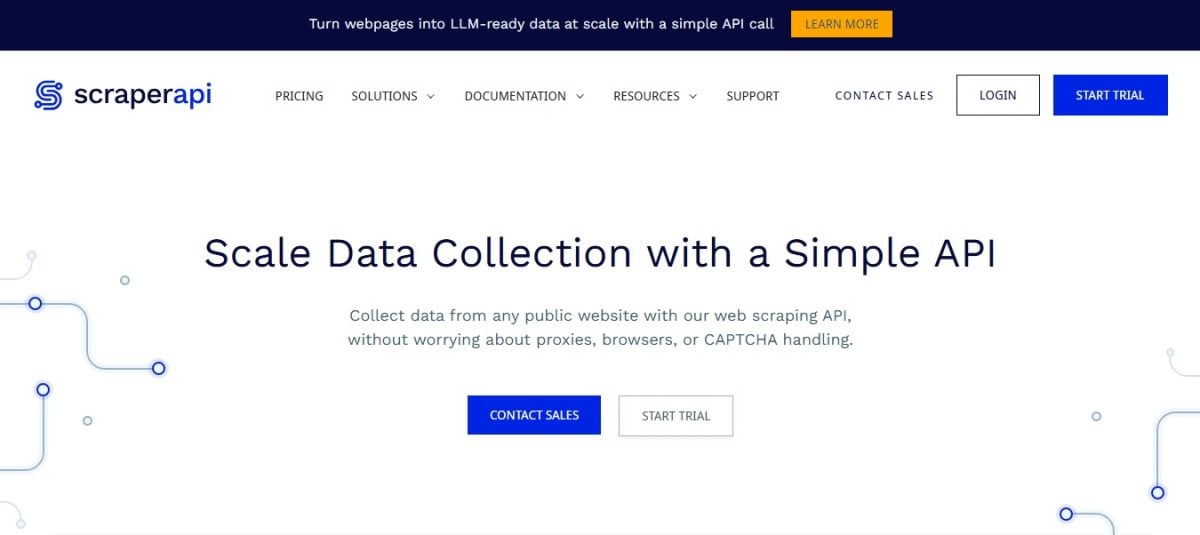
ScraperAPI is a Simple API which handles proxies, user agents and JavaScript rendering. The platform is ideal for developers wishing to integrate LinkedIn scraping into their applications.
- ✅ Advantages : Robust API, ready-to-use tool, JavaScript compatible
- ❌ Disadvantages : requires development skills for data extraction and integration
- 🤔 For whom? Developers, automation of scraping pipelines
👉 Discover our full review of ScraperAPI.
Each of these scraping tools for LinkedIn caters to specific profiles and needs.
➡️ Looking for a more comprehensive comparison to determine which tool to use for your LinkedIn data scraping project? Visit our article on best scraping tools in 2025.
2. Using browser extensions for web scraping on LinkedIn
You don't know how to code at all? Visit browser extensions are a simple solution for start scrapping LinkedIn. You can set up in just a few clicks in Chrome or Firefox. Once installed, you'll be able to extract information directly from the LinkedIn interface.
Popular extensions include Instant Data Scraper, DataMiner and Web Scraper.io. Find out more in our article on web scraping extensions.
Browser extensions do have their limitations, however: they are often sensitive to LinkedIn interface changes and can cease to function overnight. What's more, they offer little customization and poorly manage large-scale data extraction.
✅ Advantages :
- Very easy to use
- Low cost, often free
❌ Disadvantages:
- High risk of blockage
- Unreliable over the long term
- Volume and customization limits
3. Opt for "home-made" solutions with Python
This is the ideal solution for technical users! Code your own scraper LinkedIn allows you to have a 100% personalized tool and complete control over the process.
Thanks to libraries or scraping frameworks, you will be able to create scripts that can adapt to the specific features of LinkedIn and handle much larger volumes.
Here are a few tools that will be in widespread use in 2025:
- ➡️ BeautifulSoup (Python): allows you to analyze and extract data from HTML or XML content.
👉 We tell you all about it in our guide to the web scraping with BeautifulSoup (Python).
- ➡️ Scrapy (Python) : a robust framework for managing complex scraping projects.
- ➡️ Selenium (multi-language) : automates browsing on LinkedIn like a real user, useful for bypassing certain protections.
- ➡️ Playwright (Python, Node.js, .NET, Java) : a modern alternative to Selenium, faster and more reliable for certain uses.
These libraries are highly appreciated by developers for their power and flexibility.
✅ Advantages :
- Maximum flexibility
- Adapted to specific needs
- Complete control over scraping
❌ Disadvantages:
- Programming skills essential
- Complex proxies and security bypasses
How do you scrape LinkedIn in 2025?
Nowadays, for scraper LinkedInyou need the right tools, but you also need a good technical understanding how LinkedIn works.
Here is how the scraping and extraction process works:
Technical requirements
- You have to understand HTML/CSS structures from LinkedIn
- It's necessary use rotating proxies and various User-Agents
- Think about slow down requests to avoid LinkedIn blocks
- Don't forget to include error management and captchas
Stages of a LinkedIn scraping project
👉 1. start with define the objective and target information : LinkedIn users and profiles, company, prospects, potential customers...
- ➡️ Scrape public profiles on LinkedIn: extract name, position, company...
- ➡️ Scrape search results (LinkedIn/Sales Navigator) to create lists of qualified prospects
- ➡️ Browse company pages: size, sector, job offers...
👉 2. Next, Choose the right platform or tool depending on your budget, technical level and project scale.
👉 3. Then test and adjust the scraper : Verify that data extraction is still possible, even after changes to LinkedIn pages.
👉 4. Then proceed to set up a IP address rotation and waiting times. This step is essential to avoid being blocked by LinkedIn.
👉 5. Store and organize information in databases, CSV or JSON files.
👉 6. End with data cleansing : you can, for example, delete duplicates, correct errors...
Why web scraping on LinkedIn?
the web scraping on LinkedIn allows you to extract and retrieve crucial information for :
- 💼 Recruitment and sourcing : Identify qualified LinkedIn profiles, analyze skills and detect talent on the job market.
- 📈 Business development : Build targeted lead bases and research potential prospects, partners and customers.
- 📊 Analysis and strategic intelligence : Competitor research, industry watch, analysis of trends and emerging technologies.
- 🔄 Management of collected information : Enrich CRM and update databases with up-to-date profile information.
- 🎤 Marketing and influence : Identifying experts and influencers for collaborations or events.
FAQs
How do I choose the right LinkedIn scraping tool for my needs?
➡️ You must extract from large data volumes on LinkedIn? The best option is to turn to professional solutions such as Bright Data, which offer tools and features designed for LinkedIn scraping and large-scale data extraction on the platform.
But it is also important to choose the tool based on your technical skillsFor example: if you know nothing about programming, it's better to opt for a no-code tool such as Octoparse.
Finally, don't forget to take budget into account The more advanced the tools, the higher the rates.
Is LinkedIn web scraping legal in 2025?
➡️ Le scraping public data is tolerated, even though LinkedIn's terms and conditions prohibit it. It is necessary to avoid collecting private information, but also comply with local legislation (RGPD).
What data can I legally and ethically scrape from LinkedIn?
➡️ From a legal and ethical standpoint, you can therefore only scrape publicly visible informationnon-authenticated and non-sensitive on LinkedIn.
Can I use data scraped from LinkedIn for cold outreach?
➡️ Yes, it is entirely possible, provided that comply with the General Data Protection Regulation (RGPD). You must also inform prospects of the source of your data (LinkedIn).
What are the alternatives to direct LinkedIn scraping for data?
➡️ These are not the alternatives to direct scraping of LinkedIn that are missing. These include :
- 👉 The use of third-party APIs such as PhantomBuster or TexAu
- 👉 B2B database operation
- 👉 The use of platforms such as Apollo.io
No-code tools, high-performance APIs and functionalities or custom scripts: there is no shortage of high-performance scraping tools and solutions for web scraping on LinkedIn in 2025.
Have you tested one of these tools or developed your own LinkedIn scraper? Share your feedback or ask your questions in the comments!








 English