In the special effects gallery on Snapchat, you'll find that you can apply some of them on your animals.
Which Snapchat filters are available for cats ? Find out in this article!
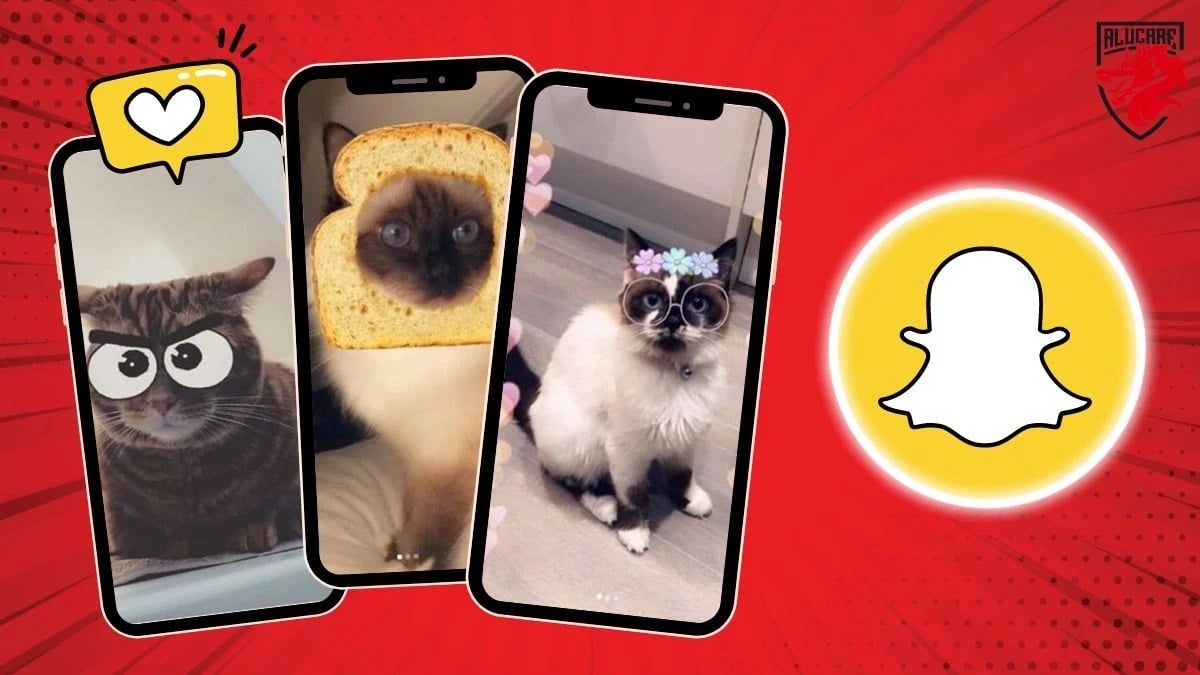
Which cat filter is available on Snapchat?
Filters specially designed for cats, also called " Cat Lenses » are options that Snapchat has integrated into the app since 2018.
Even if felines are already cute by nature, these filters allow you to add even more charm by dressing him up as any of the choices on offer, or by adding decorative features around his face.
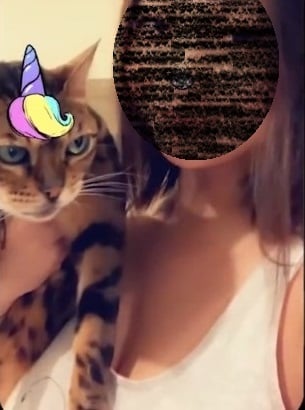
Examples of Cat Lenseswe can mention :
- The Unicorn head.
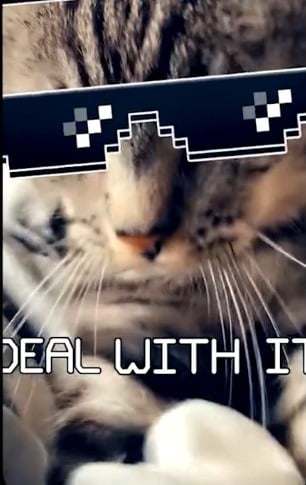
- The sunglasses (“Thug life”).
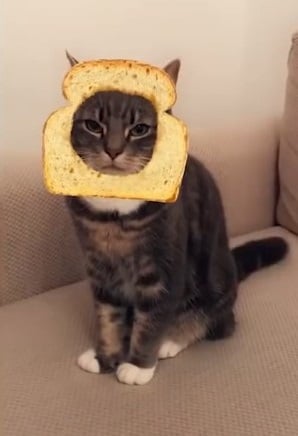
- The slice of sandwich bread.
- The big eyes.
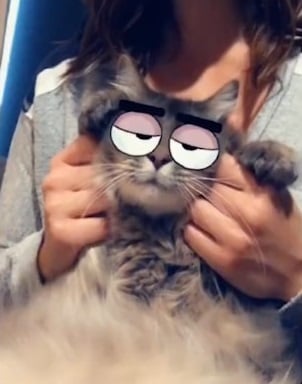
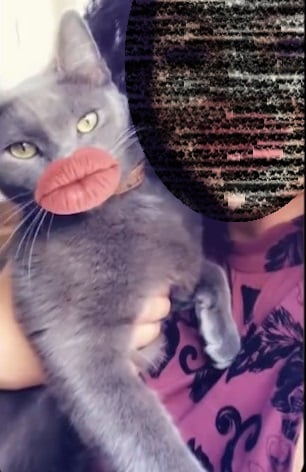
- The lips.
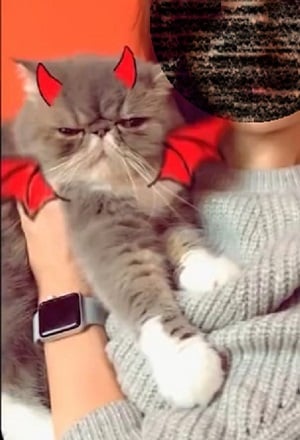
- the imp.
How do I apply Cat Lenses to a cat?
Filters are available in two categories :
- Cat lenses for a solo photo of your companion
- Those designed for selfies you take with him.
The method for applying a cat filter is simple:
- Download the latest version the Snapchat app if you don't already have it.
- The photo can be taken in selfie or via the’main camera of your smartphone. You can switch between the two modes, either by quickly tapping on your screen, or by using the appropriate logo in the top right-hand corner.
- You have to keep your cat relaxed to direct its attention towards the goal. This can be done with a treat, for example.
- As soon as you've managed to keep him still, maintain pressure on your screen while the software identifies your companion's geometric shape.
- As soon as this is done, browse the effects and take the video Where the picture as long as your pet doesn't mind.
- All you have to do is scroll the screen to the right to find Cat lenses, the right filter to make your cat even more beautiful.
For some time now, it has been possible to’use this application on a computer. Read our article on using snap on a PC !
Why use cat filters?
On Instagram, TikTok, Snapchat and other social networks, digital advertising is gaining ground. Each content creator puts forward a personalized content.
In this way, content creators can use playful and attractive Cat lenses in their ads to capture the audience's attention and creatively promote their services.
The combination of filters and specific content attracts the public's attention and makes it possible to personalize further its content, especially if you're targeting a specific audience.
Which filter also works on other animals?

Cat lenses can also work with dogs. Want to have a little fun with your pet?
- The filter, called Face cartoon which you can find under this name in Snapchat Lens, automatically adds big eyes and eyebrows to the faces of animals captured in images.
- Those big eyes obviously evoke a cartoon character, especially those from the Disney universe.
So, if you have companions other than cats, You can also test them on yourself, whether on a photo already taken, on an instant photo, on a selfie with your pet, or on a video.
In conclusion :
- Snapchat offers special filters for cats, called " Cat Lenses ", allowing you to personalize and embellish photos of your felines since 2018.
- The Cat Lenses include options for solo photos or selfies with your cat.
- They are available by scrolling the screen in Snapchat's camera.
If you'd like more info on how to use this platform, check out all our guides on our page Snapchat. If you have any questions, you can ask them in the comments area.








 English