Add style to your signature without lifting your pen! Thanks to AI, create a handwritten signature Creating a unique and professional website has never been so quick and easy. Find out how in this article.

The appeal of a stylized signature thanks to AI
Adopting AI for your handwritten signature means:
- 🔥 Save time You can do it in just a few clicks, without having to fumble around by hand.
- 🔥 Being unique : you are free to explore styles that you would not be able to reproduce on your own.
- 🔥 Modernize your image give your documents a professional, digital touch.
- 🔥 Enjoy easy adjustment You can change shape, size and even style to suit your needs.
- 🔥 Enjoy a versatile signatureIt can be used for emails, contracts, social networks, graphic designs, etc.
Refont: the best AI signature and font generator
To create a stylized handwritten signature, the simplest and most effective solution is to use the tool. Redesign. In just a few steps, it transforms your name into a veritable artistic signature generated by AI.
Why is Refont perfect?
- ✅ Accessible to all no software to install and no account to create.
- ✅ Fast and intuitive : simply enter your name and choose from different styles.
- ✅ Professional results Signatures generated are clean, legible and suitable for digital documents.
- ✅ Multi-purpose : Downloading in transparent PNG format allows you to integrate the signature into emails, presentations, resumes, etc.
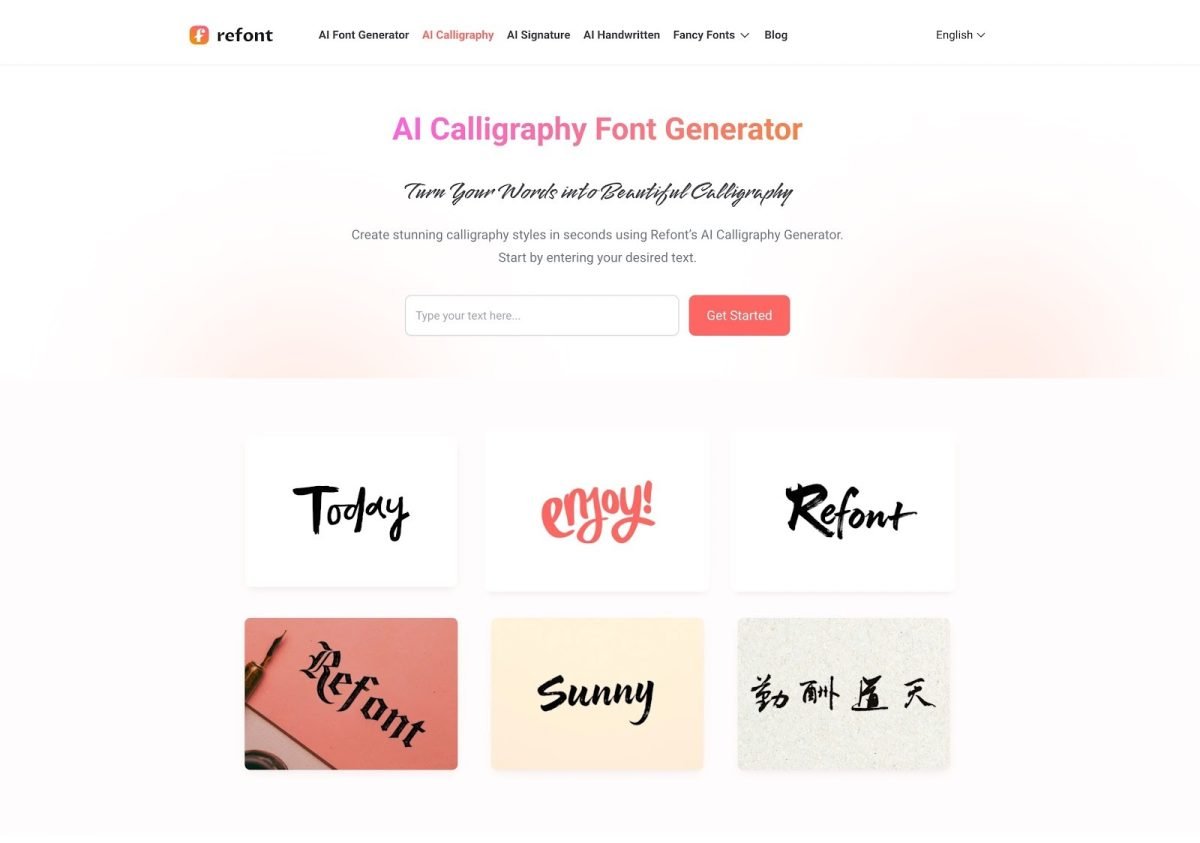
It's worth noting that Refont doesn't limit itself to signatures. The platform also offers a calligraphy IA. It turns your text into calligraphic work perfect for posters, logos, visual creations, etc.
Who is Refont ideal for?
👉 Whether you are a professional, entrepreneur, freelancer, or simply someone who wants to personalize their documents, Refont is for you.
The application adapts to all uses:
- Professional signatures
- Calligraphic logos
- Creative projects
- Personal documents
- Etc.
Steps to create a professional signature with AI
Artificial intelligence has made creating signatures quick and easy. With the Refont tool, it takes less than five minutes. The first thing to do is go to the official website. refont.ai.
Step 1: Enter your text
➡ Enter your text in the field provided.

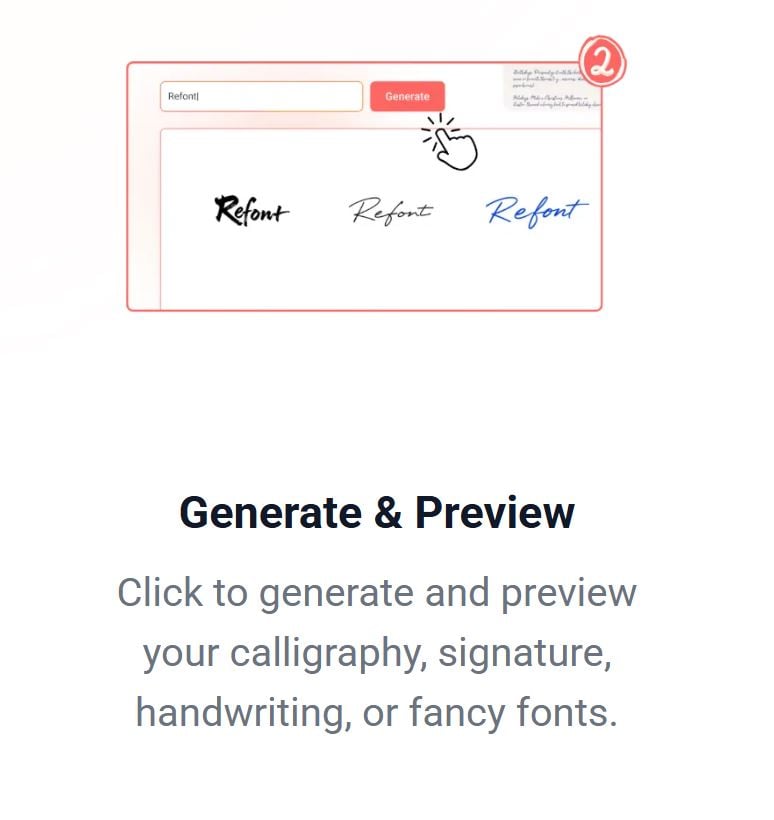
Step 2: Choose the style and generate the signature
➡ You have a wide choice of styles: cursive, modern, bold, artistic and casual.
➡ Click on “Generate” to see your stylized signature.
Step 3: Download signature
➡ Once you are satisfied with the result, download your signature image in PNG transparent.

Refont doesn't just create signatures. He shapes a digital signature art where every feature becomes an element of style and personality.
Tips for an elegant, professional look
To ensure that your stylized signature lives up to your expectations, here are a few tips:
- Choose the right style : choose the one that reflects your personality and profession. Refont allows you toidentify fonts original.
- Focus on legibility Make sure your signature is legible, even in small print.
- Match your brand image If you have a graphic charter, ensure that your signature fits in harmoniously.
- Integrate it into your documents for a professional touch.

👉 In short, with AI, your signature, your logo, your graphic design for advertising become little digital masterpieces. Don't hesitate to try them out! Redesign and create your own style in just a few clicks.









 English