If you need collect data, Instant Data Scraper is a free and easy-to-use tool.
This Chrome extension allows you to’extract data tabular data and export it to Excel or CSV, without any coding skills.
Step 1: Access the Chrome Web Store
To install the extension for the web scraping, the first step is to go to the Chrome Web Store. This is the official store of Google Chrome for the extensions.
- Open your Chrome browser. In the address bar, type “chrome.google.com/webstore” and press Enter.
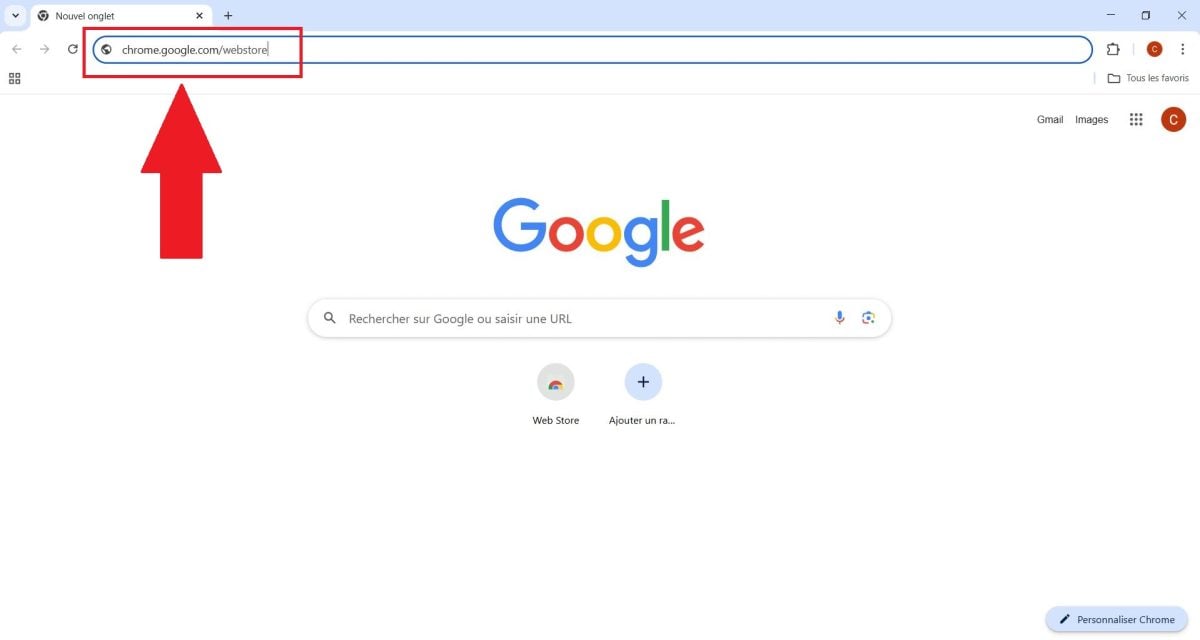
- You will be taken to the main page for downloading Chrome extensions, where you can search for and install free tools such as Instant Data Scraper.

Step 2: Search for the extension
- In the Chrome Web Store search bar, type “Instant Data Scraper”. The extension will appear among the results.

- Instant Data Scraper automatically detects tables, them columns and the page structure to facilitate extraction. Check the details: the version, user reviews, and the type of websites it can scrape.
Step 3: Add to Chrome
Once you have found Instant Data Scraper, it's time to install it in your Chrome browser to get started. extract data.
- Click on Add to Chrome.

- Confirm the installation in the pop-up window.
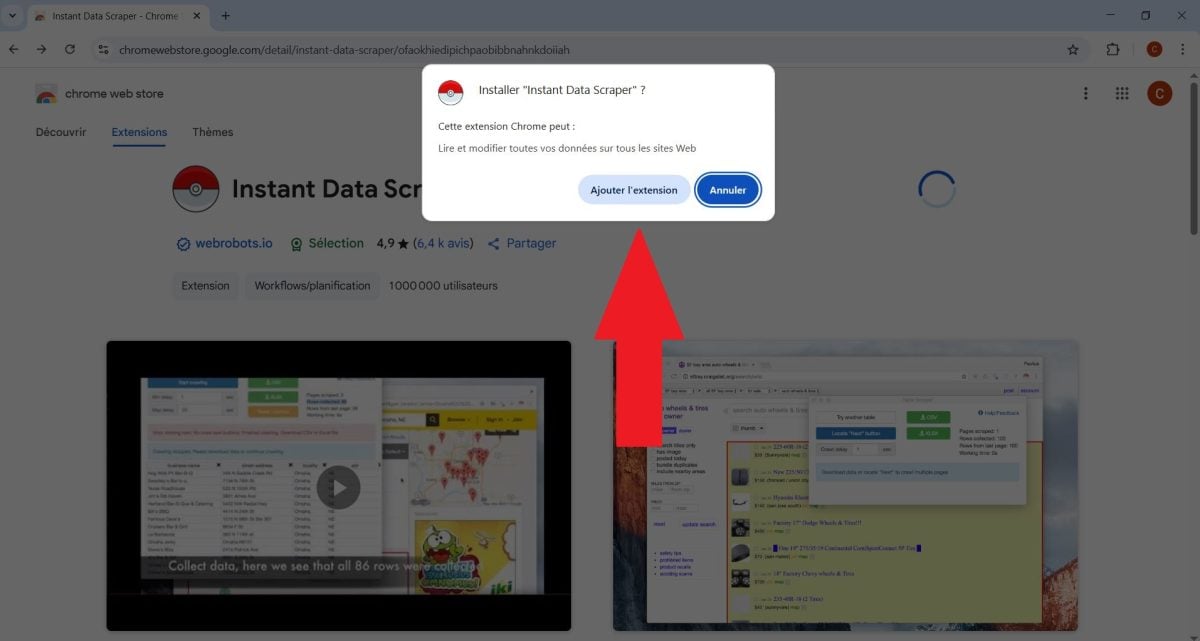
- Once installed, the’icon of the extension will appear in the browser toolbar, ready to be used to scrape web pages or e-commerce sites.
How to use Instant Data Scraper?
It is possible touse Instant Data Scraper to collect data directly from Chrome. As a reminder, this is a data scraper free software that can automatically extract tables, columns, emails, contacts, or product information.
Here are the main features of this extension:
- ✅ Tabular data extraction : the tool easily detects and scrapes tables, columns, and web page structures, allowing for quick export to Excel or CSV.
- ✅ Ease of use No code is required. The extension is suitable for beginners and users who want to collect data in a simple and efficient way.
- ✅ Export : Information can be saved in XLSX or CSV format for integration into your directories, CRM systems, or marketing tools.
What are the limitations of Instant Data Scraper?
Although Instant Data Scraper is effective for most web pages, it is important to be aware of its limitations.
- ❌ Complex sites: This extension may have difficulty with websites that use intensive JavaScript, non-tabular data structures, or dynamic pages.
- ❌ Dynamic data : Information that appears as you navigate or scroll through the page may not be detected correctly.
- ❌ Large-scale scraping : The tool is not designed to extract thousands of pages or for massive web scraping.
💬 Instant Data Scraper is a Chrome extension specifically designed for web scraping. It allows you to easily extract and export data from any page.









 English