Keypoints
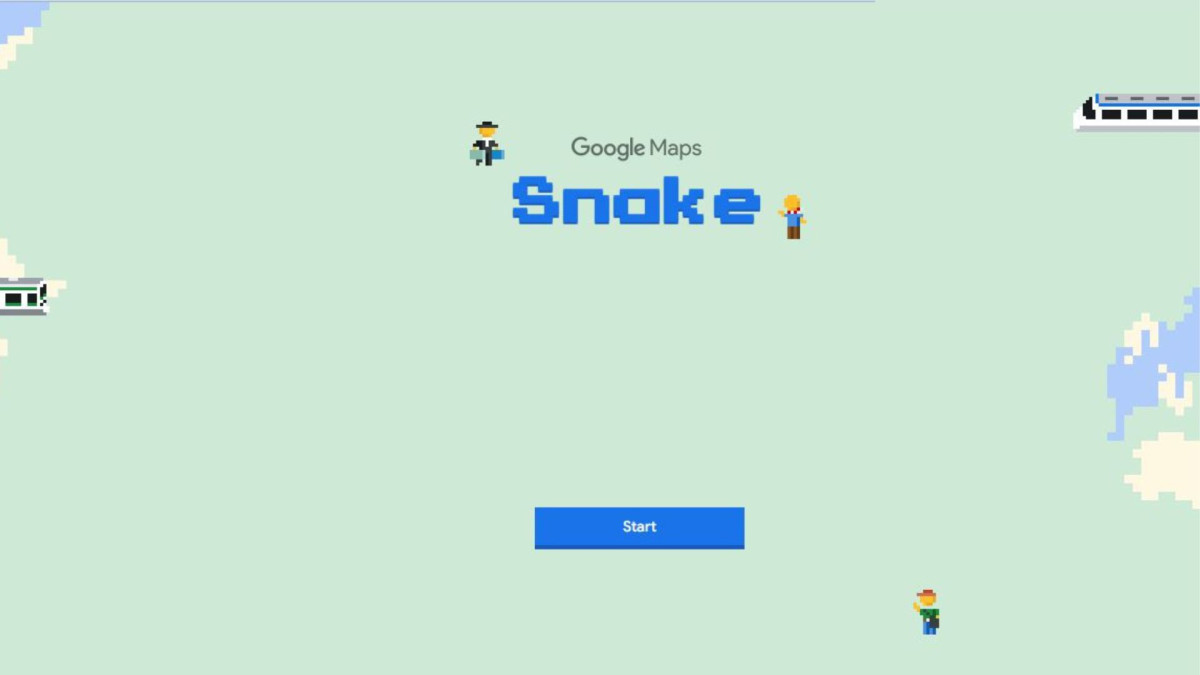
- Playing Snake on Google Maps, instead of the snake, you steer a train to pick up as many passengers as possible in various cities, including London, Sydney, Cairo, São Paulo, San Francisco and Tokyo.
- The game is accessible on all platforms and you can share scores on social networks.
- Initially launched on April 1 as an April Fool's joke in 2019, Google Maps hosted various games in its apps for a unique gaming experience.
Did you know that you can play the famous Snake on Google Maps It's another way to play in cities around the world with a user-friendly interface. But instead of a snake, you control a little train that picks up passengers from all over the world. But which cities are available, and how do you play Snake on Google Maps? Find out in the following paragraphs!
We published the article with the help of the official French website for the game. Snake !
How to access and play Snake on Google Maps on PC and cell phones
Several websites explain how to play Snake on Google Maps on the app or in a web browser. We have compiled the simplest methods to help you.
You can access Snake on Google Maps on any platform, including Windows, Mac, Android, iPod and iPad using a browser or the Google Maps app.
Here's how to do it on a PC:
- Visit the official Snake website via the web browser of your choice.
- Click on Start to begin the game
- Choose from the lists of cities available in the game, and off you go!
If you want to use it on Android or iOS, here are the steps to follow:
- Open the Google Maps app. If you don't have it, download the APK.
- Once you are in the app, tap the three lines in the top left corner of your device, then select "Play Snake," which is located between Wi-Fi mode and car mode.
- You can then choose the city of your choice and set off on a train journey on Maps!
Snake on Google Maps, a fun single-player game to share on social networks
With Snake on Google Maps, you can choose from a wide range of cities in terms of both application and browser-based landscapes. You can choose between :
- London;
- Sydney ;
- Tokyo,
- Sao Paulo, etc.
As in the original game on old Nokia cell phones, your little train in Snake on Google Maps will gradually grow longer as you pick up passengers, and you'll have to avoid hitting the edges of the map or colliding with yourself. But that's not all: you can also share your score on Facebook, Twitter or Gmail.
The origins of games on Google Maps
Over the years, numerous adaptations have emerged, and Google has chosen to create its own in the image of Google Maps! Snake was launched on Google Maps as part of an April Fools' Day prank in 2019. However, this is not the first time that the application has been used as a backdrop for video games. In 2014, Pokémon the Mountain Vieux company were "released" on the navigation app. This initial integration had a huge impact, and users could catch Pokémon just by tapping on the map.
But it didn't stop there. You probably remember Mario Bros on Google MapsIn 2018, the app replaced the little blue arrow on its GPS with Mario's avatar on Google Maps to celebrate the famous mustachioed plumber's birthday.
At the end of the game, you can share your score, select a new city or quit at your leisure. Some of you may find a certain nostalgia for the 2000s by playing this game, as it is one of the most popular games of the time, made famous by Nokia.
At the beginning of the second quarter of 2019, specifically in April, Google had the brilliant idea of making Snake available on Google Maps. All you need is the latest version of Google Maps. Have you tried this game on the app yet?




![What are the best puzzle games on PC? [Top 15]](https://www.alucare.fr/wp-content/uploads/2025/12/www.alucare.fr-quels-sont-les-meilleurs-jeux-denigme-sur-pc-top-15-Quels-sont-les-meilleurs-jeux-denigme-sur-PC-Top-15-150x150.jpg)




 English