Profile logo Youtube must do 800 x 800 pixels, follow a ratio 1:1.
YouTube accepts the JPG, the PNG, the BMP and the GIF (non-animated): the PNG remains the best choice for a logo with sharp edges, the JPG is better suited for a real photo.
What will be the size of a YouTube logo in 2026?
First and foremost, it’s important to know that the term youtube-logo can refer to three different things.
- the official logo on the YouTube platform.
- the video logo, also known as a miniature, thumbnail, or thumbnail in English.
- the channel logo, also known as a profile icon or avatar. That's what this guide is about.
For your channel icon, here are the dimensions Key points:
- Recommended size: 800 x 800 pixels (ratio 1:1).
- Minimum accepted dimensions: 98 x 98 pixels, which also matches the actual display on a mobile device.
- Maximum file size: less than 4 MB.

By sticking to these dimensions, you can be sure that your profile photo remains clear and visible on all screens: TV, smartphone, and computer.
YouTube also applies a automatic circular mask, so be sure to center your subject properly to avoid any unpleasant surprises when cropping.
What size should you choose for your profile picture?
YouTube supports several formats: JPG, PNG, BMP and GIF (non-animated). The choice depends on the type of graphic.
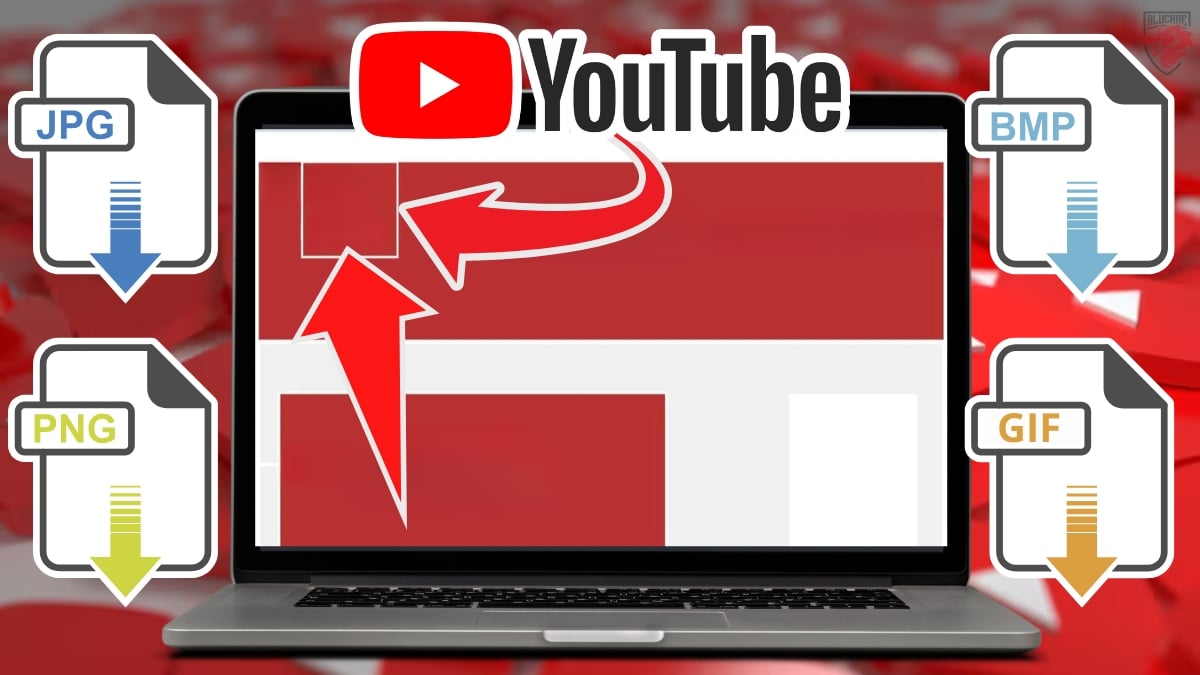
the PNG is ideal for a logo or a design sharp-edged graphics: it preserves quality and handles transparency. The JPG is better suited for a real photo or a portrait.
In practice, PNG remains the best choice for the vast majority of channel logos.
How to optimize a profile logo?
YouTube displays your logo in different sizes Depending on the device you're using. Whether on a computer, mobile device, or TV, your profile picture won't look the same. To ensure it looks sharp everywhere, here are the things to keep in mind:
- Follow the dimensions specified by the platform (800 x 800 pixels, 1:1 aspect ratio). This ensures a clean, professional display on all screens.
- Imports a square image : YouTube will then automatically apply the circular mask, so make sure to center your subject.
- Check to see if there's any left readable at 98 pixels. Your logo appears everywhere on YouTube: in the comments, in search results, and on your channel page. It should represent your brand at a glance.
- A good design An icon strengthens your visual identity across all your social media platforms.
How do I design my YouTube profile logo?
Now that you know the right dimensions, it's time for the creation. You have two options: do it yourself using online tools, or hire a professional graphic designer to do the work.
Create Your Logo for Free Using Online Tools
Before you pay, keep in mind that there are several tools available to help you design a unique profile logo free, with some models already in the correct square format. These templates are often designed to work just as well on YouTube as on instagram Where Facebook.
- Canva : hundreds of models profile picture and YouTube banner, with automatic resizing and export to PNG or JPG.
- Adobe Express : Free, perfect for creating a square image and downloading it quickly.
- Figma : perfect if you want to work on your design Pay attention to the details and refine your brand identity.
The idea is simple: you choose a model, you adjust the security zone so that your subject stays right in the center, then export to PNG.
Check to see how large your image is less than 4 MB before importing it. If you're starting from scratch and you've just create a YouTube account, it's clearly the fastest way to get a presentable logo without spending a penny.
Hire a graphic designer on Fiverr
If you're short on time or want a truly customized result, a graphic designer can do the work for you. On Fiverr, you can easily find professionals who specialize in YouTube logos and banners.
- Visit the website at Fiverr via the link above.
- Tape YouTube logo in the search bar at the top of the screen, then press Enter.
- Filter results by tone budget, the delivery time, and the desired style of profile photo.
A nice bonus: you can see the notice provided for each service provider, as well as an estimate of the creation cost before placing an order.
How do you change your channel's profile picture?
Once your image is ready, here's how to update your avatar directly from YouTube Studio.
- Open YouTube Studio.
- In the menu on the left, click on Personalization.
- Click on Modify photo to import your new image. Then select your file, and resize it if necessary before saving.
Important details about the YouTube profile icon
On both the website and the mobile app, your profile picture is always displayed in a circle. This is something to keep in mind when design to avoid any unpleasant surprises when trimming.
- Position the subject and the text properly in the center to prevent essential elements from being cut off.
- Make sure your logo stays legible at 98 x 98 pixels On mobile devices. A simple background and a centered subject make a huge difference on small screens.
- If your channel is linked to your account Google, changing the channel's photo will also change your account's profile photo. Keep that in mind before confirming.
- Do not exceed the maximum weight: less than 4 MB, in JPG, PNG, BMP, or non-animated GIF format (see the format section (for details).
- Photos submitted to copyright are rejected, as are images containing nudity.
For the most up-to-date rules, you can go directly to the official help page at YouTube : https://support.google.com/youtube/answer/2972003, on customizing the channel.
FAQs
What makes a good profile icon?
A good profile icon is still legible even when very small, that is, net once posted to 98 pixels in the comments or search results. To ensure a clean presentation, keep these three criteria in mind:
- A plain background and uncluttered, without too many details or too much text.
- A centered subject, because YouTube applies a circular mask that crops the edges.
- Regarding the consistent colors with your banner and thumbnails to reinforce your visual identity.
Where is the YouTube profile logo placed?
When a user visits your channel, they see your icon top of page, right next to your channel's name. It also appears in the news feed and every time you Post a comment.
It goes without saying that it’s everywhere—so it deserves some real care. To take it a step further, you can also analyser une chaîne YouTube to see how your profile stacks up against the competition.
What tools should I use to create my YouTube profile logo?
You can design your own logo free with easy-to-use online tools:
- Canva : some models in the correct format 800 x 800 pixels, which can be exported as PNG or JPG files.
- Adobe Express : ideal for resizing an existing image and adjusting it to the recommended dimensions.
- Figma : Handy if you want a design more comprehensive and consistent across all your social media platforms, whether it's YouTube,’instagram or of Facebook.
If you'd rather delegate, a graphic designer on Fiverr can create a custom design based on your budget and make sure it matches your banner and thumbnails.
The same logic applies if you also have a Twitch channel and are looking to optimize your Twitch logo.
Why should you follow YouTube's recommended size for your logo?
Getting the dimensions right is no small matter. Here are the three main reasons:
- Multi-device compatibility : Your icon displays correctly on phones, computers, and TVs, regardless of the screens used.
- Image quality preserved : A photo that's too small will become pixelated when enlarged, while a photo that's too large may be cropped by the circular mask.
- Fast loading and a professional look : A file in the right format loads quickly and strengthens your brand identity. It’s a strategy Essential for any creator who wants to improve their YouTube marketing.
What is the recommended size for a YouTube thumbnail?
The thumbnail is one of the first things users see when they search for your videos. So it’s essential to use the correct format:
- Ideal size : 1280 x 720 pixels with a 16:9 ratio.
- Accepted formats: JPG, PNG and GIF, up to a limit of 2 MB.

The results Google often display videos at the top of the page, so your thumbnails may appear at the top of the search results, so we might as well treat them.
Where is the YouTube thumbnail placed?
A miniature is the’still image which shows what a video is about and appears right before you click on it. Creators choose an eye-catching thumbnail to encourage clicks, combining images, text, and graphics.
To create a captivating thumbnail on YouTube :
Create a video teaser with professionals
What are the dimensions of a YouTube banner?
For your banner:
- Recommended size: 2560 x 1440 pixels.
- Minimum size: 2048 x 1152 pixels.

The banner appears differently depending on the device. Following these dimensions ensures a optimal viewing on both mobile and TV. For more details, check out our guide on YouTube banner sizes.
How big is a YouTube video?
For your videos, YouTube recommends a 16:9 ratio with the following resolutions:
- Recommended minimum resolution: 1280 x 720 pixels.
- Maximum resolution: 7680 x 4320 pixels (8K).
As for file formats, the MP4 and the MOV are the most commonly used formats on the platform.
You now have everything you need to create a YouTube logo that looks professional and fits your channel's style. To stand out, put just as much effort into your videos as you do into your channel's appearance.
Any questions? Post them in the comments, and we'll answer them.
Check out these as well:







 English