The profile banner Twitch must do 1200 × 480 px, ideally in JPEG Where PNG. A well-composed banner enhances your channel's image and strengthens your brand among your community.
Here are all the dimensions you need to know, plus instructions on how to design your banner for free at Canva.
What is the size of a Twitch banner?
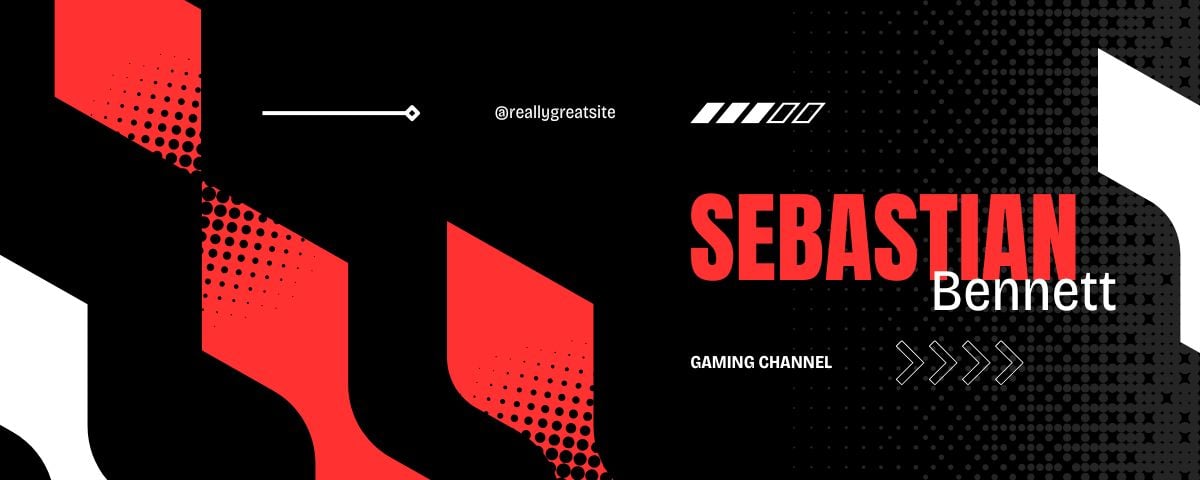
The profile banner Twitch must do 1200 × 480 pixels, with a ratio of 5:2. This is the size you need to use to ensure a clear display on your video channel.
The offline banner, the one that appears in the video player when you're not streaming, is set to 1920 × 1080 pixels. It is also the reference dimension for a overlay.
Here's a complete summary of the measurements you need to know to customize your necklace:
- Profile banner Twitch : 1200 × 480 pixels, file under the 10 MB
- Offline banner (video player): 1920 × 1080 pixels
- Profile picture : At least 256 × 256 pixels (Twitch officially recommends this size), but it's best to upload at 800 × 800 pixels for better clarity on all displays
- Emotes Twitch : 28 × 28, 56 × 56 and 112 × 112 pixels
- Signs Twitch : width of 320 pixels
For emotes, the three sizes correspond to the display sizes based on the screen. On a standard computer, the emote is displayed in 28 × 28. In retina, it increases to 56 × 56, and up to 112 × 112 on high-resolution devices. There are two ways to upload your emotes:
- Manual : You upload the three sizes manually (recommended for detailed emotes; you keep the rendering pixel-perfect on the 28 × 28).
- Auto-resize : You upload a single square source file (between 112 × 112 and 4096 × 4096, under 1 MB), and Twitch generates the three sizes for you.
The signs Twitch also deserve special attention. They appear below the video player and are used to showcase your channel, your social media accounts, or your partners. Each panel is 320 pixels wide as large as possible, with plenty of space around it. A well-proportioned logo on a banner reinforces your channel's visual identity.
A large portion of the audience has been watching for a mobile, so a small file size prevents display errors and ensures good visual quality in the video player.
Are you new to the platform and not sure where to start? Read our guide to get started on Twitch and find all the advice you need.
What is the image format for a Twitch banner?

For your profile banner, two image formats The following are accepted:
- JPEG : perfect for a photo or image with lots of colors.
- PNG : perfect for a logo or a design with transparent areas.
💡 Le GIF is accepted as a file format, but the animation plays only once when the page loads (or not at all). In practice, we don't recommend using animated GIFs for your profile banner; use JPEG or PNG instead.
One last tip on quality: export your image at the right resolution right from the start. An image that's too small and then enlarged becomes blurry and gives a bad impression on your channel.
How to make a Twitch banner?
You can design a banner Twitch free on Canva. Here are the steps to follow.
Find Twitch profile banner templates
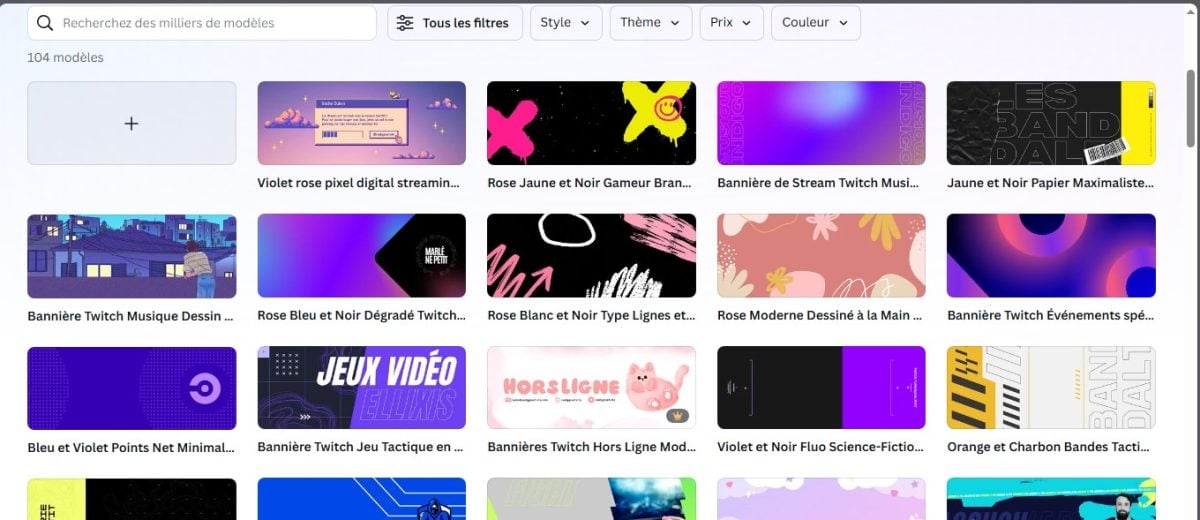
Start by browsing the available models on Canva to inspire you. Refine your search with key words related to your theme (gaming, music, art, etc.). Once you've found the right template, click on it and start creating based on that template.
Using the tools on Canva
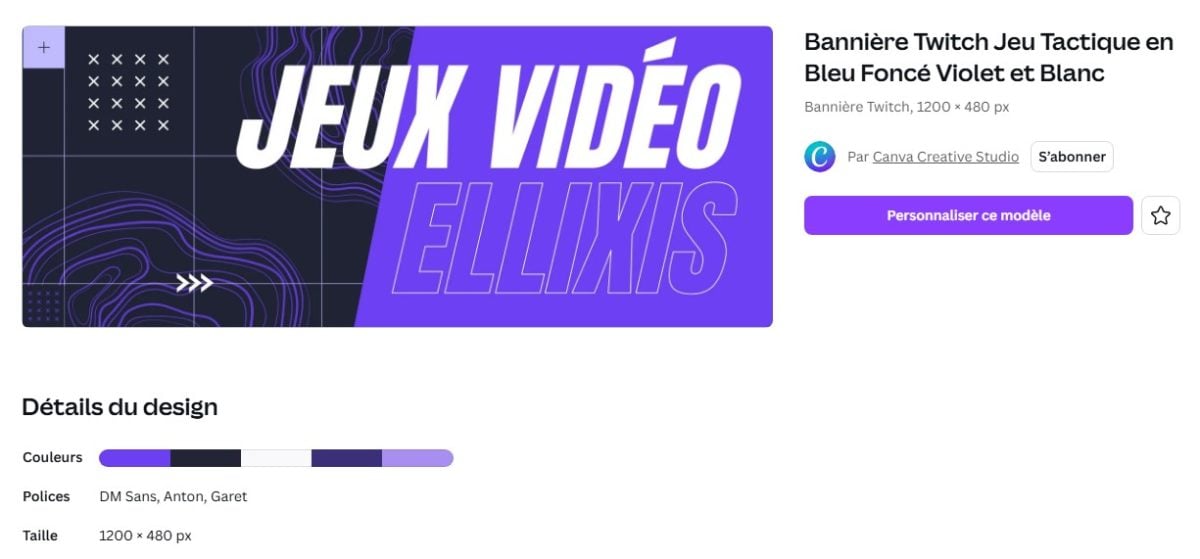
the drag and drop of Canva lets you easily add your own images from your library. You can edit the colors, shapes, icons, and text to match your brand identity. You can also change an element at any time without having to start from scratch. The facilitation tools are available if you want to create a design that stands out.
To strengthen your brand, consider adding your social networks : Facebook, YouTube, Instagram. It helps you connect with your community and gives your banner a professional look.
Publish the design

Once you're satisfied with the result, click the button Download and save your banner in the format JPEG Where PNG. You can then import it directly to your channel via the tab Chain in the settings Twitch. Canva also offers a collaboration feature to share your design and get feedback before publishing.
FAQs
What are the best practices for Twitch banners?
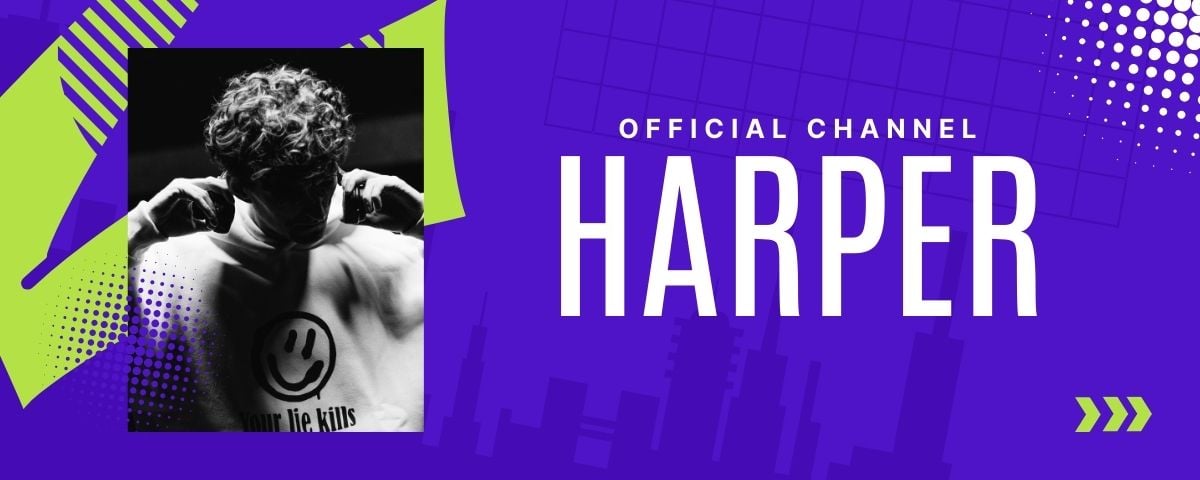
A well-designed banner balances aesthetics with readability. Here are some best practices to keep in mind:
- Stay true to your brand : Choose colors, icons, and a logo that reflect your personality. Your visuals should be a true representation of who you are.
- Highlight the essentials : Your audience should be able to understand your channel's content at a glance. Use white space to make the visual more open and airy.
- Reuse an image from your video feed : After a stream, you can include a screenshot in your banner to give viewers a concrete glimpse of your activity in the video player.
- Keep your text concise : Share only the key information—such as your channel's theme—without cluttering the visual.
- Consistent Style on Social Media : maintains the same visual identity on Twitch, Instagram Where YouTube. Your audience will recognize you more easily.
- Remember to change your banner regularly : An updated channel banner shows that you're active and makes people want to watch your videos.
Should you hire a professional to design your Twitch banner?

If you're short on time or lack a foundation in design, a freelance graphic designer can design your banner for you. It's the first thing visitors see on your channel, so you might as well make it look good.
You'll find specialized profiles Twitch on Fiverr, starting at about ten euros for a basic service.
Once your banner is ready, check out our guide How to Grow Your Audience on Twitch to attract more viewers to your channel.







 FR
FR  RU
RU  EN
EN  ES
ES  IT
IT  DE
DE  ZH
ZH  PT
PT  ID
ID  JA
JA  DA
DA