The Nintendo Switch is a console known for its flexibility between portable and living room modesboth tailored to our specific needs.
Some users are adding a new string to their bow: watching movies. Here's how to watch movies on Switch.
How do I watch a movie on Nintendo Switch?
As a preamble, you should know that you can download streaming applications directly from the Nintendo eShopto watch a film.
1. Watch a movie on Switch with YouTube
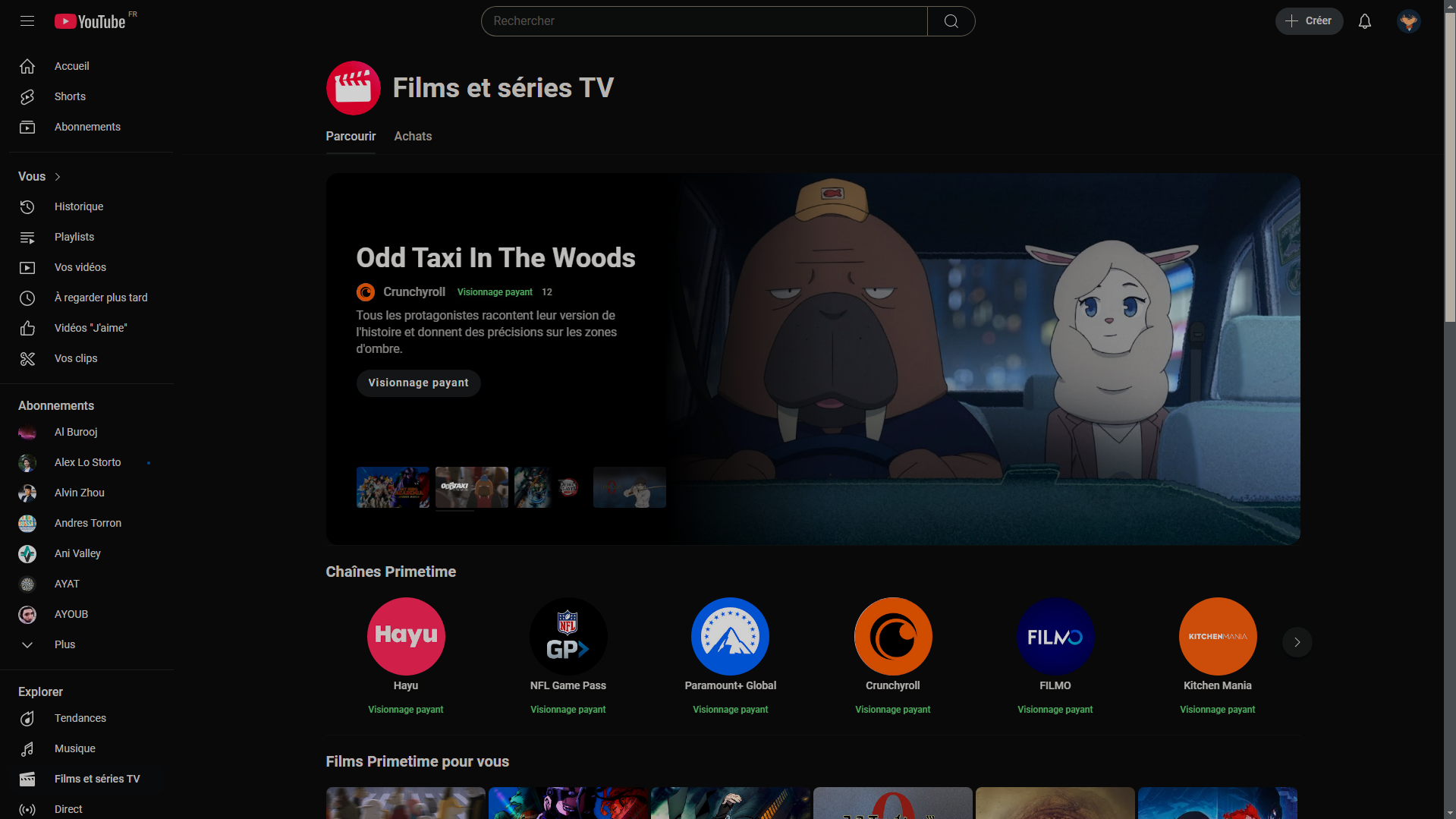
Youtube is the ideal place to watch videos of all kinds. But you can also watch movies on the platform!

For this you can rent one for 48 hours or simply buy it and watch it whenever you want. The same applies to series.
At the same time Primetime channels allow you to enjoy official streaming content on up to three devices by subscribing to a YouTube channel that offers it.
2. Play movies on Switch with Hulu
Hulu is also a streaming application downloadable from Nintendo's eShop. It's a must-have for fans of movies, but especially TV series.
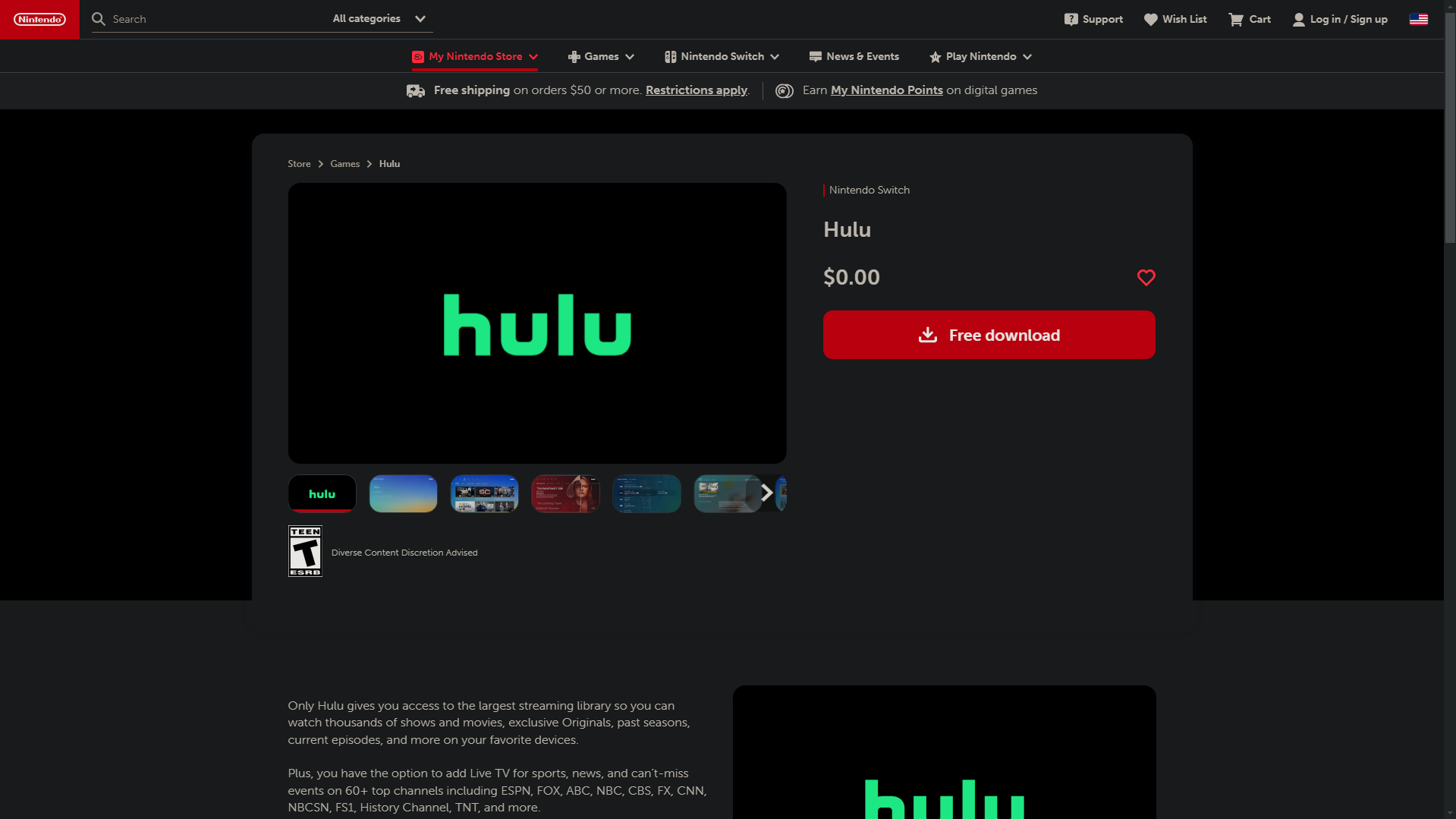
Once you've subscribed to their platform, you'll have access to their catalog of 75,000 series and films, ranging from Shogun to The Handmaid’s Tale and Futurama.
| 🗒️ Plan | 🔎 Remarks | 💲 Price (in dollars) |
| Hulu (with ads) |
Access to Hulu Originals content. Up to 6 profiles can be created. Two screens simultaneously. |
7.99 $ per month |
| Hulu (commercial-free) | All the benefits of Hulu with ads + :
No advertising. Downloadable content. Downloaded content viewable offline. |
14.99 $ per month |
3. Watch a movie on Switch with Crunchyroll
For anime fans who'd like to watch the latest Spy x Family animated film or revisit the Demon Slayer films, Crunchyroll is now available on the Nintendo Switch eShop!

With a catalog that continues to grow with the seasonsA subscription is required to take advantage of this service. Find out how to get a cheap Crunchyroll subscription on the link.
| 🗒️Plan | 🔎 Remarks | 💶 Price (in euros) |
|
Premium |
Ad-free catalog access. |
6.99/month |
|
Premium+ |
Ad-free catalog access. Streaming on four devices simultaneously. Offline mode available. |
9.99/month |
| Premium+ Elite | Ad-free catalog access.
Streaming on four devices simultaneously. Offline mode available. Access to Crunchyroll Game Vault. |
11.99/month |
How it works ?
As you can see, the Nintendo eShop offers a range of great range of applications for watching movies on the console. Here's how to do it in just three steps:
- Download the application in question from the Eshop.
- Log in to your account or register/subscribe.
- Take advantage of the platform's streaming service!
Can we put Netflix on the Switch?
If you were planning to enjoy La Casa de Papel, Narcos or even House of Cards on your Switch console, it's going to be quite complicated.
In fact, these productions are Netflix exclusives. The streaming giant not available on Nintendo eShop. But there are ways around this...
1. Download Netflix on Switch via Android
The method we are about to unveil allows you to install the Android operating system on the consoleto access Google Play from your Switch and download Netflix.
Here are the different steps to follow to get the result you want:
- Download an Android version compatible with your Nintendo Switch.
- Use an SD card specifically for this operation (special formatting is required for installing Android operating system files).
- Transfer the Android version to a micro-SD memory card with sufficient space.
- Insert the micro SD card containing Android into your Nintendo Switch.
- Start your console in recovery mode.
- Follow the on-screen steps to install Android on your Switch.
- Enjoy Google Play on your console and download Netflix.
Nevertheless, big disclaimer: this method entails several risksNintendo does not approve of this operation, and has announced sanctions.
You can return the warranty for your obsolete consoleor to be banned from certain online services by the company. So please think carefully before making your decision.
2. Use Netflix video download software
At the same time, you have access to Netflix video download software that can help you achieve a similar result, such as :
- MovPilota specialist in downloading and converting videos from Netflix.

- StreamFabwhich lets you download and save streaming content, including Netflix.
- TunePatin the field of downloading and converting music to streaming.

Here's how to watch Netflix on your console using this software :
- Choose the video download software you want.
- Download the series/movies you want to watch on your Switch on PC or mobile.
- Transfer downloaded videos to a dedicated SD card.
- Enjoy the content!
When all is said and done, watching movies on your Nintendo Switch requires the download streaming applications (YouTube, Hulu, Crunchyroll) from the Nintendo eShop.
However, Netflix is not among them. So alternative methods exist, such as download Netflix via Androidbut it does entail considerable risks.
Last but not least streaming video download software including Netflix, to transfer them to your Nintendo Switch via SD card.
Feel free to consult our opinion about Sharesub, insofar as the platform offers us the option of taking out a subscription Nintendo Switch online cheaper.









 English