In the world of gaming laptops, There are several major players that are particularly popular with gamers and many more besides. These include MSI, the brand with the dragon logo, Alienware from manufacturer DELL, and ROG (Republic of Gaming), which is the gaming division of the ASUS brand. I personally chose the latter, opting for the series. ROG Strix SCAR15 G533 when it was released. In this article, I share my experience with this technological gem that has never let me down. Even after two years of heavy use as my main PC, especially for work and, of course, gaming.
How and why did I choose the ROG Strix SCAR15 G533?
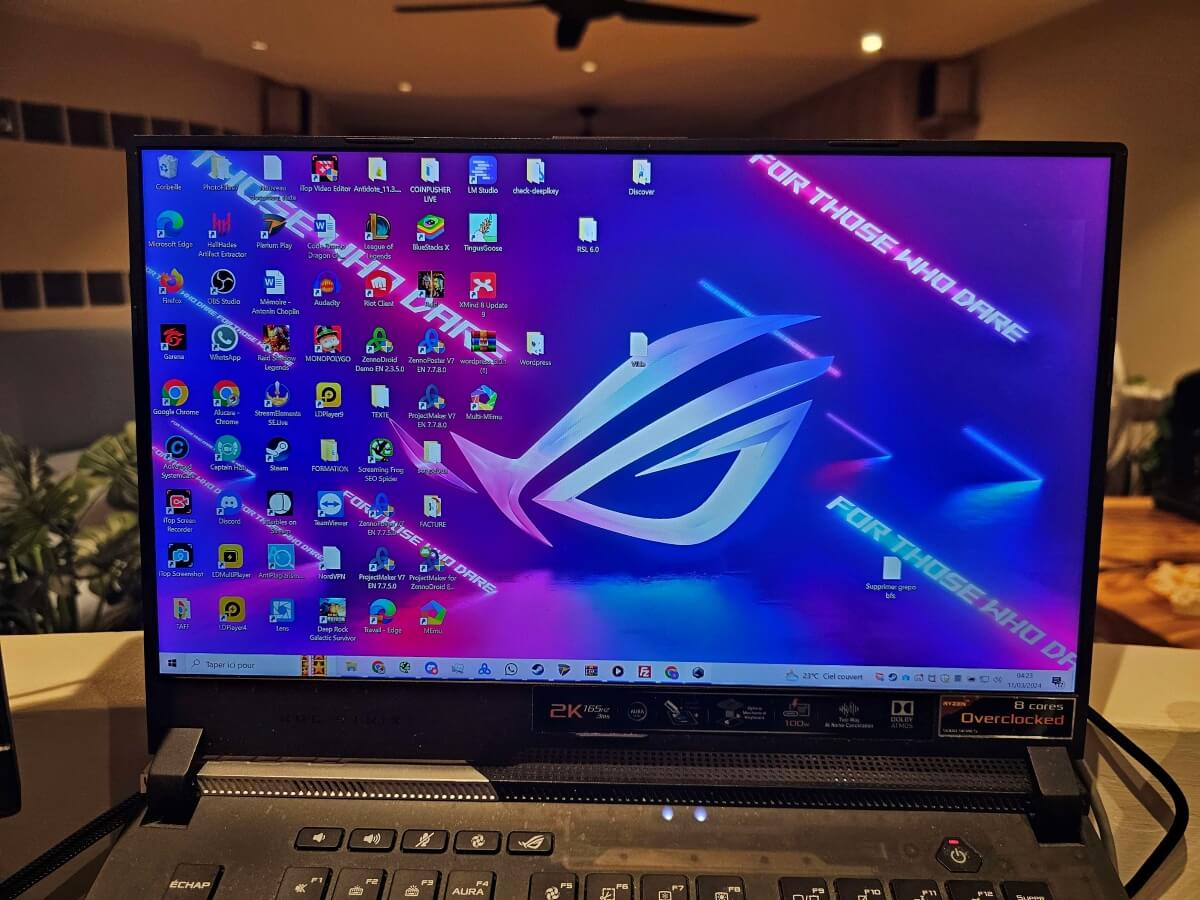
Being a big fan of Taiwanese brand ASUS, So, it was only natural that I turned to their laptops when I finally decided to buy one. But not just any laptop—it had to be powerful, with virtually no restrictions on its use. Above all, it had to be functional and suited to my needs, both for work and gaming.
That's why the answer was obvious: I needed a ROG! And since I was breaking the bank anyway, I might as well get a STRIX model. Especially since I had wanted one for years, but my trusty tower was still doing the job. Except that when you're on the move, it's clearly not practical to lug around at least a monitor, keyboard, mouse, and a tower weighing over 10 kg. Like in the days of intense LAN sessions on weekends with friends, for the most nostalgic among us! Therefore, a laptop with everything you need is ideal. Especially when it comes to moving around, but also for traveling.
Which ROG STRIX to choose?
It must be said that there is plenty of choice! But as I am also a big fan of AMD, I needed a Ryzen processor. After consulting numerous tests, I set my sights on the ROG Strix SCAR15 G533. More specifically, the one with the RTX 3070 mobile graphics card, since I didn't want the RTX 3060 model. The RTX 3080 was overkill for my needs and, above all, more expensive. So this splendid gaming laptop ticked all the boxes I was looking for and isn't INTEL inside:
- a proco Ryzen 5000 in Zen 3 ;
- easy to carry without being too bulky (15.6 inches); ;
- and it's got plenty of power under the hood (unlike the ROG Zephyrus series, which may be thinner and lighter, but it's not quite as fast!)
Key technical specifications of the ASUS ROG Strix SCAR15 G533
For more details about the technical specifications of this ROG model, please visit the ASUS website. But the ones that convinced me to choose this laptop gaming are as follows:
The processor part
Until a few years ago, Intel was the benchmark for processors in both desktops and laptops. But that was before AMD made a comeback on the gaming scene with its famous Ryzen processors. This laptop is equipped with the most powerful of the Zen 3 Ryzen 5000 mobile processors. It is the Ryzen 9 5900HX from AMD's family of mobile processors. It has nothing to be ashamed of in terms of performance compared to Intel's Core i9 11900H. In summary, this high-end processor is an 8-core/16-thread with a base frequency of 3.3 GHz and goes up to 4.6 GHz (max boost frequency on one core).
The graphics section
It should be noted that the’ASUS ROG Strix SCAR15 G533 comes in three versions. The one that caught my eye was equipped with NVIDIA's mobile graphics solution, namely the GeForce RTX 3070 with 8 GB of GDDR6 VRAM. In addition, as you would expect from ROG, it benefits from a frequency boost of up to 1660 MHz at 115 W (the base turbo frequency being 1560 MHz). This graphics card more than meets my needs, but the RTX 3080 version above it, while certainly more powerful, would hurt my budget.
The screen
As mentioned above, there are three models available for the ROG Strix SCAR15 G533. The other two are FHD (1920 x 1080) and do indeed go up to 300 Hz. But the version I chose is a 2K IPS, WQHD (2560 x 1440) screen with a refresh rate of 165 Hz. Their response time, on the other hand, is the same at 3 ms. In addition, the screen on each version features Adaptive-Sync technology. However, this screen adopts the DCI-P3 standard, which would allow for better color reproduction than the sRGB used by the other two.
Keyboard and Touchpad
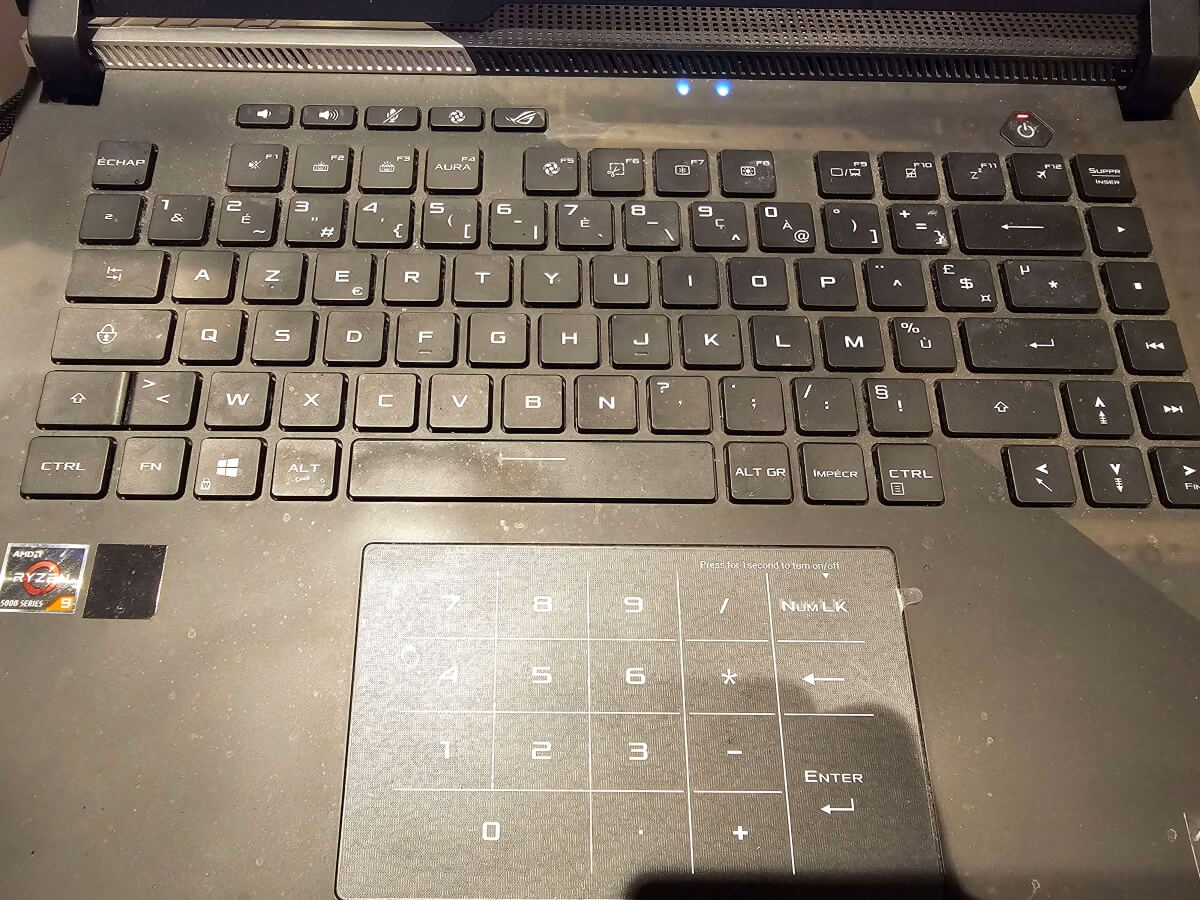
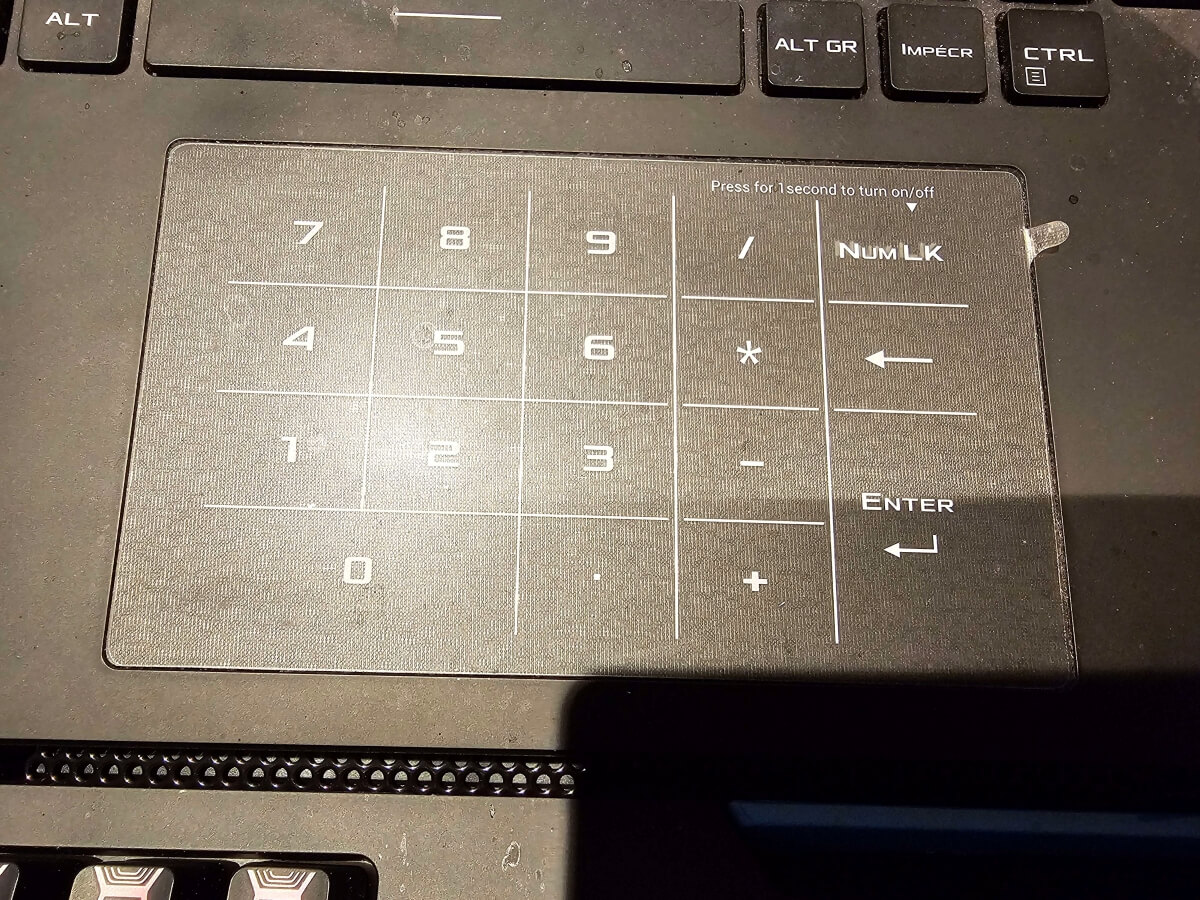
In my line of work, the keyboard was an important factor to consider. Regardless of the version, they all featured an “optical mech keyboard per-key RGB.” In other words, the keyboard on this laptop ROG is now optical-mechanical, providing a new typing experience and a rather distinctive sound (spoiler alert: relatively noisy in a quiet environment). I also liked the touchpad, not only for its size, but above all because it also features a particularly handy numeric keypad. Simply press and hold the dedicated part of the touchpad for a second to display it and access it.
The battery/autonomy section
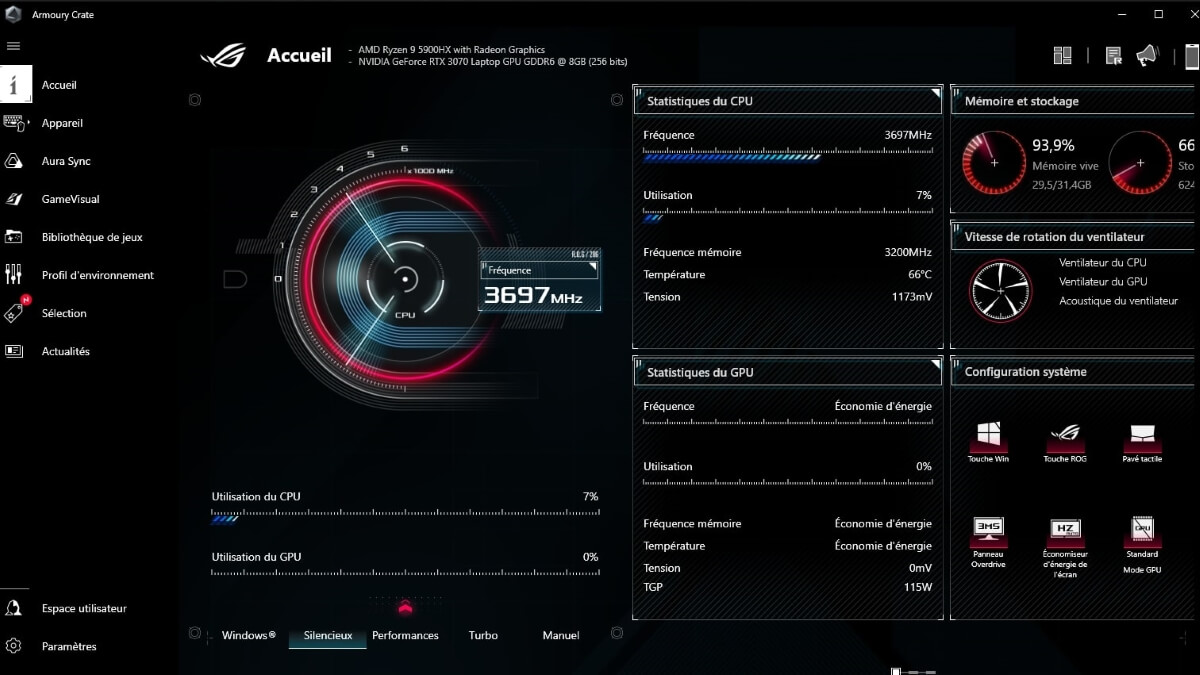
This laptop is equipped with a large 90 Wh battery, regardless of the version of the ROG Strix SCAR15 G533 model. This gives it a more than respectable battery life (outside of gaming) provided you activate the Ryzen 5900HX's iGPU mode using the Armoury Crate software provided. Be sure to set the system to “Balanced” mode, or even lower, to take full advantage of the 90 Wh battery. In addition, to save a few more Wh, don't hesitate to disable the colors on the keys if necessary.
Dimensions and weights
Not wanting to burden myself with a 17-inch laptop or a 14-inch one either, it was only logical that I opted for this model. ROG Strix SCAR15 G533. The perfect balance for a compact size: 35.4 cm x 25.9 cm x 2.26 cm. As for the weight of the beast, the laptop weighs only about 2.3 kg. That's a little more than the average weight of a brick (approximately 1.8 kg), but you hardly feel it, making it relatively easy to transport, perhaps with practice when traveling.
My experience with the ASUS ROG Strix SCAR15 G533
Speaking of noise, you can also hear its cooling system when it is working at full capacity during gaming sessions. This is particularly noticeable if you are not wearing headphones, even though the speakers (2x 4W for the speaker and 2x 2W for the tweeter) partially cover the noise from the fans. What's more, even in a quiet environment, such as at night, it makes noise when running next to my bed.
To sum up, I'm really happy with the ROG Strix SCAR15 G533 Given its performance, which has fully met my needs for over two years now. Despite a few minor flaws, such as noise, which are not deal-breakers, I plan to use it for years to come. Before perhaps replacing it with another model, still from ROG of course.









 English