netflix doesn't offer a native Mac app, but you can still watch your movies and TV shows on your computer. Depending on your model, you have three options: the App Store, a web browser, or the Windows installation utility built into your Mac.
Can I download Netflix on a Mac?
There is no no native Netflix app on macOS. The easiest method depends on your hardware.
- If your Mac has a chip Apple Silicon, you go through the’AppStore.
- On all Macs, you can use a web browser without having to install anything to watch movies and TV shows.
- On the Intel Mac You can only install Windows using the built-in utility to access the’Netflix app View and download content offline.
On iPhone, iPad, Apple TV On Windows, the Netflix app lets you download movies and TV shows to watch them offline. This isn't possible from a browser on a Mac: you must use the’Netflix app for this.
Since the platform's prices are rising steadily, find out how to pay as well Netflix cheaper before choosing your plan.
How do I get Netflix on a Mac using a web browser?
The easiest method requires no installation: just open netflix directly into your web browser and you watch movies and TV shows online, with good picture quality and audio quality.
Here are the steps to follow:
- Open the browser of your choice.
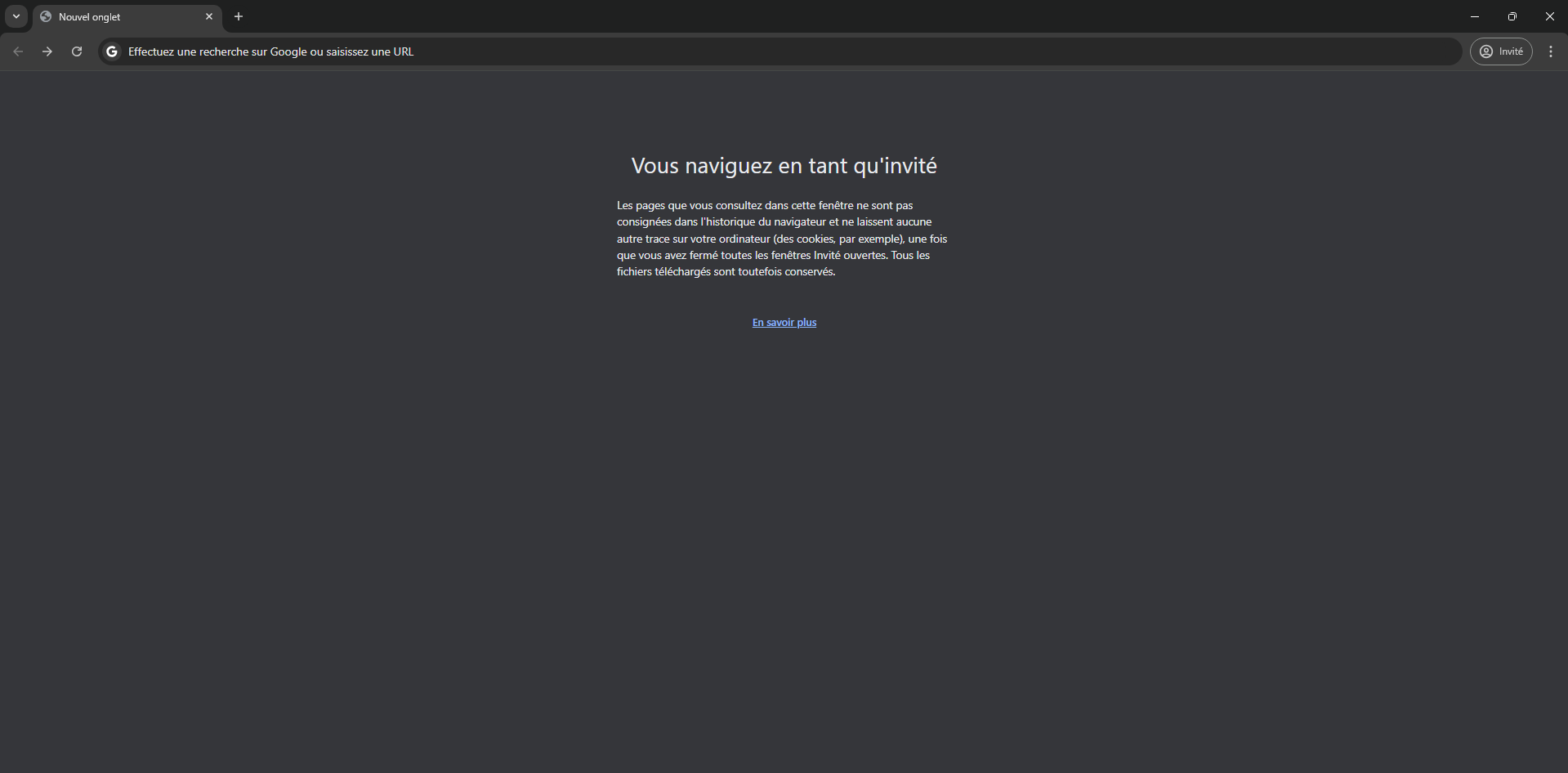
- In the search bar, type netflix.com and visit the website.

- Log in to your Netflix account.

- Explore the catalog movies and TV shows, then click on a video to start playing it.
Safari is optimized for Apple devices: this is the browser I recommend for a fluid diffusion, good image quality, and a audio quality HD on macOS. You can also choose the language for the subtitles and audio directly from the player netflix .
An important point: the browser does not allow you to download episodes offline on a Mac. To do that, you'll need the’Netflix app, available at iPhone, iPad, Android and Windows. This limitation helps you choose the right method based on your needs.
If you want to do the same thing on a PC, check out how to install Netflix on Windows.
How to download Netflix on Mac with Windows?
To access the’Netflix app complete and Download movies and TV shows for offline viewing, you can install Windows on your Mac using the built-in Windows installation utility. This is the most resource-intensive method and should be used only when an offline download is absolutely necessary.
Attention : This utility only works on Mac with an Intel processor. Macs with a chip Apple Silicon do not cover it.
Before you get started, make sure your Mac is compatible with Windows 10. Here are the supported models:
- Mac mini from 2012 or a more recent version.
- MacBook Air, MacBook Pro, and iMac from 2012 or a more recent version.
- Mac Pro from 2013 or a more recent version.
- MacBook from 2015 or a more recent version.
- iMac Pro (all models).
- Mac with an Intel processor and OS X El Capitan or a later version.
Once compatibility has been confirmed, follow these steps:
- Download a Windows installation file (ISO) from the website at Microsoft.
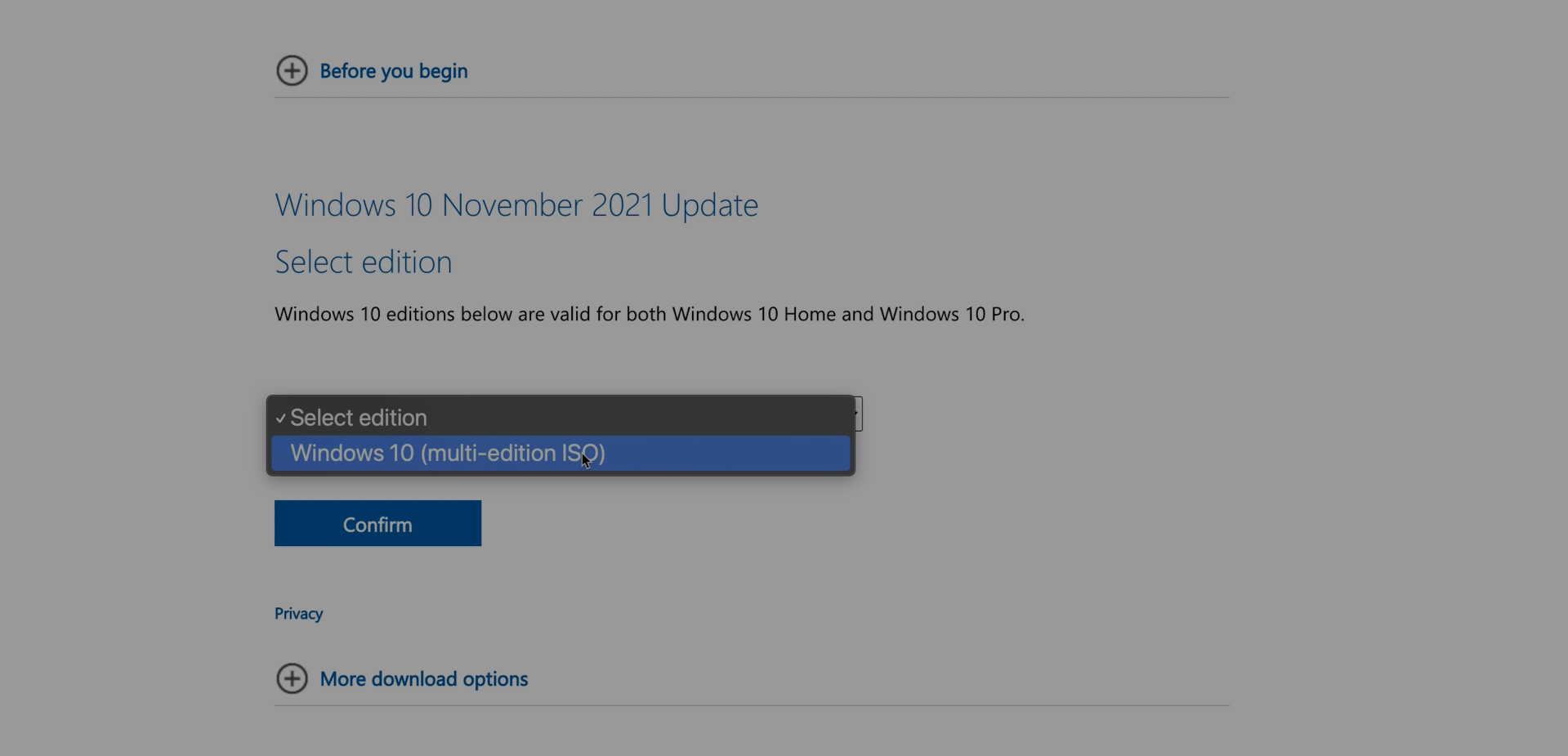
- Open the’Windows installation utility built into macOS (Boot Camp Assistant).
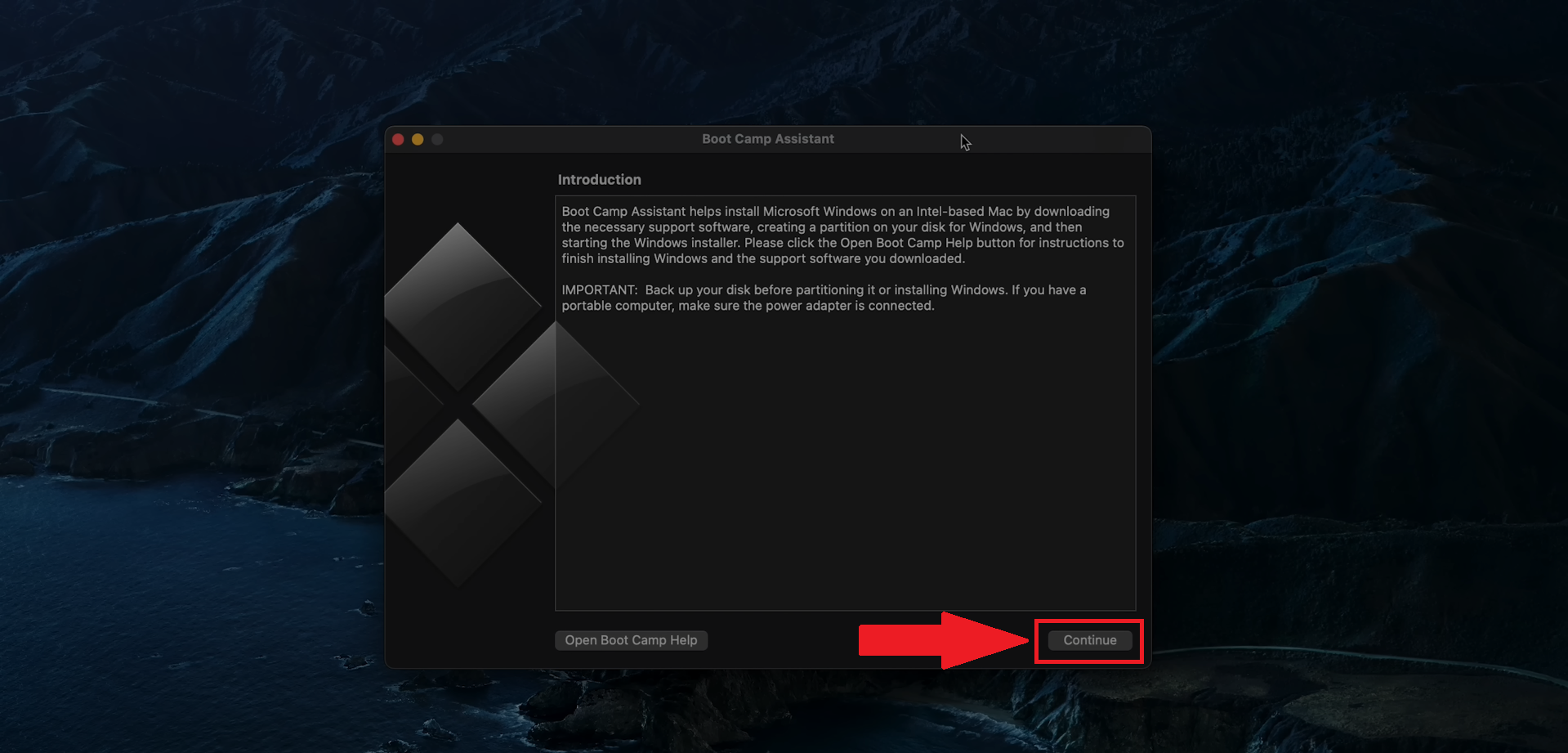
- Start the Windows installation by following the instructions in the utility.
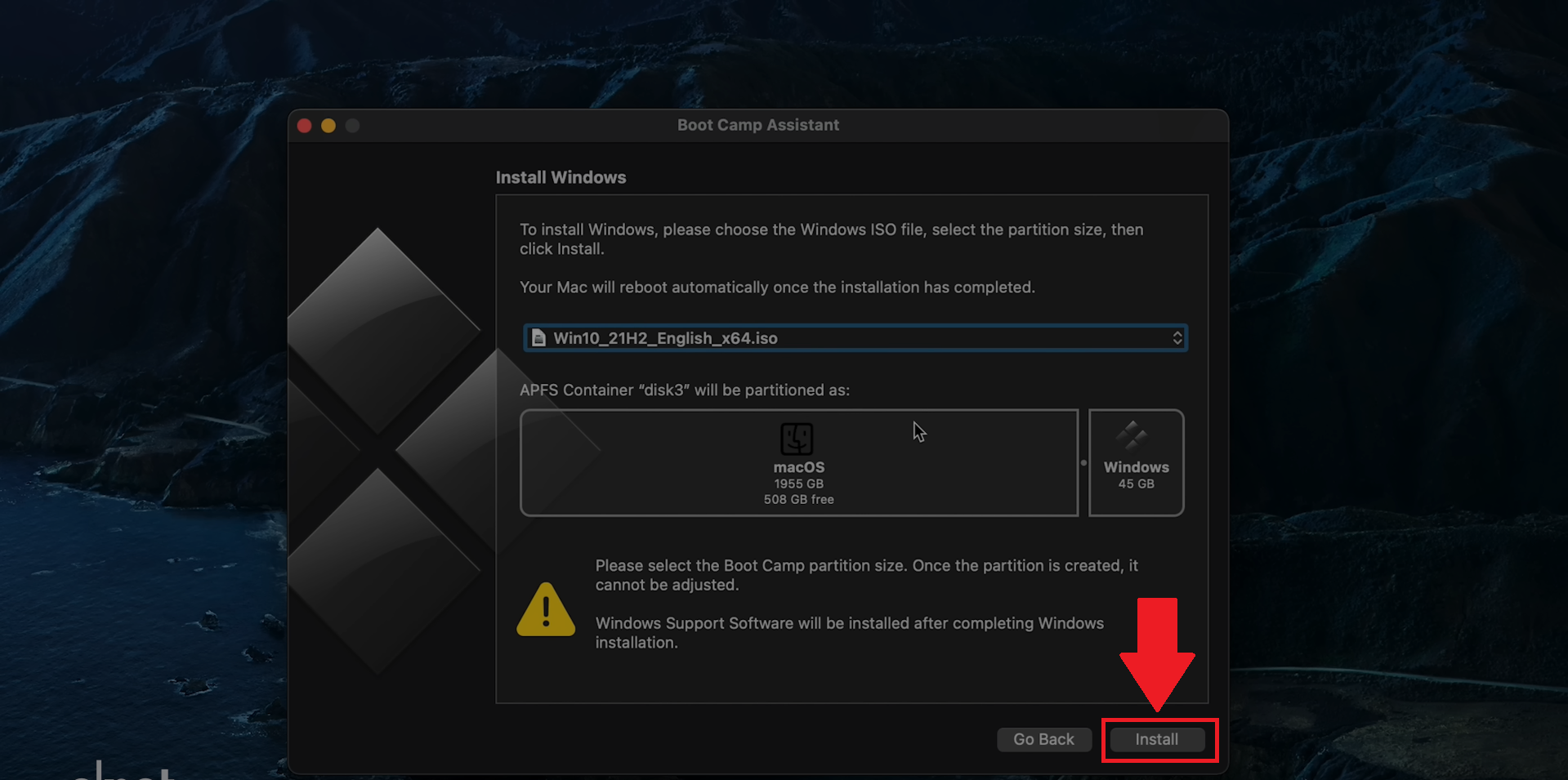
- Set up Windows by following the on-screen instructions.

- Go to the Microsoft Store, search netflix and download the’Netflix app.
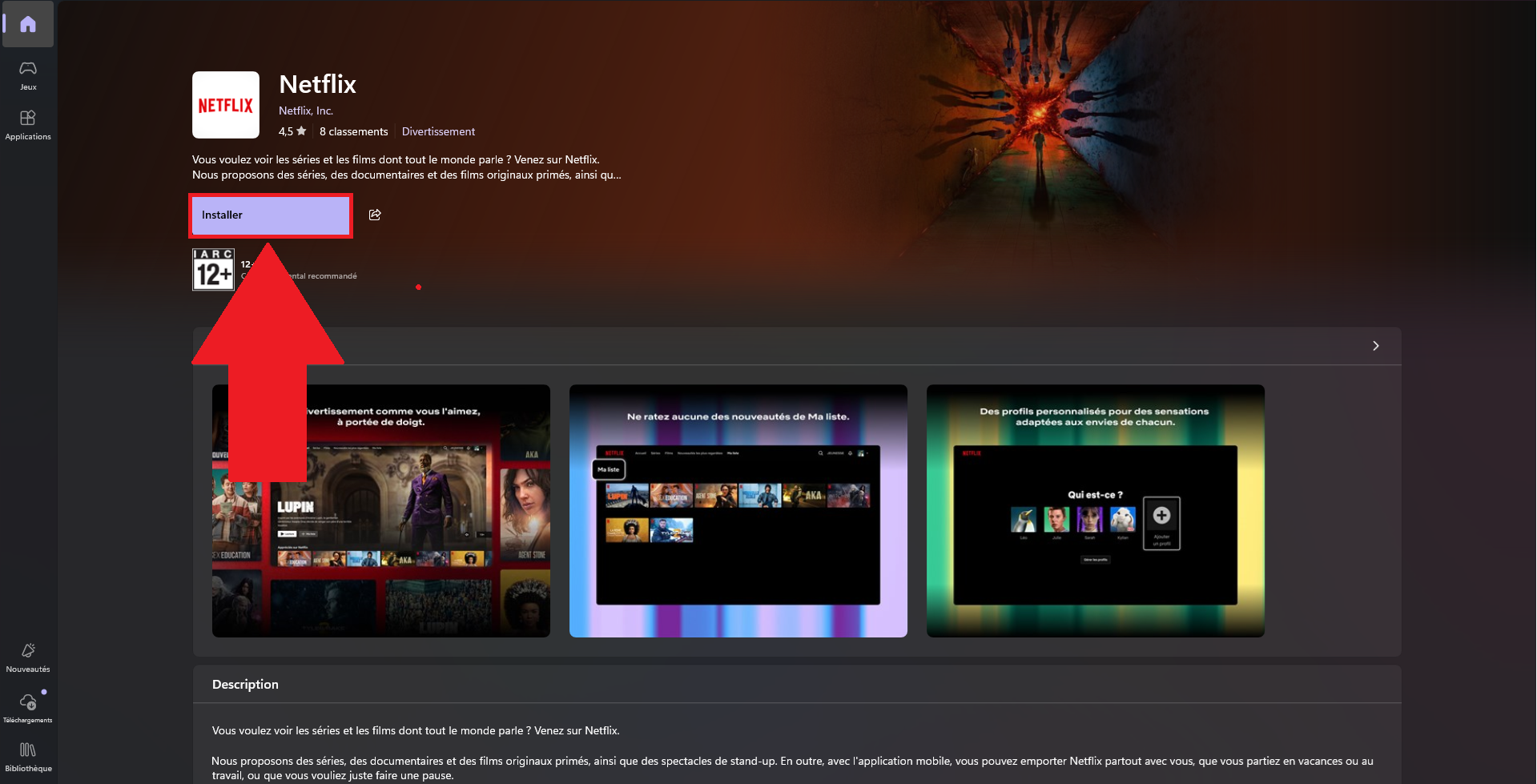
- Log in to your Netflix account and enjoy the full app, which lets you download movies and TV shows.
This is the only method that allows you to download content for offline viewing on an Intel Mac, with a audio quality and video preserved. To learn more, check out our article on how to download movies and series on Netflix.
How do I get the Netflix app for iOS on my Mac?
This is the fastest method if you have a newer Mac. Models equipped with a chip Apple Silicon can run the iOS apps directly on macOS. You download the’Netflix app exactly like on a iPhone.
Here's how to do it on your computer:
- Open the’AppStore on your Mac.
- Tape «Netflix» in the search bar.
- Click on the download button on the page for the’Netflix app.
- Once it's installed, launch the app by clicking on its icon.
- Log in to your Netflix account and starts watching movies and TV shows.
Remember to always install the latest version available to take advantage of the latest features and updates languages subtitles and security patches. The’Netflix app On Macs with Apple Silicon, HD streaming is supported with good audio quality.
This method is only available on Apple Silicon Macs: on a Intel Mac, the App Store does not offer the iOS version of netflix . On Android, the process is different: you download the’Netflix app since Google Play Store.
To learn more, check out all of our articles on Netflix on the site.










 English