Optimize your account Twitter (X) by opting for an attractive banner is essential, especially if you use the platform in a professional context.
In this article, let's find out together what the dimensions, format, and size of a Twitter banner.
To hire a professional who can create a Twitter banner:
Choosing a professional to create a Twitter banner
What are the dimensions of a Twitter banner?
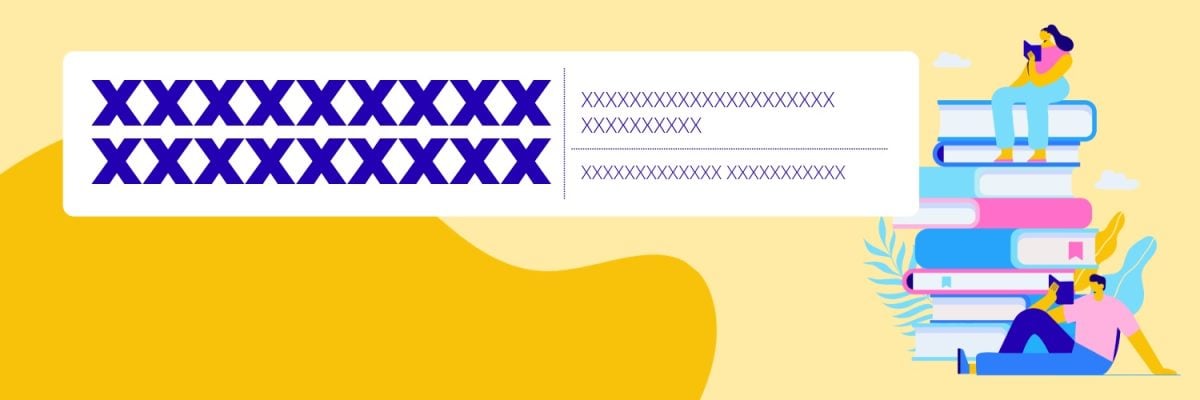
It is important to respect the size of a Twitter banner to ensure that your visuals are compatible with the platform. This enables your design to correctly show the important elements to visitors to your profile on X.
Here's what you need to do retain :
- The size of a Twitter banner is 1500px by 500px.
- Avoid putting information in the lower left-hand corner of your banner.
- Ideally, you should leave a blank space in this area, as it will be hidden by the profile picture (400px x 400px).
You have a Twitter account, but it's not performing well enough? Discover how to analyze an X account and enhance your profile via another article on our website.
What is the ideal format for a Twitter banner?
You can use three image formats for banners on Twitter :
- JPEG,
- GIF,
- PNG.
What is the ideal size for a Twitter banner?
Here's what you need to do know :
- The size of a static banner (JPEG or PNG) on Twitter must not exceed 3 MB.
- Animated banners (GIFs), on the other hand, should not do not exceed 5 MB.
How to create a banner for Twitter?
To create a Twitter banner, you need to follow a few simple steps. Here are some details about this.
Find inspiration
Get inspired by the models on Pinterest, Adobe Express Where Canva to create your Twitter banner. These examples have often been designed by professionals or experts who know what to include in Twitter banners.
You can make a research by platform, by task or by aesthetic, depending on your choice. You can also find inspiration for certain colors or moods.
Once you've found a model, you can start to get inspired to create your own Twitter banner.
Customize the template
You can customize your template banners in different ways.
- start with add text that matches your brand.
- Select the police of your personal branding.
- Use your own Pictures Where videos.
- Add your logo (if you have one).
- Etc.
Then, take the time to harmonize everything, and to add details to catch the attention of users.
Add your style
If you use Twitter for professional purposes, it is essential to design a banner with a particular style that makes you unique.
In this context, use exclusive tools or add stickers rarely used or apply animations to text.
Ideally, you should define your personal style and apply it to the banner. This produces a more interesting result.
Resize the banner and share it
Once you've finished designing your banner, you can save and download it in any of the above formats. All that's left is for you to’add to your profile Twitter.
If an error occurs when importing images, try the following: check your internet connection. Also check that your browser is up to date. If no improvement is seen after these actions, try changing your browser.
If these steps seem difficult, don't hesitate to contact a professional who will create your banner according to your specifications.
To request a professional to create a Twitter banner:
Contact a professional for a Twitter banner
What tools should you use to create a Twitter banner?
We offer two tools for creating your Twitter banner: Adobe Express and Canva. You can choose one to express your creativity. Here's what you need to know about these platforms.
Adobe Express
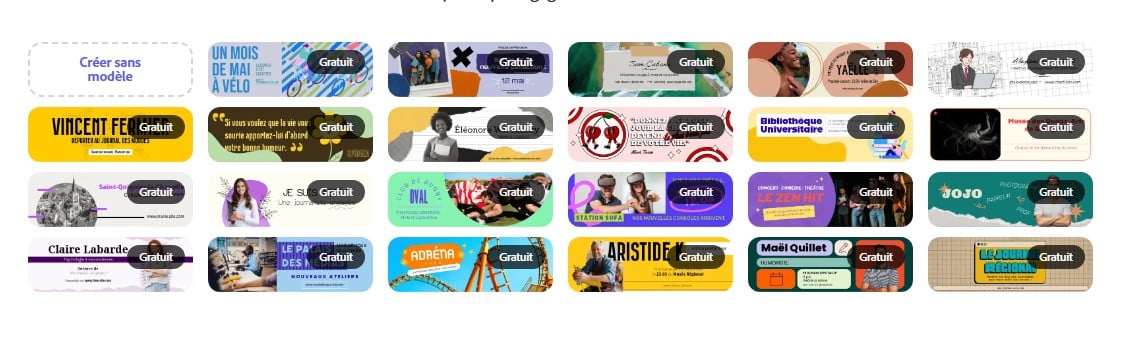
Adobe Express is an online tool available in your browser for creating a variety of visuals, including a Twitter banner.
- It offers you models designed by professionals that you can use to create your content according to your tastes and preferences.
- It also simplifies the format management images using predefined templates.
- Various tools Features such as image generation, graphic text, and photo editing are available on the platform to help you create the best possible design.
You can use the platform to customize a template and get a design that stands out from the crowd. If you wish, you can also design your banner directly on the platform without a template and let your creativity run wild.
The platform is easy to use, even for beginners. You don't need to have advanced design skills to be able to use it. Adobe Express.
Canva
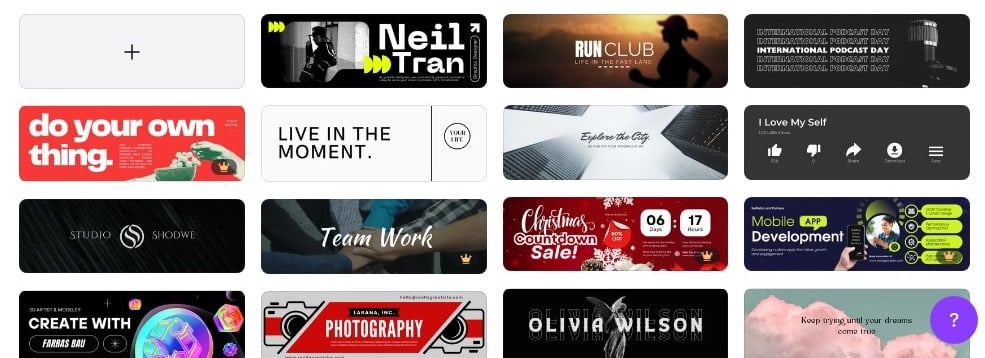
Canva is one of the most popular tools for creating attractive content and visuals. You can, of course, create a Twitter banner above.
- The platform offers models which you can use as a basis for creating your design.
- Numerous tools are available to personalize your content. These include animated text, image editing tools and resizing.
Nor do you need advanced design experience before using Canva. Just take a look at what the platform has to offer on its interface, and use the features to get the most out of it. Twitter banner with a professional and neat appearance.
FAQs
Why do you have to comply with the dimensions imposed by Twitter?
Note that:
- These dimensions are recommendations. Indeed, today social media platforms, particularly Twitter, have become flexible in this regard.
- Twitter also has a Zoom function which allows you to correct image size issues during uploading. In short, standard dimensions are specified in order to maintain the correct aspect ratios.
- On the other hand, the number of pixels The resolution you use for your images and photos on social media is important so that your design displays correctly and is of good quality on all media.
The sizes of the images on the social networks are often changed, there is no accuracy, you have to keep up with the latest news to avoid making mistakes.
What are the image dimensions for Twitter?
Here are the suggested dimensions for the Twitter images :
Profile photo sizes
- Ratio: 1/1
- Max photo size: 400 by 400 pixels.
- Minimum photo size: 200 pixels per side.
Image size for a Tweet
- Ratio: 2/1
- Minimum photo size: 440 by 220 pixels.
- Dimension 1024 by 510 pixels (recommended by Twitter)
When you use an image from banner according to the recommended dimensions, but parts are cropped. The problem is likely due to the way images are displayed based on screen size and the browser used.
To ensure that your banner is designed in accordance with Twitter's recommendations and to achieve a polished, professional look, use experts in the profession.
Why hire a professional to create a Twitter banner?
Call upon a professional for your Twitter banner guarantees a high-quality result and a design well-groomed.
- Professionals also know what to put and not include it in the banner according to your objectives.
- Experts know harmonize colors and manage white space in your design.
- They work quickly and can provide you with a design in a short time.
You don't need to spend a fortune to hire a professional to create a Twitter banner. In fact, by clicking on the button below, you can chat with a graphic designer who can create your visual for less than $10 !
If you would like to request a professional to create a Twitter banner:
Contact a professional for a Twitter banner
What makes a good Twitter banner?
A good Twitter banner respect these elements:
- A consistency between your brand and the value of the message.
- Regarding the motifs and textures that respect your branding.
- Regarding the white spaces correct.
- Regarding the fonts legible.
- Regarding the pictures quality.
- A background corresponding to the overall design.
In conclusion :
- It is important to adhere to the recommended size for Twitter banners in order to obtain an optimized profile.
- You can use Adobe Express or Canva in creating your banner.
- If you don't have the time or can't create your banner, the best thing to do is to hire a professional who can take care of designing it for you.
Other articles similar to this one are available on our page. Twitter (X), Please do not hesitate to consult them. If you have any questions, you can ask in the comments.







 English