Downloading Roblox on a PC is free and takes less than 5 minutes with a good internet connection. You create an account, click on a game, and the installation of the launcher starts on its own, on Windows and Mac.
Roblox is a platform that brings together million players around the world. You can play millions of games created by the community, explore a variety of worlds, or even create your own adventure. The platform is available on Windows, Mac, android, iOS and console.
Video tutorial on how to download ROBLOX on your PC
Would you rather see the steps in action than read about them? This video shows you how download and install ROBLOX on your computer, for free and in just a few minutes.
Explanatory video in French by Alucare, ideal complement to the page. View video (you can use YouTube's automatic translation)

If you prefer written instructions, follow the steps below.
Step 1: Go to the official website of ROBLOX
Go directly to roblox.com/download in your browser. No need to go through Google—just type the address in directly.
If you'd rather search, type “ROBLOX“ in the search bar from Google. The first result takes you to the right page.

The first link takes you to the official website of ROBLOX. This is where it all begins.
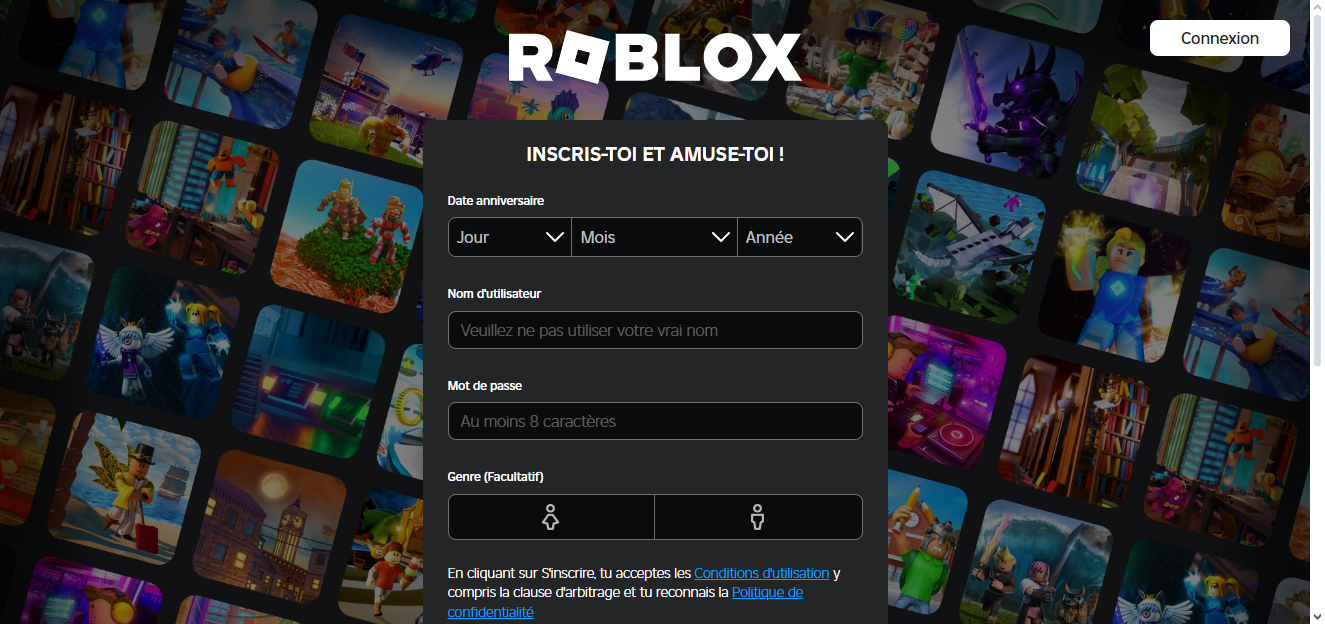
Step 2: Sign up or log in at ROBLOX
You can choose between Create an account or log in. Registration is free of charge.


Once you've logged in, you'll be taken to the home page of ROBLOX featuring today's most popular franchises.

Tip: once ROBLOX Once it's installed, you can Change your keyboard shortcuts for a better gaming experience.
Step 3: Search for a game on ROBLOX
From the home page, you can access millions of games and universe. The search takes just a few seconds.
- Use the search bar to find any game. For example, I searched for “Simpson”.
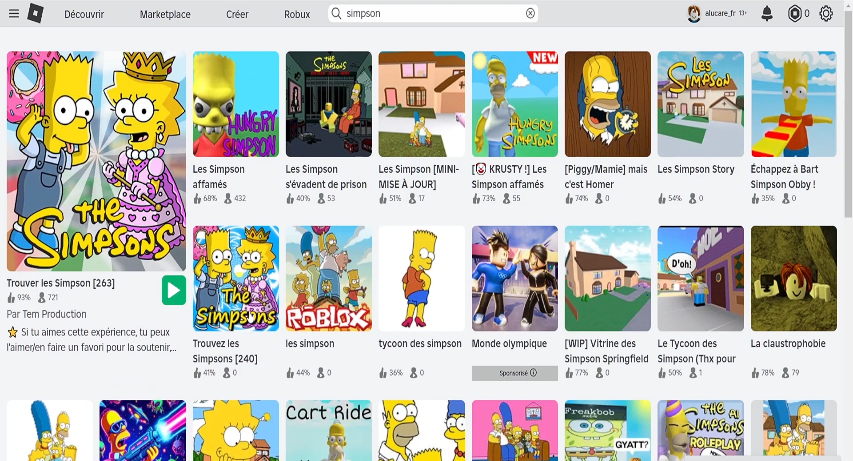
- Select the game which one interests you among the results shown.
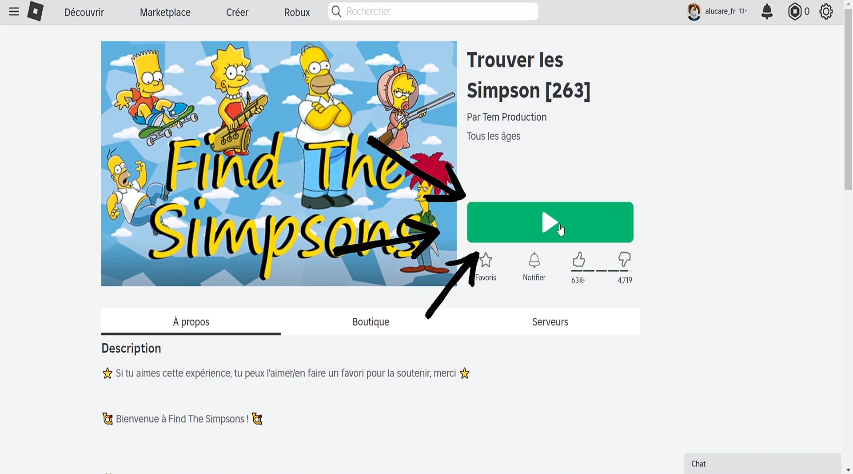
- Click on the big green button. A pop-up ...then appears on your screen.

If that's your first time, this pop-up starts the software download. If the Roblox Player If it's already installed, the game will launch immediately.
You can also download ROBLOX directly from the Microsoft Store on Windows. Search “Roblox” in the store and click “Get.” The result is the same.
Step 4: Download and install ROBLOX on your PC
Your browser is prompting you to download the installation file of ROBLOX. Click on "To register" to start downloading.

Once you've downloaded the file, there are two ways to start the installation:
- Click on the download at the top of the browser to get started right away.
- Open the file from your Downloads folder to install it manually.

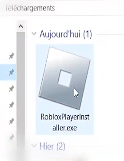
In both cases, the installation completes in a few minutes. the Roblox Player installs itself on your PC Windows.
The automatic updates are managed directly by the software: you always play on the latest version available, no matter what your operating system.
Step 5: Launch a game on ROBLOX
Once installation is complete, the’home screen of ROBLOX opens with the recommended games featured prominently.
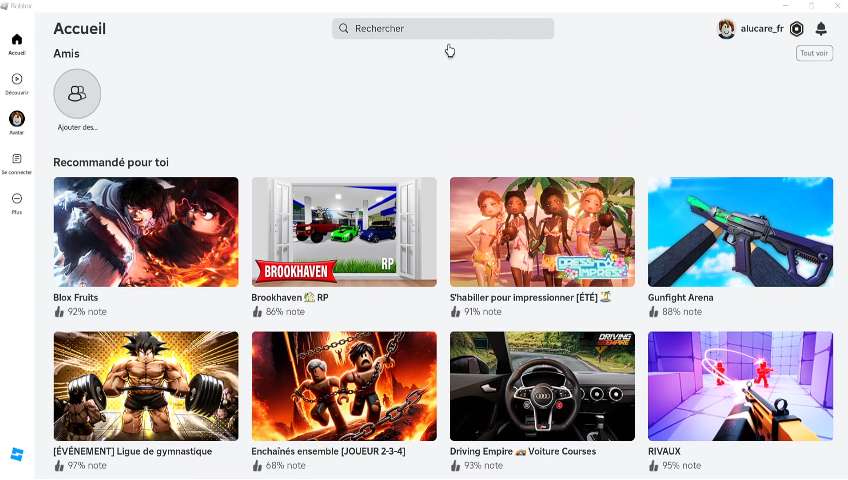
Just click on any game to start it. The customer ROBLOX load the selected universe on its own. If you're looking for inspiration, take a look at the best games Roblox to do with friends.

Once you're in the game, remember to Customize your avatar and to adjust your settings from the main menu. You can also access Roblox Studio, the free tool for create your own games and worlds on Windows and Mac. Roblox Studio It is installed separately, but remains accessible from the official website's home page.
Your character lag or are your shares arriving late? This video explains how to reduce your ping and stabilize your connection in just a few clicks:
Explanatory video in French by Alucare, ideal complement to the page. View video (you can use YouTube's automatic translation)

Be sure to check out my tips for earn Robux free.
Do you have any questions? Leave a comment below!








 English
Hfgdhdgdh76538 Where 5