Nowadays, you don't need to be a developer to extract data from a website! Thanks to web scraping extensions With Instant Data Scraper, you can do this in just a few clicks.
In this article, we invite you to discover how to use Instant Data Scraper to collect data online. Let's take a look at how it works, step by step.
Requirements for using Instant Data Scraper
Instant Data Scraper is a free web scraping extension available on the Chrome Web Store.
👉 To use it, you must download and install the extension on your Chrome browser.

Visit cHow to install Instant Data Scraper :
- 1️⃣ Go to the Chrome Web Store.
- 2️⃣ Enter Instant Data Scraper in the search bar.
- 3️⃣ On the extension page, click «Add to Chrome.»Add to Chrome).
- 4️⃣ Confirm the addition of the extension by accepting the authorization requests.
Once installed, the icon for the’extension Instant Data Scraper will appear in the Chrome toolbar!
You can then launch the web scraping with Instant Data Scraper. Here's how it works:
Step 1: Go to the target page
To begin, go to the web page that contains the data you want to extract.
⚠️ Make sure you are on the correct page. Indeed, Instant Data Scraper only retrieves the content displayed in your browser, not data from the entire site.
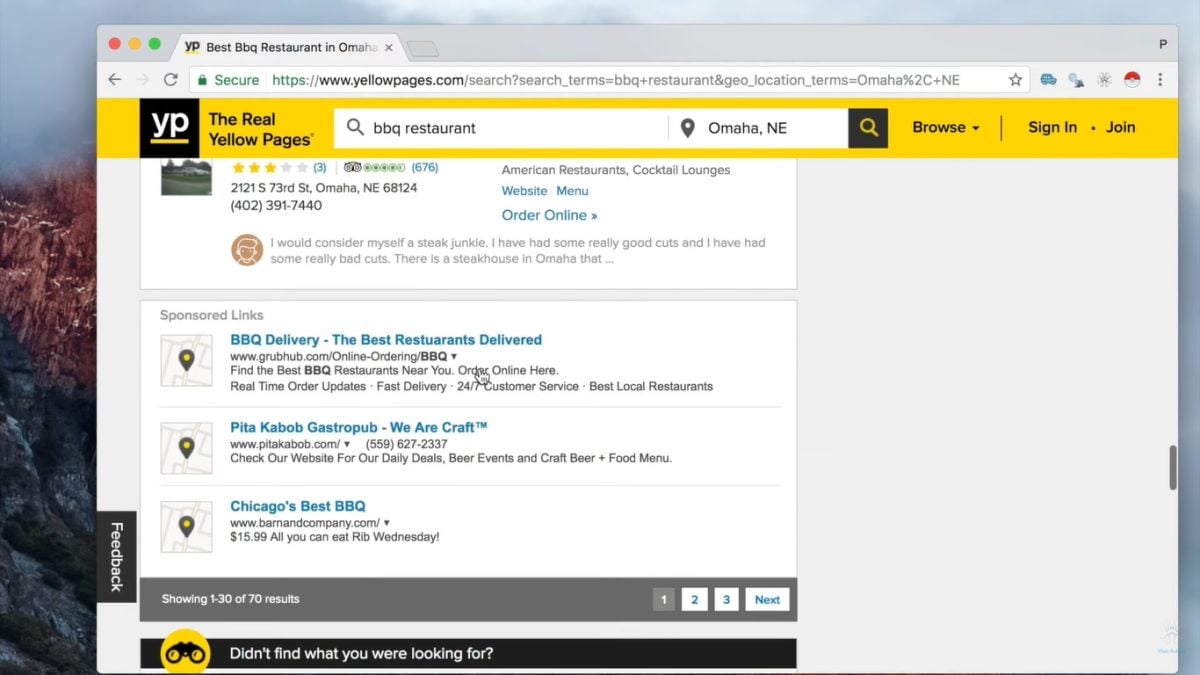
Step 2: Launch the extension
Click on theInstant Data Scraper icon in your browser's extension bar (top right).
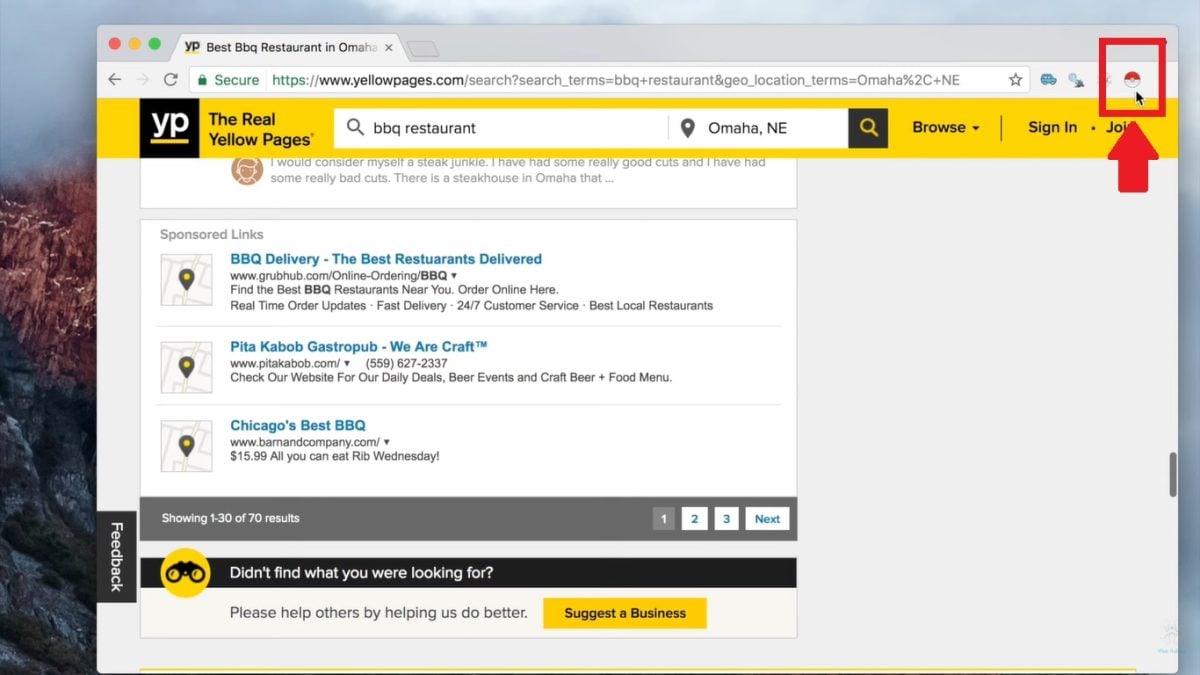
👉 The tool's interface will open in a small window above the page you are scraping.

Step 3: Detect the data
Instant Data Scraper automatically detects tabular data (lists, tables, etc.) present on the page. The selected data is then displayed in the interface.
⚠️ If the elements detected are not the ones you want to scrape, you can click on the button " TRY ANOTHER TABLE » to start another selection.

Step 4: Configure scraping (if necessary)
Instant Data Scraper allows you to customize data extraction. This allows you to:
- ✅ Rename columns for better readability.
- ✅ Use the « LOCATE NEXT BUTTON »for" scrape multiple pages automatically (for paginated data).
- ✅ Click on « SCRAPE MORE »for" scrape more data if the initial selection is incomplete.
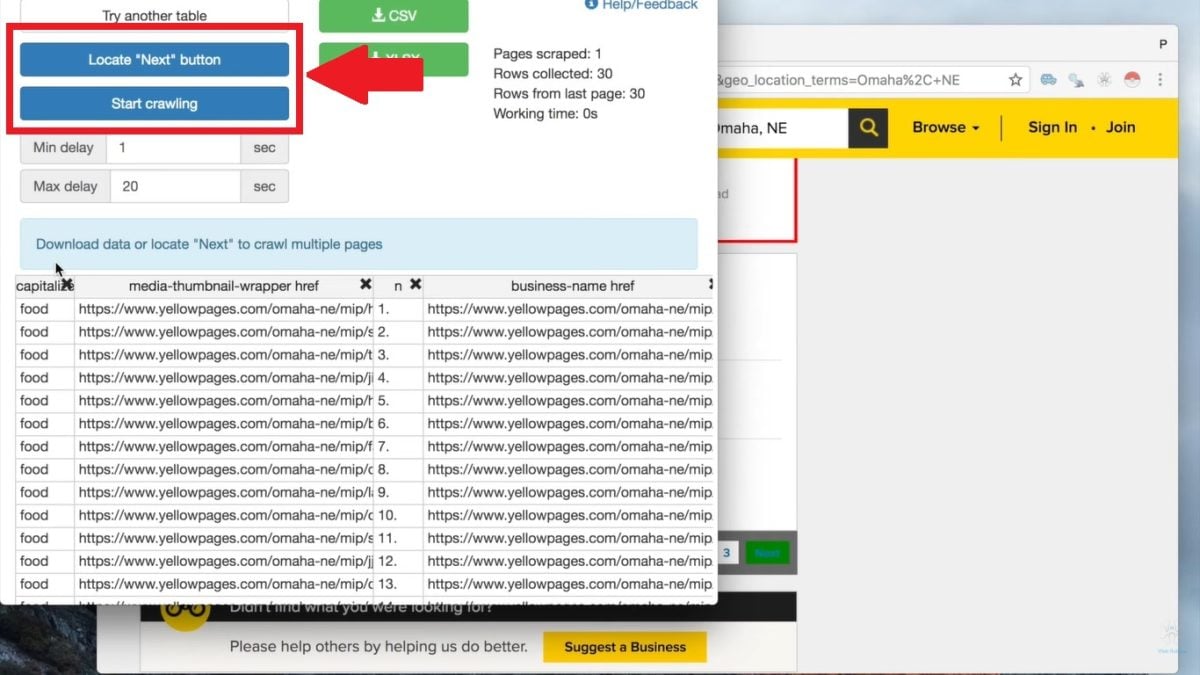
Step 5: Export the data
Once the scraping is complete, you can export data on your computer.
👉 Instant Data Scraper offers CSV and Excel formats.
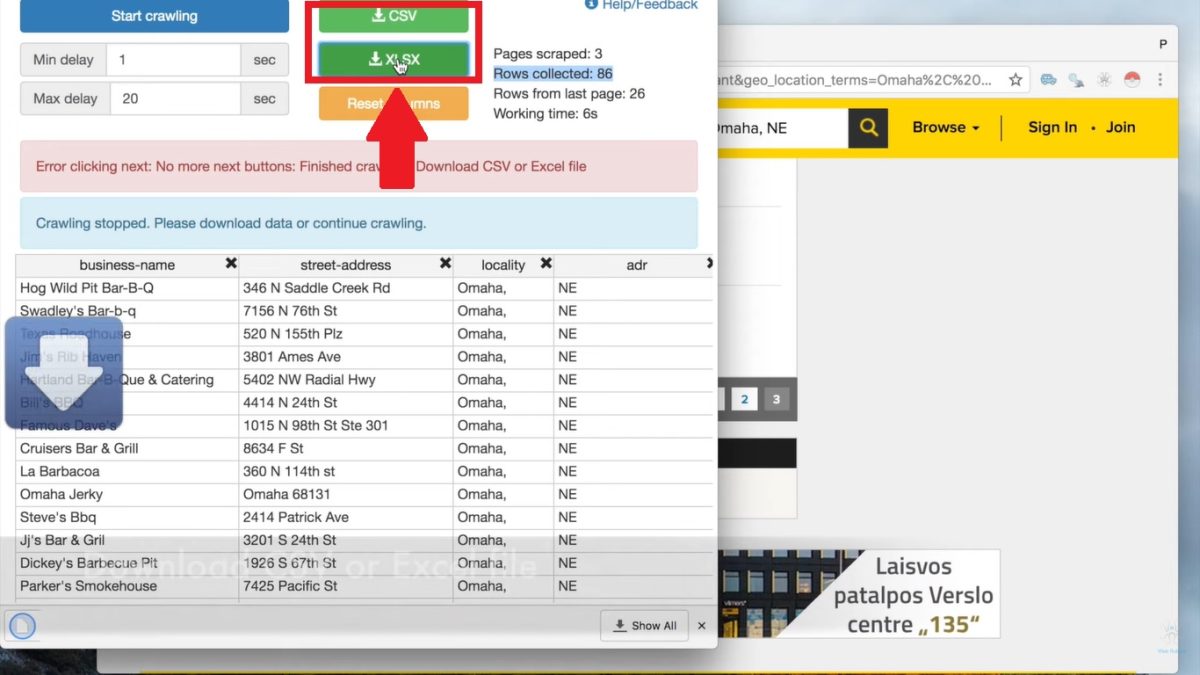
The file will then be automatically saved in your downloads.
What are the alternatives to Instant Data Scraper?
Instant Data Scraper is a web scraping solution Simple, fast, and convenient. It's the ideal scraping tool for beginners. But in your case, do you need more control and/or features?
💡 Rest assured, there are other tools that may better meet your expectations and needs. Tools, software, or even frameworks—here are a few alternatives to Instant Data Scraper :
Bright Data
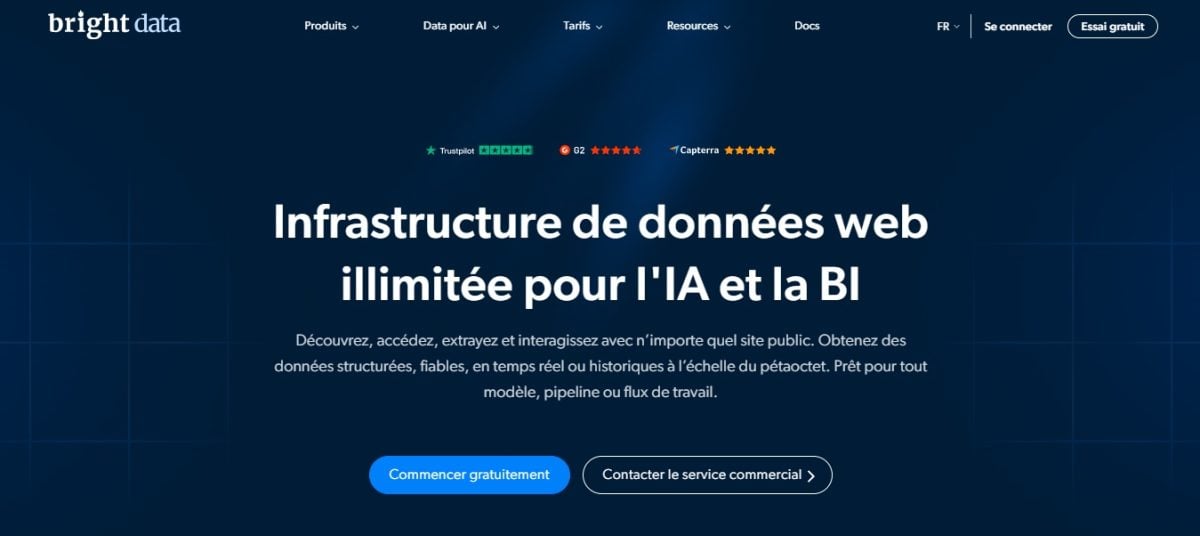
Bright Data is a web scraping platform which offers a comprehensive suite of powerful tools and features for scraping large volumes of data.
This is the ideal solution for large scraping projects.
👉 We explain everything in our full review of Bright Data.
Octoparse

Octoparse is a no-code scraping software that allows you to scrape without writing a single line of code! Thanks to its visual interface, you can easily automate data and information collection.
It's a good alternative for non-technical users with complex scraping projects.
👉 You can discover our full review of Octoparse.
Scrapy (Python)
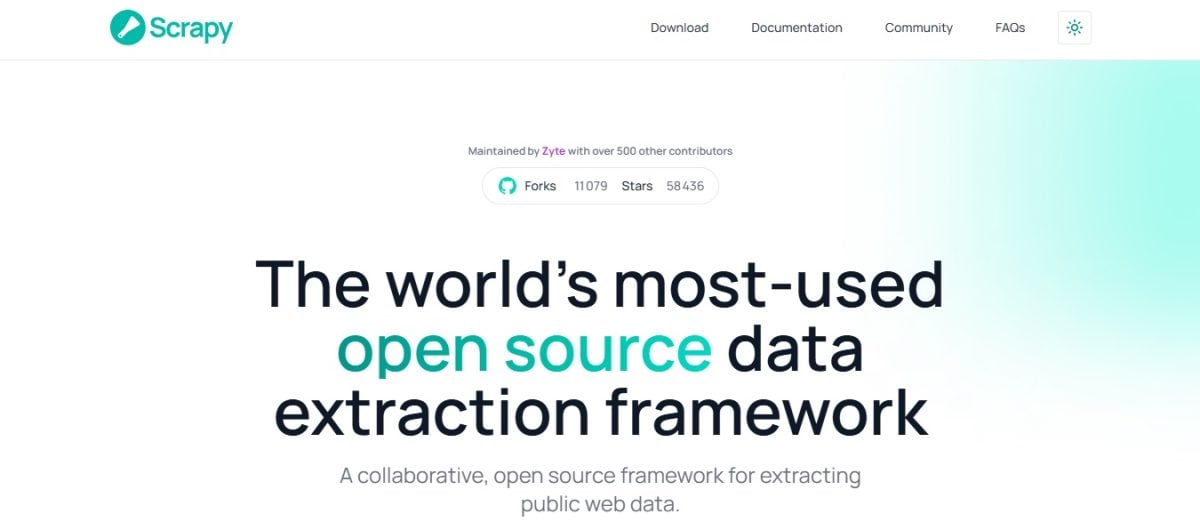
Scrapy is an open-source framework based on Python. Python language. Specially designed for web scraping, it allows you to quickly collect, extract, and process data from websites.
It's a powerful and flexible solution, ideal for developers and people who know how to code.
👉 Find out more in our comprehensive guide to web scraping with Python.
Other web scraping extensions

Instant Data Scraper isn't the only interesting Chrome extension for web scraping There are other interesting alternatives such as Web Scraper or Data Miner. It all depends on your needs!
👉 Find the best web scraping extensions for Chrome in our dedicated article.
To return to Instant Data Scraper, It's a really simple and practical tool for collecting data on the web. Feel free to use it to take your first steps in web scraping.
And if you have any questions about the extension or web scraping in general, feel free to ask us in the comments.









 English