When handling digital files, you have probably encountered various types offile extensions.
These extensions play a crucial role in the way your computer identifies and opens the files you have.
In this article, we will examine each file extension that can be opened with a word processor you need to know.
Explanatory video in French by Alucare, ideal complement to the page. View video (you can use YouTube's automatic translation)

Which file extensions can be opened with word processing?
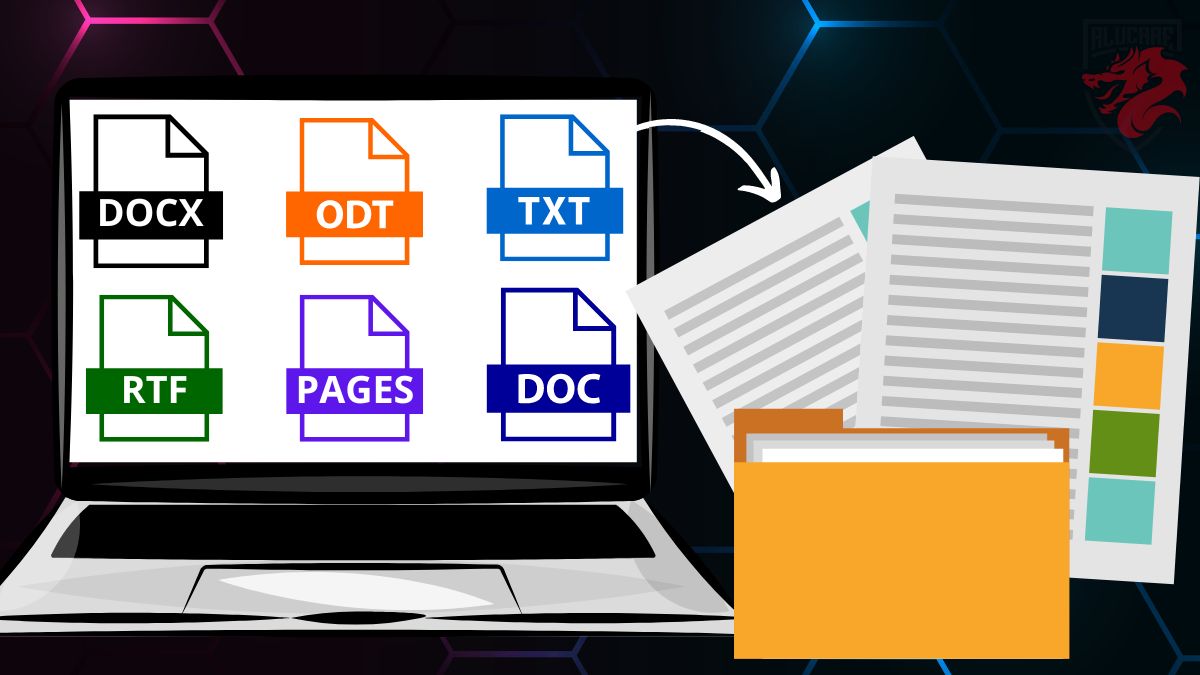
There are many tools for processing text data. The file format software-dependent that you use.
Select a extension for a file opened with a word processor. Here are the available extensions :
- .docx ;
- .odt ;
- .txt ;
- .rtf ;
- .pages ;
- .doc.
Find out more about details about these extensions.
1. .docx
This is themost common extension for text documents created with Microsoft Word, one of the world's most popular word processors.
Take note of these details when working with a .docx document:
- Even if you're using an Android application, the remains the same.
- You can insert images in a text document with Microsoft Word.
You may also need all about .docx documents if you select a file extension that opens with a word processor such as this one. Feel free to find out more about this topic in the article available on our website.
2. .odt
The .odt file extension is used for text documents created with open source office suites. These may include LibreOffice or OpenOffice.
They also allow you to make a formatting text documents.
3. .txt
This is a basic file extension for unformatted text documents. .txt files generally contain plain, unformatted text.
4. .rtf
The .rtf (Rich Text Format) extension is used for text documents that can include a formatting such as specific fonts or bold, colors and sometimes images.
5. .pages
This extension is associated with text documents created with PagesApple's word processing application for macOS and iOS devices.
You need several tools to open a page file.
- On Mac, you can download Pages application in the App Store and install it.
- On Windows, you need to convert file in .doc or .docx or any other extension that can be read on your device.
- You can also use iCloud if you have access to the platform.
Select a extension for a file opened with a word processor of this type if you are a frequent user of Apple products.
6. .doc
This is the old file extension used by Microsoft Word before the introduction of the .docx format.
Although some older versions of Word still use it, .docx has largely replaced it.
In addition, discover how to get Office 365 for less in our dedicated article.
How do I open a file extension with a word processor?
It is relatively easy to open a file extension with a word processor. Just make sure you have the word processing software then follow these steps.
Check your word processing software
Make sure you have a word processing software installed on your device to open the text file. Recommended programs include Microsoft Word, LibreOffice or OpenOffice. In your computer's menu, search to see if the software is comfortable.
Locate file
Find the file you want to open on your computer. Then make sure you know your location and its name with the appropriate extension.
Click to open
Make a double-click on the file and open it with the appropriate word processor installed on your computer. It should open automatically, with the contents of the file displayed on the screen.
What to remember about word processing and file extensions?
| 📌 Points to remember | 📝 Details |
| The extension of a file opened with a word processor varies from software to software. |
Example .docx files will open with Microsoft Word, while .odt files will open with LibreOffice or OpenOffice. |
| Download the software depending on the file extension you wish to open, if you don't have one. |
Example Microsoft Office for Windows, macOS or Linux, etc. |
|
If you have a Gmail account and use Google Docs to process a text file online, you can download document in .docx, .odt or .txt format.
|
|
| Saving a file on theBloc Note application available on Windows, produces a file in .txt format. |
|
| You can send directly content by e-mail if you're online. |
|
| You can edit some extensions file. |
Example You can convert a .pdf file to .docx format by visiting the official Adobe Acrobat website. |
| Most of the word processing software allow you to add images. |
|
| You have the choice of software and applications for processing text files. |
Example a file created in Microsoft Word can often only be read in this program. |
Microsoft Word and Open Source remain the most widely used text processing software. But what about you? What's yourfile extension that opens with a word processor you're used to using?
Share your answer with us comments. In any case, we hope you've found the answers to your questions through the information in this article.








 English
I often work with different types of files, and knowing which file extensions open with a word processor is very useful.