To Identify a plant with your phone, all it takes is a photo—as long as you have the right app.
How to Identify a Plant from a Photo
The method is virtually identical across all applications of plant identification. In practice, it only takes a few seconds.
- Open the app and tap the’camera.
- Frame One flower, a clear close-up of a leaf or a fruit.
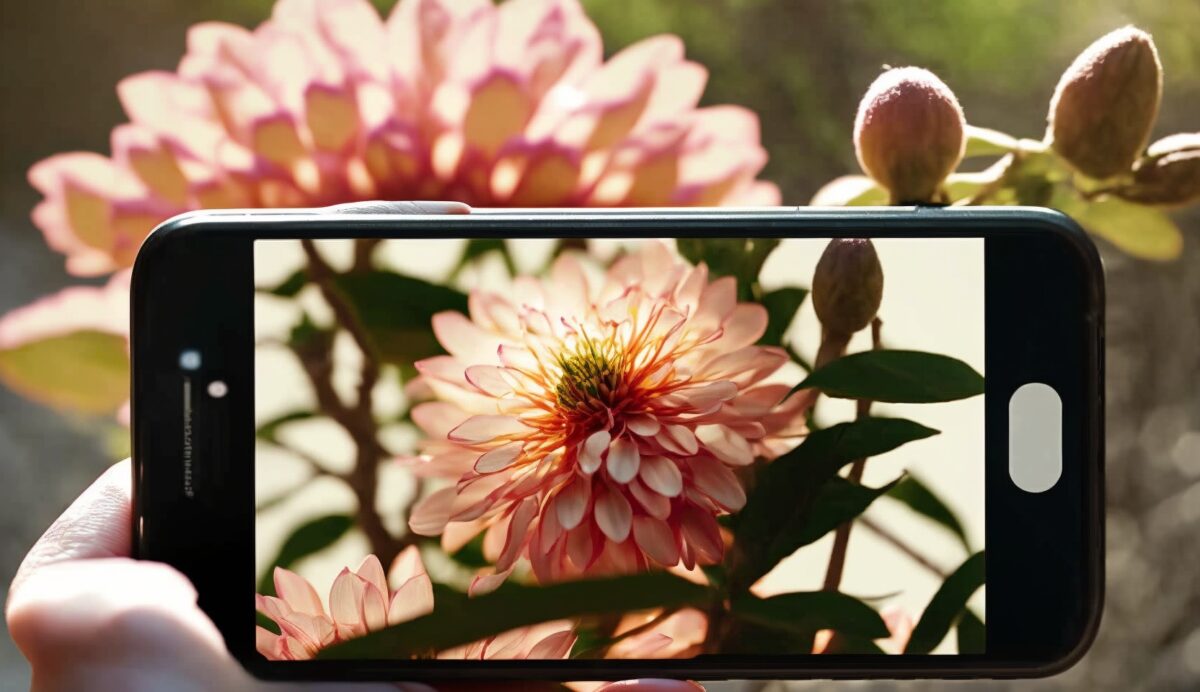
- Launch the’identification : Artificial intelligence compares your image to its database.
- Choose the correct name from the suggested results, then check the botanical profile (habitat, toxicity, care tips).
Flora Incognita
Flora Incognita covers approximately 5,000 plant species available in Europe. It provides accurate results based on a photo, and you can take a second photo (of a leaf or fruit) if the first one isn’t enough. This dual-image approach significantly improves recognition accuracy and minimizes errors.
Its biggest advantage: each entry lists the toxicity risks of the species. It's handy when you're exploring the forest or a garden and want to know if a plant is dangerous.
- Database focused on the European flora
- Contribute to a project to citizen science on biodiversity
- Available on android and iOS
It's a good choice if you live in Europe and want a reliable, subscription-free tool that also provides information on the uses and dangers of each species.
Seek
Seek identifies plants, flowers, trees, insects, and animals—all of them free. Just point the camera at the species, and it’s identified in real time. This app is designed to help you explore the biodiversity around you—it’s perfect for a family outing.
- Available on android and iOS
- Identification instant by the camera, without taking a photo each time
- Covers both plants and animal species
The live camera is very useful outdoors, but the system may have trouble identifying rare species or damaged flowers. In that case, make sure to frame the leaf or flower clearly to help the system.
Sauvages de ma rue
Sauvages de ma rue is designed for Identify the plants that grow in the city. The project is led by Tela Botanica as part of a citizen science project on plant biodiversity. Your observations directly help scientists better understand the urban biodiversity.
The app asks you a series of questions about the plant you're observing (leaf shape, flower color, habitat). Based on your answers, it suggests matching species, along with their scientific name and photos taken in various settings.
- Ideal for wild plants in urban areas : sidewalks, tree bases, vacant lots.
- You're contributing to a real citizen science project by sharing your observations.
- A solid foundation for botanical data, with detailed fact sheets for each species.
The app is primarily designed for urban use. If you want to identify the wildflowers along your street while also contributing to research, this is an excellent choice.
PictureThis
PictureThis goes beyond simple identification. Based on a photo, the app tells you the name of the plant and provides real care tips : watering, sunlight, common diseases, and care tips. The AI compares the image to its database and suggests a detailed information sheet in a matter of seconds.
- Available on android and iOS
- Model freemium : Advanced features require a paid subscription
- A personalized folder to organize your plants and find care tips for them
- Ideal for the garden, the vegetable garden, or houseplants
It's the perfect tool if you want to go beyond just knowing the name and really learn how to keep your plant healthy. Just keep in mind that the best tips are available with a subscription.
Forest keys
Clés de forêts is developed by the’National Forest Service (ONF) and available on iOS and Android. It covers trees, certain animal species, and French flora in general.
It works differently from the others: instead of identifying plants by photo, it asks you a series of questions about the shape, the leaves, or the’bark. This way, you work your way back, step by step, to the plant's name and its characteristics.
Her biggest strength is that she works offline. Once you're in the forest, you don't need a network connection—all the content remains accessible. It's the perfect tool for hikes where there's often no connection.
PlantNet
PlantNet is the go-to app in France for identifying plants from a photo. It’s free and has been downloaded millions of times; you can use it to identify a flower, leaf, or fruit simply by taking a photo with your smartphone’s camera.
After you perform your search, the system provides you with a list of species sorted by probability. You choose the one that best fits, which minimizes errors and enriches the database with each observation.
- More than 77,000 species covered, extending well beyond the flora of France alone.
- Draft citizen science led by a scientific consortium (INRAE, CIRAD, INRIA and IRD), supported by the Agropolis Foundation.
- Reliable and detailed data once the plant has been identified.
- Available free on Android and iOS.
PlantSnap
PlantSnap uses your smartphone's camera to analyze flowers, leaves, and trees. The app claims an accuracy rate of about 90 % based on its recognition capabilities, which make it effective for most common species.
You take a photo, the identification process starts, and you get the species name in a few seconds. You can also create a personal space to organize your favorite plants and track your observations over time.
Another advantage: its large community. PlantSnap brings together users located throughout over 200 countries, which continuously enriches its database and lets you share your passion for botany.
NatureID
NatureID lets you identify thousands of plants, trees, flowers, and even some animals. You take a photo with your phone, and the app uses the image to identify what it is.
What sets this tool apart is the wealth of data it provides after identification:
- l'health status of the plant, as seen in the photo
- tips from’interview specific measures for each species
- Treatment options when a plant is sick
The interface is primarily designed to be English, but the plant identification feature remains reliable even if you aren't bilingual. The app is available for free on Android and iOS, with advanced features in pay version.
LeafSnap
LeafSnap is available in several languages, including French, Spanish, Portuguese, and Russian. It reports an identification rate of close to 90 % plant species and trees in its database.
There are two ways to identify a plant:
- Take a photo directly with your phone
- Import an image that's already saved in your gallery
Once the species has been identified, the app displays detailed information and helpful tips, especially on how to care for the plant. This is useful if you want to know how to care for it once you've found its name.
Smart’Flore
Smart’Flore Get the most out of it with an account Tela Botanica, the large network of botanists in France. The app is Available only on Android via Google Play. His key idea: to build botanical trails to facilitate the identification of plant species, including varieties from around the world.
Thanks to the geolocation, it identifies trails near your address. You can also create your own trails and share them, fostering a real community centered on plant biodiversity. The tool provides information about the plants around you and details their morphology, habitat, and uses.
Which app should you choose based on your needs?
Here's a summary to help you choose the one that best suits your needs.
- PlantNet : Free, community-driven, and very reliable in France. The default choice for everyday authentication.
- PictureThis : Perfect if you want care tips after identifying the plant.
- Clés de Forêts : perfect for the forest, because it works offline, offline.
- Seek : useful for identifying both plants and animals.
- Sauvages de ma rue : designed for wild plants in the city and the urban biodiversity.
- Smart’Flore : A great choice if you enjoy exploring botanical trails and sharing your observations.
Keep your favorite app right at your fingertips on your home screen. That way, you can identify a flower or a fruit in just a few seconds while you're out for a walk.
If you're having trouble finding it, check out our guide on How to put an app back on the home screen.
Find out how Identify a person on Google Photos.








 English