Would you like to change your iPhone wallpaper? Often exposed to the gaze of others, it's the first thing we see when we want to do something on our phone. However, you still need to be careful when changing your wallpaper so you don't make a mistake.
In this article, we'll take a look at how to remove the wallpaper from an IOS 16/17.
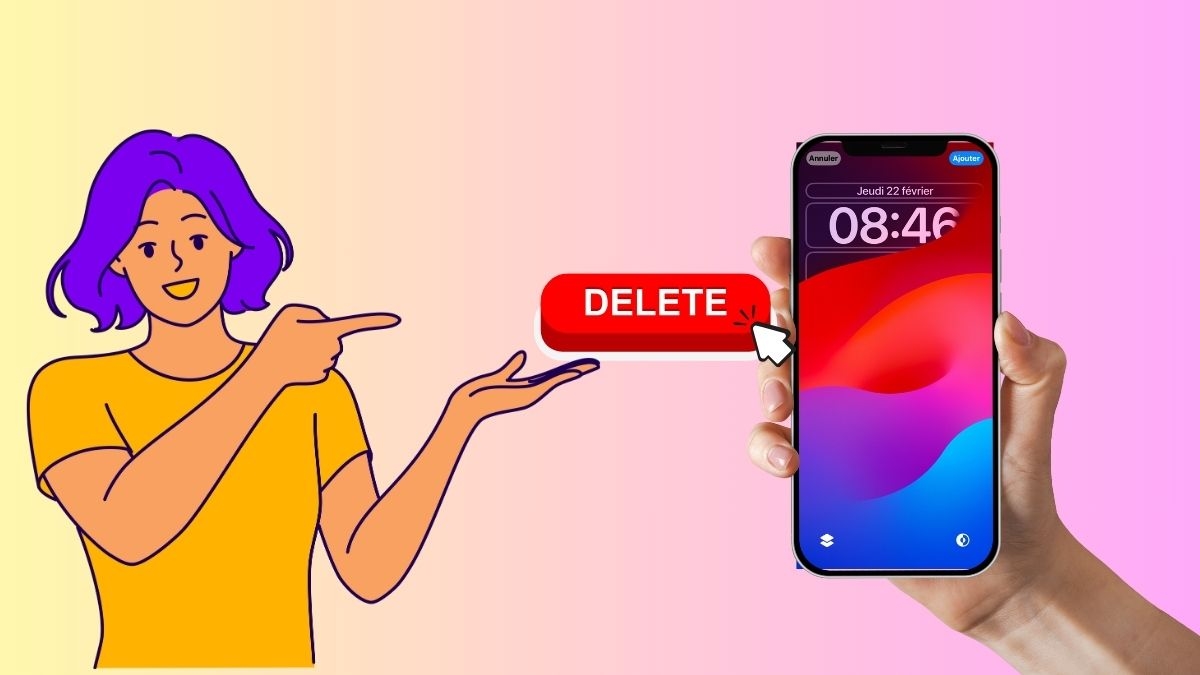
How do I remove the iOS 16/17 lock screen background?
The lock screen or wallpaper can be removed for IOS 16 and 17. If you want to make a little space on your device, you can remove your wallpaper. There are a few handy ways to do this, including :
- First, if your phone is unlocked, use Touch ID or Face ID to unlock it;
- Next, press and hold the lock screen until the wallpaper gallery appears.
- Swipe left/right to find the lock screen wallpaper you want to delete.
- Once found, slide the wallpaper upwards;
- Now press the delete icon;
- Finally, click on "Delete this wallpaper."
This technique is quite simple and takes very little time. And if you want toother iPhone tipsFor more information, please refer to our article!
How do I replace the lock screen background on my iPhone?
If you want to keep your lock screen wallpaper but would like to replace it from time to time, here are the steps to follow to replace your iPhone's lock screen wallpaper:
- First, start by long-pressing the lock screen to open the wallpaper gallery.
- Then, select the wallpaper to replace;
- Then click customize;
- Click Lock Screen;
- Then click on the Library icon at the bottom left of the screen;
- Enter the image you want to add;
- Make the necessary adjustments;
- Finally, click Finish, and that's it! You can now choose from a selection of wallpapers.
Note: if you use different wallpapers for your Home screen and Lock screen. At step 4, you need to select the Home screen to replace the Home screen wallpaper.
Why should the wallpapers be changed or not?
Changing the wallpaper on your iPhone has both advantages and disadvantages. There are still precautions to take when deleting your wallpapers so as not to make any false manipulation.
Benefits
Here are some benefits of removing wallpapers:
- To free up storage space on your device ;
- To make your phone a little more efficient ;
- For a optimum performance ;
- To find new ideas wallpaper.
What's more, changing your iPhone's wallpaper gives you a visual refresh and more personalization!
The inconvenients
The main disadvantage of wallpaper removal lies in theinspiration. Once the wallpaper has been removed, it's hard to find new inspiration. Fortunately, the App Store has several wallpaper suggestions to help you. And more,
There you go, you can now customize your iPhone's lock screen wallpaper in iOS 16/17. With all of Apple's suggestions, you'll probably have no trouble finding the perfect wallpaper for you!








 English