In this age of technology, it's important to take stock of what's going on. control and supervision of children with parental control software.
In this article, we'll find out how to set parental controls on a cell phone.
Here are the tools we recommend in this context:
| 📳 Parental control software | 💰 Prizes | 📝 Features | 🌟Our opinion |
|---|---|---|---|
| Mspy 🥇 | From 14.17 dollars per month |
|
4,4/5 (⭐⭐⭐⭐☆) |
| Eyezy 🥈 | From 9.99 euros per month |
|
4,3/5 (⭐⭐⭐⭐☆) |
1. Mspy
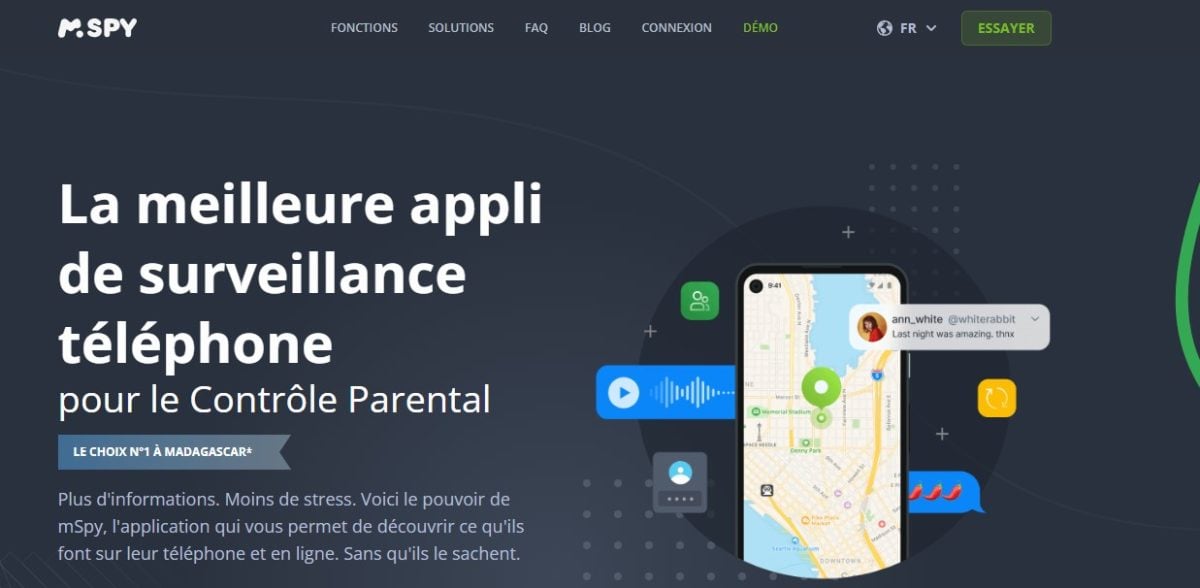
Mspy is a popular application on the market for monitoring your child's phone remotely. Today, the app is used by people all over the world.
If you are looking for a application for monitoring a teenager's cell phone or a child, Mspy is ideal. Here's how use this tool and how to install it on the child's mobile :
- Go to Mspy via this button :
- Press on Try it now.
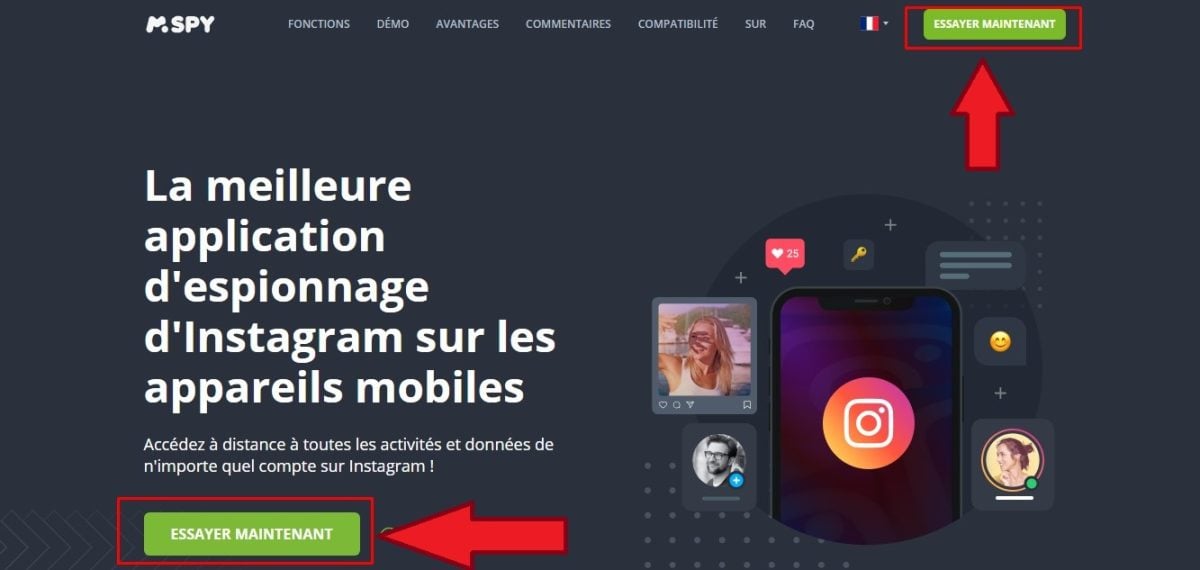
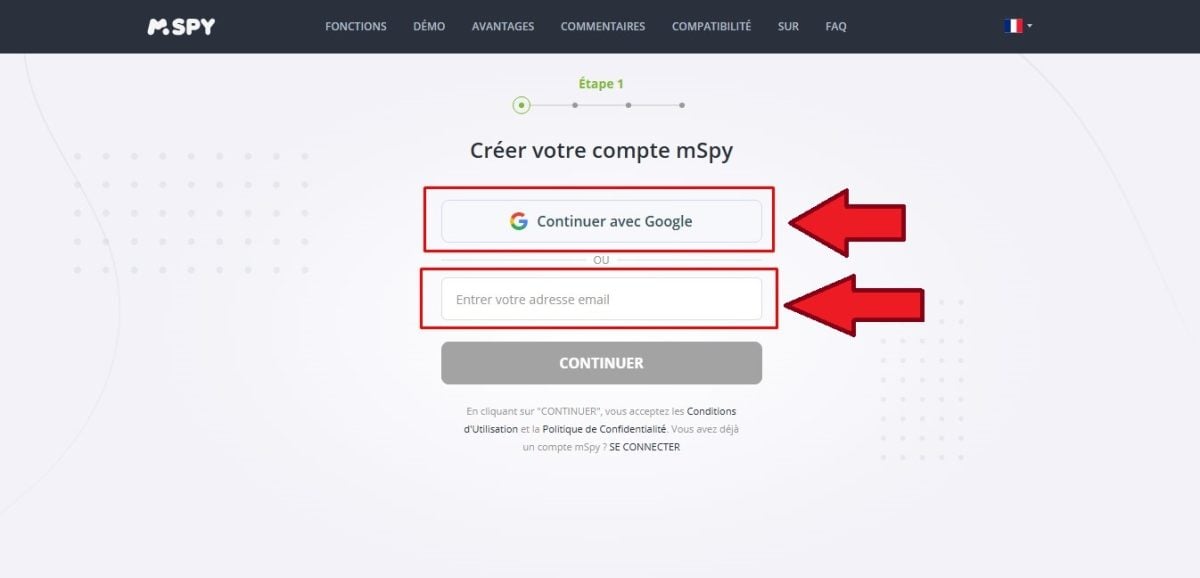
- Use a e-mail address or your Google account to connect to the Mspy website.
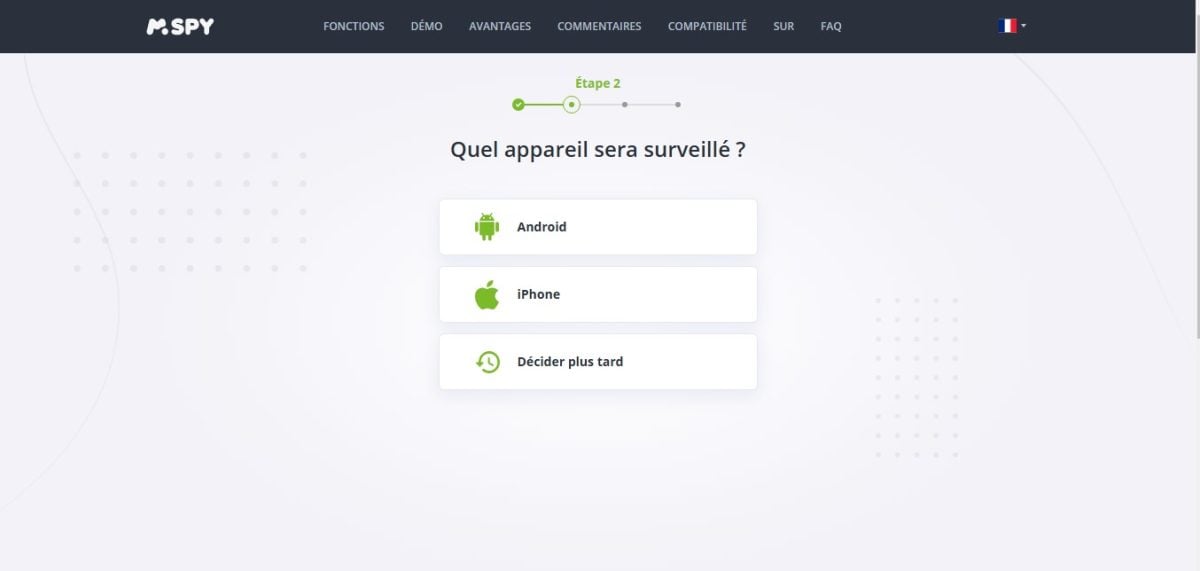
- Choose the type of smartphone to watch out for.
- Choose from the formulas on offer and proceed with the checkout. payment. Once payment is complete, you'll receive a configuration link by e-mail, along with a username and password to log in to Mspy and access your control panel.
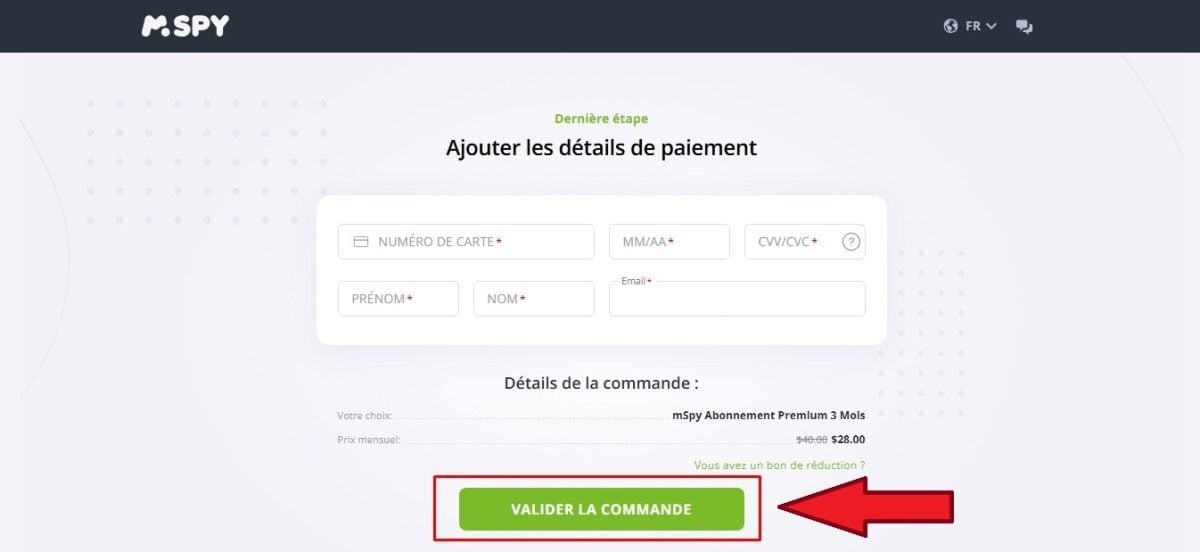
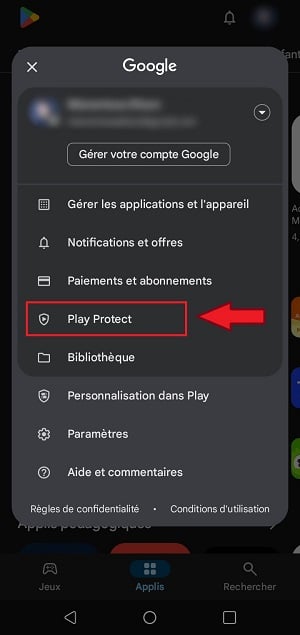
- The next step is to install the software on the device of the target person, i.e. your child. To do this, you need to disable Play Protect on the person's smartphone. To do this, enter Google Play Store, then tap on the profile in the top right-hand corner and go to Play Protect.
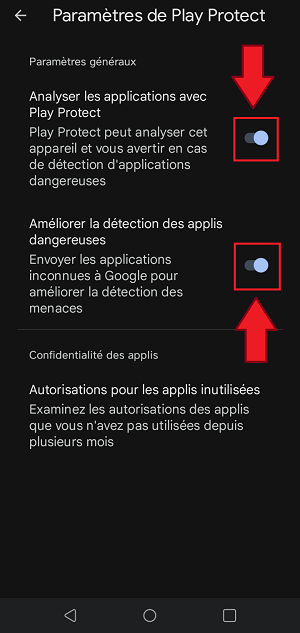
- In the settings of the smartphone, accessible via the cogwheel icon, deactivate Play Protect.
The next step is to download and install the Mspy application on the person's smartphone. To do this:
- Meeting on Chrome with your target device, then add the configuration link provided by Mspy to the browser address bar. Check the captcha or draw the image and click on the Download button.
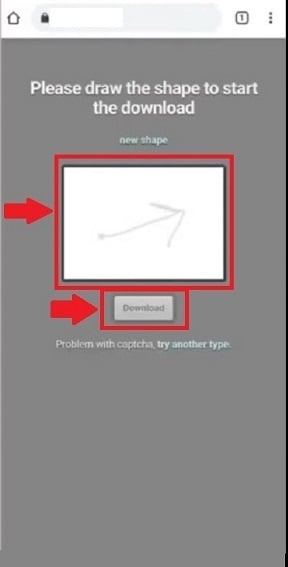
- Confirm the download by clicking on OK on the window that appears.
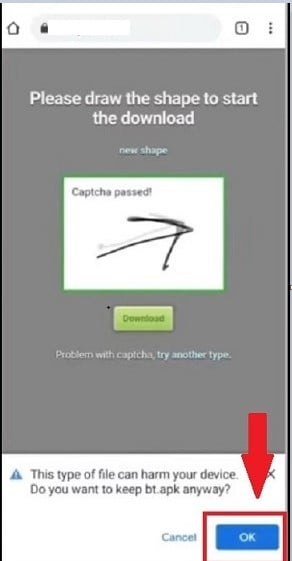
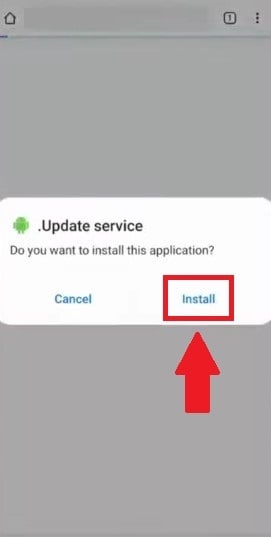
- Once the download is complete, open Mspy. If the phone asks if you're sure you want to install the app, confirm that you do.
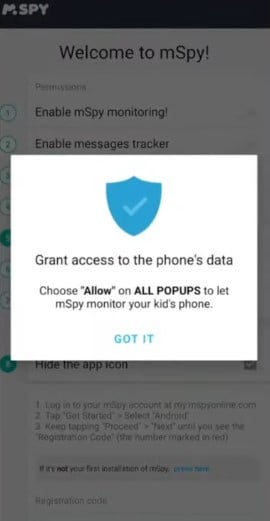
- Click on the Authorize Mspy to access device data.
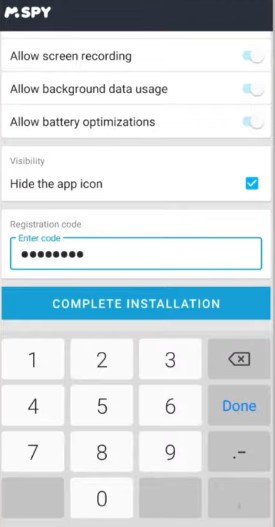
- Enter the coded that you received by e-mail and click on Finish installation.
Please note that :
- Compared to other surveillance applications, Mspy is more convenient. Its interface is easy to use.
- It also features a’monthly subscription quite affordable.
- However, the data transfer from your device is a little slow on Mspy if your internet connection is poor.
Parents who have used Mspy have mentioned that customer service is available and responsive. A few people have experienced bugs with real-time viewing of calls and photos sent.
However, everything was resolved as quickly as possible according to the review platforms who talk about this solution.
We have also tested this application to see its advantages and disadvantages to give you an idea of what's in store:
| ✅ Advantages | ❌ Disadvantages |
|
|
2. Eyezy
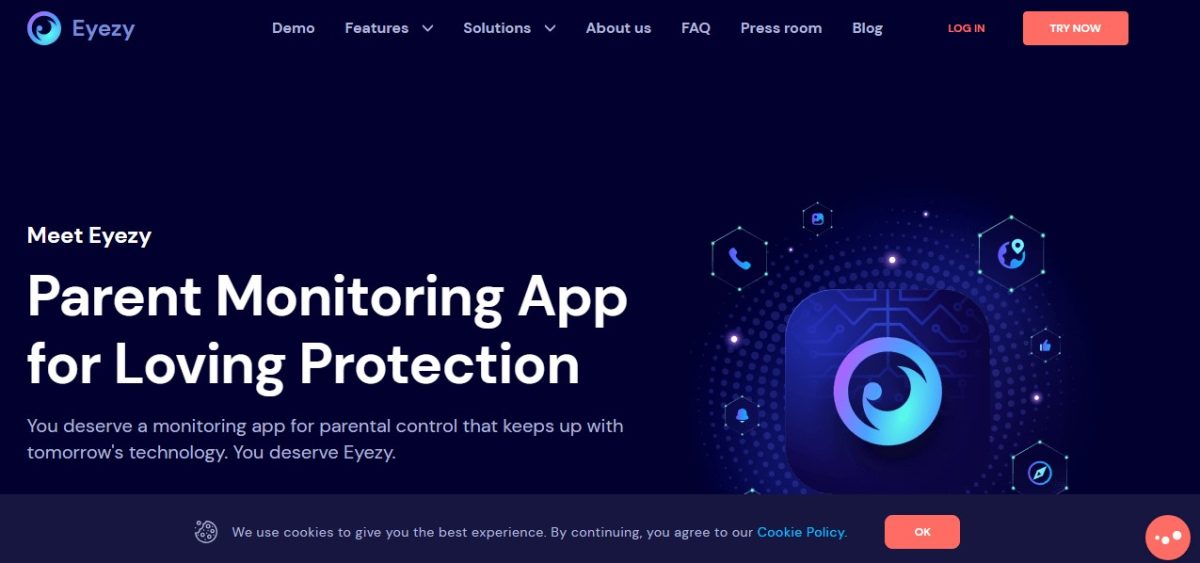
Eyezy is also a popular solution on the market at the moment as part of the monitoring applications. For theuse to monitor your child's activities, here are the necessary steps:
- Visit the platform Eyezy through this button:
- Click on Try it now.
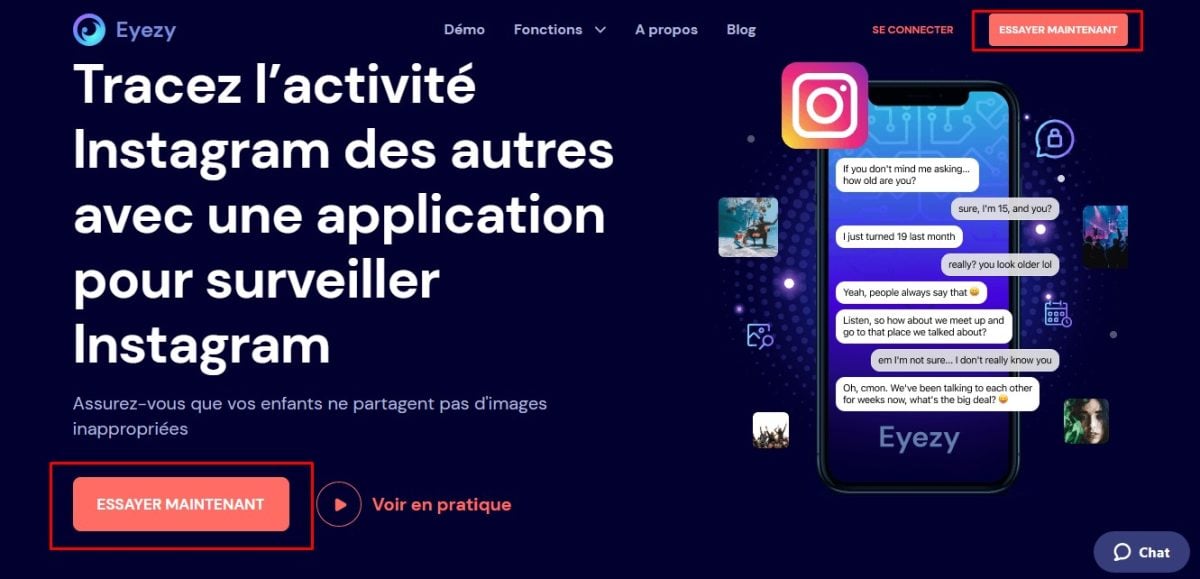
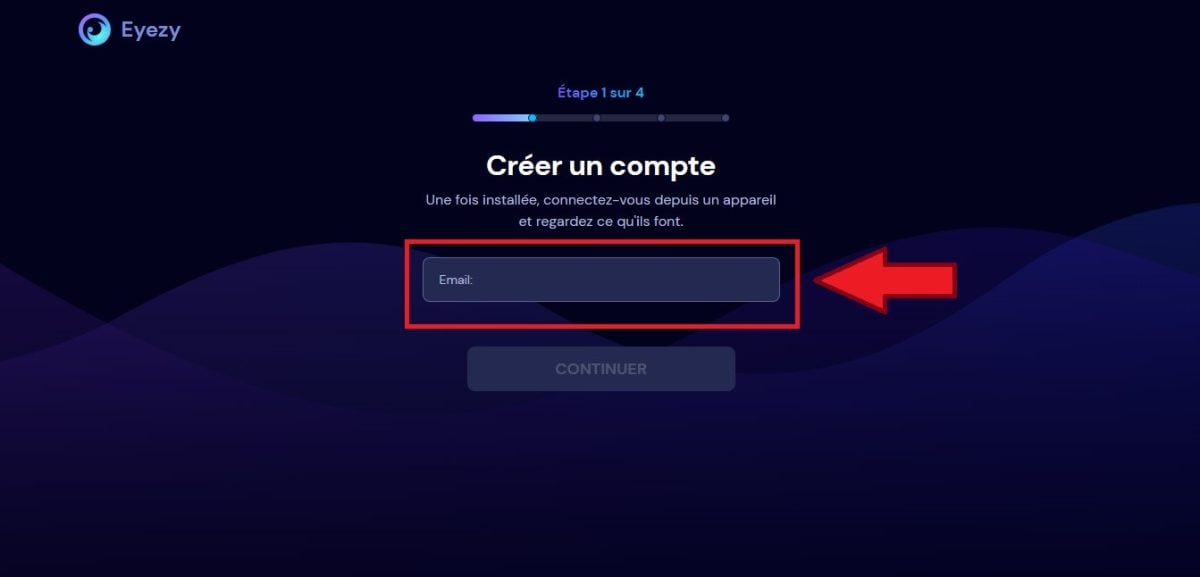
- Use your e-mail address and register on the platform.
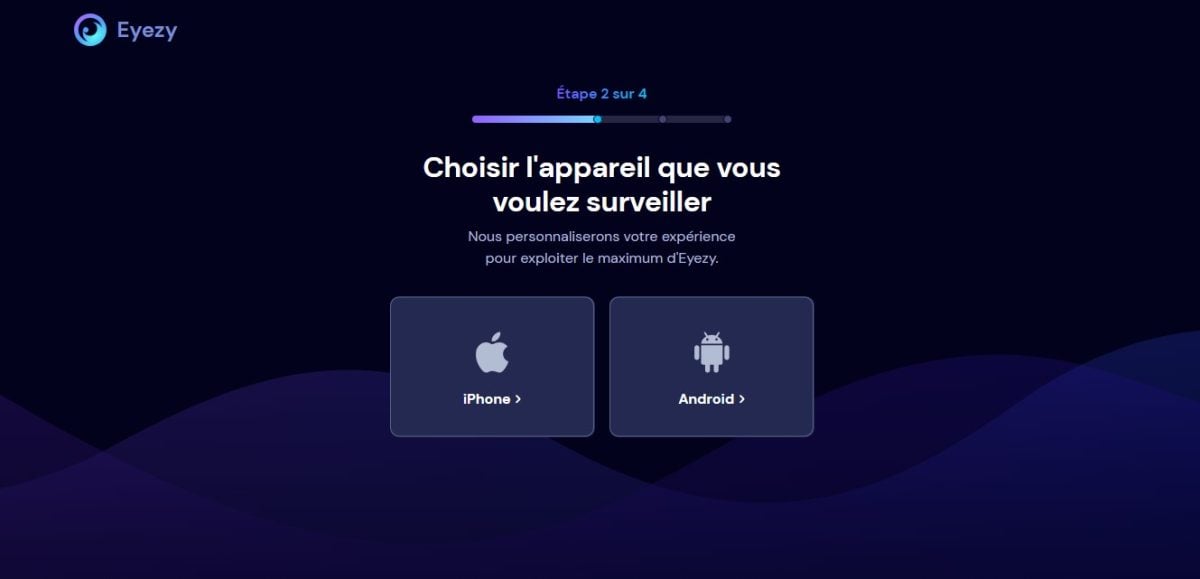
- Determine the type of smartphone on which to install the monitoring app.
- Choose a plan from among those offered on the platform, then proceed with the payment.
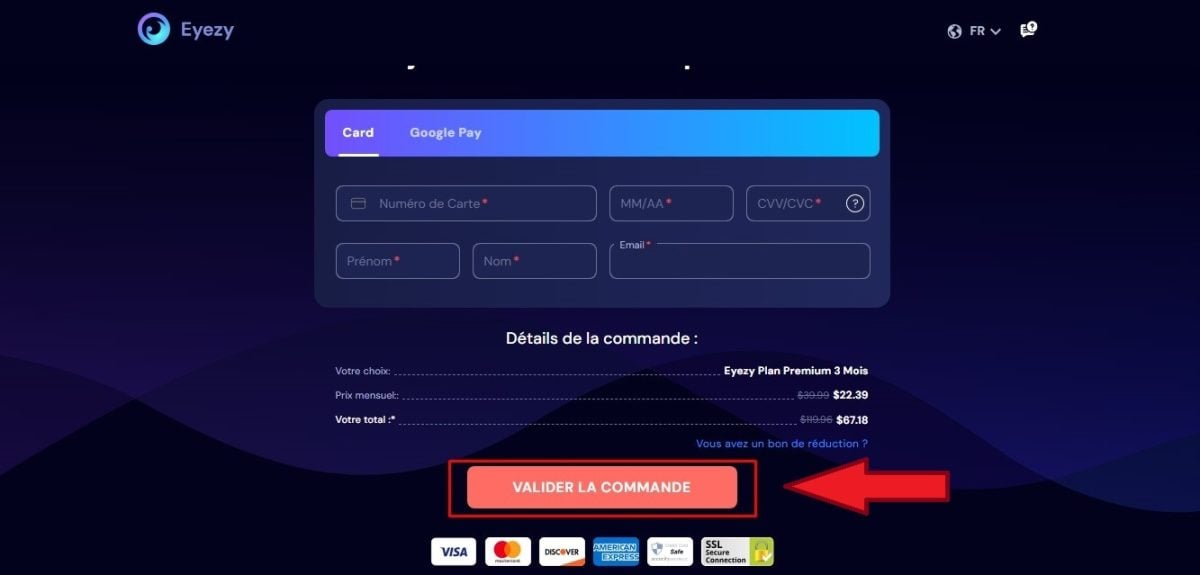
Then simply install the app on the person's smartphone as with Mspy, deactivating Play Protect first. To do this:
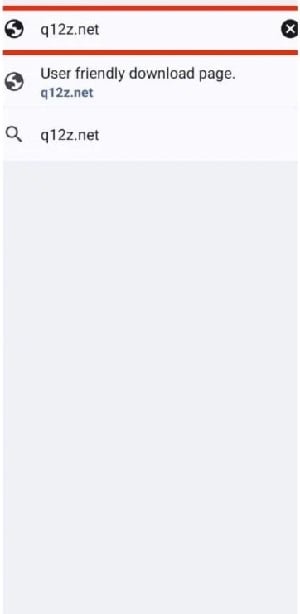
- Open the browser on the phone and enter « q12z.net ".
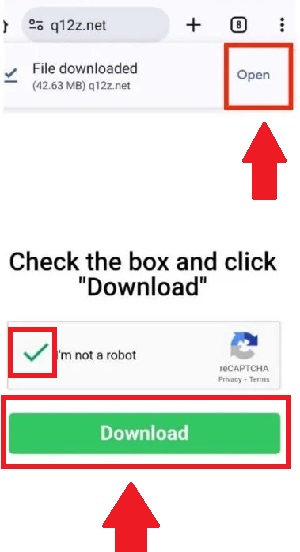
- Tick the I'm not a robot option and complete the Captcha. Click on “Download anyway”Then open the file to install it.
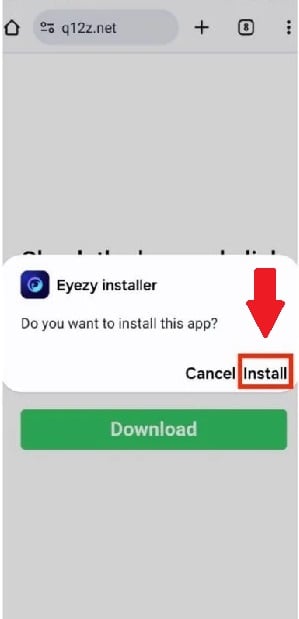
- Finish by validating all authorizations.
On app review platforms, Eyezy received from’top marks and feedback from its users, especially parents who use it to monitor their children's activities. Indeed :
- It gives you a almost total access to your child's phone, as you'll be able to see: messages, calls, contacts, social networks, location, installed applications, etc.
- It also offers a subscription system monthly, just like Mspy, at fairly affordable prices.
Among the parents who expressed their opinions, some said they were very satisfied with the efficiency of the service provided. L’tool installation on the target person's device remains the only concern for users.
We have also tested this tool, so vhe following table summarizes the positive and negative points of EyeZy in our experience :
| ✅ Advantages | ❌ Disadvantages |
|
|
FAQs
How to install the monitoring application without the child knowing or objecting?
First of all, if your child has never had a telephone before, the first thing to do before giving him one is to’install the application and activate parental controls.
Indeed, once the phone is in your child's hands, it will be difficult to take it back or add the’monitoring application without him realizing or objecting.
So, if your child already has a smartphone, but you want to add a control parental you have two options:
- You can ask him to lend you the smartphone a moment and install the monitoring application.
- You can also talk to him calmly parental control by explaining the risks he runs with his smartphone, and that your intention is to protect him.
Note that a communication Transparency is essential in a family to preserve bonds and avoid trust problems in the future.
Are there any free applications for monitoring a child's phone?
Yes, there are several free applications that help with parental control on the market. Among the most popular are :
- Family link from Google ;
- Screen Time Parental Control ;
- Qustodio;
- Kids Zone ;
- Kid's Shell;
- Norton Family Parental Control.
Why choose paid apps for parental controls?
Here's what you need to know:
- The free applications are full of cracks, and can be easily unlocked. So the child has access to everything he or she wants, without the parents knowing.
- What's more, free applications are often easy to detect. This could be a problem if you want to keep the surveillance secret.
- Some apps also steal data and encourage piracy accounts.
- Free solutions are convenient, but they are not not complete enough to ensure that surveillance goes smoothly.
Sf you want to have a full access your child's phone, pay-per-use monitoring software is the most reliable.
Our advice for paid parental control applications is to choose Mspy or Eyezy.
The advantage of choosing a paid application like these two solutions is that parents can monitoring and surveillance their child's account remotely, anonymously and under any circumstances.
If you would like to use one of the tools mentioned above :
How can we protect children from digital dangers?
Here are a few more tips on how to get the most out of monitoring and surveillance applications keeping your child safe online.
| 🛡️ How to protect children | 📋 Details |
|---|---|
| Limit smartphone usage time |
|
| Manage applications in use |
|
| Filter accessible content |
|
| Securing children's accounts |
|
| Track the child's location |
|
| Receive notifications and activity alerts |
|
Is this software legal to use?
The law does not prohibit surveillance of one's own child's cell phone with surveillance software, unlike surveillance of one's spouse, which is liable to prosecution with a prison sentence and fines of up to around 45,000 euros.
However :
- It is important to communicate with the child to maintain a relationship of trust between the parties.
- This helps prevent your child from feels betrayed and he thinks you're getting a little too involved in his life.
- It is essential to remind him that this activity is made for his own good, to protect it.
In conclusion :
- Parents will have to use certain tricks to monitor their children's phones safely and anonymously.
- You can install the app with or without your child's consent, but it's always a good idea to keep a close eye on your child's progress. communication transparent with him.
- How to install Mspy and Eyezy on your target's smartphone is almost the same.
- These two applications are the most recommended, because they offer comprehensive services.
If you have any questions, the zone comments is open.








 English