Keypoints:
Snapchat is undoubtedly one of the most effective social networks, but also one of the most fun for sending messages, photos, and videos to your loved ones. It offers many features, including icons in different colors.
In this article, we're going to take a look at all the Key facts about Red Snap with tips for a better Snapchat experience.

Meaning of the red Snap on Snapchat:
The colors of Snapchat icons each have their own meaning. Red snaps, for example, mean Snaps (can be videos) without sound which can be replayed and captured. It stands out from the others by the red color of the icon, appearing next to the name of the contact who received or sent it.
Note that they have the same characteristics as the others; they disappear after being seen by the recipient. They can be replayed and captured on screen.
There are also red symbols or icons next to your friends' usernames, which can pique your curiosity about the platform.
- Solid square : This means that you have received one or more photo snaps without sound.
- Solid arrow : This means that you have sent a snap with no sound.
- Empty arrow : This means that the soundless snap content has been opened by the recipient.
- Empty square : This icon means that your soundless snap has been opened, i.e. that the soundless photos or videos have been viewed.
- Empty double arrow : The icon indicates that a screenshot of your photo or video snap without sound has been taken.
- Round arrow means that your unsound snap has been replayed by the recipient.
They're all red!
What's the difference between a red and a purple snap?
The red snap contains an image without sound, while the purple snap contains a video with sound. With the same functionalities, red or purple, they can be identified by the colors of the symbols that appear next to the name of the contact who sent or received them.
Why send a red snap?
They can be sent by users to the site for several reasons. Here are just a few:
- Send an image or video discreetly, without other users knowing that it comes from your camera; ;
- Send video content without using filters oradditional features present on the website ;
- Send an image or video without using flash where the sound of your camera (to preserve its quality) ;
- Send media old photo or more neat than the one taken with the Snapchat device.
These are just a few of the advantages that may encourage some people to send them!
How do I send a red snap (photo or video)?
Please note, however, that they are not officially recognized by Snapchat, and there is no specific feature for sending them. However, to satisfy users of the platform, here is a tip on how to do so.
- You must first launch application Snapchat. Don't worry about the ads, just let them scroll;
- Then click on the photo and you'll have access to your phone's entire gallery;
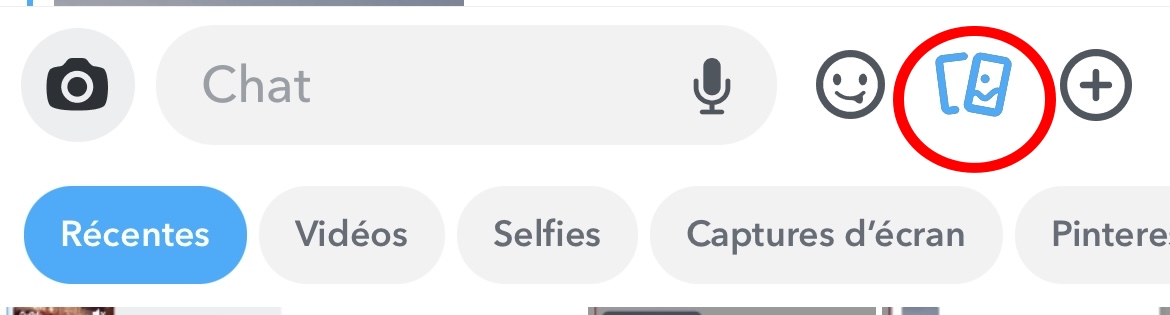
- Choose the photo or video from the gallery you want to send and select it. You can also edit its content using the filters provided, or add text as you would in a story.
- The one you have chosen will appear directly on the application, as if you had just taken it. You can modify it again (add filters or text).
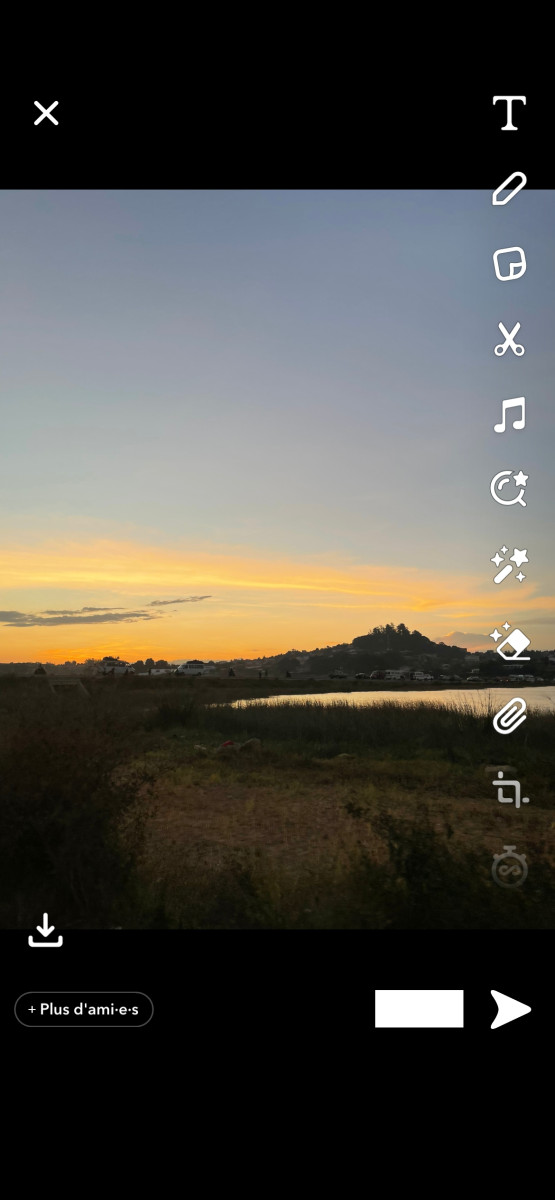
- When you're satisfied, all that's left is for thesend to the friend or contacts of your choice.
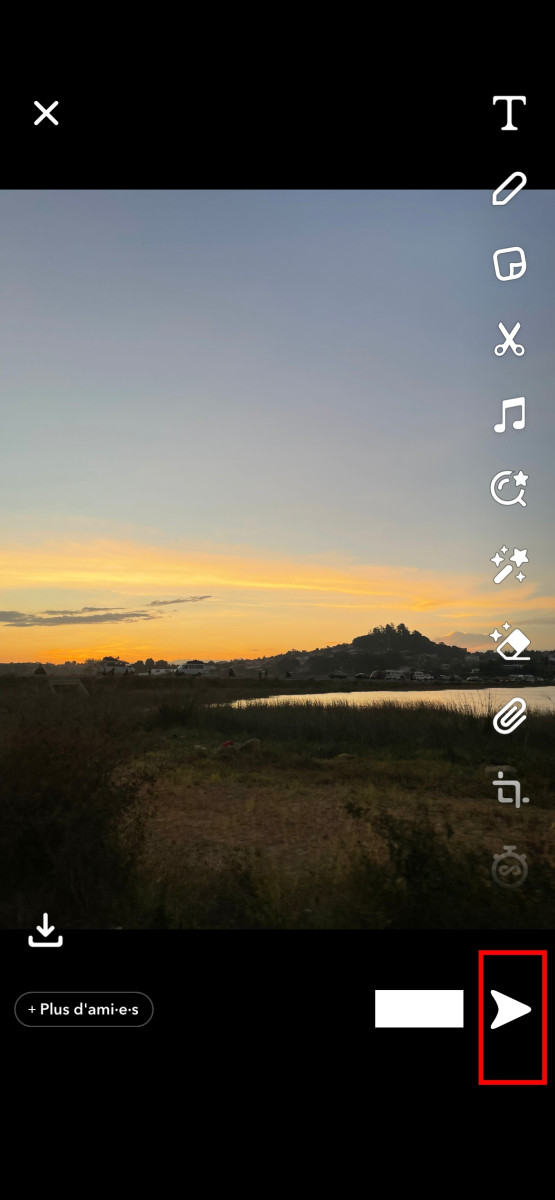
- You can view the chat to check whether or not it is sent to the contacts of your choice.
How to easily delete a sent red Snap?
If you have mistakenly sent one to a friend, contact or user, just follow 5 simple steps:
- Launch your app;
- Then go to the chat section;
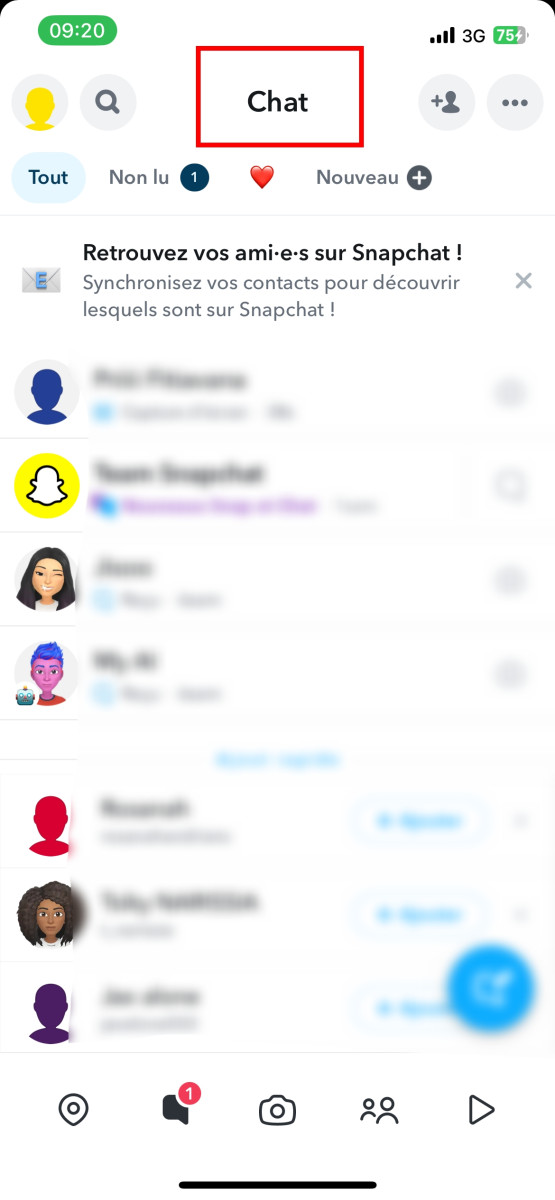
- Go into your chat with the person you sent it to by mistake;
Press on the one you wish to delete and you will be offered three choices: "delete" at the top, "learn more" in the middle or "cancel" at the bottom;
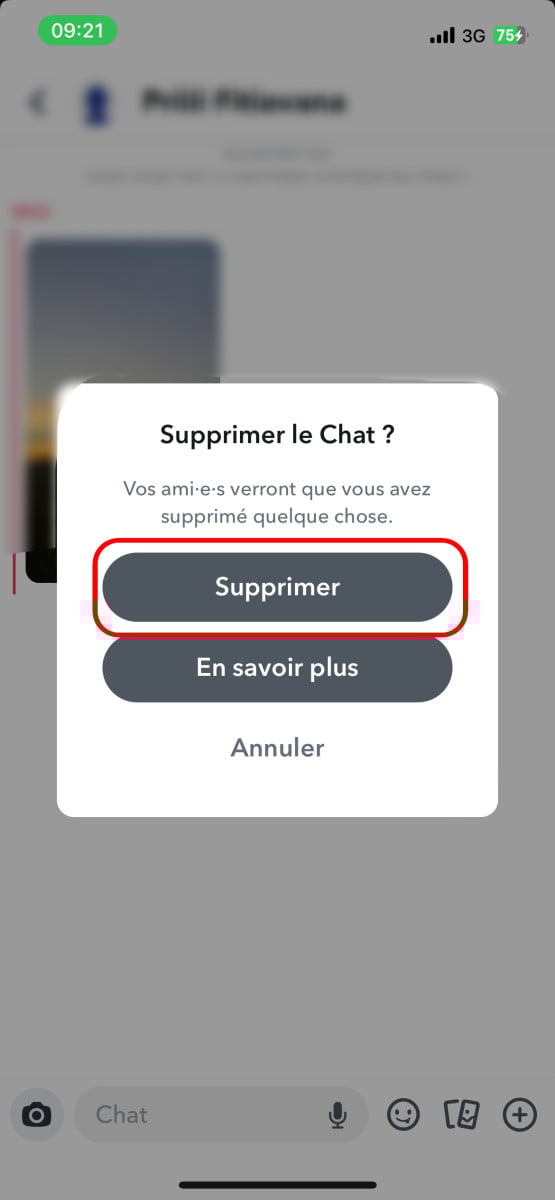
- Click on " delete " and it will disappear.
How do I replay a red Snap?
It is possible to replay the contents of red Snaps on Snapchat. What's more, it's not complicated at all using the option. "replaywhich means to play again, following these steps:
- Update Snapchat to its latest version;
- Watch the red Snap received among your cats;
- Stay in the inbox after watching it;
- Press and hold this snap to use the «Replay» feature. Please note, however, that users are only allowed one «Replay» per day.
- Press the one that has just reloaded to play it again.
You can do this with any other Snap you receive, however note that you can only replay one Snap per day, whether you are on Android or iOS.
By the way, are you interested in Snapchat views? If you're curious to find out who watches your stories more than once, check out who watches your snap stories several times with our article!
Can you open a red Snap without the sender knowing?
Yes, it is possible to open the red Snap without notifying the person who sent it. However, this requires precise handling on your part.
- First, you need to press the bitmoji of your interlocutor without releasing it by sliding slightly to the right (up to ¾ of the screen). Above all, don't release to be able to read it.
- Then all you have to do is slide gently to the left to close without actually opening the snap.
Meaning of the different colors on Snap
There are also other colors that you will see on Snap. Which ones?
- The purple snap means that a user is receiving or sending a video.
- A blue snap means that a user has received a text/voice message.
It's a little tricky to use, but you can still try it out with a friend to practice using it on Snapchat. If you need more tips on Snapchat, such as how to boost your snap score, feel free to check out our article!









 English
I was always confused by the different colors on Snapchat. Now I know exactly what the red snap means.