If you want to be considered a professional streamer, customizing and designing your Twitch channel is more than a necessity.
In this article, let's find out together which dimensions, format, and size are most recommended for a Twitch banner.
If you would like to hire a professional to create your banner:
Hire a pro for my Twitch banner
What is the size of a Twitch banner?
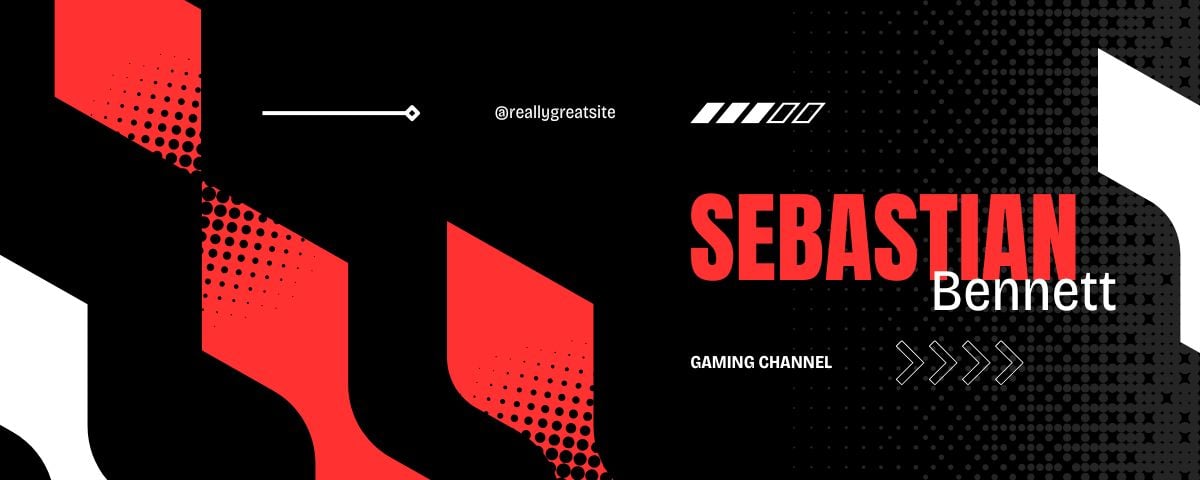
The customization and design of a Twitch channel are essential, especially if you want to work long term. To do this, you need to stand out from the crowd by working on your brand image correctly.
The visual appearance of your channel is the first thing to improve. In fact, Twitch offers several customization options.
Before getting to the heart of the matter concerning the creating a banner for TwitchHere is a summary of the image sizes to be used:
- For the size of the Twitch banner, the size is 1200*380 pixels.
- For the size of the Twitch banner offline, she is 1920 x 1080 pixels.
Here are the other dimensions that you should know about other visuals:
- The ideal size of image for a profile picture is of 256*256 pixels.
- The ideal size for Twitch emotes is of 28*28 pixels on 56/56 pixels and 112*112 pixels.
- For the Twitch panels, please respect the size of 320*320 pixels.
- The size of theTwitch overlay is of 1920 x 1080 pixels.
Important note:
Banners must be delivered in different sizes according to Twitch's requirements:
- The ideal size of Twitch emotes is of 28*28 pixels for the web version.
- For the retina displays the ideal size is 56*56 pixels.
- And finally, for devices with higher resolution, the ideal size is 112 x 112 pixels.
Please also note that the file size must not exceed 10 MB. In fact, most users use the mobile version of Twitch. This size helps prevent display bugs.
You get started on this platform and you don't know where to start? Read our article how to get started on Twitch to get all the advice you need.
What is the image format for a Twitch banner?

On Twitch, you can use formats following for images:
- JPEG ;
- PNG ;
- GIF.
The first two are for static images while the latter is ideal for moving images.
How to make a Twitch banner?
You can create a Twitch banner on Canva. Here are the steps to follow:
Find Twitch profile banner templates
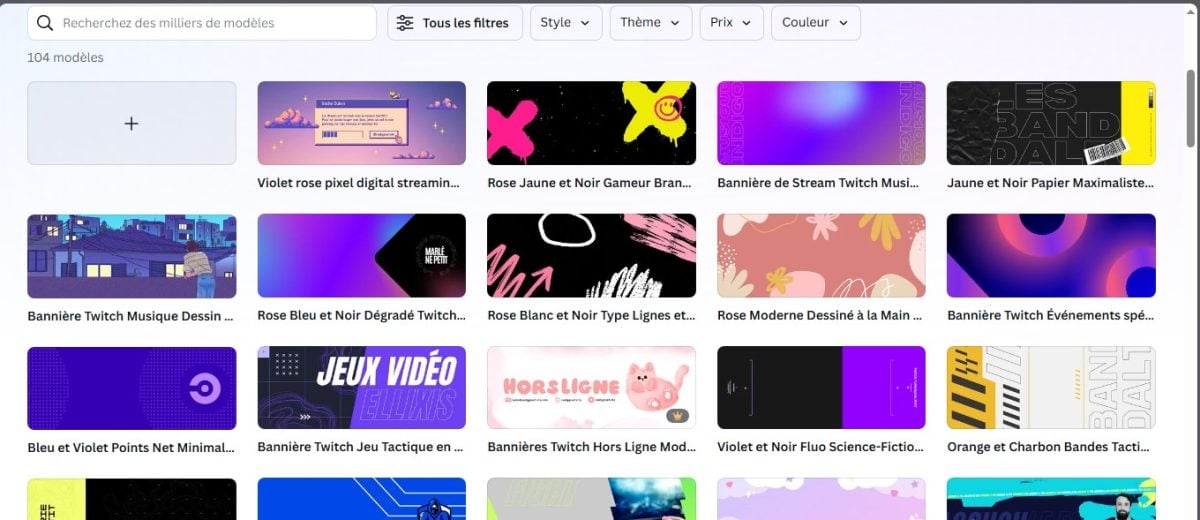
To get inspired, look for templates and find the banner that best suits your personality and goals. Narrow down your search by using key words that correspond to the desired theme.
When you have found the banner that suits you, click on it and begin creating yours based on the template.
Using the tools on Canva
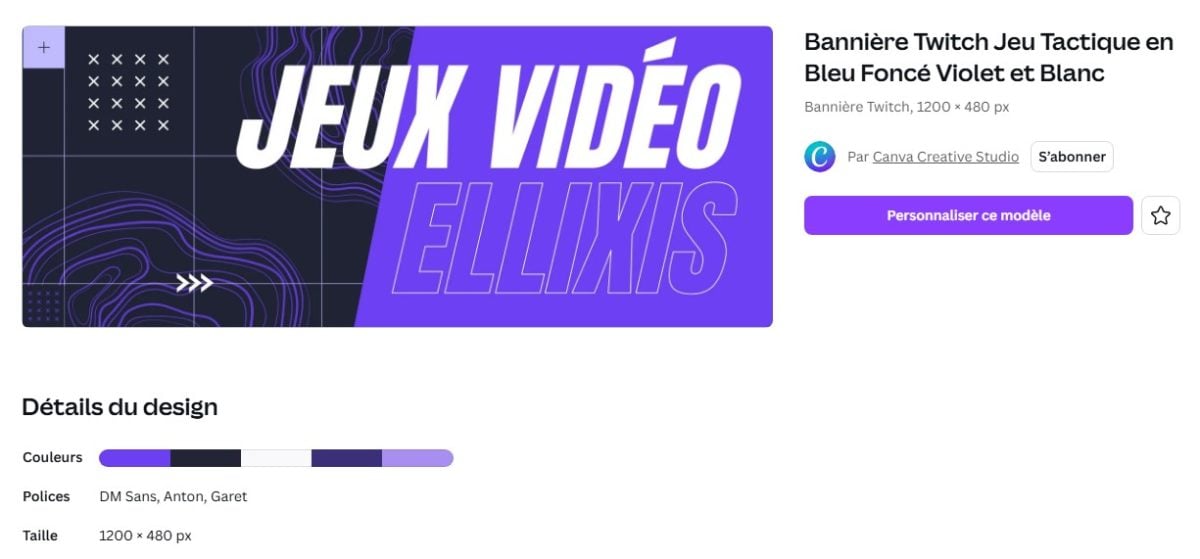
If you want to customize your Twitch banner, use the tools on Canva to add elements to it. The tool drag and drop allows you to take elements from your library.
The animation tools are also very useful for bringing your visuals to life. To create a unique design, it is best to use this type of feature.
Keep a clear vision of what you want to achieve with the banner. Until that vision is realized, keep going. customize your design.
This involves patterns, colors, shapes, lines, and icons. To make your banner more professionalYou can add your Facebook, YouTube, Instagram, etc. accounts to the photo.
If you don't know how to use Canva or don't have time to design your banner yourself, you can ask a professional to do it.
If you wish to hire a professional:
Request a Twitch banner from a professional
Publish the design

After registering your Twitch profile banner in JPEG, PNG, or GIF format, you can import it to your channel.
Please note that it is also possible to share the design with friends or members of the platform using the collaboration feature.
FAQs
What are the best practices for Twitch banners?
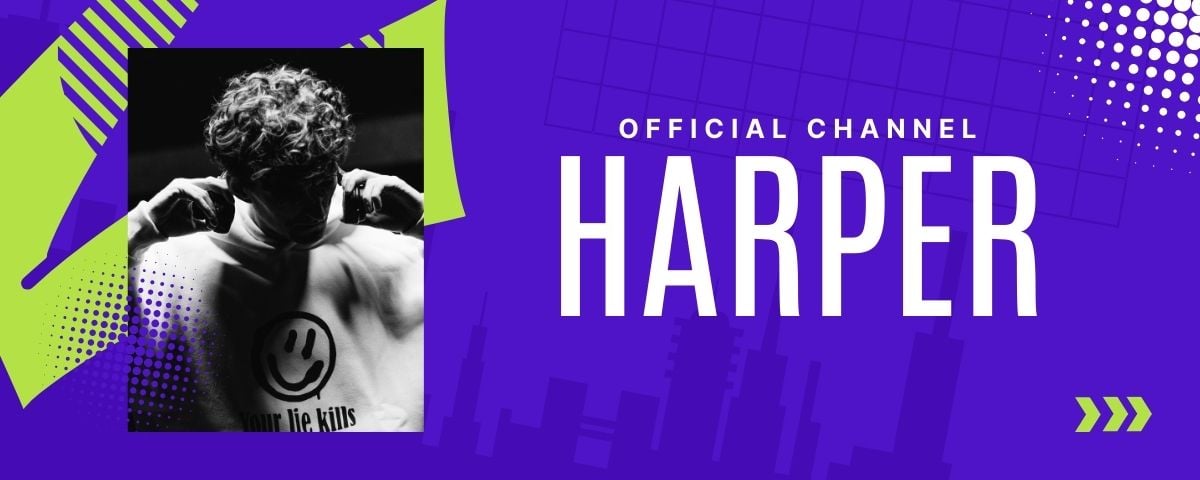
Here are a few tips that you should note when creating your Twitch banner:
- Use colors, icons, and photos that are consistent with your brand. The elements used on your banner should reflect your personal branding, personality, and style. Your design should feature colors, fonts, and graphics that are consistent with who you are.
- Put essential content front and center : Users should be able to see your channel's content immediately. You should therefore keep user needs in mind when designing your banner. Determine what information is likely to interest your visitors. Also, make sure to leave enough white space.
- Use images from your feed in your banner : You can do this after the content has been published to give an overview. This allows you to showcase your activity on the platform and attract users who don't know you yet by introducing them to your content.
- Use concise text : Follow the "less is more" rule when designing your Twitch banner. It's important to avoid overwhelming people with unnecessary information. Only communicate what is essential (e.g., self-promotion of your channel's subject matter). Viewers don't expect to see huge blocks of text on Twitch, given that the platform is dedicated to video streaming.
- Keep the same style for designs on Twitch and other social media platforms. Please note that the most popular Twitch streams have a certain consistency in their content. Your viewers should be able to recognize you easily thanks to this consistency in text, images, etc.
Why hire a professional to create your Twitch banner?

Twitch is an increasingly popular platform these days. If you want to get started professionally in video streaming, it's the ideal choice.
- However, with the number of things you will need to prepare, it is easy to overlook certain details. To make things easier for you and help you win time, hire a professional to create a banner for your Twitch account.
- Competition is also quite fierce on this platform. In order to take a head start over other designers, you must have an optimized profile.
- To have more subscribers On your platform, it is essential to have attractive, professional-quality visuals.
- The first thing users look at on your Twitch profile is the banner, so it's essential to make sure it looks good. Entrusting the task to a professional guarantees the best results.
- Professional graphic designers know how to include eye-catching elements in your design to grab viewers' attention at first glance. They also know how to relevant items to add on your banner to avoid overloading or lacking information.
To ensure your banner is high quality and highly engaging, call in a professional in the business for just a few euros.
To contact a professional who can create your banner:
Contact a pro for my Twitch banner
How do you attract people to Twitch?
Here are some tips for attract people to your Twitch account :
- Promote your Twitch profile on other social media platforms : Facebook, Twitter (X), Instagram, YouTube.
- Collaborate with other channels : ideally, contact famous streamers and work on a project with them.
- Join a team on Twitch : this helps boost your visibility.
- Attend gaming conventions Networking allows you to connect with influential people and attract viewers to your channel.
- Be unique on Twitch : Find a way to stand out with your content by trying things that others haven't done yet.
For more details on this subject, please refer to our article : How can you increase your audience on Twitch?
In conclusion :
- It is important to respect the recommended sizes for a Twitch profile banner to maximize the impact of your design on your visibility.
- the Twitch banner format must also be observed to ensure that the image downloads without any problems.
- The ideal is to appeal to a professional if you don't have time to design your banner or if you need to create a highly professional banner.
Others similar contents are available on our page Twitch. Please feel free to consult them.








 English