How Can I Easily Access My Gmail Inbox? 2026

Author :

React :

Comment

To access your Gmail inbox, go to gmail.com and enter your password : You'll be taken directly to your inbox. Whether you're using a computer, phone, or tablet, the process is quick and easy.

How do I sign in to a Gmail account?

You can access your email Gmail from any device, via a web browser or the’application Gmail.

Once you're logged in to your account Google, you can find all your messages in your inbox.

Go to the Gmail sign-in page on a computer

  • Open your browser and go to gmail.com.
  • Enter your email address. You'll then be asked to enter your password.

You will be automatically redirected to the email system Google.

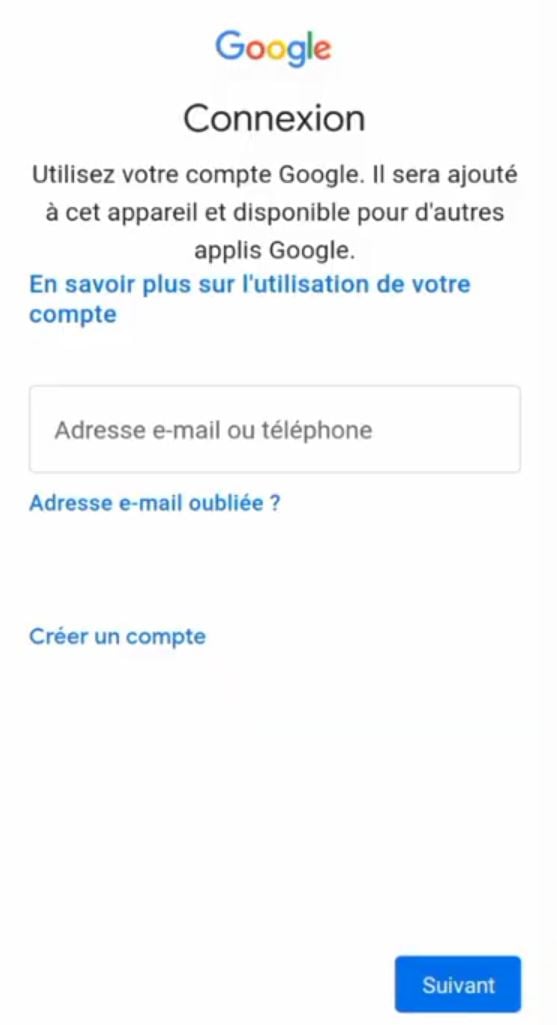
Initial identification step on the Google sign-in page.
Initial identification step on the Google sign-in page. ©Antonin for Alucare.fr

Log in when another account is already open

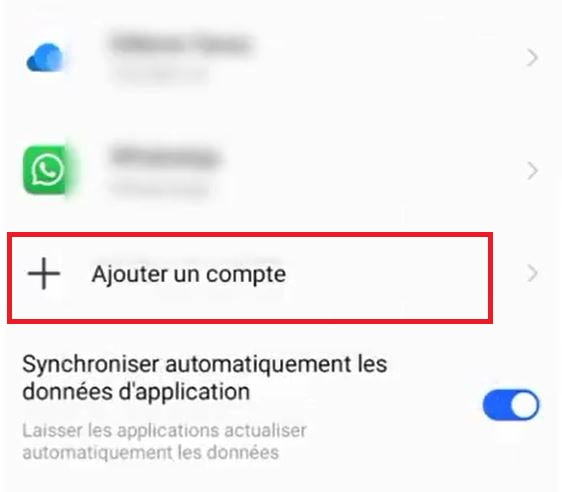
If you already have another account open in your browser, click Add an account.
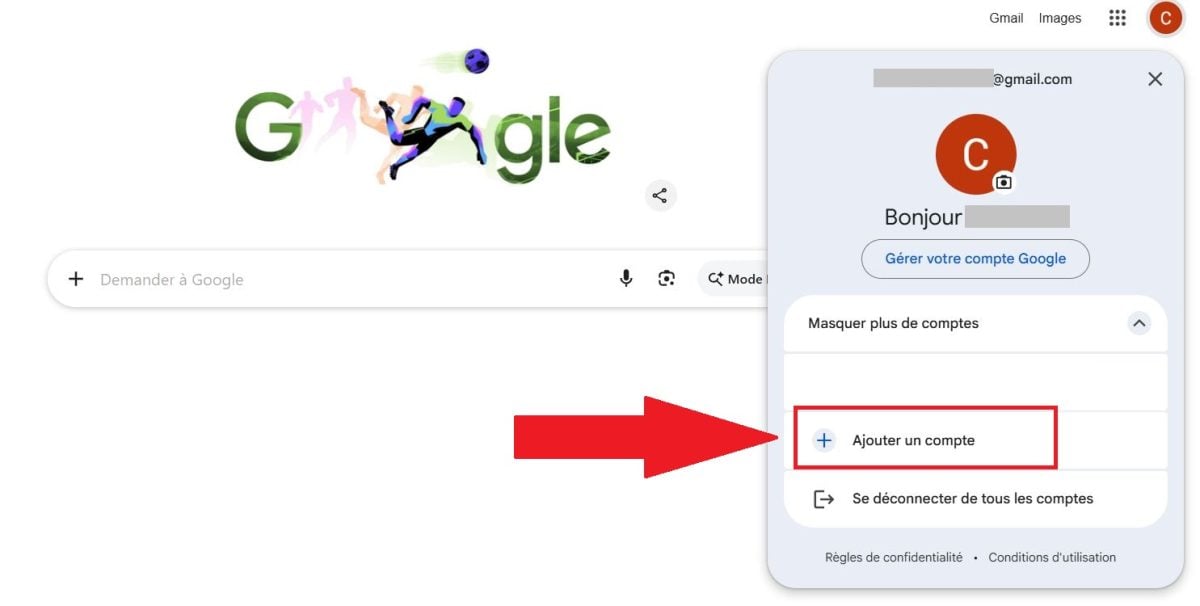
Select the option to add an additional email address to the browser.
Select the option to add an additional email address to the browser. ©Antonin for Alucare.fr

You will be redirected to the login page, where you will need to enter your email address and password. Then enter your password and valid. You'll immediately have access to your inbox and all your messages.

Gmail automatically filters the spam so that only important emails appear in your inbox.

Don't have an account yet? You can Create a Gmail account for free in just a few minutes.

Sign in to Gmail from a smartphone or tablet

On a mobile device, you have two options: use the’application Gmail or open gmail.com right in your phone's browser.

To log in via the app Gmailhere are the steps:

  1. Open the app Gmail on your phone or tablet.
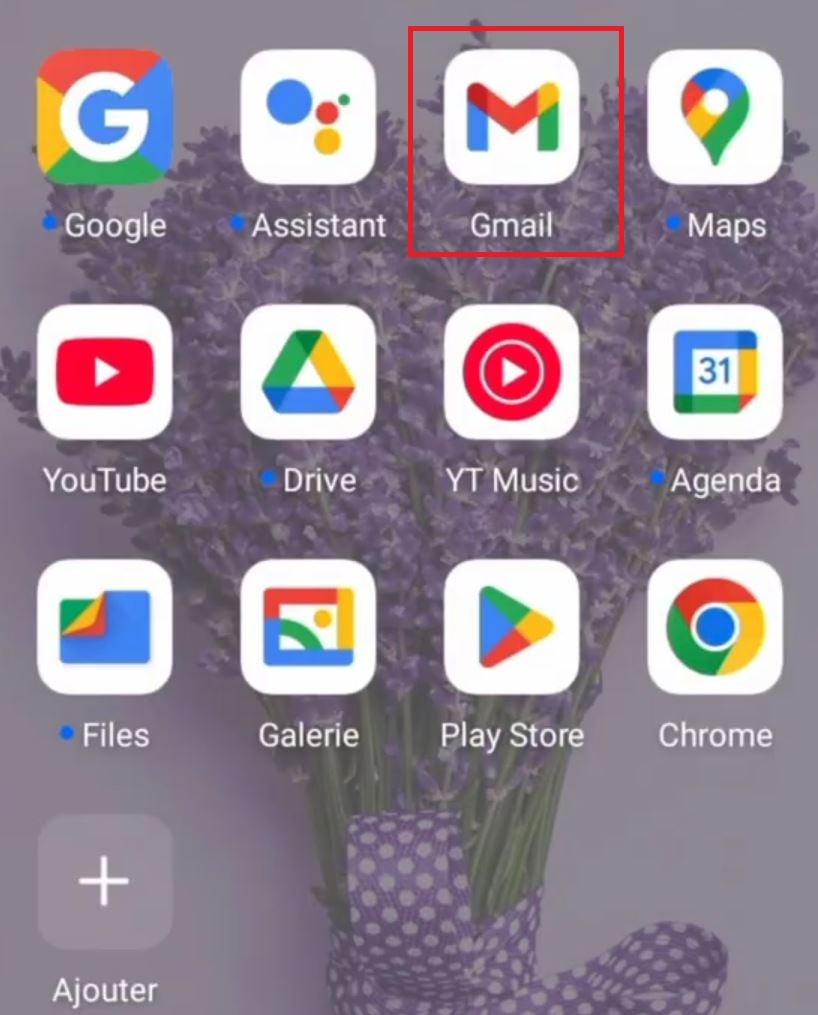
Launch the Gmail app from the mobile home screen.
Launching the Gmail app from the phone's home screen. ©Antonin for Alucare.fr
  1. Touch the’your account icon at top right.
  2. Choose Add Another Account.
Access account options from the top corner of the app.
Access account options from the top corner of the app. ©Antonin for Alucare.fr
  1. Enter your e-mail address.
Setting up a new address in the mobile app.
Setting up a new address on the mobile app. ©Antonin for Alucare.fr
  1. Then type your password, then click "Submit.".
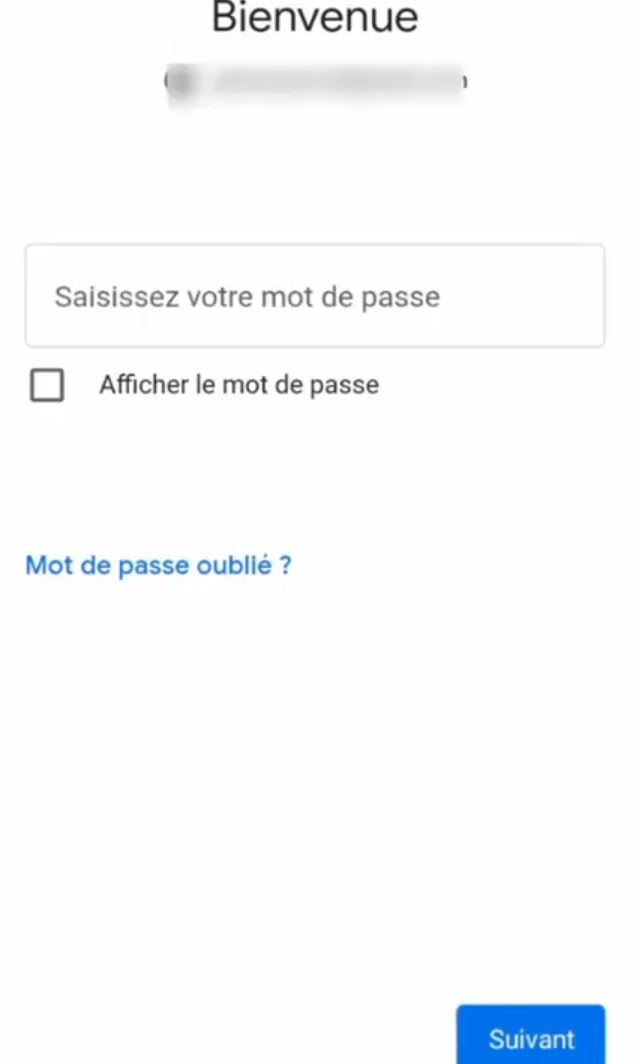
Secure authentication form on the mobile interface.
Secure authentication form on the mobile interface. ©Antonin for Alucare.fr

Password forgotten

Whether You can't remember your password, click on Password forgotten on the login page.

Google will then guide you through the process of regaining access to your account. You can also check the Help Center Google for more options.

Option to recover access if you lose your login credentials.
Option to recover access if you lose your login credentials. ©Antonin for Alucare.fr

Sign out of Gmail

On a public computer, remember to log out when you're done.

Click on your profile photo in the upper right corner, then on Log Out. C

This simple step prevents another user from accessing your email without your knowledge. For your security, never leave your session open on a shared device.
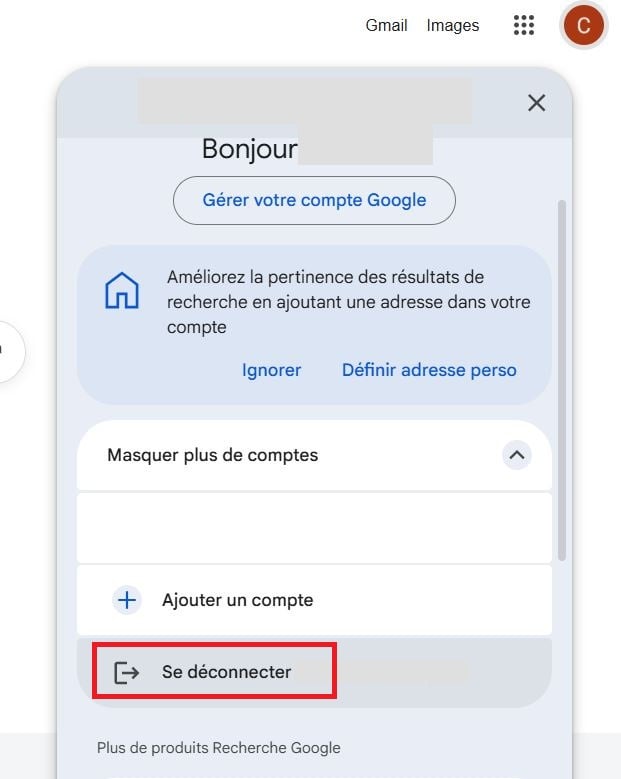
Securely logging out of a session is essential on public computers.
Securely logging out is essential on public computers. ©Antonin for Alucare.fr
👍Your opinion
The article is informative
The article is objective
The article answers my question
Content up to date
🔍 Found any errors? Tell us where!

Found this helpful? Share it with a friend!

This content is originally in French (See the editor just below.). It has been translated and proofread in various languages using Deepl and/or the Google Translate API to offer help in as many countries as possible. This translation costs us several thousand euros a month. If it's not 100% perfect, please leave a comment for us to fix. If you're interested in proofreading and improving the quality of translated articles, don't hesitate to send us an e-mail via the contact form!
We appreciate your feedback to improve our content. If you would like to suggest improvements, please use our contact form or leave a comment below. Your feedback always help us to improve the quality of our website Alucare.fr


Alucare is an free independent media. Support us by adding us to your Google News favorites:

Post a comment on the discussion forum