Keypoints
- The invisibility potion in Minecraft makes the player invisible for 3 to 8 minutes, although armor and held items remain visible.
- To make this potion, start by creating a night vision potion, then combine it with a fermented spider's eye.
- To obtain an invisible item frame, use the command /give @p item_frame{EntityTag:{Invisible:1b}} in a world with cheats enabled.
Wondering how to make the invisibility potion in Minecraft? Our article is just for you! In this guide, discover the tutorial for making the Minecraft invisibility potion, and also learn about the usefulness of this invisibility potion in the game!
What is the purpose of the invisibility potion in Minecraft?
In Minecraft, one of the most-played video games in the world, this potion allows you to make your character invisible for 3 or 8 minutes. However, your armor and the item in your hand are not rendered invisible!
Creatures that are normally hostile become neutral towards the player, unless they are wearing armor, which is not affected by the invisibility effect. The potion, as a consumable item, allows other players or creatures to become hidden. Sheep wool, dog collars, spider eyes, and golem pumpkins are not affected by invisibility.
[Tuto Minecraft] Invisibility Potion, how to make an invisibility potion?
Here are the steps for making a invisibility potion in Minecraft :
- Make a night vision potion to get started
The first item you need to make the invisibility potion is a night vision potion. That said, to do this, you will need the following ingredients:
- Void Wart: You can obtain it from Void Fortresses located within the Void.
- Golden Carrot: To craft a golden carrot, you need one medium carrot and eight gold nuggets. Place the carrot in the center of a crafting table and surround it with nuggets to turn it golden.
- Water bottle: To obtain a water bottle, you need a glass bottle. Craft a glass bottle by placing three glasses in the top right and left slots of a crafting table and the third in the middle. Then take the glass bottle to a water source such as a pond or river and right-click to fill it.
- Blazepowder: to obtain it, you must craft it from Blazerods that drop from Blazes in the Nether.
Once you have collected these four materials, follow these steps:
- Take them back to your stand and place the blaz powder as before;
- Then place the water bottle in the left slot in the sand.
- When you're done, place the wart in the upper space and wait for it to be done;
- Place the golden carrot when the slot is empty. When the brewing stand has finished cooking the carrot, it will finish making the Nightvision potion.
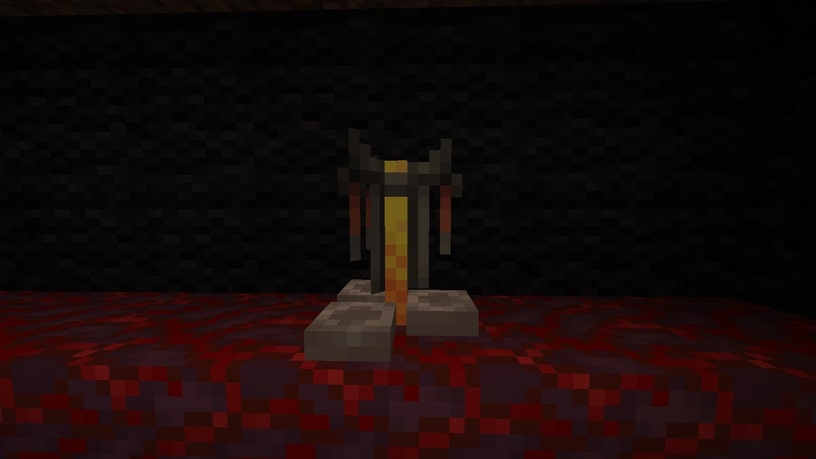
2. Then go to your and activate it using a blaze powder. This is done with a blaze stick.
3. Place a fermented Spider's Eye at the top and bottom, and apply your night vision potion.
- By fusing these two items, you can create an invisibility potion.
- You can create a disposable invisibility potion by adding gunpowder
- The mixture of gunpowder and invisibility potion makes it disposable.
How do I get an invisible frame in Minecraft?
To obtain an invisible element frame in Minecraft, simply follow a simple command. To do this:
- Open your chat console
- Then type : /give @p item_frame{EntityTag :{Invisible:1b}} ;
- An invisible frame will be added to your inventory.
All you have to do is set a framework on the wall andplace the object there. However, remember that this command will not work in a world where cheating is not allowed. It is therefore up to players to open the world on LAN. Once you have entered, simply activate the cheaters from the settings.
So ! Your invisibility potion lasting 3 minutes is created. If you want the invisibility effect to last 8 minutes instead of 3 minutes, add a redstone powder. Also, if you want the potion to be disposable and not drinkable, add a gunpowder.
See the rest of the guides on Minecraft:









 English