UPDF is a all-in-one PDF editor that rivals Adobe Acrobat at a fraction of the price.
You can read, edit, annotate, convert, and sign your documents all within a single program, at Windows, Mac, iOS and android.
Here's what it's really worth.
To pay even less for it:
Promo code to use: SAdzK
What is the UPDF?
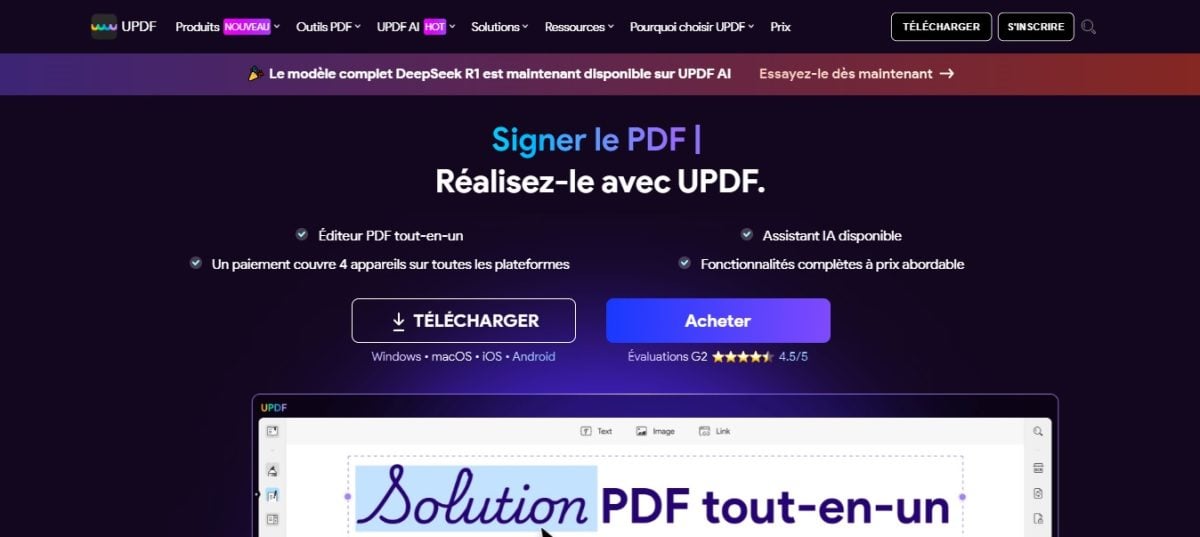
UPDF is published by the company Superace. It brings together everything you need to manage your PDF documents on a daily basis in a single app: viewing, editing text and images, annotating, signing, and organizing pages.
The software also includes a AI assistant To summarize, translate, or explain a document in just a few clicks. It's free for up to 5 PDFs and 100 questions, and then available as a paid option.
It is intended for both individuals than to the companies and to students, with the same account that can be used on both a computer and a phone.
What are the main features of UPDF?
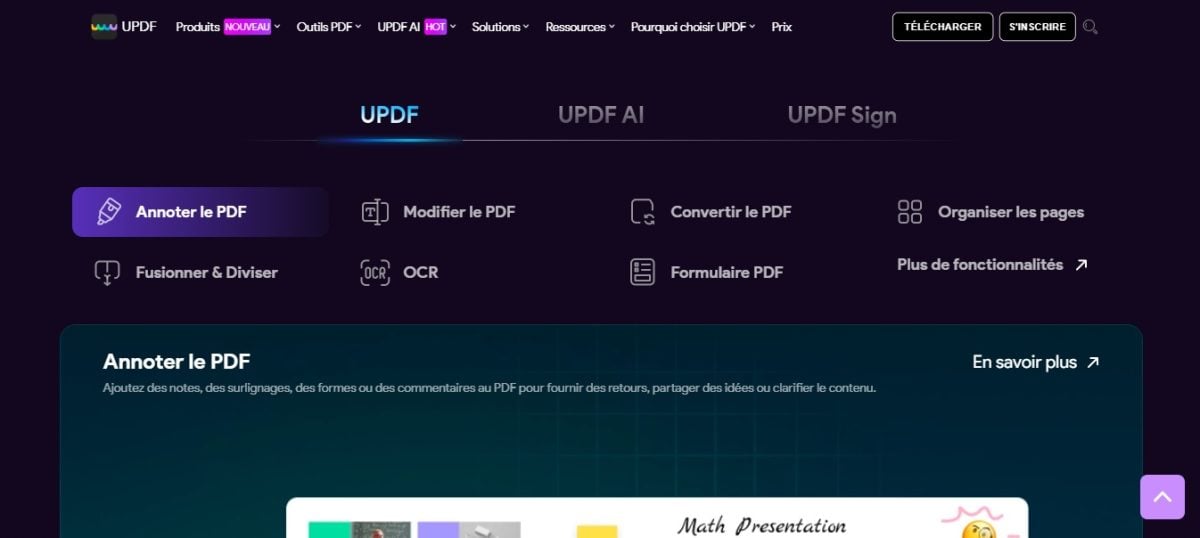
What makes’UPDF, is to bring all these features together so you don't have to juggle multiple tools:
- Amendment text and images directly in the document
- Annotation and highlighting pages
- Conversion to other formats (Word, Excel, PowerPoint, JPEG, PNG, GIF, CSV, BMP, etc.)
- Organization of the pages (reorganize, rotate, delete)
- Creating and filling out forms PDF
- Merger of several PDF files into a single file, or splitting a document into multiple files
- Creating a PDF from an image, a screenshot, or a file Word, Excel, or PowerPoint
To quickly convert a PNG image into a shareable document, you can also use the’Canva's PNG-to-PDF tool.
L'AI assistant The built-in feature deserves special mention. It allows you to summarize, translate or ask questions directly about the content of a document without leaving the interface. This saves a lot of time when working with large files.
How do I use UPDF?
To import a document into UPDF, you have two simple options:
- Click on OPEN A FILE then select your document
- Drag and drop the file directly in the software interface

Once the file is open, all the tools appear on the same interface:
- À left : text editing, annotations, forms, and page layout
- À right : export, password protection, sharing, and sending via email

- Each icon corresponds to a specific feature. For example, clicking on the icon shaped like pencil displays all the tools in’PDF annotation directly in the page header.

- To Save your edited document, click the floppy disk icon. You can then reduce the file size or save it directly to the cloud.

Explanatory video in French by Alucare, ideal complement to the page. View video (you can use YouTube's automatic translation)

What's New in UPDF 2.0 and 2.5
UPDF launched its Version 2.0 in May 2025, followed by the Version 2.5 in March 2026. Two changes really save time.
The first is the new ones batch tools. In addition to converting and merging files, you can now run OCR, compress files, or add watermarks, headers, footers, and backgrounds to multiple files in a single operation.
The second one is a AI assistant more in-depth, now fueled by GPT-5.
It summarizes, translates, and answers your questions. Starting with version 2.5, it can also control the software using natural language with UPDF Copilot.
Explanatory video in French by Alucare, ideal complement to the page. View video (you can use YouTube's automatic translation)

UPDF is available on which device?
UPDF works on computers, tablets, and smartphones, with the same user-friendly interface across all devices. Specifically, the software is compatible with:
- Windows
- macOS (Apple)
- iOS (iPhone)
- iPadOS
- android
A single license Works on all platforms, with up to 4 devices connected at the same time. You start a document on Windows, you can pick it up at iPhone or tablet without losing anything. The’AI assistant is also accessible directly from the web, which is handy when you don't have the app handy.
Is UPDF free?
Yes, to some extent. UPDF offers a free version with no time limit. You can read, annotate, and edit your files without paying.
The main limitation: a watermark is added as soon as you save a modified file. Some tools also have limitations: 2 conversions per day, batch processing limited to 2 files, and OCR limited to a few trials. To remove these limitations, you must upgrade to the paid version.
Before you make up your mind, you can use the free version for as long as you want and try out the’Free AI assistant for 7 days. This makes it easy to compare the annual subscription and the lifetime license before making a decision.
If you want to pay less for UPDF, click this link and use the code SAdzK
How much does the UPDF cost?
UPDF offers three packages tailored to each customer's needs:
- Individual from €49.99/year
- Company from 79.99/year
- Student from 39.99/year
Faced with Adobe Acrobat Pro, priced at approximately 286 €/year, the value for the money is excellent. With the Personal and Student plans, you can use UPDF on 4 devices at the same time.
The Business plan allows for 3 devices (1 computer and 2 cell phones). All plans include a 30-day money-back guarantee. Customer support is available 24 hours a day, 6 days a week, and 7 days a week for businesses.
Want to pay even less? You can get an even more affordable subscription thanks to the GamsGo Subscription Sharing.
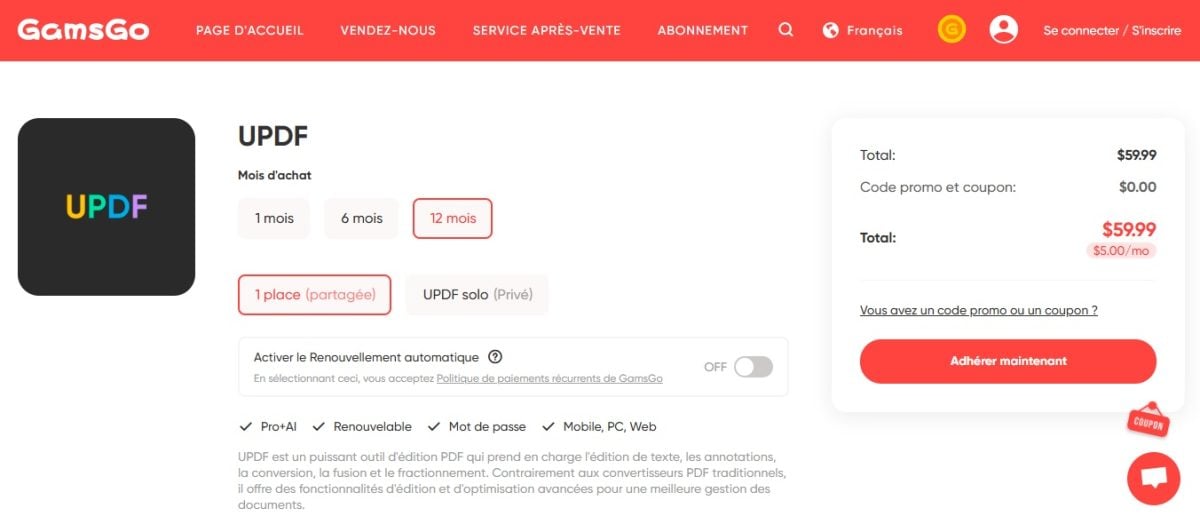
The idea is simple: you share a plan with other people and split the cost. With the coupon code SAdzK, you can lower the price even further by GamsGo.

Where does UPDF stand in relation to Adobe Acrobat?
Adobe Acrobat remains the industry standard in the PDF editor market. But many people think that no other software can match it, which is far from true.
UPDF offers the same essential features—and even a few extras that Adobe doesn't have.
This comparison chart shows you the specific differences:
| FEATURES | UPDF | ADOBE ACROBAT |
|---|---|---|
| Open, view, and read a PDF | ✔ | ✔ |
| Adding and managing bookmarks | ✔ | ✔ |
| Searching for Text in a PDF File | ✔ | ✔ |
| View a PDF as a slideshow | ✔ | ✔ |
| PDF annotation | ✔ | ✔ |
| Adding Stickers to a PDF | ✔ | ❌ |
| Edit text in a PDF | ✔ | ✔ |
| Edit Images in a PDF | ✔ | ✔ |
| Edit Links in a PDF | ✔ | ✔ |
| Convert a PDF to Word, Excel, PPT, Text, RTF, HTML, XML | ✔ | ✔ |
| Convert a PDF to JPEG, PNG, or TIFF | ✔ | ✔ |
| Convert a PDF to GIF, CSV, or BMP | ✔ | ❌ |
| Extract text from a scanned PDF (OCR) | ✔ | ✔ |
| Add a password to protect your PDF document | ✔ | ✔ |
| Rates and subscriptions | Lifetime license starting at €79.99. Free version with no time limit, featuring a watermark upon saving and limited functionality (2 conversions per day, limited OCR). | Annual subscription ranging from €214.78 (Standard) to €359.99 (Studio), including tax, for individual users. Prices as of October 2026. Free trial available. |
| Compatible platforms | Windows, macOS, iOS and Android | Windows, macOS, iOS and Android |
UPDF offers handy extras like adding stickers, while also including OCR and document conversion at a significantly lower price than’Adobe Acrobat.
The Lifetime license starting at €79.99 (for the basic version without unlimited AI quotas) makes all the difference. At Adobe, subscriptions exceed 200 €/year, and the only option without a subscription, Acrobat Pro 2024 provides only three years of access, without the new features.
To learn more, find out why UPDF is considered the’ultimate PDF editor by many users.
What do users think of UPDF?
| User Reviews of UPDF | ⭐️⭐️⭐️⭐️ (4/5) |
| Our Review of UPDF in 2026 | ⭐️⭐️⭐️⭐️ (4.5/5) |
So, are you ready to edit your PDF at a discounted price?
I pay less for UPDF with GamsGo
Promo code : SAdzK
User reviews
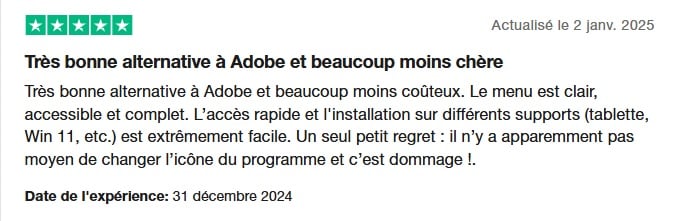
User feedback is overall very positive. Many praise the value for money and see UPDF as an excellent alternative to Adobe, with features related to’AI considered particularly impressive.

Our opinion on UPDF
After testing it, here's what we've learned:
- A Full-featured PDF editor, from basic reading to advanced editing
- A smooth and intuitive interface, and it's really easy to get started
- A AI assistant useful for summarizing, translating, or searching a document
The only real downside: the free version adds a watermark during recording and limits the conversion and the’OCR. For occasional use, it's enough. For regular use, the premium version is necessary.
In a nutshell, UPDF is the ideal PDF editor if you want an all-in-one tool without breaking the bank. For download UPDF and try it out for yourself—the free version requires no commitment.
Feel free to share your feedback in the comments.
And for even more in-depth reviews and great tips:









 FR
FR  RU
RU  EN
EN  ES
ES  IT
IT  DE
DE  ZH
ZH  PT
PT  ID
ID  JA
JA  DA
DA