There are many reasons why a user might choose to generate a Spotify QR codefrom its ease of sharing and interactivity to its marketing potential.
Whatever it is, you've come to the right place! In this article, find out how to make a Spotify QR code in no time at all.
How do I create a Spotify QR code with a code generator?
Spotify users can generate a QR code linked to a music, a playlist or an artist present on the platform. Here's how to proceed:
- Go to Spotify.
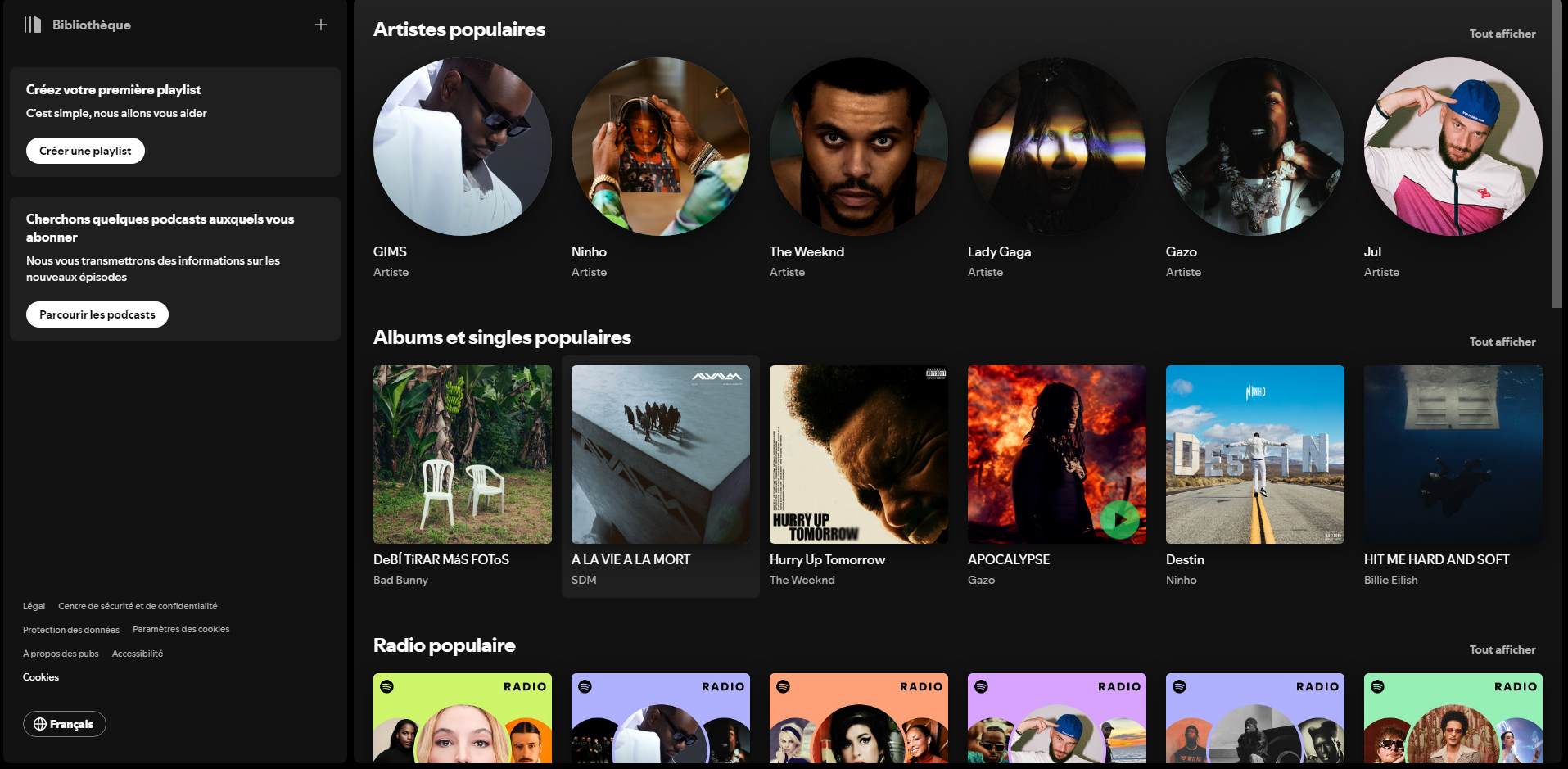
- Select the song, playlist or artist you want to share via QR code.
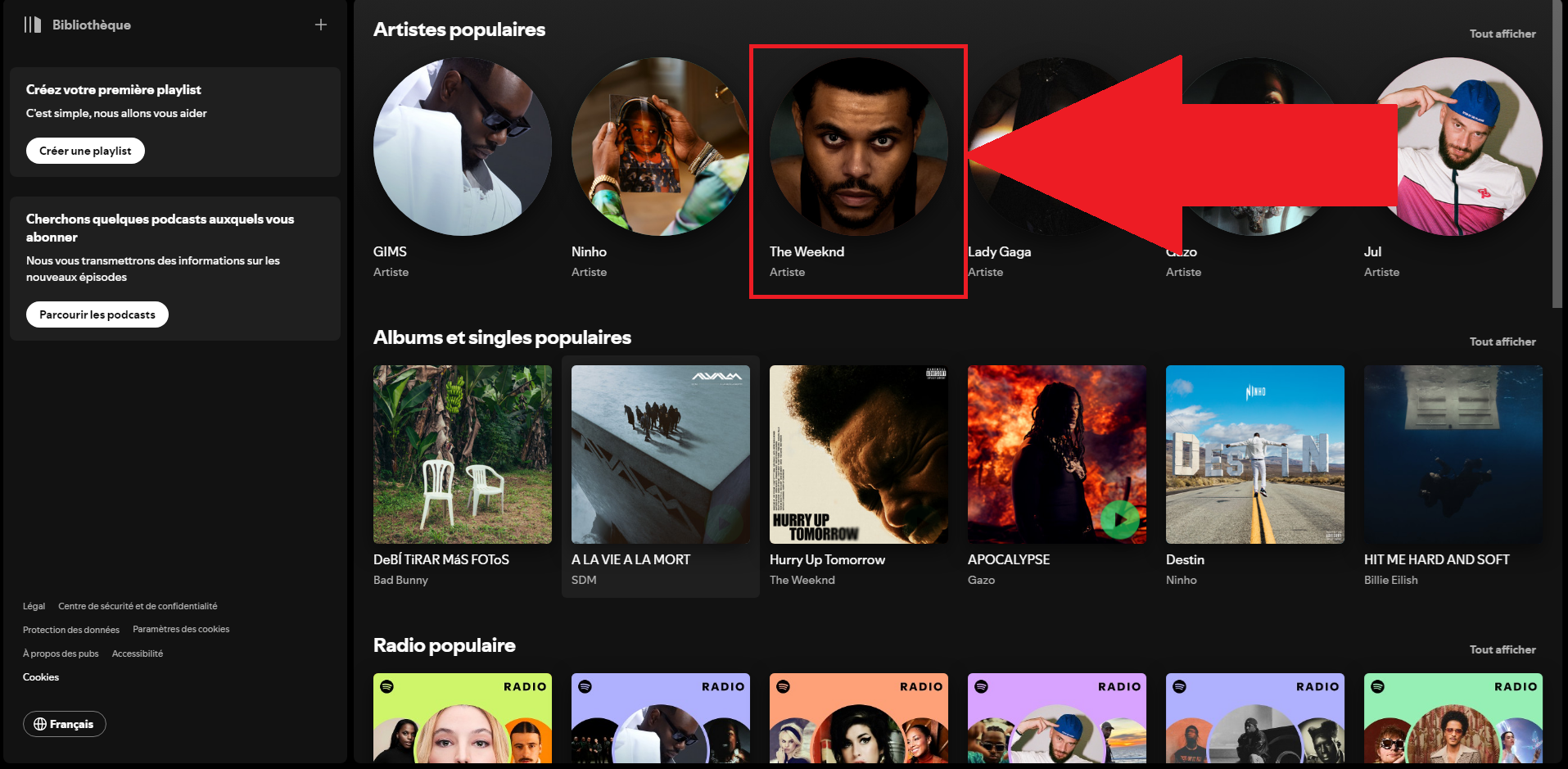
- Click on the three small dots.

- Press "Share".

- Press "Copy link to artist".
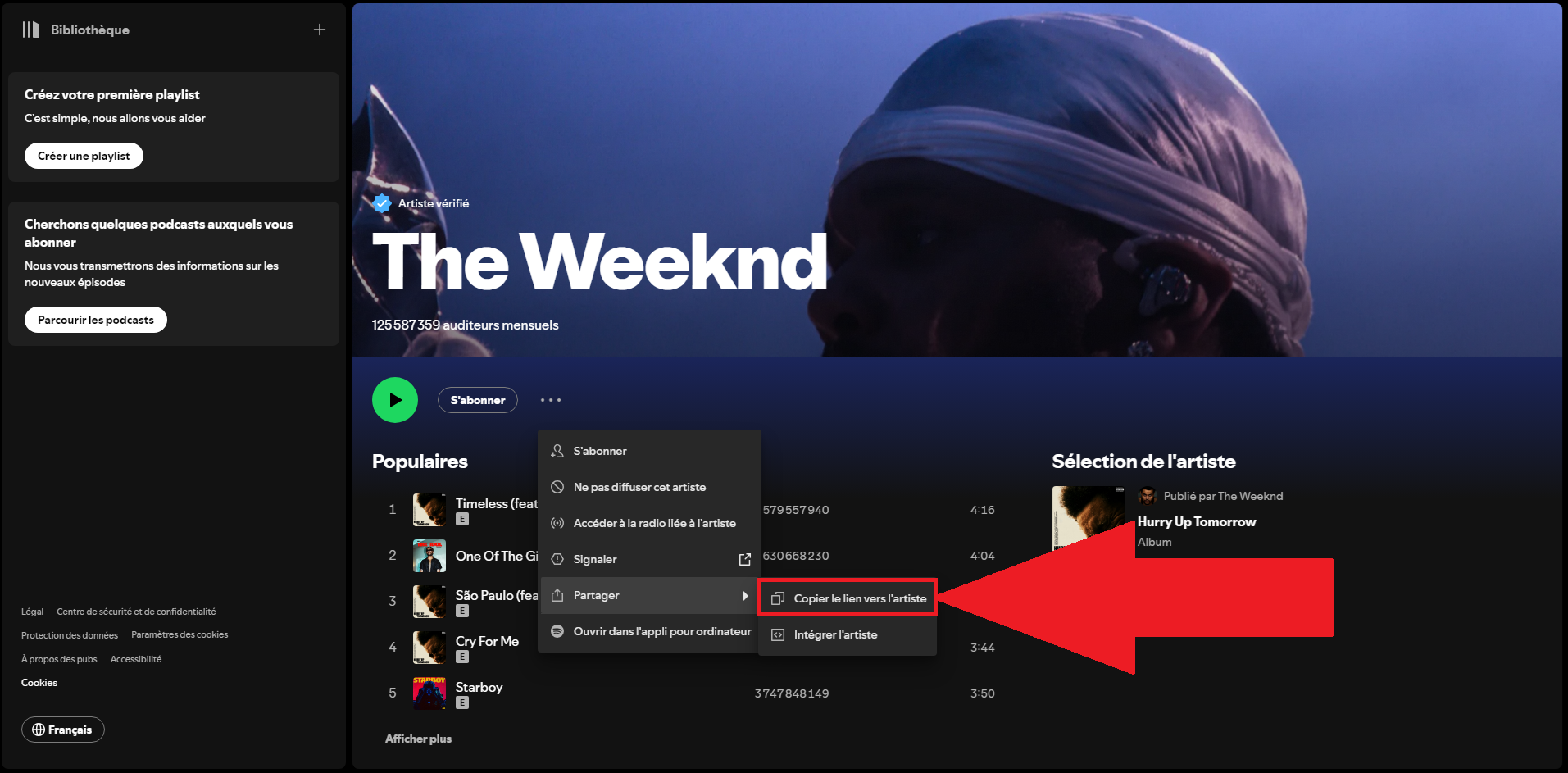
- Go to a QR code generation site to link a URL.

- Paste the Spotify link in the dedicated field.

- Personalize your QR code if you wish.

- Download your QR code.
- Share it on your social networks.
At the same time, you can see how to download music on SpotifyClick here to read our article on the subject.
Which QR code generator does Spotify use?
As you can see, we have used a online QR code generator. Here is our selection of websites that provide you with this service in a secure manner:
- ME-QR.

- QR TIGER.

- Pageloot.

How do I scan a Spotify QR code?
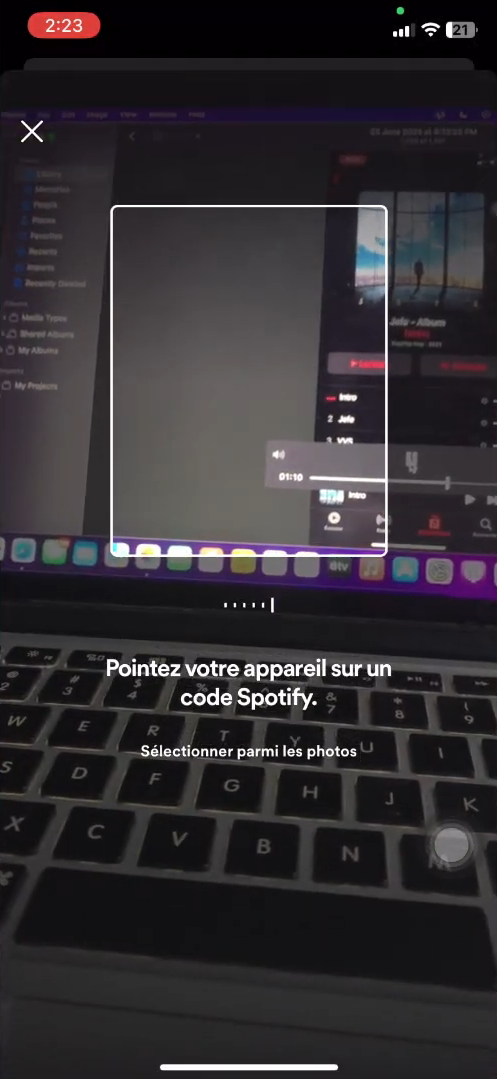
Once you have created your Spotify QR code, the people you share it with will be able to scan it to access the music content in question.
If you're wondering how this process works, here are the steps involved:
- Go to the Spotify app.
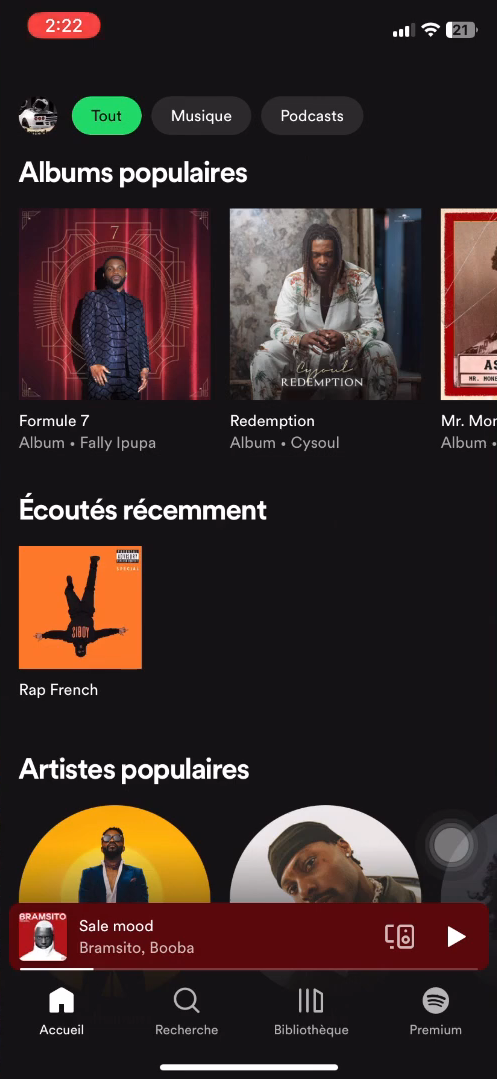
- In the “Search” section, click on the icon at the top right of your screen.

- Then press “Scan.”.

- All you have to do now is scan the QR code!
In order to listen to the music content that has been sent to you whenever and wherever you want, why not check out how to listen to music offline on Spotify via this link?
Why use a Spotify QR code?
There's a lot benefits and features to the use of QR codes for Spotify. Among the many reasons that exist, here's a list of the main ones:
- Quick and easy access to the content we want to share from Spotify.
- A more practical method than the well-known copy and paste of a link.
- Great marketing potential to promote events interactively.
- A personalized QR code that lets you show off your projects.
- A way to receive direct feedback on the effectiveness of the QR code by seeing how many times it is scanned.
As you will have understood, whether in a private setting among friends and family or with a view to promoting an artist or an event, QR codes are the way forward.
Ultimately, the creation of a Spotify QR code is a simple, fast and efficient way to share tracks, playlists and albums with friends and family.
After copying the URL of the song in question, paste it into a online QR code generator. You can customize it before downloading it.
The final step is to transmit it, integrate it into a web page or print it on a product. This method makes it easy to share and read Spotify music service.
You may also be interested in this article:









 English