Choose a a video suitable for your child boils down to three criteria: its age, the type of stimulation offered, and the values embodied by the characters.
Good news: a large portion of the best cartoons and educational videos are free, particularly on YouTube and Lumni.
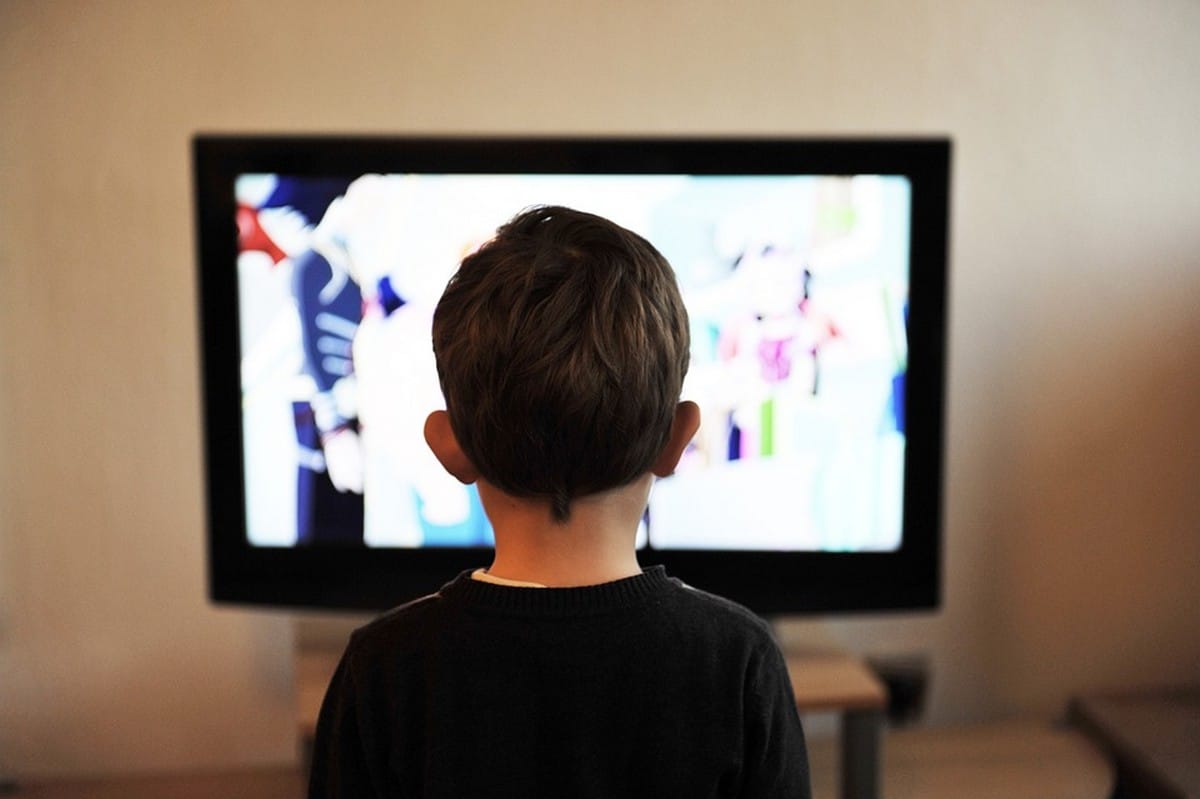
How do you choose videos and cartoons that are appropriate for your children?
Children spend a lot of their time watching videos, which is why production companies target young audiences so heavily. Your role is to sort through this content to keep only the useful and entertaining content.
If your child is using a cell phone on their own, check out our article on How to Monitor Your Child's Cell Phone.
What value do cartoons and educational videos offer?
This is the most important criterion. The attitudes and behaviors The values embodied by the characters have a profound impact on young viewers: children learn by example, imitating their favorite characters—sometimes even repeating their exact words.
So focus on educational cartoons and videos that promote positive values: mutual support, curiosity, respect. Bluey is a good example of this, with stories centered on family and play.
What kind of stimulation do these videos offer?
The plot matters, but so does the type of stimulation. Some very close-ups, intense sound and lighting often make the content addictive : The child is glued to the screen, but this overstimulation hinders learning.
For a positive effect, choose videos over calm pace, with clear animations and straightforward explanations. Educational YouTube channels such as 1 jour 1 question or the math of Mickaël Launay rely on this balance between education and fun.
Which video or cartoon should you choose based on age?
Your child's age is the first factor to consider. A toddler and a school-age child don't have the same brain maturity, nor do they have the same needs. Here are the key points to keep in mind:
- 0–3 years : no screen. Many pediatricians and the official French report from 2024 do not recommend any exposure before the age of 3.
- 3–5 years : simple, colorful cartoons like Peppa Pig, focusing on fun activities of everyday life. Bluey Also suitable for children up to age 7, with family stories that are accessible to children of that age.
- Ages 5–8 : some educational videos to explore the world, such as C’est pas sorcier on science and animals, or 1 jour 1 question for educational activities In the News.
- Ages 9–12 and teens : more in-depth documentaries (YouTube channels such as National Geographic Kids, on space and nature) and films rated For all ages.
Criteria to Be Restricted in Video Content for Children
Some content is not appropriate for young audiences. The scenes violent, violent, or of an erotic or sexual nature must be rejected without hesitation. A quick visual check isn’t always enough, but there are official tools to help you sort through them.
CSA Branding on TV
In France, the signage for the’Arcom (formerly CSA) displays a small icon in the corner of the screen. It indicates an age not recommended below, no recommended minimum age. Keep these in mind 4 categories :
- -10 : Not recommended for children under 10.
- -12 : Not recommended for children under 12.
- -16 : Not recommended for children under 16.
- -18 : For adults only (contains graphic violence or pornography).
If no icon appears, the program is categorized For all ages. It's the easiest thing to keep an eye on while watching TV with the family.
Movie listings at the theater
For a movie, the logic is similar. You'll find the credits -10, -12, -16 and -18 assigned by the competent authorities. A film rated -12 addresses topics that most younger children aren't ready to understand.
PEGI for Video Games
If your child also plays with video games, take a look at the logo PEGI. This is the European classification system based on age and content type.
The entries range from PEGI 3 (for all ages) up to PEGI 18 (adults only), including intermediate levels for teens.
Parental Controls on YouTube Channels
On YouTube, many videos aren't intended for a young audience. The app YouTube Kids solves most of the problem. You can:
- filter content by age group (toddlers, children, preteens); ;
- block a specific YouTube video or channel; ;
- Limit screen time with a timer ;
- Lock the app with a coded.
This way, you stay in control of what’s shown at home, instead of letting the algorithm decide for you.
Parents' role in choosing videos for their children
Your role is simple: stay informed what your kids are watching. Watch the video or episode before your child whenever you can. That way, you'll identify the program's real message and anticipate the questions it will ask you.
If your children are using a mobile device on their own, turn on the parental control. You can also track your child's phone to see the videos he just watched.
Streaming platforms also offer children's profiles with cartoons and educational videos Filtered by age, perfect for watching with the family.
When used appropriately within the family, video remains a an excellent learning tool. It helps each child discover new subjects and uncover their talents.








 FR
FR  RU
RU  EN
EN  ES
ES  IT
IT  DE
DE  ZH
ZH  PT
PT  ID
ID  JA
JA  DA
DA