Scraping Facebook in 2026 is possible, but more complicated than it used to be. Facebook actively blocks scrapers, which makes dedicated tools such as Bright Data Where Apify much more reliable than a homemade solution in Python.
Here are the methods that really work, what you can get out of them, and the legal framework Things to know before you get started.

The different methods for scraping on Facebook
the web scraping is an automated process that extracts data from websites. On Facebook, you have two main options: use a ready-to-use tool, or develop your own solution using programming libraries. The choice depends on your technical skill level and the amount of data you want to retrieve.
1. Use web scraping tools
Web scraping tools are designed for people who don't have no programming skills. These are turnkey solutions that allow you to’Extract data with just a few clicks. For Facebook, three solutions stand out: Bright Data, Apify and Octoparse.
| Tool | Technical Level | What he scrapes from Facebook | Admission Price |
|---|---|---|---|
| Bright Data | Intermediate (API) | Pages, groups, public posts, profiles | Pay-as-you-go pricing; free trial available |
| Apify | Beginner to Intermediate | Pages, posts, comments, Reels, Marketplace | Pay-as-you-go pricing; free trial available |
| Octoparse | Beginner (no code) | Public data from pages and profiles | Limited free version available |
Bright Data
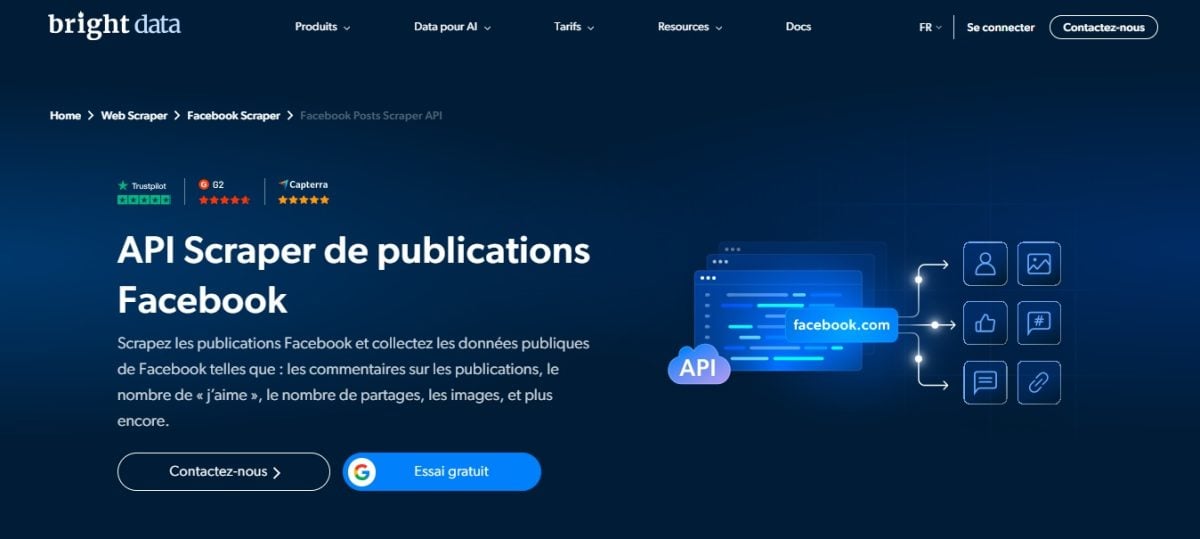
Bright Data combine proxies network, scraping browser and API on a single platform. The rotation of proxies significantly reduces the risk of being blocked by Facebook, which is a major advantage.
His Facebook Scraper API That's what it's designed for: you give it a URLs page or group, and it returns structured data in the format JSON Where CSV. It handles bypassing anti-bot protections and code analysis on its own.
Check out our Full review of Bright Data To learn more.
Apify

Apify is a platform that offers pre-built solutions called « Actors ".
Its flagship tool, the Facebook Pages Scraper, collects information from public pages: name, category, contact information, number of likes and followers, and rating.
others Actors target the posts, them comments, them groups where the Facebook Marketplace.
Check out our Full review of Apify to know more.
Octoparse
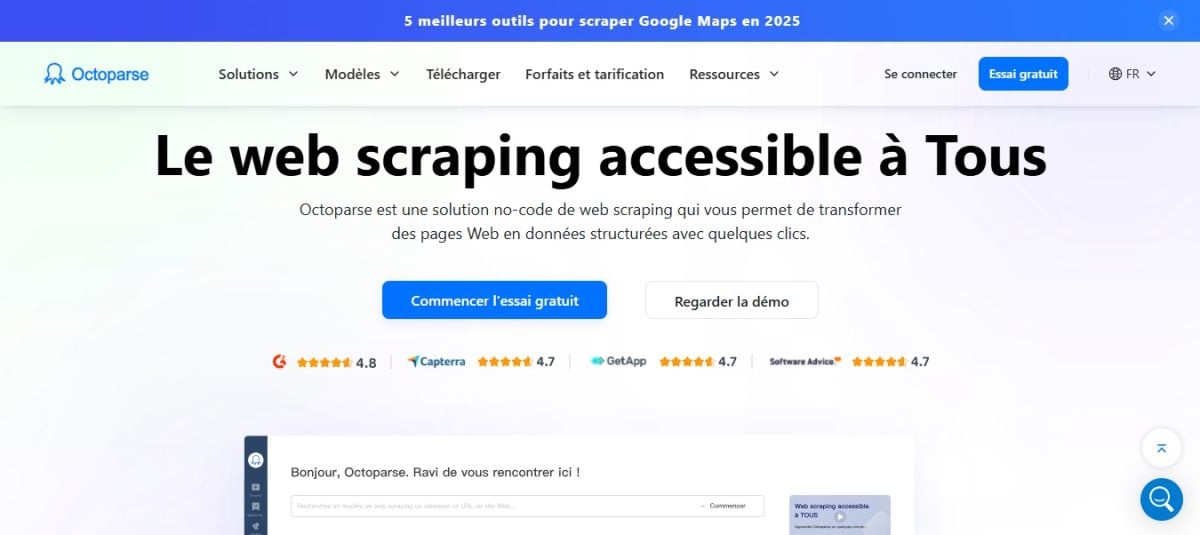
Octoparse allows you to do No-code scraping thanks to an intuitive visual interface. It doesn't offer any ready-made templates for Facebook: you paste the URL of a page or profile, and the tool automatically detects the data, and then you can customize the workflow (scrolling, exporting) without writing a single line of code.
This is a good option if you don't have no technical skills, provided you're willing to spend some time getting the hang of it.
We'll walk you through all the features in our Full review of Octoparse.
2. Opt for a DIY solution using Python
Do you want to control everything? You can. Create your own Facebook scraper in Python.
The traditional approach combines a automated browser and an HTML parsing library. An automated browser opens pages just as a real user would, allowing it to handle Facebook's dynamic interactions, such as infinite scrolling, which loads new posts.
Specifically, the combo Selenium + BeautifulSoup opens Facebook pages just as a human would, waits for the content to load, and then exports the data to a file JSON Where CSV.
- Selenium controls the browser to interact with the page: click, scroll, wait.
- BeautifulSoup then analyzes the HTML code and retrieves the desired information.
Here's a minimal script template to get you started:
from selenium import webdriver
from bs4 import BeautifulSoup

driver = webdriver.Chrome()
driver.get("https://www.facebook.com/nom-de-la-page")

soup = BeautifulSoup(driver.page_source, "html.parser")
for post in soup.find_all("div", {"role": "article"}):
    print(post.get_text())

driver.quit()
Be careful—reality is harsher than the code. Facebook often requires a connection, detects bots and limits the number of automated requests. Without proxies Without rotation or CAPTCHA handling, your homemade scraper will quickly be blocked. That's where dedicated tools have the edge.
What can you scrape on Facebook?
Scraping on Facebook allows you to retrieve only public data. Here are the types of content available:
- Public pages : page name, number of likes and subscribers, text of the posts, comments, shares, and reactions.
- Public groups : Group name, description, number of members, and posts visible to non-members.
- Public Profiles : name, profile photo, and—depending on the person's settings—bio, city, and public posts.
- Events and Reels : title, date, location, and engagement statistics that are publicly visible.
Dedicated scrapers collect this data and deliver it to you in a structured format (CSV Where JSON), which you can use directly in your analyses. A typical result includes the post ID, the text, the date, and the number of likes, the reactions and the comments.
Personal information such as messages, them closed groups where the locked profiles remain beyond the scope of the tools presented here, which are limited to public data. Attempting to access them through a logged-in account would violate the Terms of Service of Meta and would pose a real problem regarding the protection of personal data.
How to Do Web Scraping on Facebook in 2026?
With a dedicated tool such as Bright Data Where Apify, a Facebook scraping project consists of four steps.
1. Choose the right scraper based on your target
Start by identifying what you want to extract. Web scrapers are often specialized by content type:
- Facebook Posts Scraper : retrieves the publications on a page (text, date, likes, reactions, number of comments).
- Facebook Pages Scraper : extracts information from a business page (name, category, address, reviews).
- Facebook Profile Scraper : collects data from a profile public.
- Facebook Groups Scraper : targets a group's posts and discussions.
On Apify, you choose the actor from the drop-down menu. On Bright Data, select the Facebook Scraper API that matches your target.
2. Enter the URL of the page or group
The tool requires the’Exact URL of your target on facebook.com. Copy it directly from your browser's address bar:
- For a single page: https://www.facebook.com/nomdelapage
- For a group: open the group, click on its name, then copy the link that looks like https://www.facebook.com/groups/id
Next, adjust the options : number of posts to retrieve, date range, inclusion of comments and reactions. The more you narrow down the scope, the faster the extraction.
3. Begin data collection
Click on Start to get started. The tool handles the technical aspects on its own: rotation of the proxies, bypassing anti-scraping detection and managing the limitations imposed by Facebook. This is precisely where a dedicated scraper sets itself apart from a homemade solution.
Processing time depends on the volume: a few seconds for a handful of publications, several minutes for a large log file.
4. Export the data in the correct format
Once the data collection is complete, you can export everything with a single click. Choose the format that best suits your needs:
- CSV Where Excel : ideal for sorting and analyzing in a spreadsheet.
- JSON : Perfect if you want to feed the data back into your own code or a database.
A typical result contains the ID of the post, the text, the publication date, the number of likes, the reactions and the comments. You end up with a clean structure that's ready to use right away.
Why scrap on Facebook?
Web scraping gives you access to public data that you wouldn't be able to collect manually from thousands of posts. Here are the most common and legitimate use cases:
- Competitive Analysis: You keep an eye on the Facebook pages your competitors to analyze their content strategy. You identify which formats of posts generate the most engagement, without spending hours recording everything manually.
- Monitoring and Sentiment Analysis: collect the posts and the game's comments Focusing on a brand or an event allows you to gauge general opinion and track a campaign's progress over time.
- Academic and Scientific Research: Researchers use Facebook data for large-scale sociological or linguistic studies to observe how information spreads or how vocabulary evolves.
- Content Performance Analysis: If you manage multiple pages, you compare your own posts to identify which formats work (image, Reels, text) and tailor your editorial approach based on concrete figures.
FAQs
Is it legal to web scrap on Facebook?
The legality of scraping remains a legal grey area. In principle, collecting public data is not prohibited by law.
The problem lies elsewhere: the terms of use for Meta explicitly prohibit the automated collection of data without authorization. If you scrape data while logged into your Facebook account, you are therefore clearly violating its Terms of Service.
In practical terms, you risk two things: the suspension or the termination your account, and civil lawsuits. Meta has already taken several scraping services to court, with mixed results.
She won her case against some of them, but lost to Bright Data In 2024: The court ruled that the company’s Terms of Service in effect at the time did not cover the collection of public data while offline, and Meta then dropped the charges.
In Europe, the RGPD adds to the equation. A piece of data remains a personal data even when it is publicly available, as long as it identifies someone. You must therefore minimize data collection, secure the data, and ensure that its use remains within acceptable limits, such as for anonymized competitive intelligence or research.
How to scrape Facebook without using the API?
You can Create a custom Facebook scraper in Python, without using an official API, but this requires real technical skills. Expect to run into several obstacles: Facebook often requires a connection, detects bots and limits the number of automated requests. Plan for proxies quickly becomes essential to prevent a deadlock.
What is the best library? Python to scrape Facebook?
The duo Selenium (to simulate a browser) and BeautifulSoup (for analyzing HTML) remains one of the most widely used in-house options in September 2026. Selenium loads the dynamic content, BeautifulSoup then extracts data such as the posts, them likes where the comments.
Are there any free Facebook scraper tools?
Bright Data, Octoparse and Apify all offer free trials to test their features before signing up for a subscription. These free versions have data limits: they're sufficient for an initial trial, but for serious use, you'll quickly need a paid plan.
How do I extract data from Facebook groups?
Most web scraping tools allow you to’extract data from public groups. Private groups remain out of reach of these tools. With dedicated scrapers such as Facebook Scraper API (Bright Data) or Facebook Groups Scraper (Apify), the procedure is simple:
- Retrieves the’Group URL from your browser (format: https://www.facebook.com/groups/…).
- Paste this URL into the tool.
- Configure the desired fields: posts, dates, reactions.
- Start the extraction and export the results to CSV Where JSON.
So scraping Facebook in 2026 is still entirely possible. Whether you're a beginner using a no-code tool like Octoparse, Whether you're a beginner or a seasoned developer who prefers to code your own solution, there's an approach tailored to your profile and needs.
Have you tried another method? Share your experience or ask questions in the comments.










 FR
FR  RU
RU  EN
EN  ES
ES  IT
IT  DE
DE  ZH
ZH  PT
PT  ID
ID  JA
JA  DA
DA