All about TikTok moderators
«What exactly is a »TikTok moderator”? The term actually refers to two different things: either a viewer you designate to ensure…

Released on : October 20, 2016
Edited by : ByteDance
Available on : PC, Android, iOS
All articles on the TikTok social network. Mobile application that is all the rage! List of tutorials and guides on this application.
For example, you can find articles that will deal with buying followers on TikTok.
But also, find out what the TikTok? application is all about.
Wikipedia description:
TikTok is a mobile app for sharing short videos (vertical and from a few seconds to a few minutes), and social networking, launched in 2016.
«What exactly is a »TikTok moderator”? The term actually refers to two different things: either a viewer you designate to ensure…

Want to know how much a TikTok moderator makes? You're reading the right article! ⚠️ Important note: We'll be talking about the moderator…
TikTok doesn't pay you to watch videos. Ads that promise €35 an hour are false claims, and no reputable app…
TikTok is a goldmine of data: profiles, hashtags, video statistics, and comments. Web scraping lets you extract all of that automatically. There are two approaches you can take…

Instagram doesn't offer a built-in aging filter. To use the aging filter on Instagram, you'll need to use , or a dedicated app like…
![Everything you need to know about TikTok gifts and their prices [Complete list].](https://www.alucare.fr/wp-content/uploads/2025/02/www.alucare.fr-tout-savoir-sur-les-cadeaux-tiktok-et-leurs-prix-liste-complete-Tout-savoir-sur-les-cadeaux-TikTok-et-leurs-prix-Liste-Complete-768x432.jpg)
On TikTok, virtual gifts range from €0.012 (the Rose, the most affordable) to about €478 (TikTok Universe). They can be purchased with coins…
When it comes to buying views, two platforms stand out: and . Both deliver your TikTok views using just a simple link from…
1k followers = 1,000 followers. The «K» comes from the Greek word “kilo,” the international prefix meaning one thousand. On social media, reaching…
The two most reliable platforms for buying TikTok likes are and . They deliver likes from real, active users quickly. None…

«Followers» comes from the English word «follow.» On social media, a follower is someone who follows your account to see your posts…
Buying TikTok followers is a thing, and some sites are legitimate. The two services that stood out in our tests are: and , with delivery…
On TikTok, to thank their favorite content creator, users can send him or her various gifts, including the lion! But how much is a lion worth...
The minimum age to use the service is 13. For users between the ages of 13 and 17, restrictions are automatically applied based on the age provided to protect young users.…

1 million views on TikTok can earn you between €0 and about 1,000 $ through direct payments from the platform. A…
Want to go live on TikTok without having reached the required 1,000 followers? There's a way to do it through the app's support feature…
TikTok is free. You can download the app for free on Android, iOS, or PC, and signing up is free. Watch videos, post content, follow…
How can I get free TikTok coins? Let's be clear right away: no, there's no magic site that lets you generate TikTok coins for free....
Want to do a TikTok live but your account doesn't meet all the requirements? Don't worry, there's a way to...

TikTok has surpassed 5 billion cumulative downloads worldwide, a milestone reached as early as 2024. It is one of the most downloaded apps in…

is a free short-video app, available on iPhone and Android, developed by . You'll find content on all kinds of topics (comedy, …
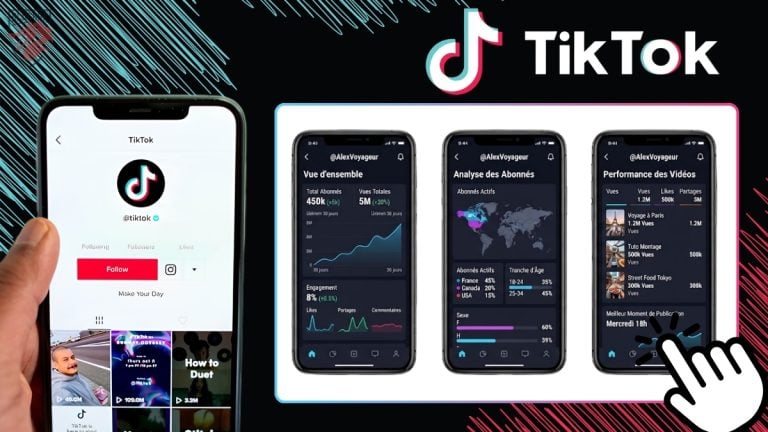
To analyze a TikTok account, you have two options. The app's built-in analytics are free and available as soon as you upgrade to a Creator account…

Want to rack up followers on TikTok and thinking about trying out follower generators? Bad news: TikTok follower generators are…

Reposting on TikTok is a quick way to share a video you like with your followers without having to post it yourself. If…
Want to boost the reach of your TikTok videos by buying shares? The site you need to know about is . Here's how it works…
To buy TikTok comments, you’ll need to use a service provider like . This method boosts engagement and helps the algorithm highlight your content.…
TikTok for Business is TikTok's official advertising platform. It lets you create and manage your campaigns, track your results in detail…
TikTok Now was a feature launched by TikTok in September 2022, directly inspired by . You would receive a random notification every day, and you had…

Did you scroll through your feed too quickly and the video disappeared? Don't panic. It keeps track of the videos you've watched, and…
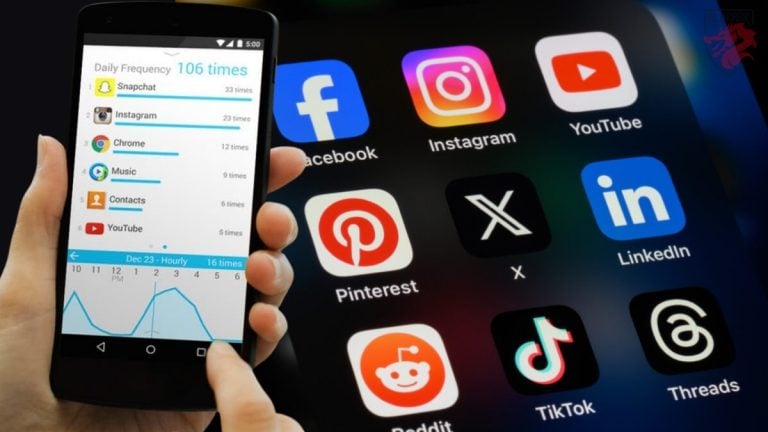
On Android, tracking the time spent on social media is built right into the settings—no installation required. The tool is called…

To add text on TikTok, tap the + icon, record a video or import your content, then tap the «Text» button in the editor.…

Want to create a video from your photos and add text to it? You can do it right in the app, without any external tools.…

On TikTok, there are 5 main ways to make money: virtual gifts during live streams, the creator rewards program, affiliate marketing, …

TikTok was launched in 2017 by the Chinese company (the Chinese version dates back to 2016). Since then, the platform has exploded in popularity, particularly during the lockdown,…

No, there’s no such thing as a free follower generator that actually works. The ones you find online are scams: at best, you’ll lose…
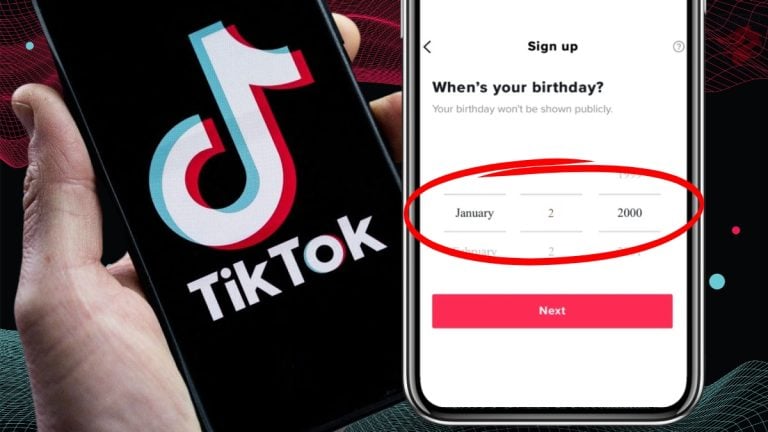
Since early 2021, it’s no longer possible to change your date of birth directly in the TikTok app. The only way to do it is through…
TikTok's "For You" feed automatically adapts based on your activity on the app. But you can speed things up: set your interests,…
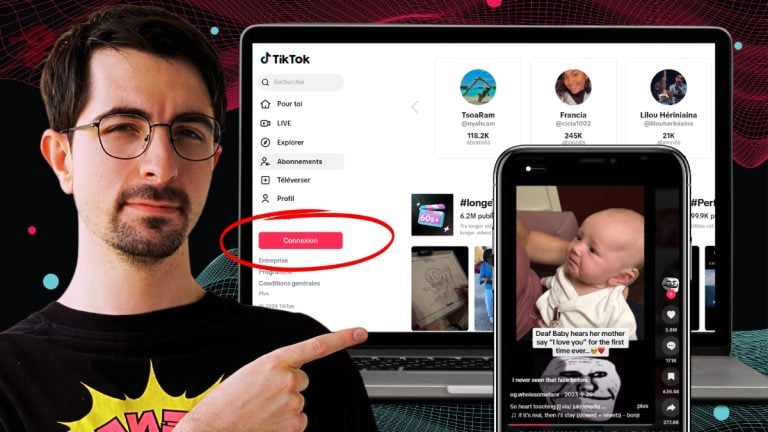
You can watch TikTok videos without an account and without downloading the app. Just go to [link] from any web browser, whether on a computer or…
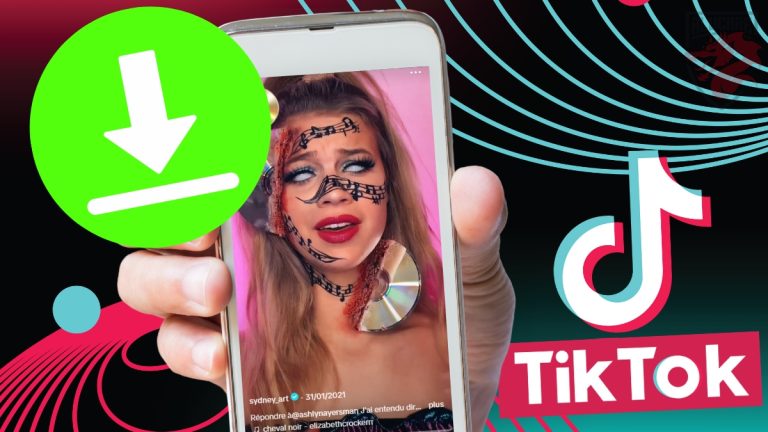
To download a TikTok video without a watermark, the easiest way is to use an online tool like () or (). Copy the link from…
Behind Alucare.fr :
Alucare, a streamer, video game enthusiast, Plarium partner since 2020 and Twitch partner since January 12, 2022. I've made many Raid Shadow Legends tutorials and offer advices on this game as I've been playing it since December 29, 2019, mostly in FreeToPlay. I quickly became the French reference for RSL. I've spent over 2,000 hours streaming and sharing my own insights on each champion.
The tutorials on the site cover games that I've played and experimented with. Alucare.fr is created to help people like me find the solutions to their problems.
I aim to offer the best possible support on your gaming journey.
I also share my personal opinions/reviews on products I've tested myself, like the Holy brand and its promo code Holy Energy).
Further information
Copyright ©Alucare.fr 2018-2026 - All rights reserved. - Any reproduction without explicit consent is strictly prohibited.
★★★★★







 FR
FR  RU
RU  EN
EN  ES
ES  IT
IT  DE
DE  ZH
ZH  PT
PT  ID
ID  JA
JA  DA
DA