AWS completely simplifies web scraping. You no longer need to manage servers or scripts that crash.
Everything is becoming automated and you can manage large amounts of data without stress.
What is the role of AWS in web scraping?
the web scraping allows automatically retrieve data on websites to analyze or reuse them.
⚠ But be careful, it's not always easy. Managing millions of pages, avoiding crashes, and ensuring reliability can quickly become a real headache.
✅ That's whereAWS (Amazon Web Services) comes into play. This platform Amazon cloud simplifies web scraping by automating server managementBy overcoming technical challenges, it also ensures that everything runs smoothly and securely, even with massive volumes of data.
Here are a few points that confirm that AWS is an ideal solution for web scraping:
- 🔥 Scalability : the platform can automatically scale up to handle millions of requests without interruption.
- 🔥 Reliability : AWS managed services minimize the risk of downtime and ensure continuous operation.
- 🔥 Cost-effectiveness Thanks to the pay-as-you-go model, you only pay for what you use.
- 🔥 Security AWS implements security measures to protect data.
What are the relevant AWS services?
AWS offers a wide range of services tailored to different web scraping needs.
- Calculation
➡ AWS Lambda: for small tasks.
➡ Amazon EC2: for long or resource-intensive processes.
- Storage
➡ Amazon S3: for securely storing raw data, files, or scraping results.
➡ Amazon DynamoDB: for structured data requiring fast reads/writes.
- Orchestration
➡ AWS Step Functions: for managing complex workflows.
- Other services
➡ Amazon SQS: for managing request queues and organizing data processing.
➡ AWS IAM: for managing access.
How to build a serverless scraper with AWS Lambda?
With AWS LambdaYou don't have to manage the server. AWS manages the entire infrastructure (scalability, availability, maintenance). All you have to do is provide your code and configuration.
Follow the tutorial below to build a Serverless scraping with AWS Lambda.
1. Basic architecture of a serverless scraper
To begin with, you need to visualize how the various AWS services will work together.
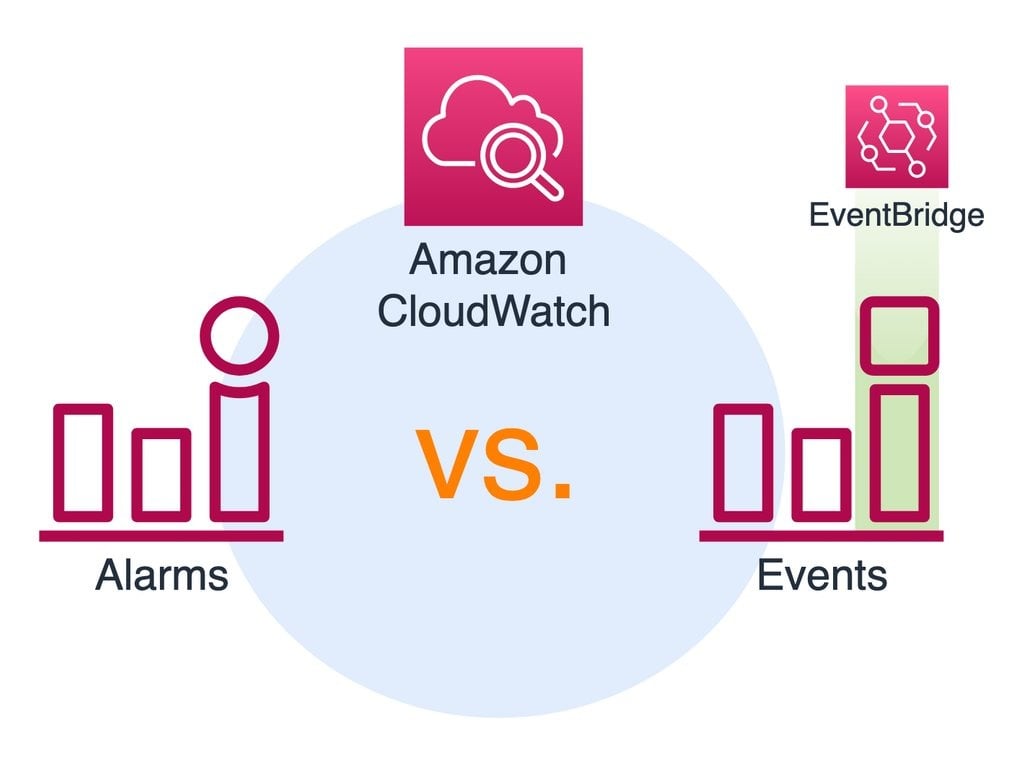
- Selecting the trigger
This is the element that decides when your code should run. You have CloudWatch and EventBridge.
- Choose the compute
This is where your code runs in the cloud. Lambda for short, occasional tasks, EC2/Fargate if the work is long or heavy.
- Choose storage
This is the storage space where your scraper deposits the results. S3 for JSON/CSV/raw files, DynamoDB if you need quick and structured access.
✅ Basically, the trigger activates Lambda, Lambda performs the scraping, and the data is stored in S3.
2. Preparing the environment
Before coding, you must give AWS permissions and storage space.
- Create an IAM role (permissions)
- Go to the console AWS > IAM > Roles.
- Create a role dedicated to Lambda.
- Grant it two essential permissions:
AWSLambdaBasicExecutionRoleto send logs to CloudWatch and S3 permission to write files to your bucket.
- Create an S3 bucket (for storing results)
- Go to the console AWS > S3.
- Create a bucket.
- Keep the security settings enabled.
✅ With all that, you have given Lambda the right to write to S3, and you have a place to store your data.
3. Python code for AWS Lambda
Now you can write a little scraper in Python, with a simple library such as Requests. This script will retrieve a page and store the result in S3.
- Simple code example (with requests):
import json import boto3 import requests import os from datetime import datetime s3_client = boto3.client('s3') def lambda_handler(event, context): # URL to scrape (here is a simple example) url = "https://example.com" response = requests.get(url) # Status check if response.status_code == 200: # File name (with timestamp to avoid collisions)
        filename = f"scraping_{datetime.utcnow().isoformat()}.html" # Send to S3 s3_client.put_object( Bucket=os.environ['BUCKET_NAME'], # to be defined in your Lambda environment variables
            Key=filename, Body=response.text, ContentType="text/html" ) return { 'statusCode': 200, 'body': json.dumps(f"Page saved in {filename}")
        } else: return { 'statusCode': response.status_code, 'body': json.dumps("Error during scraping") }
➡ requests allows you to retrieve the content of the web page.
➡ boto3 is the official library for communicating with AWS
- Dependency management (requests or Scrapy)
Lambda does not provide requests or Scrapy by default, so you have two options:
👉 Create a ZIP package
- Create a folder on your computer:
mkdir package && cd package pip install requests -t .- Add your file
lambda_function.pyin this file. - Compress everything into
.zipand upload it to Lambda.
👉 Using Lambda Layers
- You create a Lambda layer that contains Requests (or Scrapy if you want more advanced scraping).
- You attach this layer to your Lambda function.
Advantage : it's cleaner if you reuse the same dependencies in multiple functions.
4. Deployment and testing
All that remains is to put your code online and check that it works.
- Upload the code to Lambda
- Log in to the AWS console and go to the Lambda service.
- Click on Create functionthen select Author from scratch.
- Give your function a name (example:
scraper-lambda) and select the Python 3.12 runtime (or the version you are using). - Associate the IAM role you created with S3 + CloudWatch permissions.
- In the Codedselect the Upload from, then
.zip fileand import your filelambda_package.zip(the one that contains your code and dependencies such asrequests). - Add an environment variable:
BUCKET_NAME= name of your S3 bucket. - Click on Save to save your job.
- Test the function
- In your Lambda function, click on Test.
- Create a new test event with a small JSON, for example:
{ "url": "https://example.com" }- Click on Savethen on Test to perform the function.
- In the LogsCheck the status: you should see a 200 code if everything went well.
- Go to your S3 bucket: you should see a file appear.
scraping_xxxx.html.
What are the solutions for large-scale web scraping?
With millions of pages to collect, you need a robust infrastructure. AWS offers several tools that enable you to scale up.
1. Use Scrapy and AWS Fargate/EC2
Scrapy is perfect for complex projects. It allows you towrite your scraping code. But by default, your scraper runs on your computer, which quickly reaches its limits.
AWS Fargate allows you to launch your Scrapy scraper in Docker containers without ever managing a server. This is essential for automatic scaling.
Amazon EC2 is also an alternative if you want more control over your environment.
✅ Basically, to containerize a Scrapy scraper:
- ✔ You create your Scrapy scraper.
- ✔ You put it in a Docker container.
- ✔ You deploy this container with Fargate so that it automatically runs at scale.
2. Distributed scraping architecture
You can use Amazon SQS (Simple Queue Service). It is used to manage a queue of URLs to be scraped. All you have to do is put all your URLs in SQS, then several Lambda functions or several containers (on EC2 or Fargate). retrieve these URLs in parallel to start scraping.
This allows you to distribute the work while moving forward at the same time.
3. Manage proxies and blocked requests
It is important to note that many websites block scrapers by detecting too many requests or by filtering certain IP addresses.
The solutions are therefore:
- The IP address rotation via AWS or specialized services.
- The use of third-party proxies as Bright Data Where ScrapingBee which automatically manage rotation and anti-lock braking.

What are the solutions to common web scraping problems with AMS?
Obstacles are never far away when it comes to web scraping: network errors, blockages, unexpected costs, etc. The advantage is that AWS already offers tools to quickly diagnose and correct these problems.
Analyze logs with Amazon CloudWatch
When a Lambda function or EC2 instance fails, it is difficult to know where the error originated without visibility.
✅ Solution with Amazon CloudWatch : all logs are centralized and available for consultation. You can identify frequent errors such as:
- Timeouts (the query took too long).
- Errors 403 Forbidden (the site blocks your scraper).
- Errors 429 Too Many Requests (too many requests sent).
- Memory shortage or missing dependencies in Lambda.
💡 Configure CloudWatch alerts to be automatically notified as soon as an error occurs too often.
Query error handling
A scraper can crash completely if a single request fails.
✅ Use error handling in Python with try...exceptThis prevents the program from crashing.
✅ Retrial strategies (retries):
- Try again after a short delay, then gradually increase the waiting time (exponential backoff).
- Switch between multiple proxies if an IP address is blocked.
- Adjust the frequency of requests to stay under the radar.
Cost tracking
A poorly optimized scraper can generate thousands of Lambda calls or run a large EC2 instance unnecessarily. This results in much higher costs than expected.
✅ Solution with AWS Billing : monitor the consumption of each service (Lambda, EC2, S3, proxies).
✅ Optimization tips :
- For Lambda: reduce memory or limit execution time.
- For EC2: choose suitable instances or use Spot Instances (cheaper, but interrupted at any time).
- Enable AWS budget alerts to be notified before exceeding a threshold.
FAQs
Is web scraping with AWS legal?
It depends.
The legality of web scraping varies depending on the country, the data collected, and how you use it. Some sites also prohibit scraping in their terms and conditions.
What is the best approach for web scraping with AWS?
It all depends on your project:
- AWS Lambda : for small, fast scrapers.
- EC2 : for larger projects.
- Fargate : for distributed scraping.
Can I use Selenium on AWS Lambda for web scraping?
👉 Yes, but it's more complex than that.
Selenium or others headless browsers like Puppeteer are essential for making scraping in JavaScriptHowever, their configuration on Lambda requires optimizations (package size, dependency management).
How can I avoid being blocked by a website on AWS?
Websites can detect scrapers and block requests. Here are some common tactics to reduce the risks:
- ✔ Change the User-Agent regularly.
- ✔ Add random delays between requests.
- ✔ Use rotating proxies.
- ✔ Avoid sending too many requests at the same time from the same IP address.
How can scraped data be integrated into a database?
Once the data has been collected, you can insert it into a relational database such as Amazon RDS (MySQL, PostgreSQL, etc.).
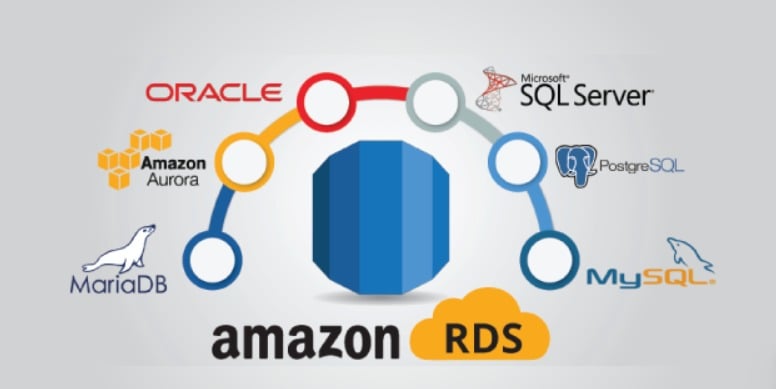
The best practice is to clean and structure data before insertion, thenautomate integration via a Python script or pipeline. This ensures a clean database that is ready for use.
👌 In short, by combining the power ofAWS and the game's best practices for scraping, you can extract data efficiently and securely. Feel free to share your experience in the comments!









 English